
Collabora - Collaborative document editing
Maintained by
Learnweb – University of Münster, Andreas Grabs, Jan Dageförde
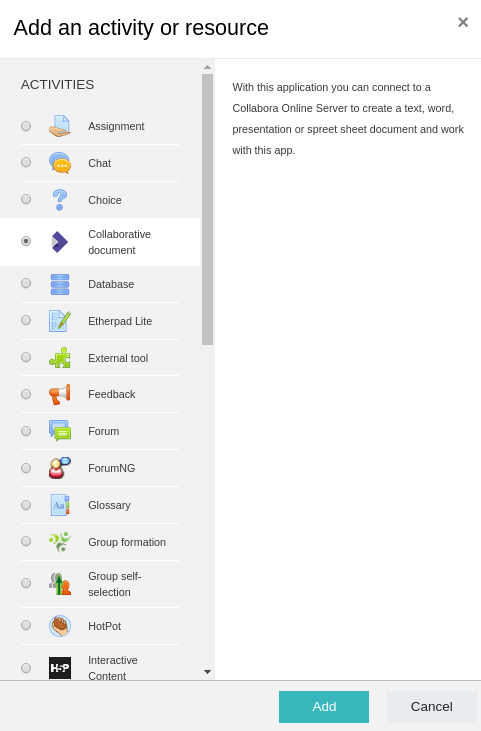
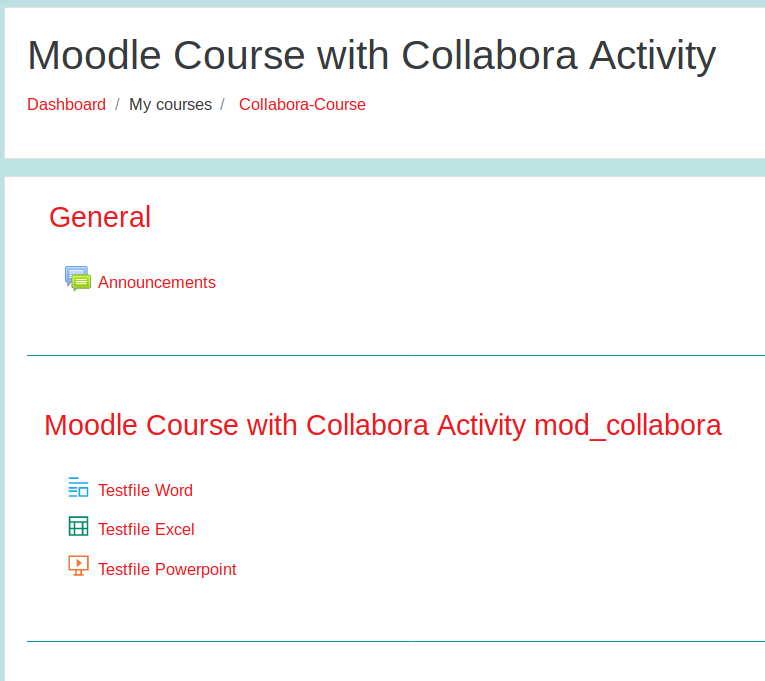
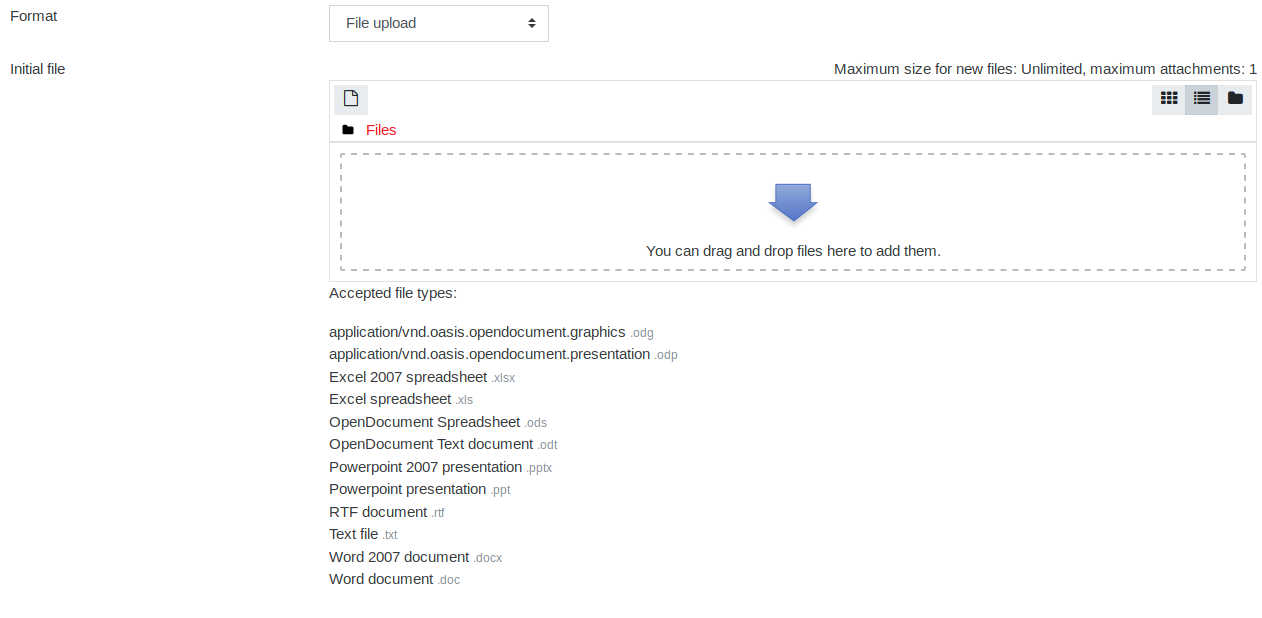
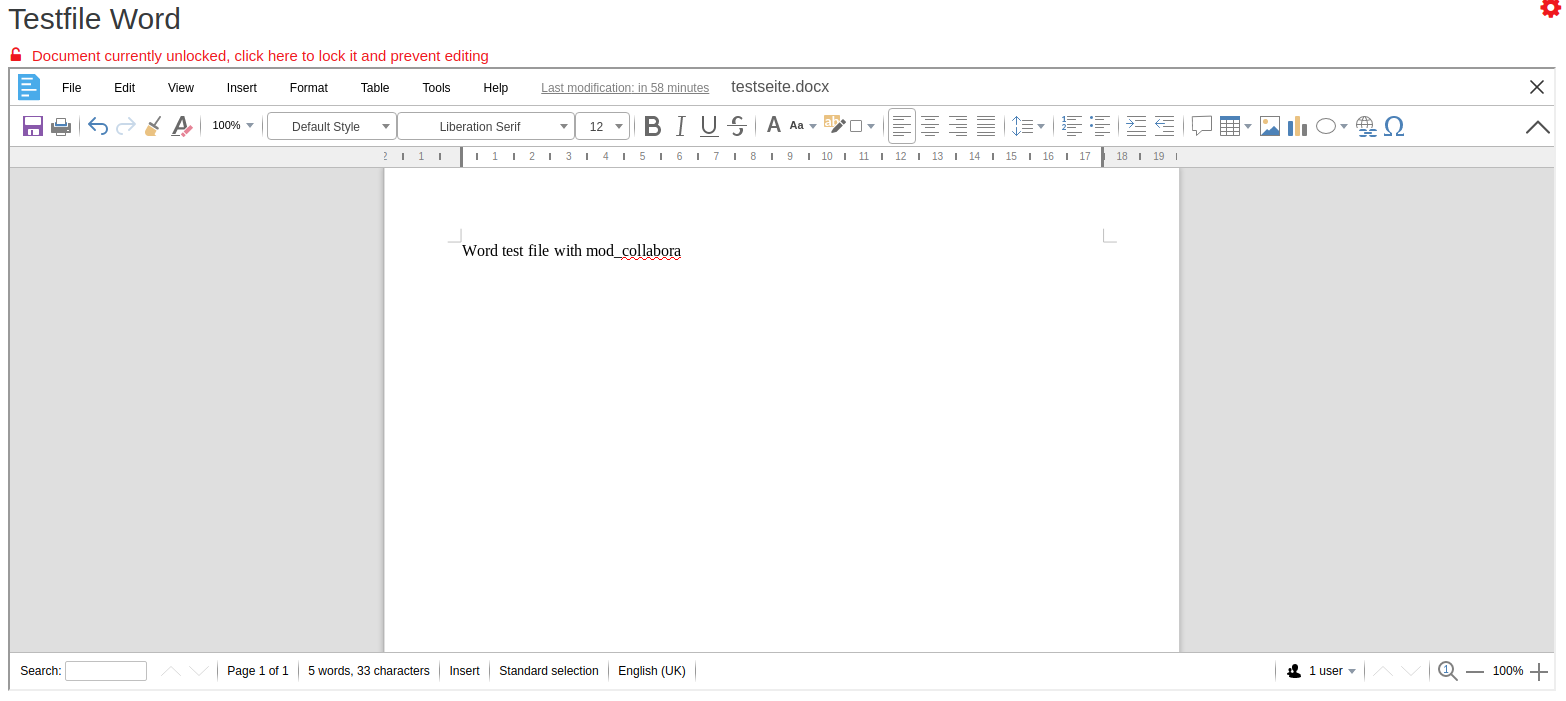
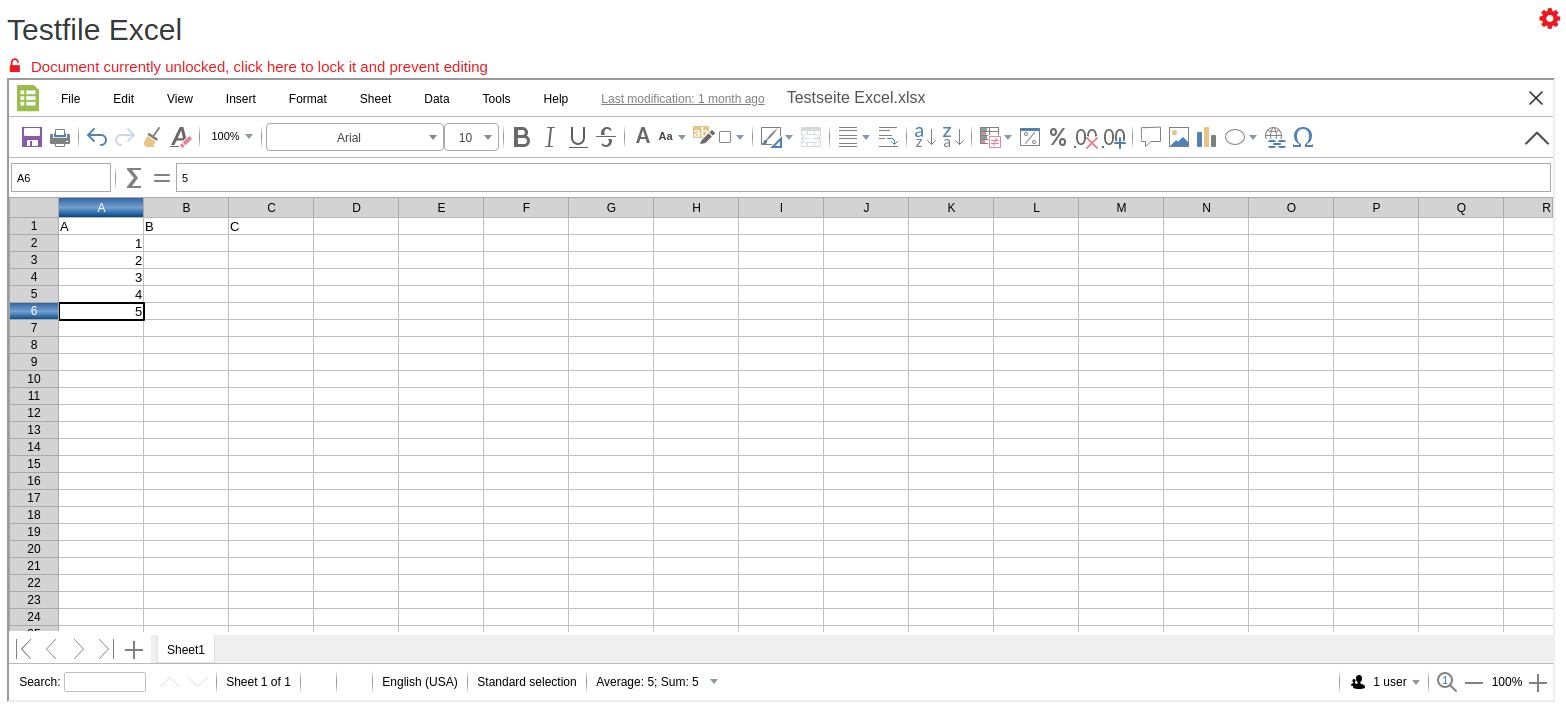
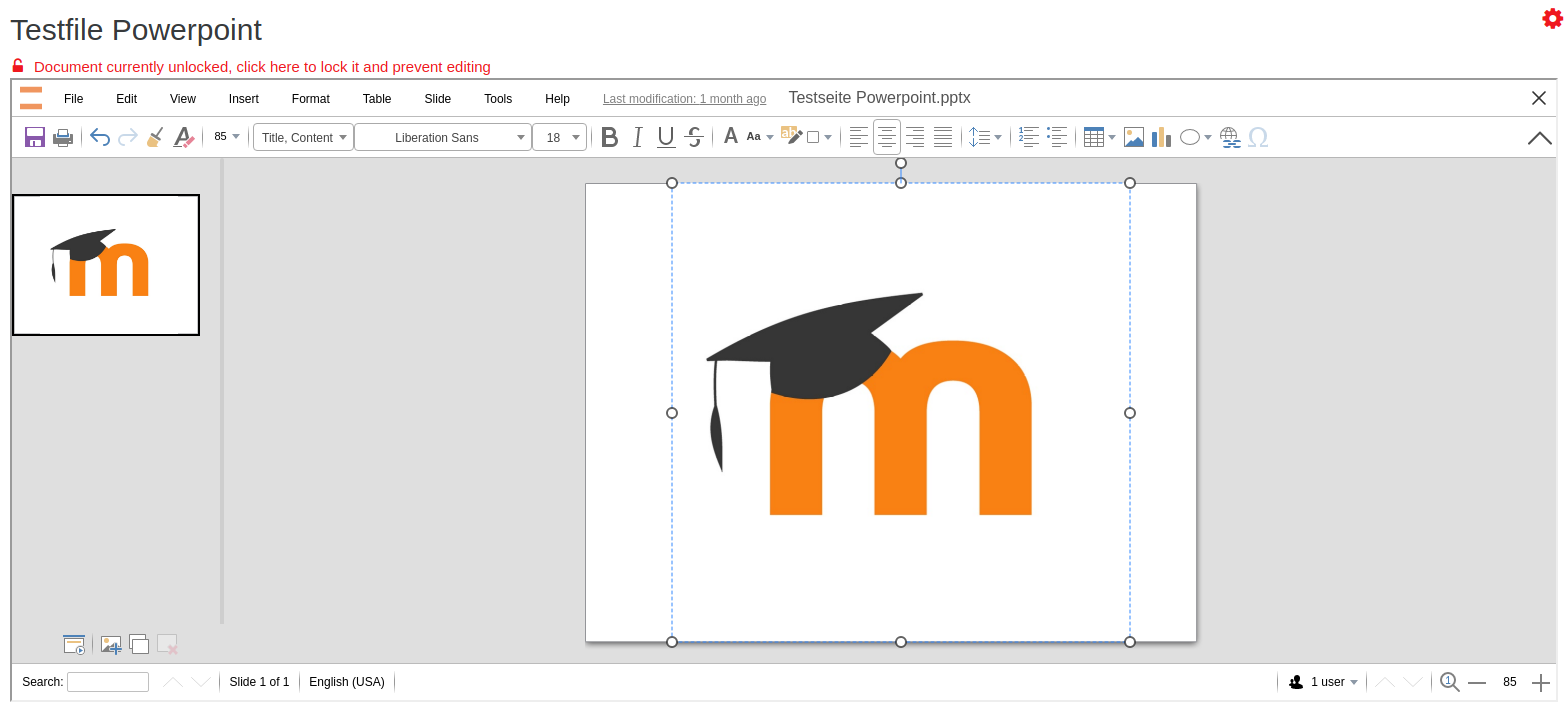
This activity module provides a document editor for real-time collaboration. Changes to a document are immediately reflected for other users who are accessing the same document. Moodle users can collaborate on simple text files, word, spreadsheet and presentation documents or upload a document.
The plugin requires a self-hosted Collabora Online Server (CODE) that is accessed using the so-called WOPI protocol.
Comments
Comments are no longer open for new posts. Existing comments remain available to read.
In the last months/years we got complete rid of adobe, microsoft and other $dataminingcompany (google, apple, ms ...)
What we need is to have one master version of the document (a presentation, in our case), and each time a person in a group makes changes, that is saved as a separate document so the original is unchanged, and only people in that same group can access the duplicated doc with changes. Do you think that's possible?
yes, there is this limitation as with the free version of libreoffice-online in general.
Please have a look at https://www.libreoffice.org/download/libreoffice-online/
If you compile it yourself, you may be able to change these limits.
A good starting point for this could be here: https://github.com/husisusi/officeonlin-install.sh
Best regards
Andreas
I am trying to use this plugin with my libreoffice online server, that works fine with my Nextcloud site, but, after try https://github.com/learnweb/moodle-mod_collabora/blob/master/Collabora-Config.md and https://docs.moodle.org/39/en/Collabora_Activity_Module, I can't make it works. Every site are in the same server, but with different addresses. I'm using Apache2 and the version of LOOLWSD is 7.0.0 and LOKit is 7.0.1.1.0. All three sites use ssl, with Letsencrypt certificate.
I'll be so grateful for your help, because I think that's a great opportunity to be free from big data companies.
If you need any more data about my configs, just tell me.
Thanks in advance.
collaborative spreedsheet works great, thanks for the plugin.
As I understand it, anybody who is enroled in a cource containing a collaborative document may add, change or delete content.
What can be done to avoid complete destruction of a document by students trying to be funny, or how can I redo the destroyed document,
is there some sort of versioning?
Best regards
Ralf
Thanks a lot for this!