OpenMeetings icon

OpenMeetings

Maintained by Maxim Solodovnik
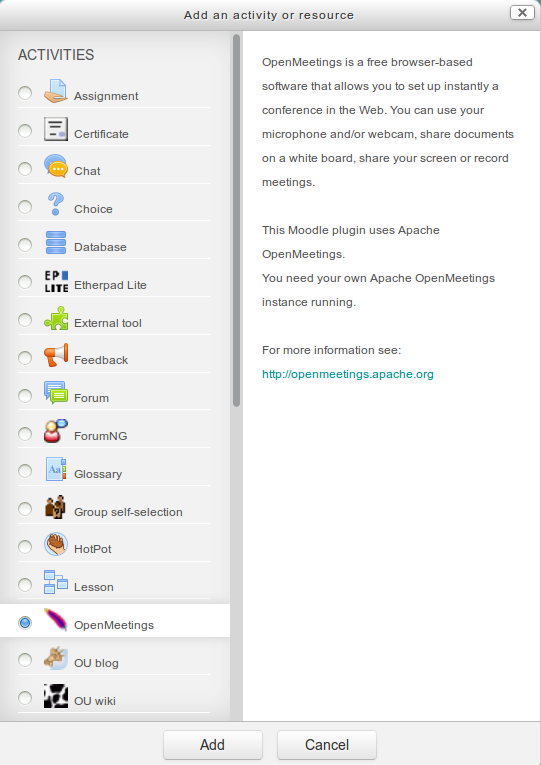
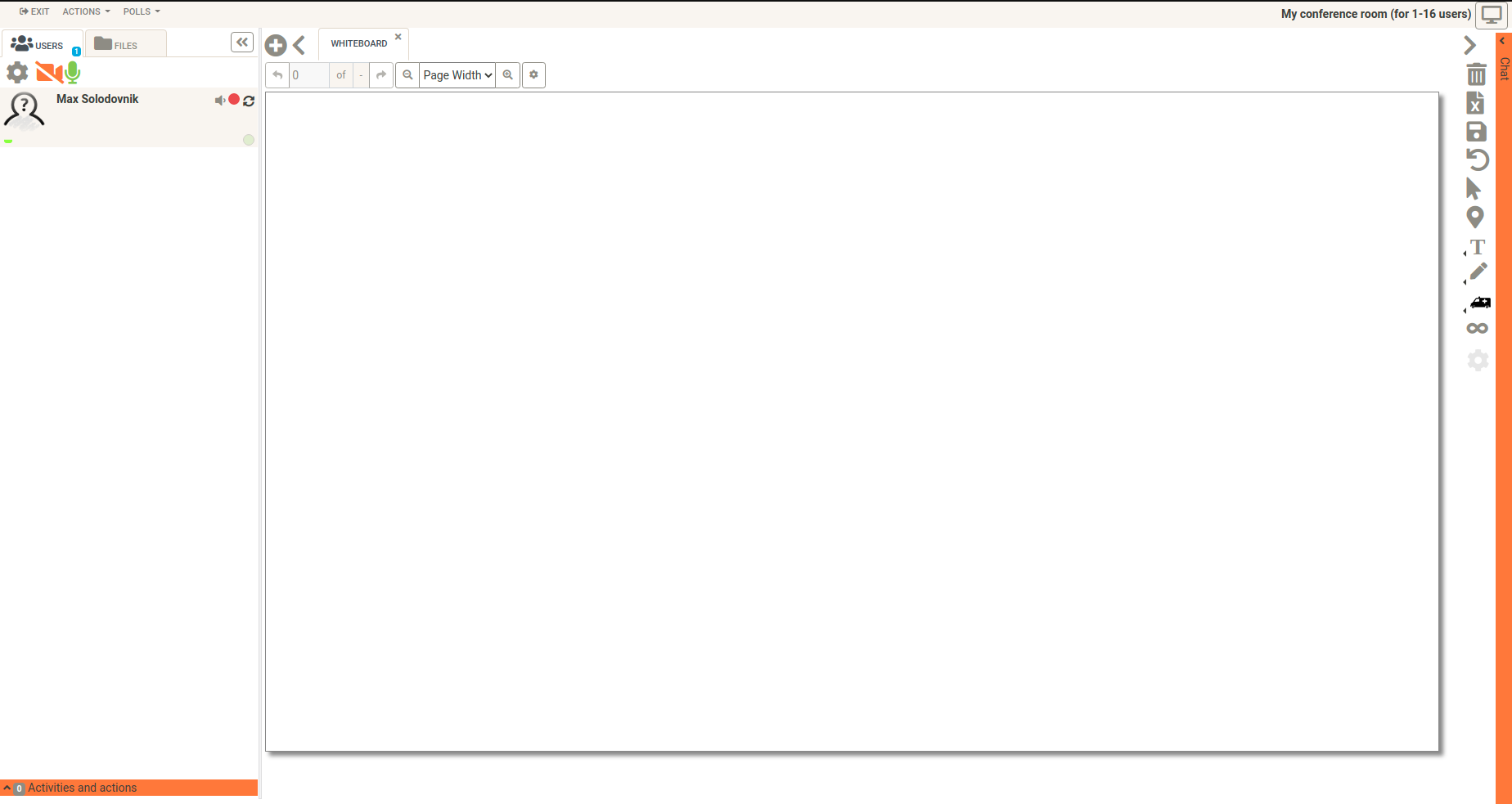
OpenMeetings is a free browser-based software that allows you to set up instantly a conference in the Web. You can use your microphone and/or webcam, share documents on a white board, discuss in a chat, share your screen or record meetings. It is available as hosted service or you download and install a package on your own server.
Price option: Free

Supports Moodle 3.5-5.2 See all versions
Latest release: 3 months ago
Installations: 429
Downloads (last 90 days): 124

Frankenstyle name: mod_openmeetings
Activities

Description

No support in the comments section on this page

Please note that we don't provide any support for this plugin in the comments section on this page anymore. Please have a look at the github repository of this plugin.

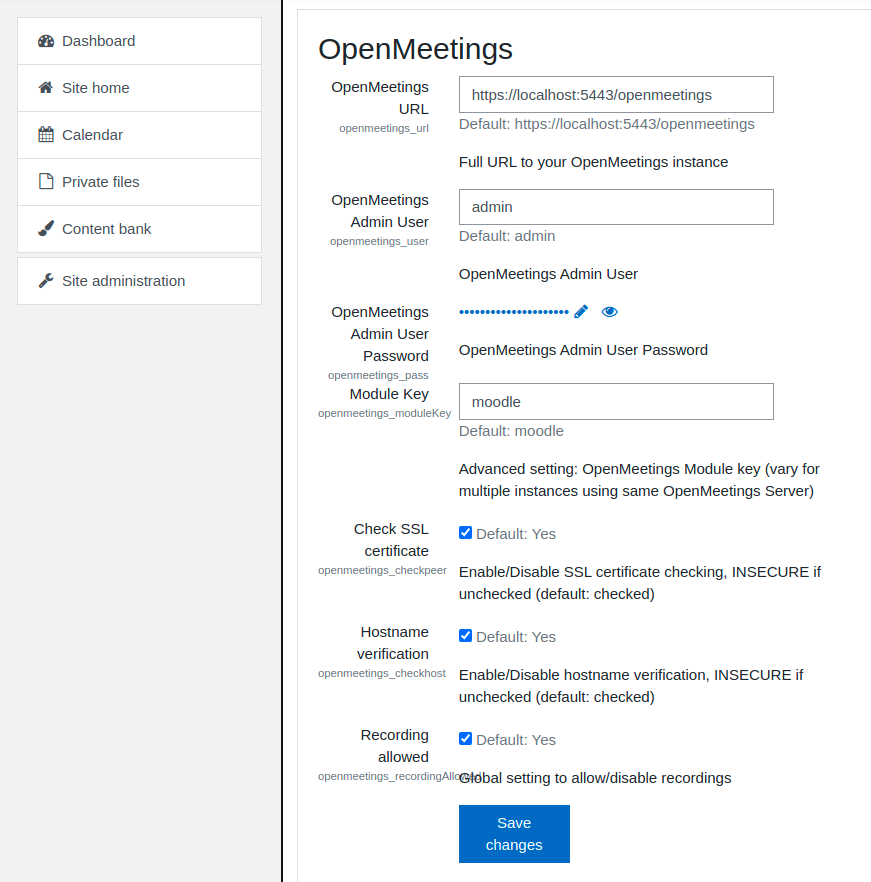
With this integration and the current OpenMeetings version 5.x you can create different types of rooms and separated users in OpenMeetings with the access-level "SOAP-Only". The "SOAP-Only" user can do exactly what is needed to run the integration but nothing more. This does result in no need for any OpenMeetings Admin-User in the Moodle Module config! So you can better protect your OpenMeetings server from non-authorized access via the SOAP Gateway and no need to share confidential account data. "SOAP-Only" users can not login to OpenMeetings administration. OpenMeetings also supports access via https and ldap-/Active Directory- and OAuth2-Integration.

Please NOTE: if you have "Access Denied" message while room entering this might be due to cookies are not being saved in iframe.
To bypass this please edit ${OM_HOME}/webapp/META-INF/context.xml and change
      <CookieProcessor sameSiteCookies="Lax" />
to be 
     <CookieProcessor sameSiteCookies="none" />

The latest OpenMeetings Moodle Plugin is for Moodle 3.5 and later and is compatible only with OpenMeetings version 5.x. It is recommended to update to the latest version of OpenMeetings.

Sample Video showing the installation of the Moodle Module and integration with new access level:

The features of the OpenMeetings Moodle Plugin:
- Openmeetings rooms can be displayed inside a Moodle course in a frame, in a new window or can occupy the entire window
- Secure "SOAP-Only" user access level (see documentation on top)
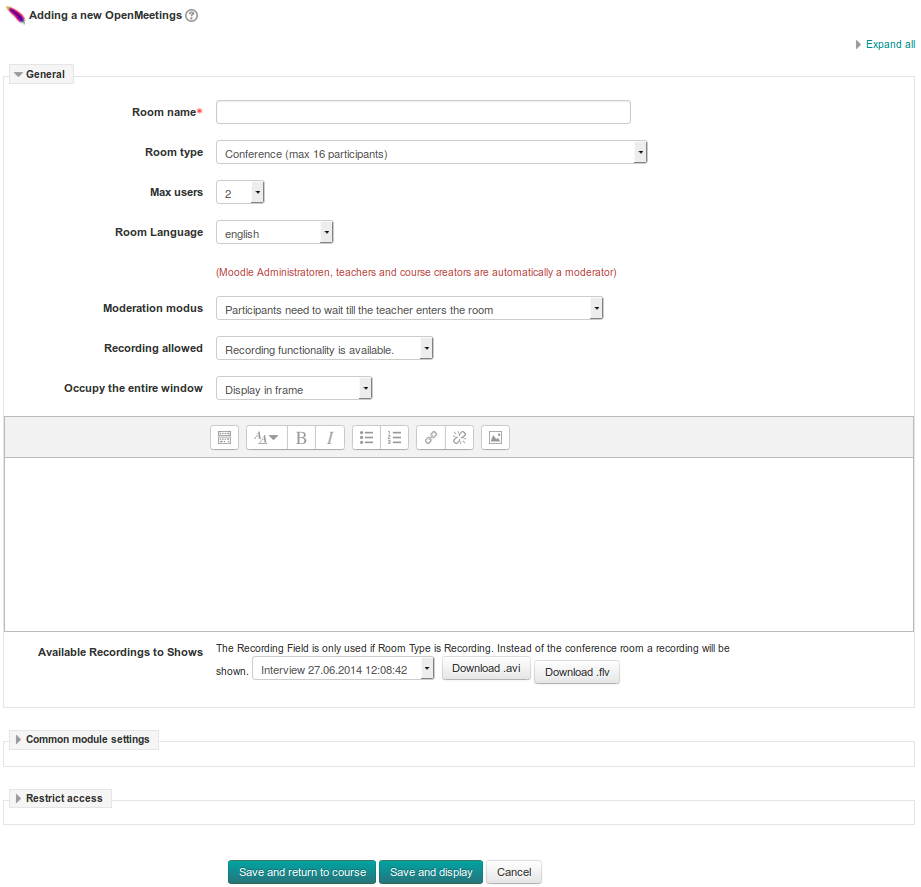
- 3 Moderation Types for Conference Rooms (Moodle admins, teachers and course creators are automatically a moderator):
Moderation Type A) Participants need to wait till the teacher enters the room
Moderation Type B) Participants can already start (first User in room becomes moderator)
Moderation Type C) Every participant is automatically moderator when he/she enters the room
- 3 Room Types (Conference, Interview & Presentation)
- New Flag "Allow Recording": You can set in the room configuration now a flag that controls if the recording button is available or not
- Moodle Module languages: German, French, Spanish, Italian, Russian, Brazilian (OpenMeetings itself has around 30 languages)
- Clear and restructure conference creation form for Moodle moderators

Tutorials for installing OpenMeetings you can find here:
    https://cwiki.apache.org/confluence/display/OPENMEETINGS/Tutorials+for+installing+OpenMeetings+and+Tools

Development of OpenMeetings: Apache Build Server & JIRA Issue Navigator:

    https://builds.apache.org/view/M-R/view/OpenMeetings/
    https://issues.apache.org/jira/browse/OPENMEETINGS/?selectedTab=com.atlassian.jira.jira-projects-plugin:summary-panel

OpenMeetings Mailinglists:
    https://mail-archives.apache.org/mod_mbox/openmeetings-user
    https://mail-archives.apache.org/mod_mbox/openmeetings-dev

Contributors

Awards

Early bird 3.1
Early bird 3.2
Early bird 3.7
Early bird 3.8
Early bird 5.2