Dani Palou
Lead maintainer
Atto plugin which makes it easier to apply the Moodle App link filter to some content. For more information about the Moodle App link filter plugin please see this documentation.
This plugin is meant to replace the default link button since it replicates all its features and adds some new ones.
Once enabled, a link and unlink buttons will appear in the toolbar of the Atto editor.
To create a link, follow the same steps as when you create a link using Moodle's default link button.
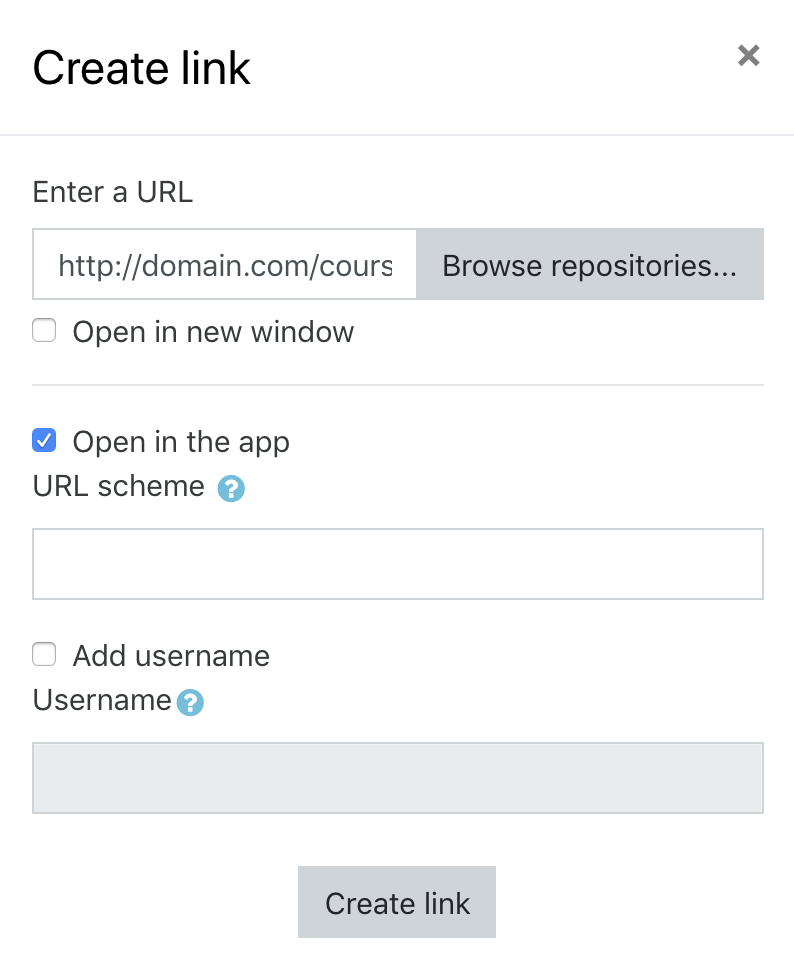
In the new dialog you'll see some new options. To make the link open the Moodle app, enable the "Open in the app" checkbox. Additionally, you can specify the URL scheme to use, if it's left empty the default scheme will be applied:
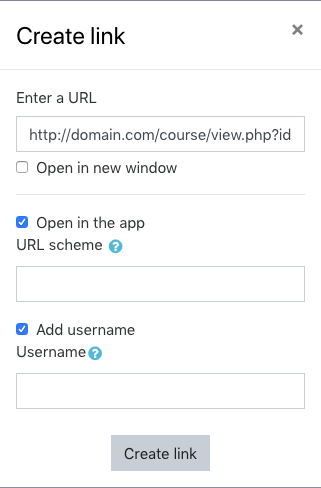
You can also add a username to use in the app. To do so, enable the "Add username" checkbox. Additionally, you can specify the username to use, if it's left empty the user viewing the link will be applied.
