ProFormA Programming Question Type
Maintained by
Karin Borm
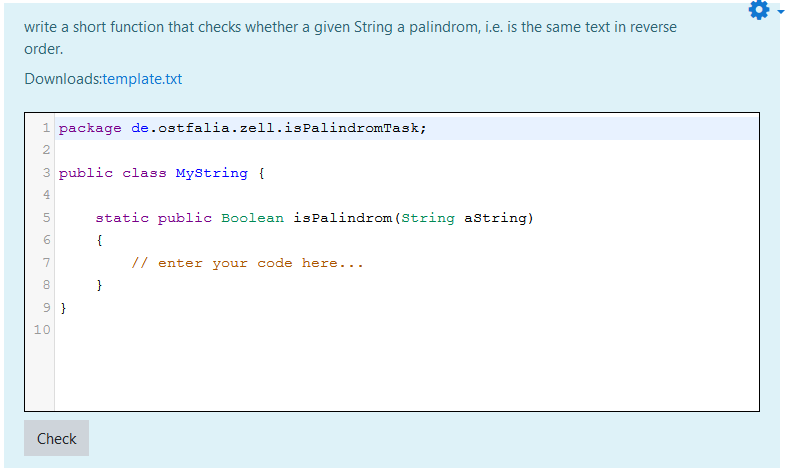
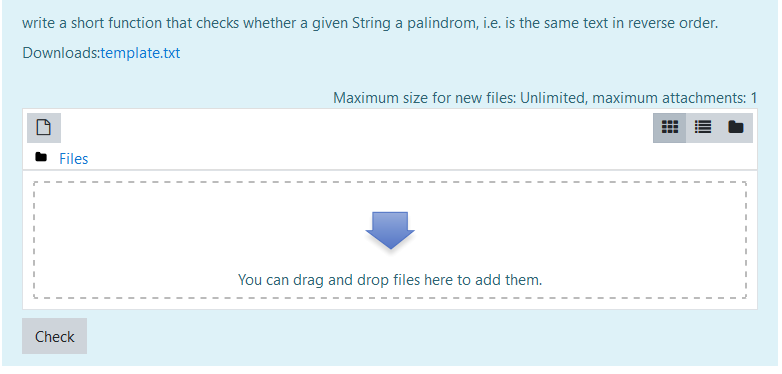
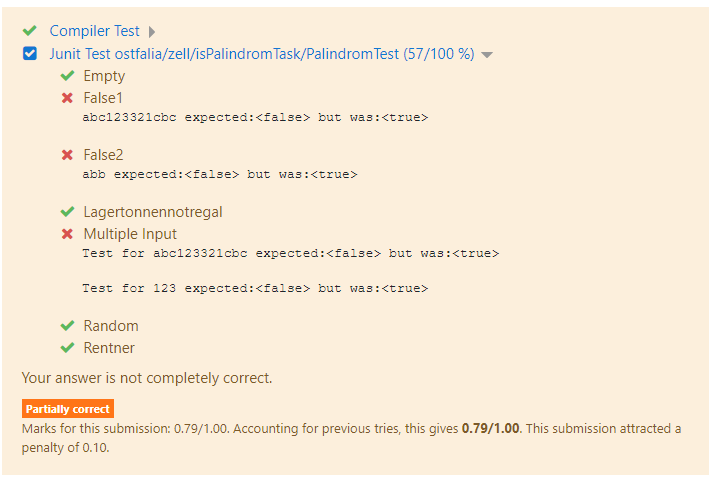
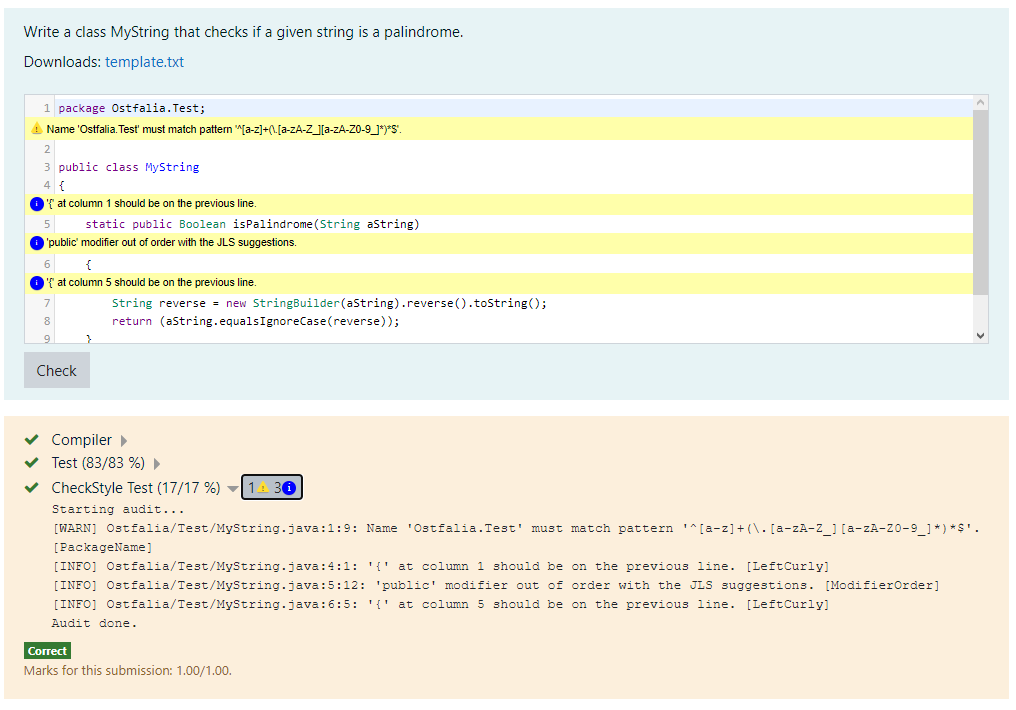
Quiz question type for automatically graded programming questions. Questions can be created in Moodle or imported as ProFormA tasks (https://github.com/ProFormA/proformaxml).
Plugin requires the qbehaviour_adaptiveexternalgrading plugin and ProFormA Praktomat (https://github.com/elearning-ostfalia/Proforma-Praktomat).
Comments
Comments are no longer open for new posts. Existing comments remain available to read.
$DB->execute('UPDATE {qtype_proforma_options} '.
'SET vcssystem = "2" ' .
'WHERE responseformat = :responseformat', ['responseformat' => 'versioncontrol']);
That should make it work.
ERROR: column "versioncontrol" does not exist
LINE 1: ...ptions SET vcssystem = "2" WHERE responseformat = "versionco...
^
UPDATE mdl_qtype_proforma_options SET vcssystem = "2" WHERE responseformat = "versioncontrol"
[array (
)]
Error code: dmlwriteexception
line 489 of /lib/dml/moodle_database.php: dml_write_exception thrown
line 293 of /lib/dml/moodle_read_slave_trait.php: call to moodle_database->query_end()
line 338 of /lib/dml/pgsql_native_moodle_database.php: call to pgsql_native_moodle_database->read_slave_query_end()
line 836 of /lib/dml/pgsql_native_moodle_database.php: call to pgsql_native_moodle_database->query_end()
line 340 of /question/type/proforma/db/upgrade.php: call to pgsql_native_moodle_database->execute()
line 703 of /lib/upgradelib.php: call to xmldb_qtype_proforma_upgrade()
line 1929 of /lib/upgradelib.php: call to upgrade_plugins()
line 713 of /admin/index.php: call to upgrade_noncore()
Possible problems:
* The submission URI could be invalid (check for '/api/v2/submissions' in your Moodle plugin settings)
* The task could not be found in Praktomat because of incomplete installation (first submission request is sent before Praktomat is ready). Try and reset Praktomat (1. docker-compose down 2. docker-compose build 3. docler-compose up 4. wait until installation is completed 5. retry submission in Moodle).
* What response format do you use? In case of 'version control system' the VCS URI could also be invalid.
What can be done?