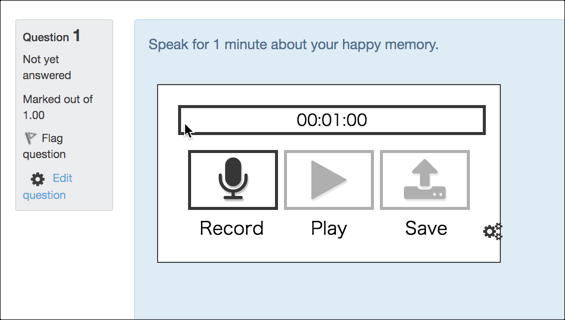
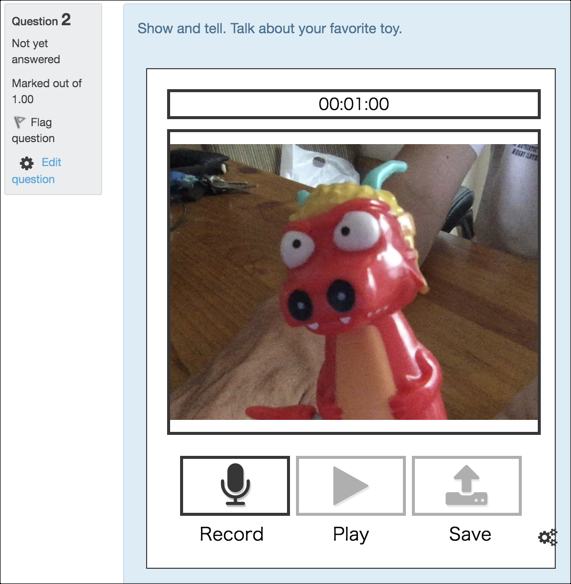
The Cloud Poodll audio video recording question allows students to record audio or video directly into Moodle quizzes. It has no dependencies and recordings are stored in the Poodll cloud. The teacher has a choice of audio and video recorders to use. It supports time limits.
The Cloud Poodll audio video recording question allows students to record audio or video directly into Moodle quizzes. It has no dependencies and recordings are stored in the Poodll cloud. The teacher has a choice of audio and video recorders to use.
It supports time limits.
Watch a short video on the Cloud Poodll audio video recording question here.
Features
Record Audio and Video
Record audio and video using Poodll recorders direct into the Moodle quiz. Rely on Poodll’s backend to ease the load on your servers and student browsers.
Native Moodle Question
As a native Moodle question type Cloud Poodll fits neatly in with the Moodle grading system. Question responses are graded by the teacher manually, in the same way that Essay questions are graded.
Cloud Storage of Recordings
Your recordings are stored in the Poodll cloud. This means that your backup files stay small, and you do not need to worry about storage capacity.
Speaking Transcripts
Transcripts of the student speaking can be displayed beneath the player to either the student, teacher or both. The makes grading faster and is also great for students.
Getting Started
Cloud Poodll Question requires a Poodll API username and secret. These are available with a free trial or a paid subscription. To get your API username and secret:
Poodll has been making plugins for Moodle since 2011. Our software has helped teachers build and deliver language courses in thousands of Moodle websites worldwide. Search for "Poodll" in the Moodle plugins directory
to see a list containing more than 25 of our plugins. Poodll is based in Nagasaki, Japan.