Auto Attendance Block
Maintained by
Fumikazu Iseki
This autoattend block is modification of the Attendance block by Mr. Dmitry Pupinin (v1.0.8, 2007).
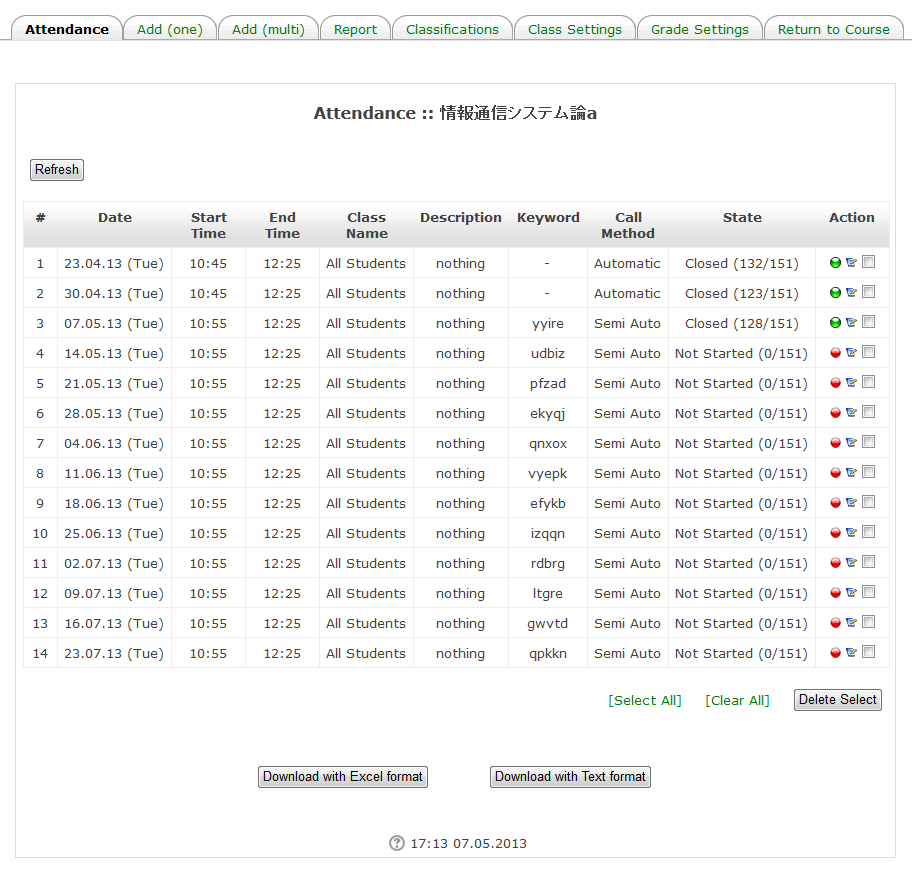
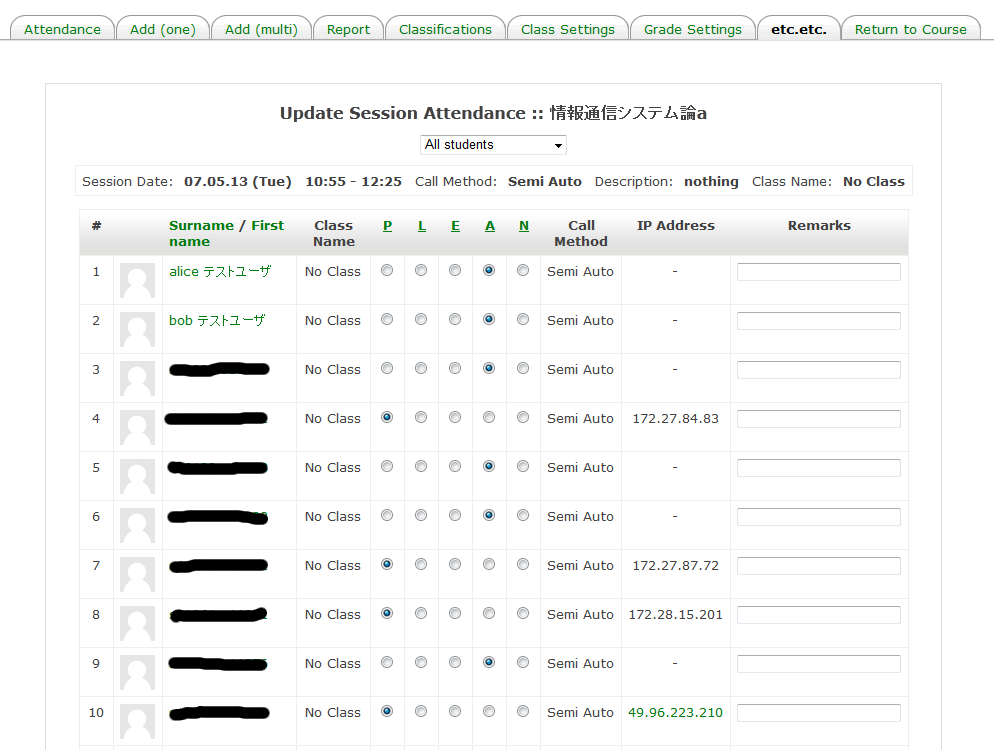
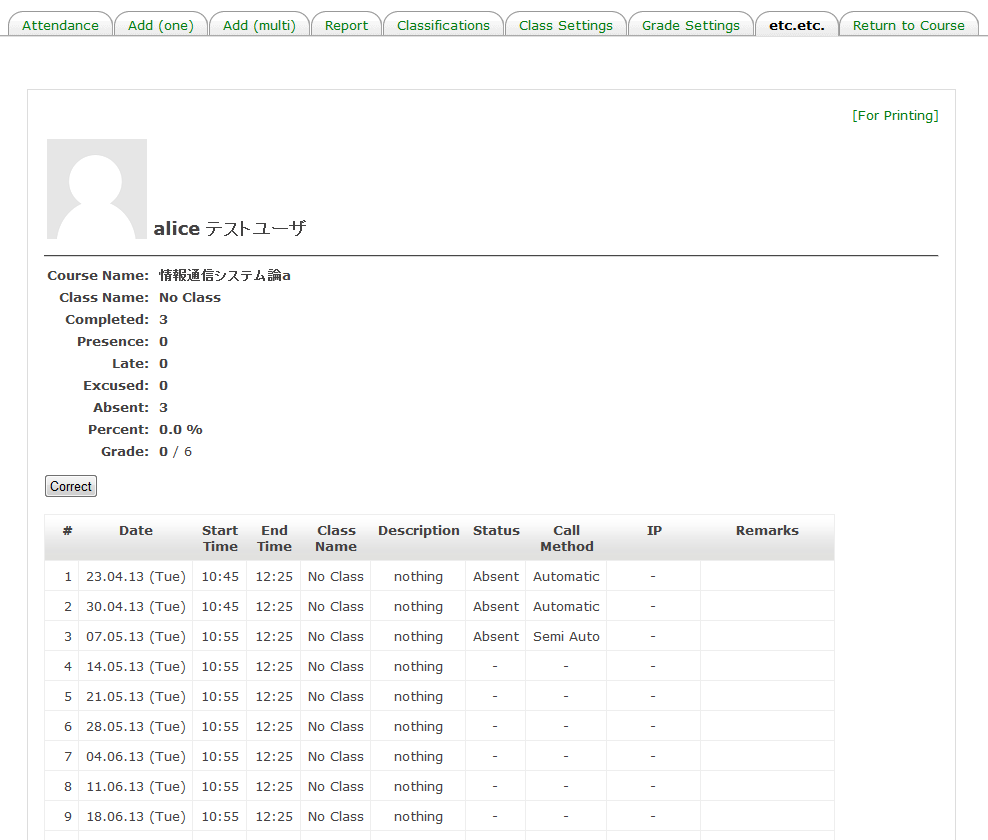
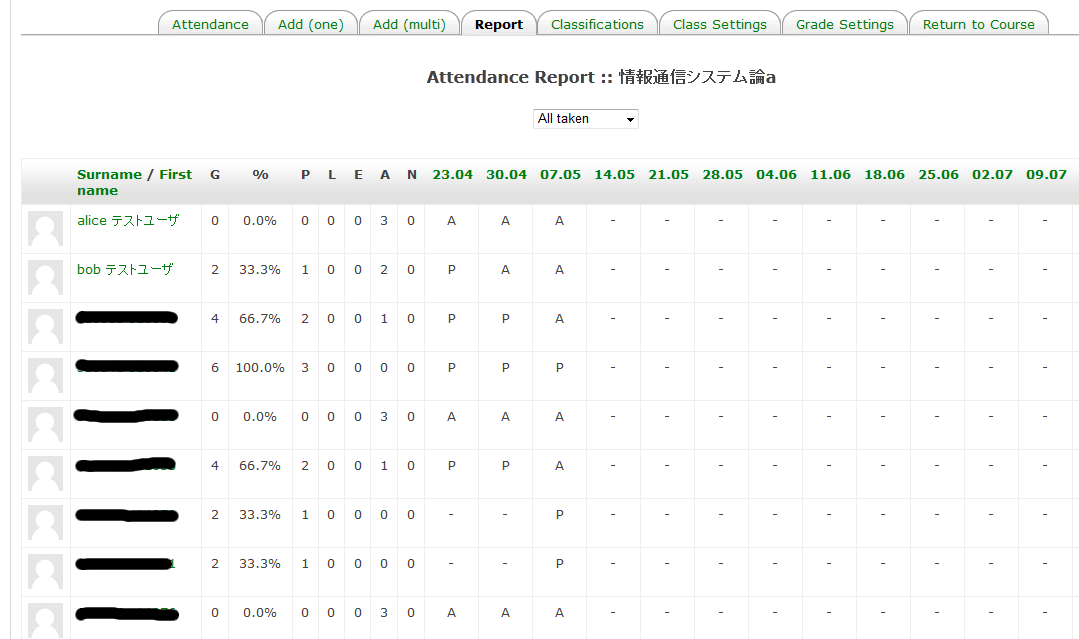
In addition to the original manual mode, automatic attendance mode (from the access log of Moodle) and semi-automatic attendance mode (user clicks a link) are also possible.
Comments
Comments are no longer open for new posts. Existing comments remain available to read.
Do you add block in first?
For autoattendace, block is main plugin.
If you add module in first, you will look that error message.
Thanks.
I use block_autoattend release 2.1.11 (configured) and mod_autoattendmod release 2.1.9.
I get this error on Moodle 2.5+ (Build: 20130606) and Moodle 2.5.1+ (Build: 20130830). What could be wrong?
As attendant time can be taken from log, display is possible.
If time is displayed in report page, it seems that it is not good design.
Do you think that "Update Session Attendance" page is better?
I will try to implement this function at next version.
>> So now, what are the settings for the student to be taken or recognised by the autoattendance block to be EARLY ?
"EARLY" is not used at automatic mode.
This is for manual mode.
Thanks.
Or rather, the settings for someone to be regarded as LATE on the system the "Late Time" should be anything other than zero (0) and less than the duration of the course, this is clear. So now, what are the settings for the student to be taken or recognised by the autoattendance block to be EARLY ?
Nevertheless, would it be possible for you to indicate the time used to judge whether a particular student was late as part of the reports ? ....basically the time the student came in for that session ? ...add perhaps a row on the reports called "Time in"?
Great stuff Mr Iseki, it worked!, changing the timezone on php.ini and restarting the server.
For the record, going to Site administration or commenting or changing the file timezonedef.php did not work, even hardcoding the TIME_OFFSET variable did not work.
// Bug of Moodle?
$TIME_OFFSET = 0;
if ($CFG->use_timeoffset) {
// if (jbxl_is_admin($USER->id)) { <- this line
if ($USER->timezone!=99) {
$TIME_OFFSET = $USER->timezone*ONE_HOUR;
}
else if ($CFG->timezone!=99) {
$TIME_OFFSET = $CFG->timezone*ONE_HOUR;
}
// } <- this line
}
Do you check following setting?
"Site administration" -> "Plugins" -> "Blocks" -> "Auto Attendance" -> "Use Timeoffset of the Timezoe"
Student's timezone is the same as PHP timezone.
Please check "date.timezone" in php.ini file
Example, my "date.timezone" in php.ini is "date.timezone = Asia/Tokyo"
>>>When a general user's (teacher) time does not correspond, probably, it is bug.Please send me bug report.
I am using a General User (Teacher) and the time does not correspond, so this is a bug ?
Could it be that the timezone is hardcoded somewhere in the code of the autoattendance block?
This is correctly set, my default time zone is "Africa/Johannesburg" and I force this timezone as "Africa/Johannesburg" as well. But the autoattendance block seems to ignore my timezone still, are you sure this is not a bug ?
Ummm....
Please try to specify the time zone of a system?
"Site administration" -> "Location" -> "Location settings" -> "Default timezone timezone"
>> I am using Manager and Course Creator and Editing teacher but still get a time that is not in my timeZone.
I noticed that 2.1.10 has bug. With this version, Manager and Course Creator can not access this block.
Does your Manager and Course Creator have permission of Administrator?
(I will version up to 2.1.11 soon)