Auto Attendance Block
Maintained by
Fumikazu Iseki
This autoattend block is modification of the Attendance block by Mr. Dmitry Pupinin (v1.0.8, 2007).
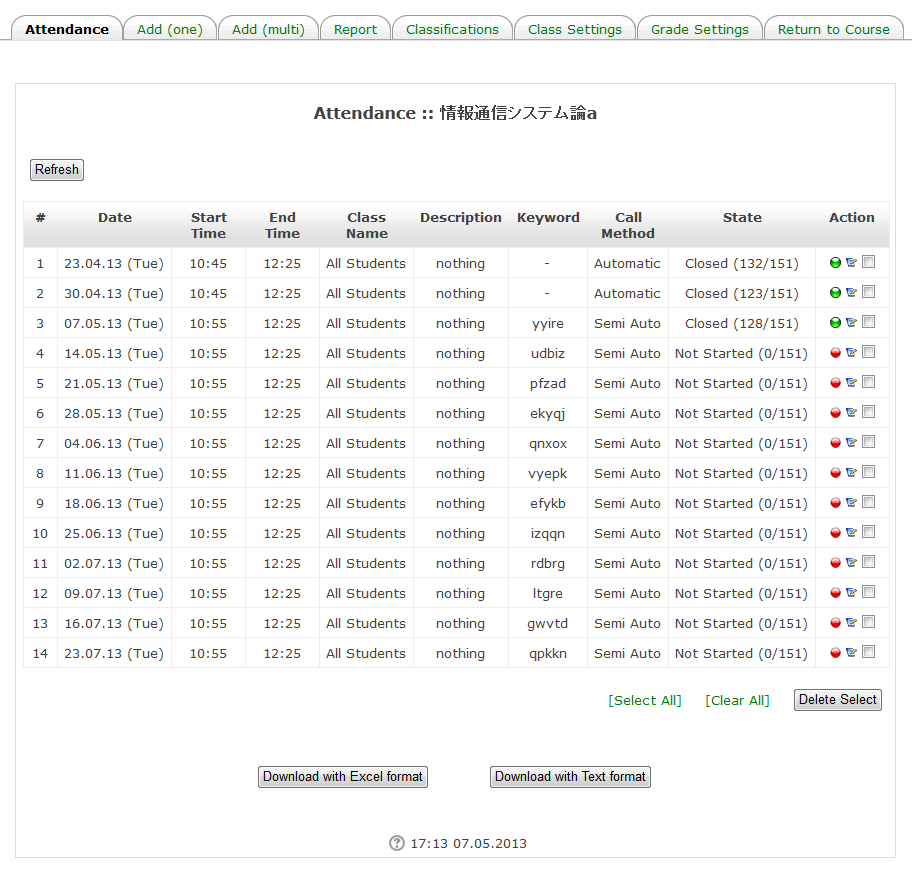
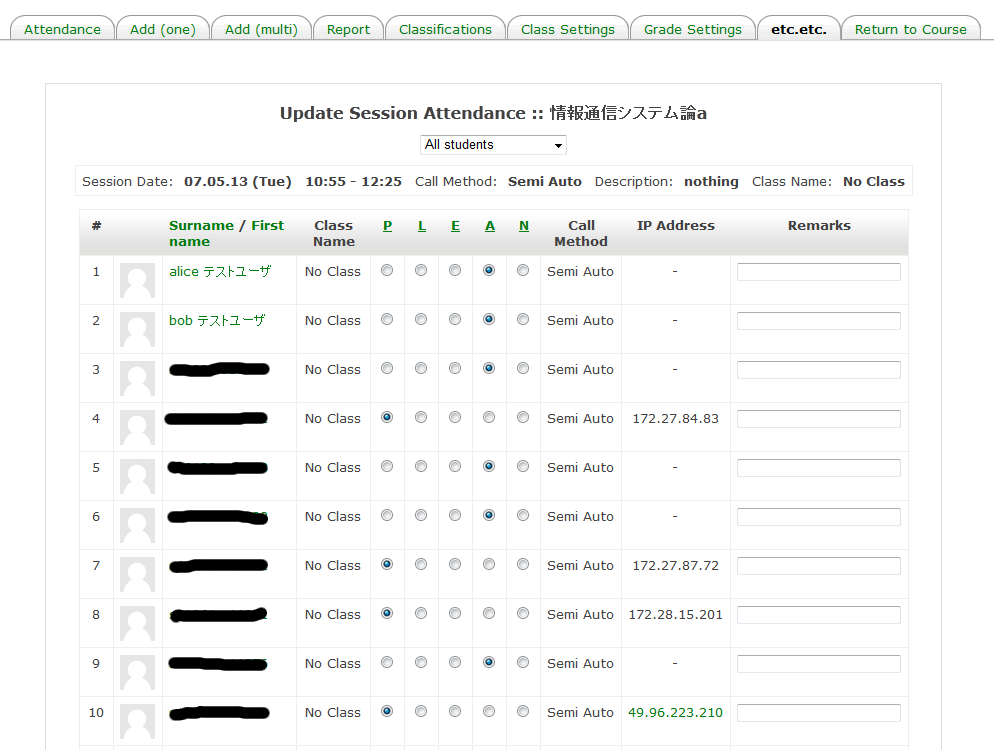
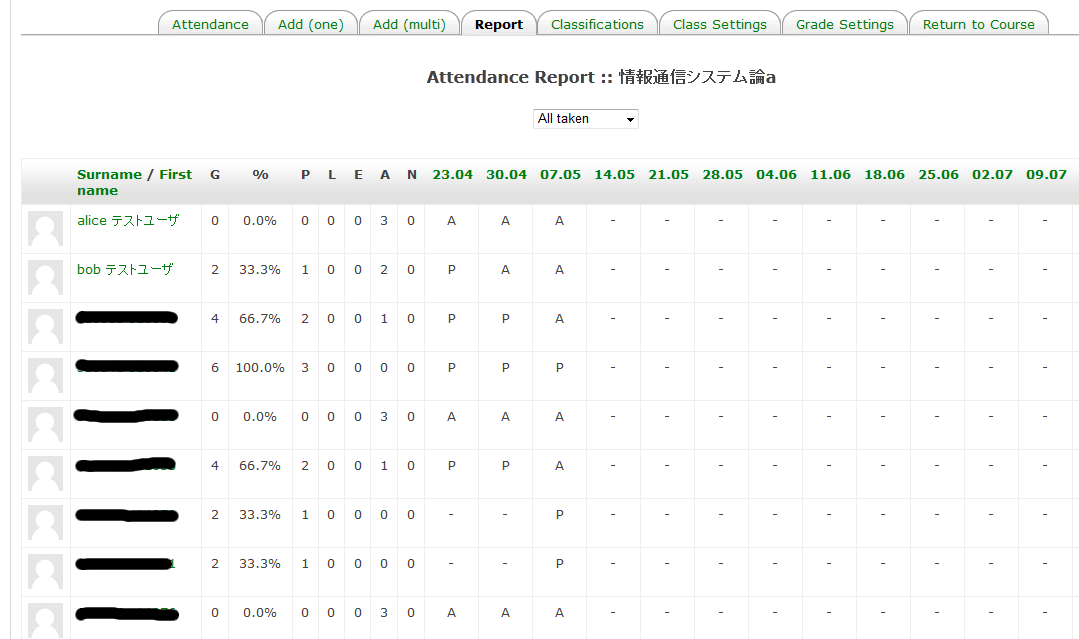
In addition to the original manual mode, automatic attendance mode (from the access log of Moodle) and semi-automatic attendance mode (user clicks a link) are also possible.
Comments
Comments are no longer open for new posts. Existing comments remain available to read.
>> I think it is due to BOM header for UTF-8.
>> Old version Excel can not read UTF-8 file with BOM header. But this is also possible easy to modify.
Sorry, I made a mistake. This is the case of CVS file.
Please tell me version of your Excel
1. If descriptions are same messages, I think you can easily modify sorce code.
If you want to describe different descriptions, please modify each sessions at "edit session" page.
2. What version of Excel do you use? I think it is due to BOM header for UTF-8.
Old version Excel can not read UTF-8 file with BOM header. But this is also possible easy to modify.
3. This is normal action. Please disable the debug mode of Moodle.
"Administration Block" -> "Site administration" -> "Development" -> "Debugging" -> check off "Display debug messages"
Thanks
Im using mod and block 2.4.2 with Moodle 2.8.5. Thanks to Fumikazu Iseki and all the contributors for their work.
Few things:
1. Is there a way to set the Description when creating multiple sessions?
2. Downloaded Excel files are corupt. However, I am able to open them using the Repair and Open function in Excel.
3. When updating a session, I get the following error/warring message:
You should really redirect before you start page output •line 789 of \lib\outputrenderers.php: call to debugging()
•line 2649 of \lib\weblib.php: call to core_renderer->redirect_message()
•line 162 of \blocks\autoattend\updateSession.php: call to redirect()
This normal/ok to ignore?
Regards.
I forgot to update autoattendmod.
I updated it now.
Please use autoattendmod-2.4.2 with autoattend-2.4.2
I released new version of autoattend with grouping function by Emilio Arjona, and homeroom module.
Mr. Emilio Arjona, Thank you very much for your contribution!!
"php.ini" is the main configuration file of PHP. It is located in /etc/ folder in Linux; I don't know what's its location in Windows (and i'm happy with it
Bye.
We just added the auto attendance block. However, we found out the auto attendance block time is inaccurate by 2hrs.
That occurs when the user is admin or teacher. We could not fix this problem.
any help?
Thank you for your new function.
I'll release a new version include your code at end of next week.
Thank you very much!!
http://www.tic-learning.com/public_files/downloads/autoattend.zip
We have changed the following files:
/block/autoattend/class_settings.php <-- added "groupingtoclass" action
/block/autoattend/html/class_settings.html <-- added a new dropdown list
/block/autoattend/lib.php <--- function "autoattend_select_grouping" to fill the dropdown list in class_settings
Some language strings added with the new options.
i hope you find it useful.
Thank you for your contribution.
I'm looking forward to it.
Regards,
we have developed a new functionality in your block using our local installation. We have added a button in class settings tab to transform the groups defined in a grouping in attendance classes and assign all students of the course accordingly. After the "classification" is done, you can modify all setting using the basic functionality of the block.
Maybe if you think this is a good idea you can include in your block.
We are cleaning the code, we will post a link to the source soon.
Regards,