Auto Attendance Block
Maintained by
Fumikazu Iseki
This autoattend block is modification of the Attendance block by Mr. Dmitry Pupinin (v1.0.8, 2007).
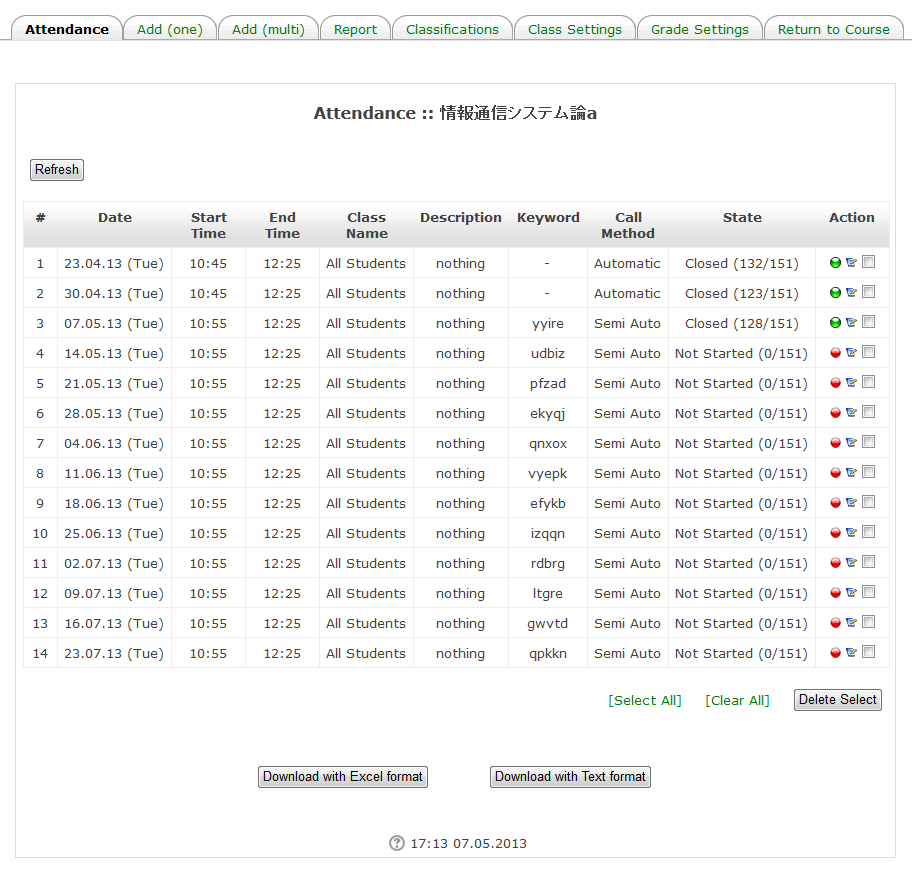
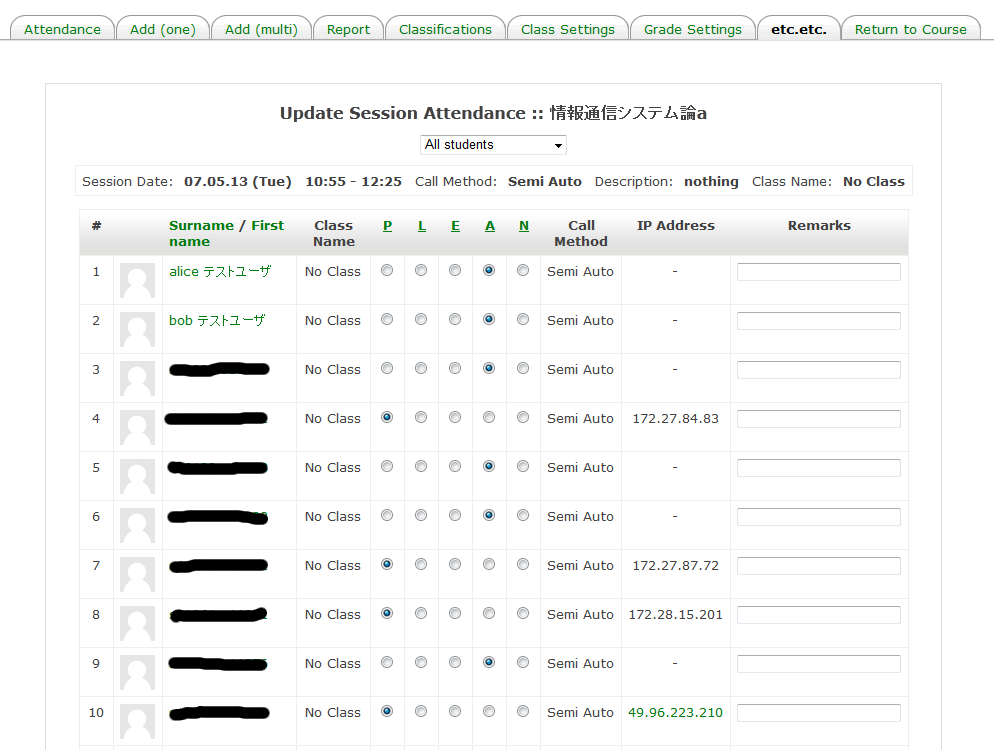
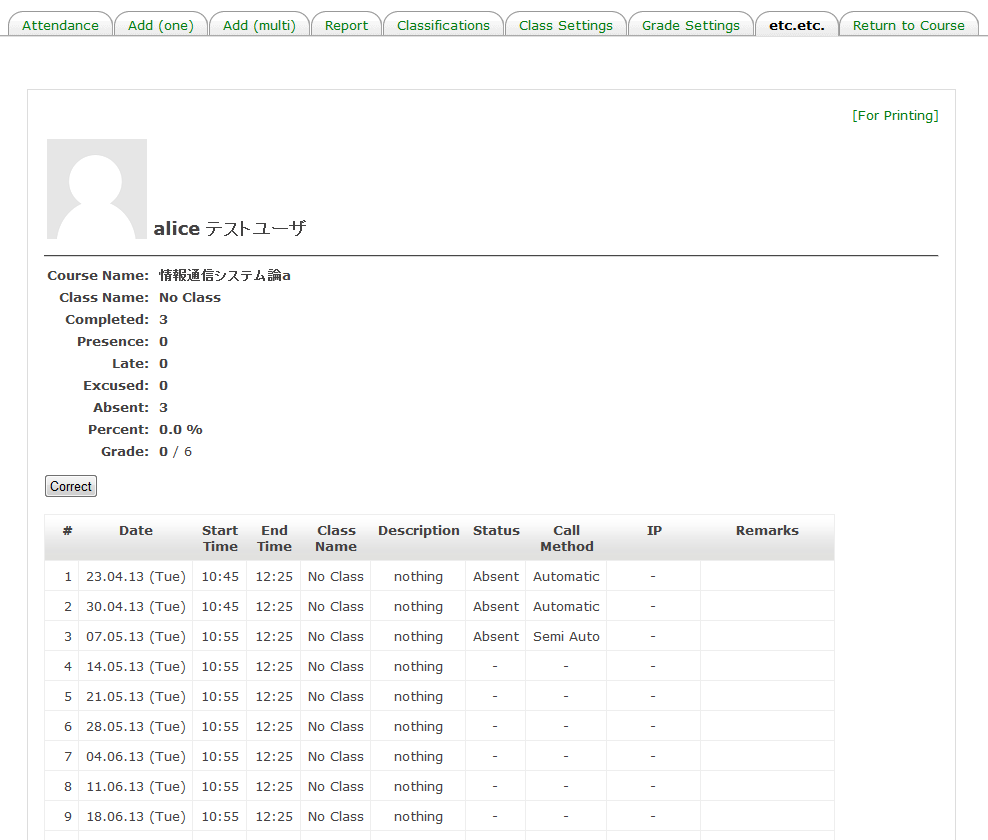
In addition to the original manual mode, automatic attendance mode (from the access log of Moodle) and semi-automatic attendance mode (user clicks a link) are also possible.
Comments
Comments are no longer open for new posts. Existing comments remain available to read.
>> I want to mark only present and absent.
If you set "Late Time" to 0 at "Change Session", "L" is never marked.
If you do not want to watch "N", please change mark in "Grade Settings" tab.
If you do not want to watch "-", too, you must change html source code in blocks/autoattend/html
>> Also I want to remove method , class and remarks from the display list.
Sorry, you must change html source code in blocks/autoattend/html
> all other options
A setting of Block is
Site administration -> plugins -> Blocks -> Auto Attendance Block
If you want to clear settings for course, you need to clear individually.
Please tell me how to remove all other options except P and A (L, E, N) from the update attendance list.
At the autoattend plugin, a block is main and a module is auxiliary.
So, you need to instance block first.
A module is second. Don't instance a module ahead of a block.
Before I got the "!" from the "(!$ret)", this module didn't work.
[root@sun-light etc]:505# crontab -l
0,10,20,30,40,50 * * * * /usr/bin/wget -q -O /dev/null http://localhost/moodle/admin/cron.php
5,15,25,35,45,55 * * * * /usr/bin/wget -q -O /dev/null http://localhost/mahara/lib/cron.php
[root@sun-light etc]:506#
The phenomenon may happen.
However, it is a bug, if a state does not change even if you click "Refresh" Button.
If it is a bug, please tell me version of Moodle and autoattend, and more informations (ex. How long time of un-change of a state. Is it 1h or 24h? When you did what, did the state change to normal? ).
Moodle is a Web application. So, it does not work, unless someone accesses.
And, in autoattend, a state does not change only by seeing "Sessions".
When changing a state by seeing "Sessions", excessive load is applied to Moodle system.
For such a reason, you need to click "Refresh" Button.
On the other way, there is a method of calling admin/cron.php frequently by cron.
admin/cron.php calls Refresh function of autoattend.
I am executing admin/cron.php every 10 minutes.
Thanks.
I changed the time zone of moodle to UTC+1 and the time zone in php.ini to Europe/Paris and now it looks like it is ok.
But there is still 2 problems:
- the session of today remains unstarted (red icon), when it should be opened (yellow icon)
- yesterday session remains opened (yellow icon) when it should be closed (green icon)
Is it a bug or am i doing something wrong? (printscreen available)
Note: I did not activate the use_timeoffset flag as it modifies the actual dates by a few days...
Please use https://translate.google.com/ ..sorry..
急ぎの場合は subversion のリポジトリを使用してみてください.
http://www.nsl.tuis.ac.jp/svn/php/autoattend/trunk/
ご使用有難うございます.
現在はフィードバックが少ないので,殆ど自分で使用する機能のみ追加をしています.(^^;
ご希望があれば,可能な限り対応いたします(非常に工数がかかりそうな場合は夏休みまで無理ですが).
レポートページでのID番号の表示についても,期日はお約束できませんが対応したいと思います(すみません).
また,ご希望・バグレポート等ありましたらよろしくお願いいたします.
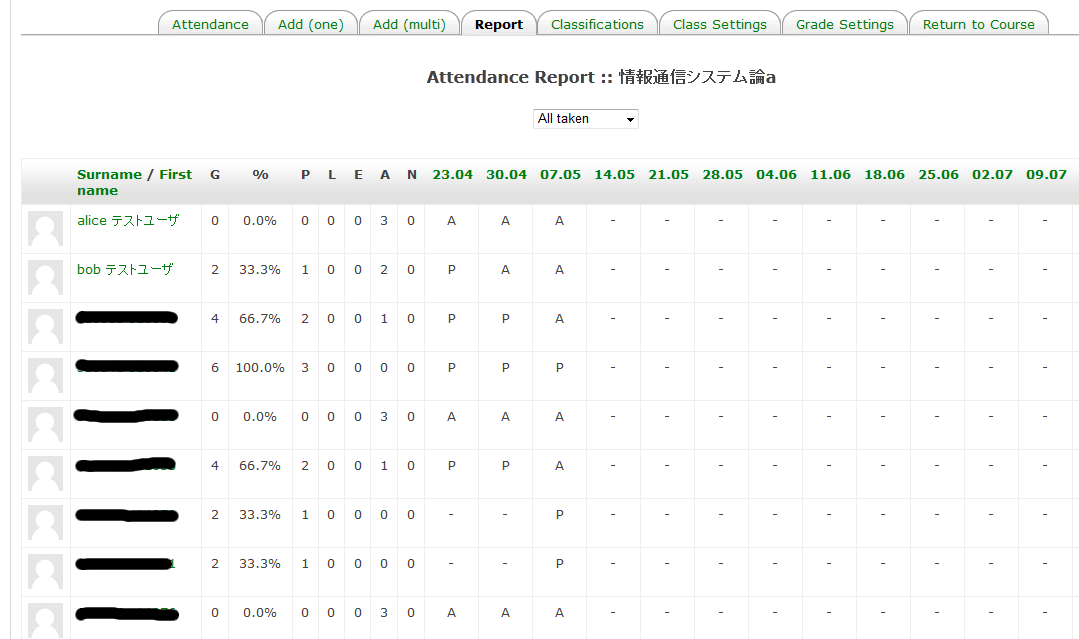
本学では、「レポート」ページの「ID番号」を表示するように変更しています。
ダウンロードデータには「idnumber」が追加されましたが、今後ページにも追加の予定は有りますでしょうか?
Thanks for the great module.
In our university, we have modified to display the "ID number" in "Report" page.
"Idnumber" has been added to the download data, or will you have any plans of also added to the page in the future?