Panopto resource module icon

Panopto resource module

Maintained by Ruslan Kabalin, Tony Butler
This is Panopto resource module plugin developed by Lancaster University to simplify using Panopto video recordings in Moodle courses. The plugin lets Moodle decide if user is allowed to access video resource and provides access to recording on demand. Plugin respects all Moodle resource availability features, such as group restriction or activity completion.
Price option: Free

Supports Moodle 3.1-5.2 See all versions
Latest release: 8 months ago
Installations: 50
Downloads (last 90 days): 21

Frankenstyle name: mod_panopto
Activities
Lancs Panopto

Description

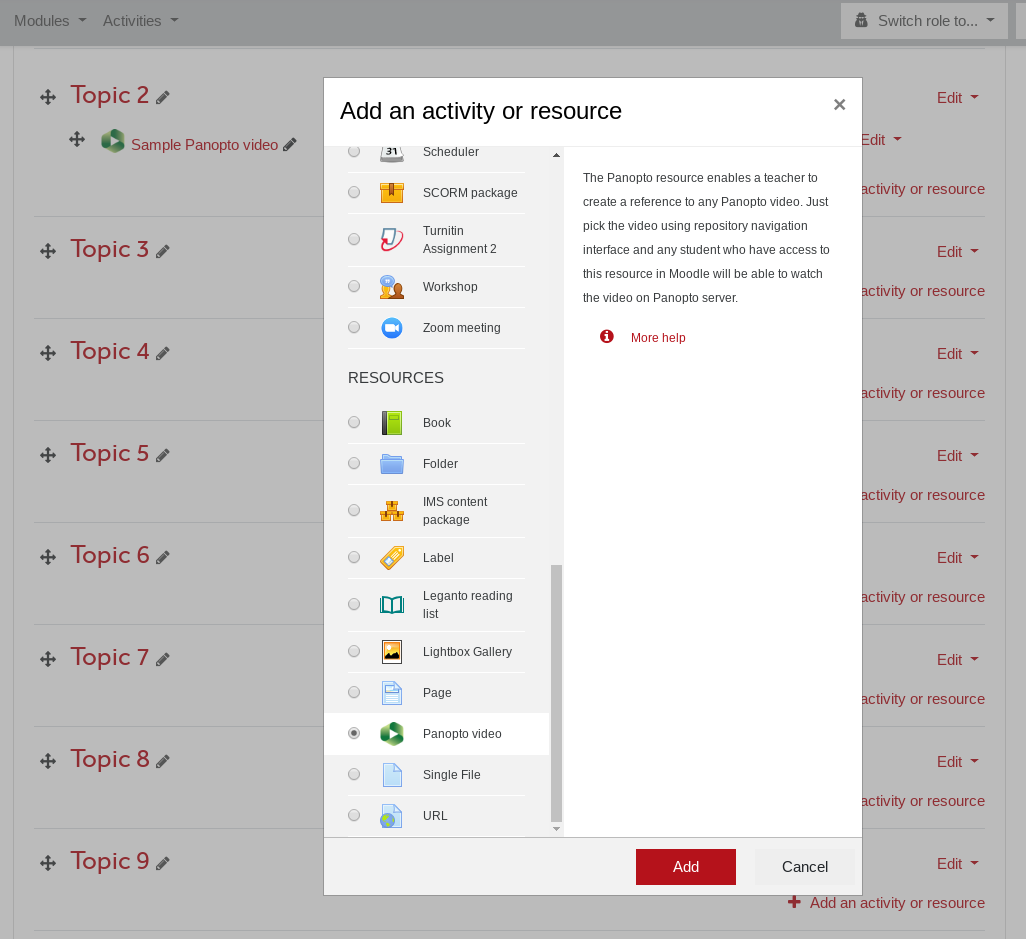
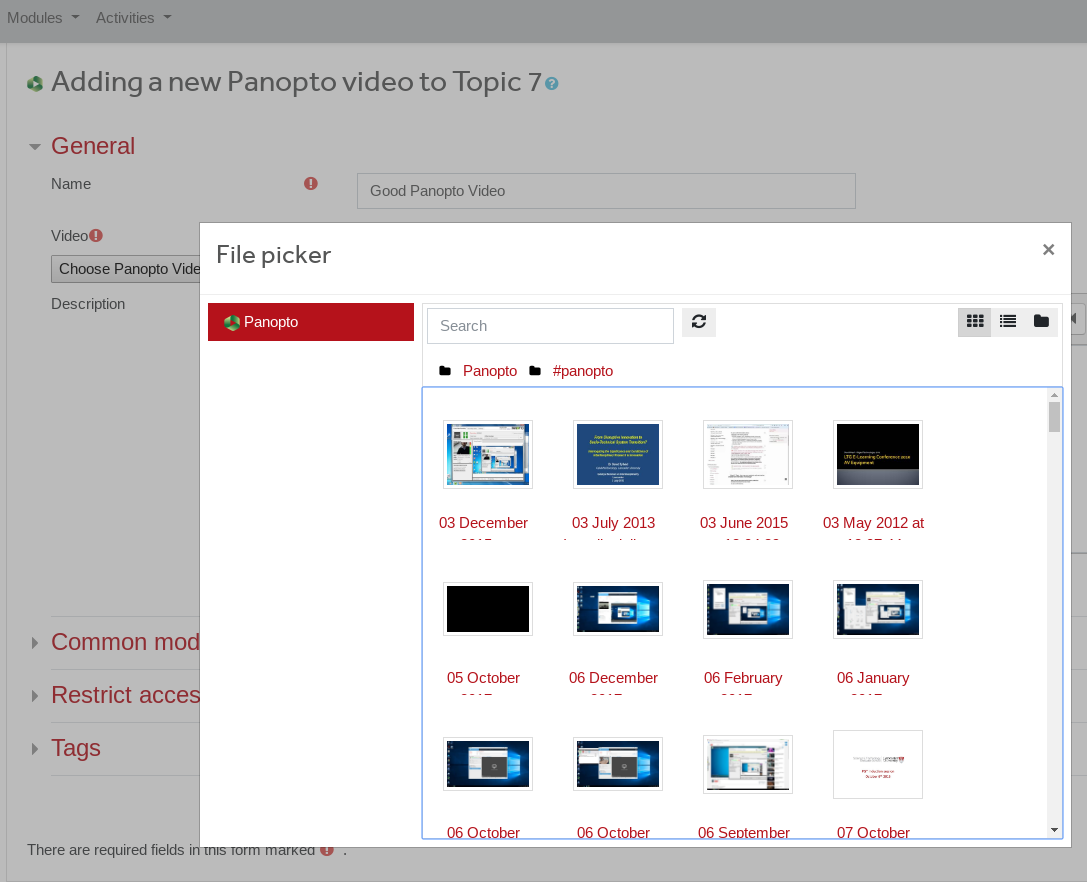
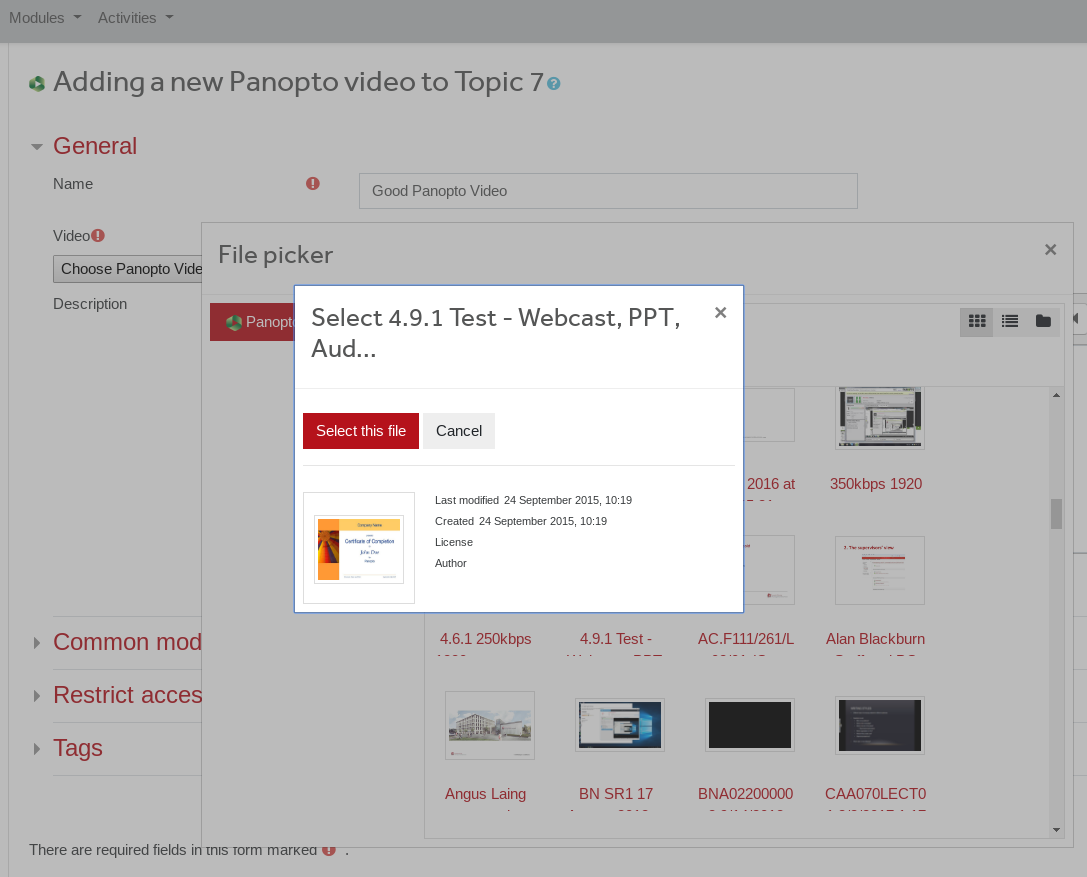
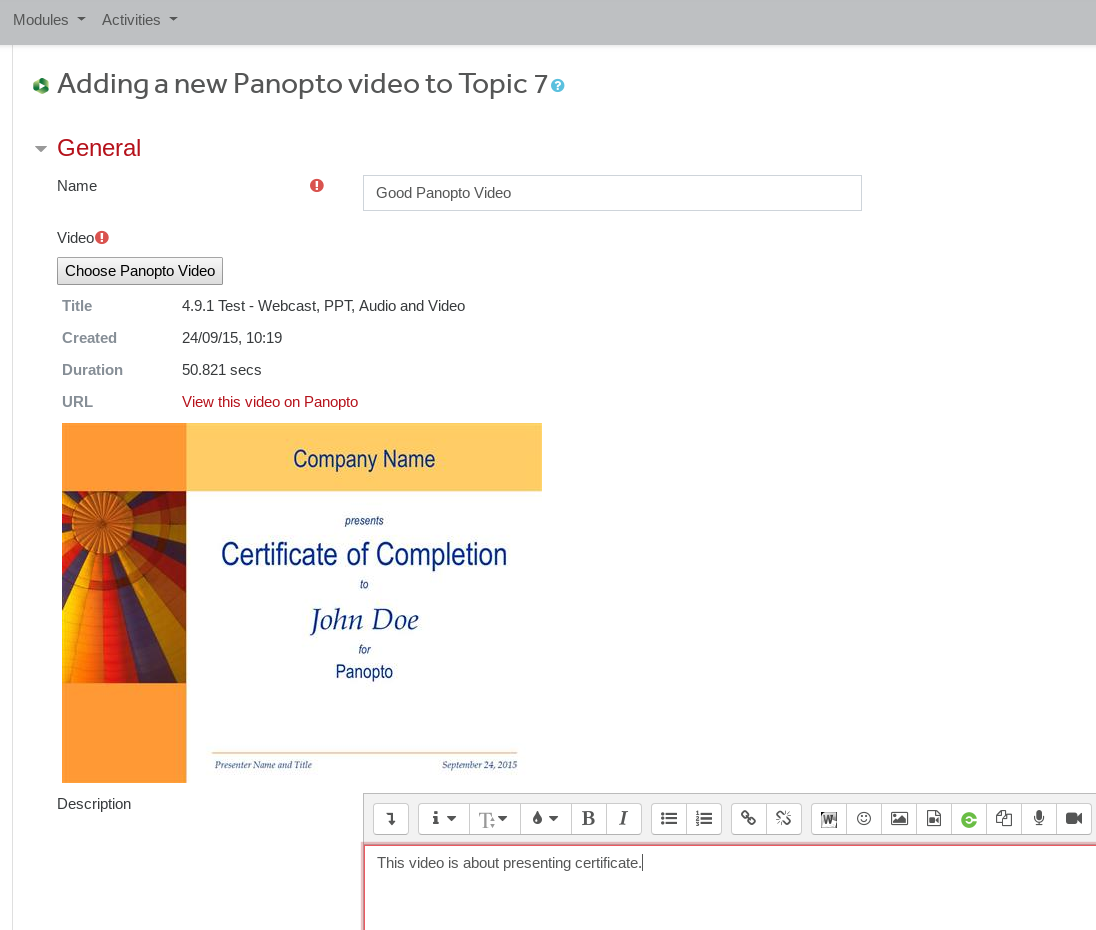
This is Panopto resource module plugin developed by Lancaster University to simplify using Panopto video recordings in Moodle courses. This plugin works differently to official Panopto block plugin. First, it does not do rolling sync enrolled users with the Folder on Panopto, instead it grants access directly to video on demand. This eliminates the need to place recordings at certain folder in Panopto to make it available in Moodle and respects all Moodle resource availability features, such as group restriction or activity completion. Choosing a video is implemented as repository plugin, which makes navigation and selecting the video more convenient for teacher.

In short, the plugin lets Moodle decide if user is allowed to access video resource, and does background work to provide access to recording on demand. This approach is somewhat simpler than used in official Panopto Block plugin and still secure, but might be not suitable for everyone.

This plugin requires Panopto video platform, which is a commercial software. For more details see https://www.panopto.com/ 

Features

  • This is resource module plugin, not a block, e.g it supports separate groups, availability, completion features.
  • Moodle resource module permission is the definitive source of authorisation, e.g. separate groups, availability features, category enrolments are respected.
  • Repository plugin makes navigation, searching and choosing the right video easier.
  • No need to maintain a separate folder per course in Panopto and sync enrolled users for folder access.
  • Any video can be added to course irrespective of its location in Panopto folder structure as long as teacher who adds it has editing or publishing rights.
  • Moving video to different folder will not break access, access is granted to video, not to folder.
  • Same video can be used in different courses, no need to duplicate it and place at different folders.
  • Does not clash with manual permissions allocation via Panopto interface, you can grant user access manually to folder or video if required.

Use-case and a word of caution

At Lancaster University, Panopto is used for automated lecture recordings, but Panopto is not the main point for accessing recorded videos by students. In other words, students are always accessing video recordings through Moodle. If you are using Panopto as main video hosting platform and you expect students to see folders that are matching Moodle courses (like when Panopto Block is used) this plugin will not provide that functionality.

Installation and Configuration

This plugin requires Panopto repository plugin to be installed and configured, it is using it for navigation through directory tree on Panopto side and other API calls.

For details on plugin configuring and how to link it with Panopto, please refer to documentation.

Contributors

Awards

Early bird 4.5