
Collaborative submissions
Maintained by
Andreas Grabs, Learnweb – University of Münster
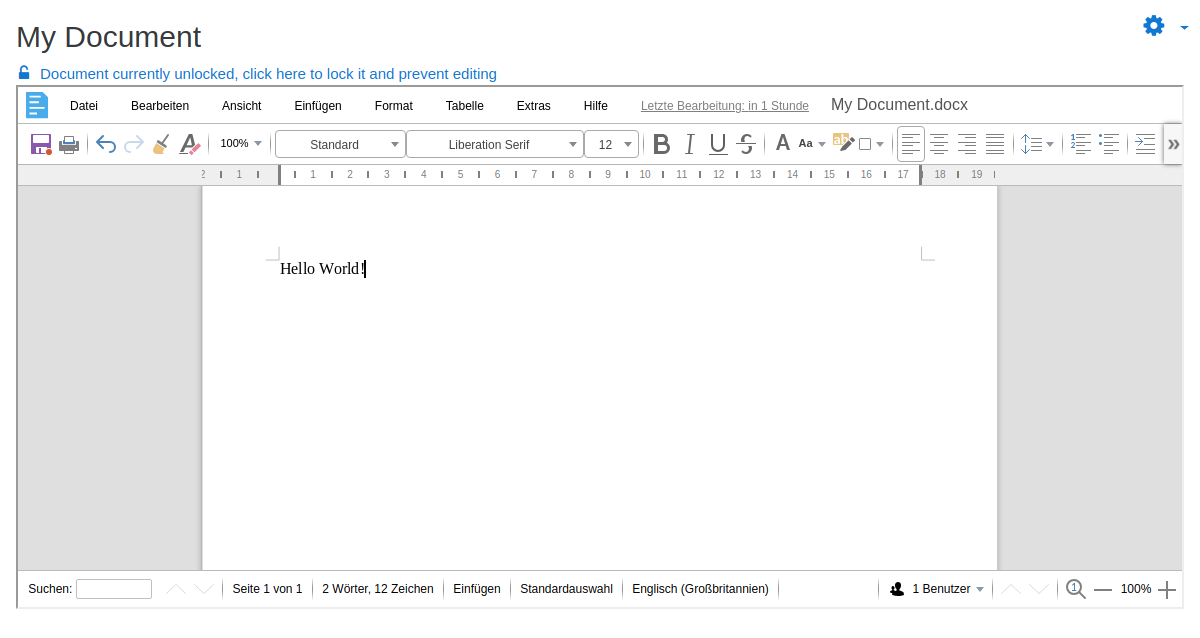
Use live document collaboration within assignments, powered by Collabora Online
Comments
Comments are no longer open for new posts. Existing comments remain available to read.
I've just realized that the Moodle 4 versions are both categorized as Beta releases, aren't stable enough to be used on production sites yet?
Thank you!
the new release is out.
Note: There is an new branching scheme.
The master now is only for Moodle/master.
For Moodle 3.9 und 3.10 is a branch MOODLE_39_STABLE
For Moodle 3.11 is a branch MOODLE_311_STABLE
This change was necessary due to a lot of differences between the versions related to automated testing.
Best regards
Andreas
could you please go to our issue tracker: https://github.com/learnweb/moodle-assignsubmission_collabora/issues and post your problem there?
This is just a comment section.
Thank you!
Best regards
Andreas
thanks for your rapid answer.
I tried Specified text as well as Wordprocessor Document. It stays the same no Cursor.
Also i have no "Pen" Symbol.
Regards
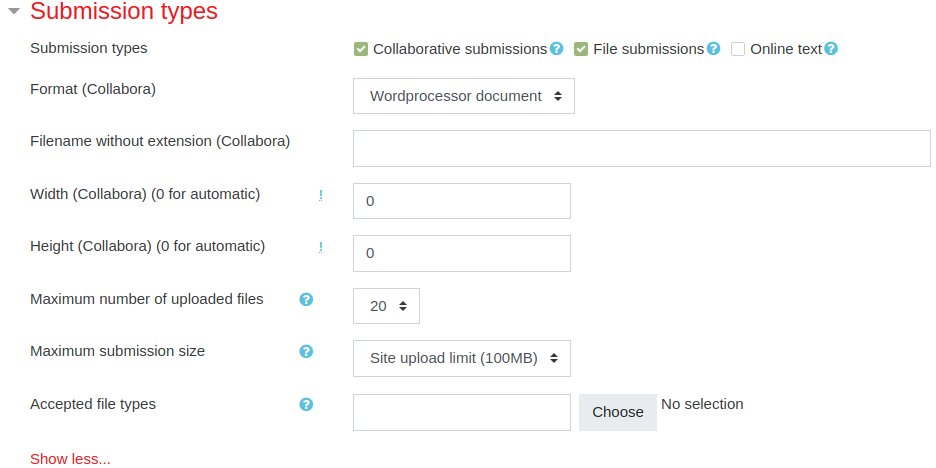
what type of Collabora format did you define for your submission?
If you have defined "Specified text" the document might be open as read only. To edit it you have to click on the "Pen" symbol on the lower right corner.
Best regards
Andreas
there is no possibility to edit the Collaborative assignment. Simply there is no Cursor showing. The activity Collaborative document works fine.
Do have any suggestions?
(Moodle Version 3.10.7, assignsubmission_collabora v3.11-r1)
Regards
Thomas