Stefan-Alexander Scholz
Lead maintainer


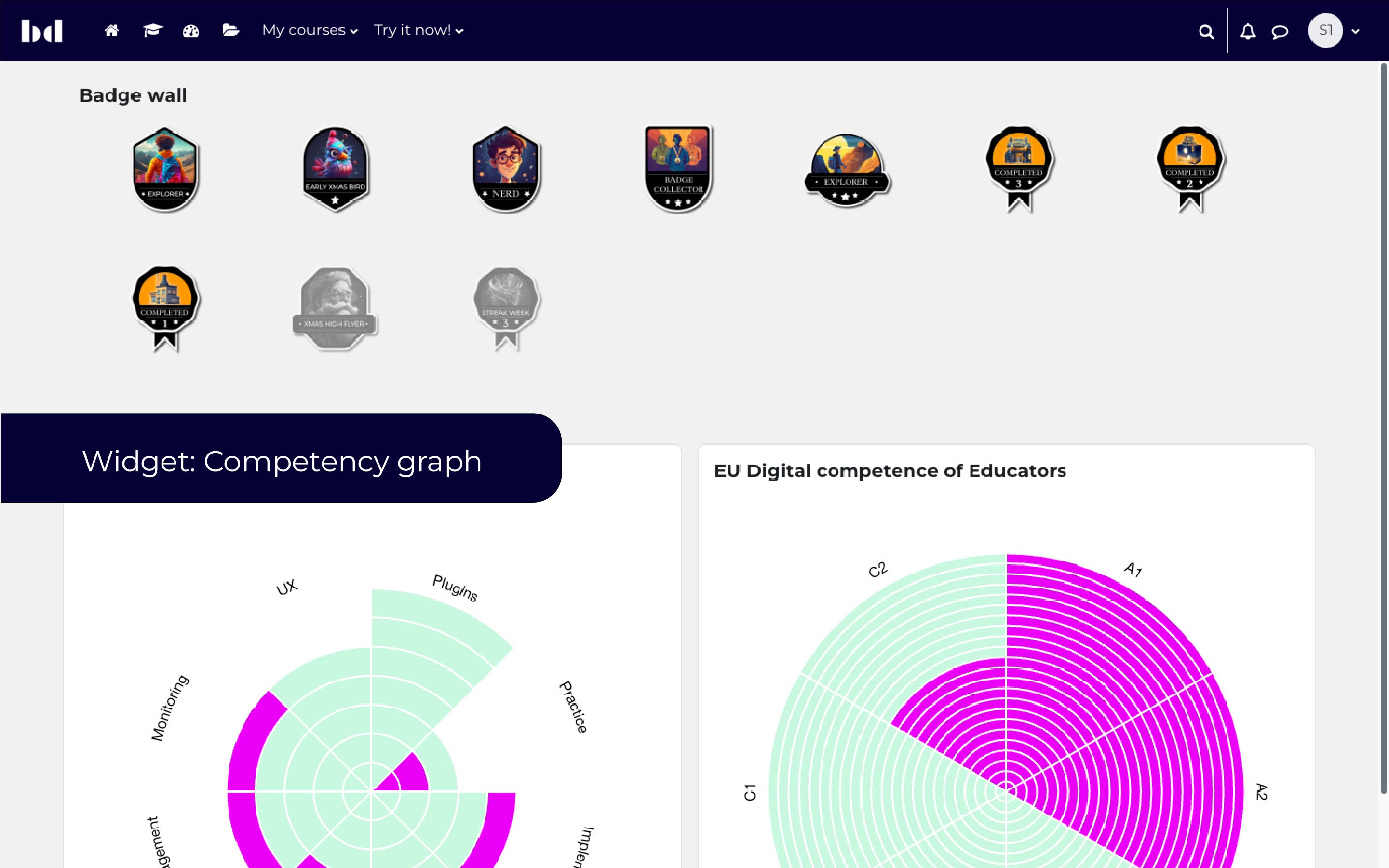
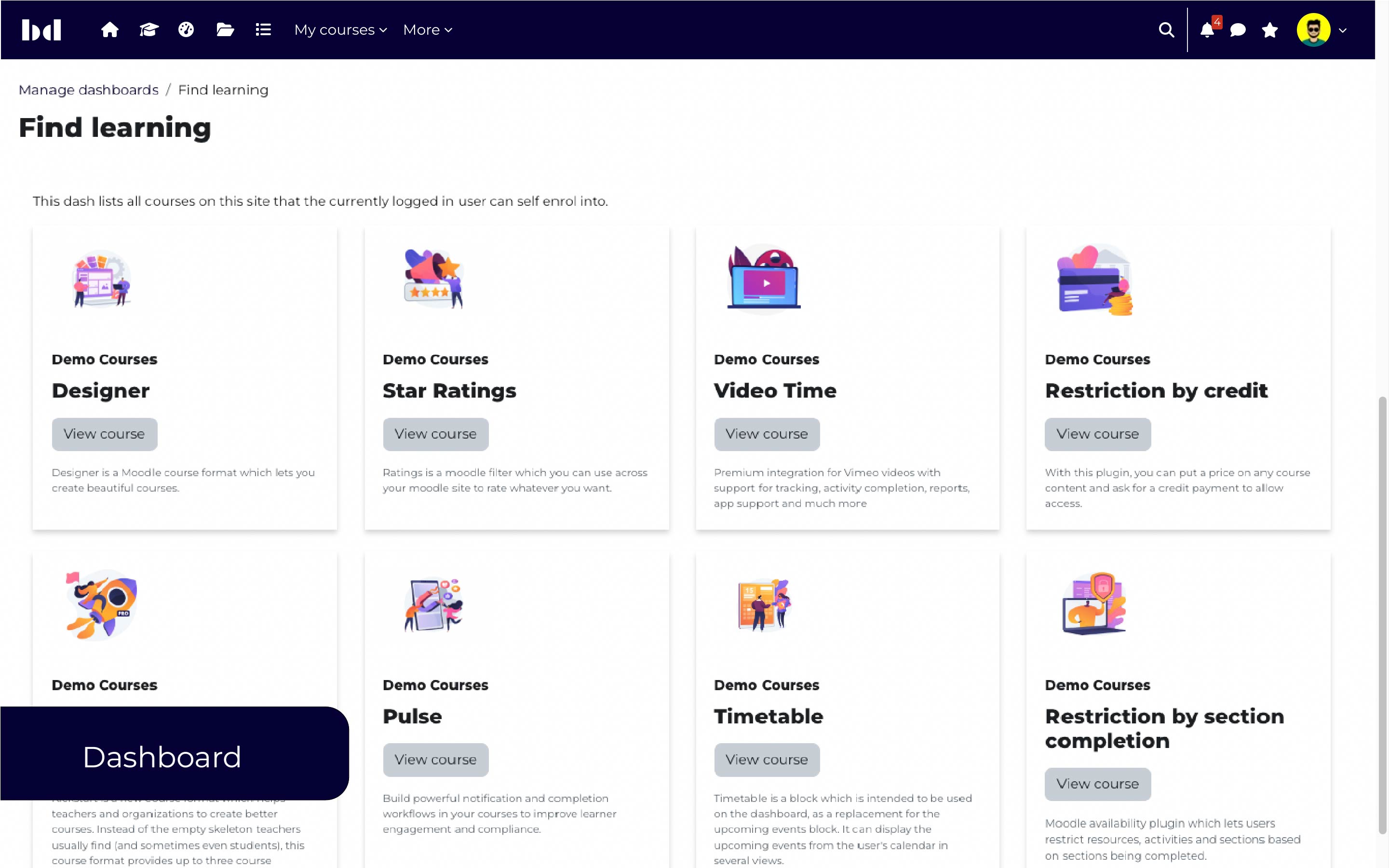
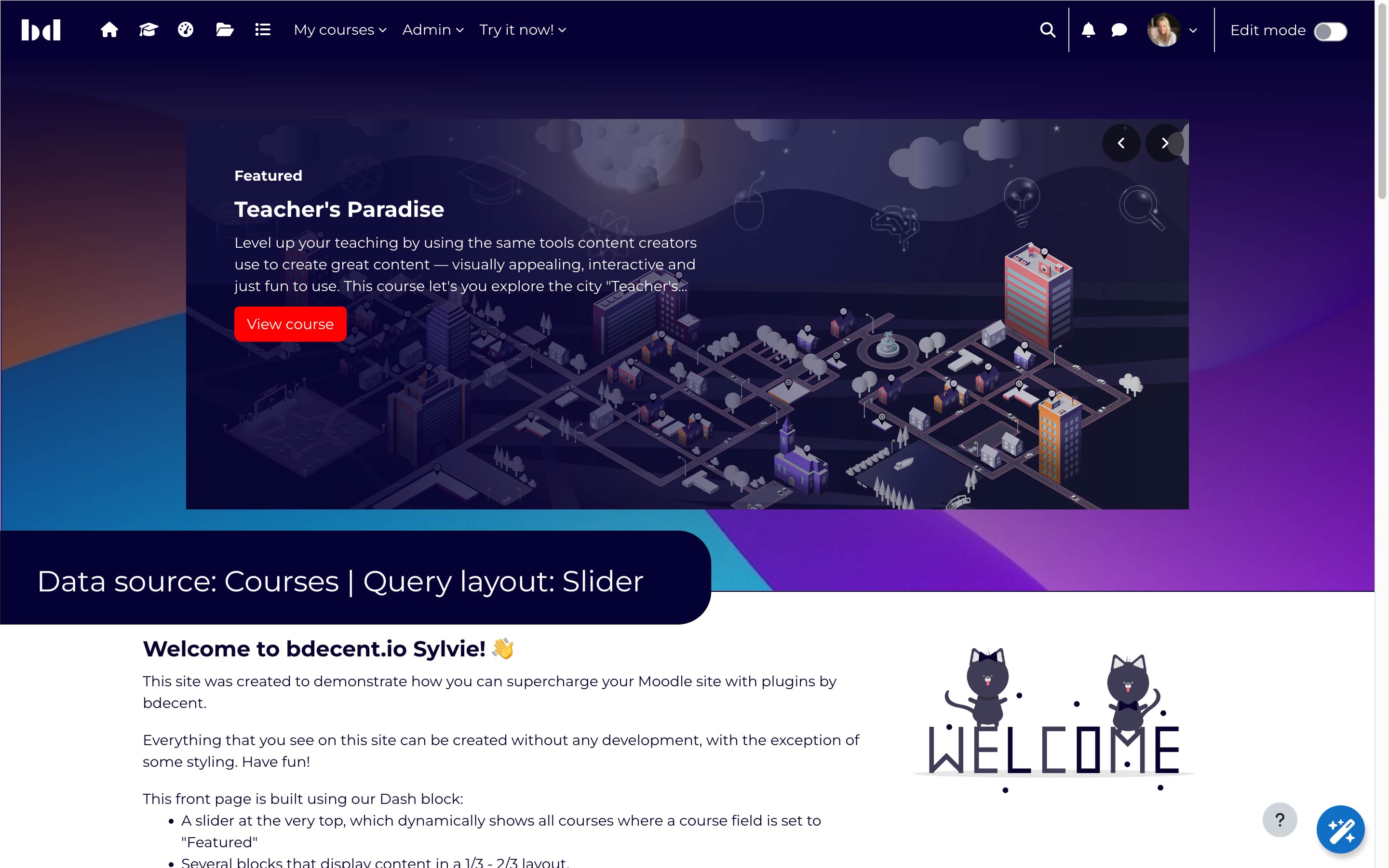
Dash is a powerful block plugin, allowing users to add dynamic content to their Moodle sites as well as customizing layout and style of pages and dashboards.
Dash provides great features that are completely free. For more functionality, we offer a Plus, Pro and Premium plan.
Fine-tuning Dash blocks visually and enhancing user experience.
At the heart of the Dash framework is a powerful query builder. User data can be presented in a table layout. Dash comes with many powerful customisation options like filters, conditions and full control over the fields displayed. If Video Time Pro is already installed on the Moodle site, Dash can also use this data source to provide an overview of all Video Time activities within the LMS or insights into video consumption patterns.
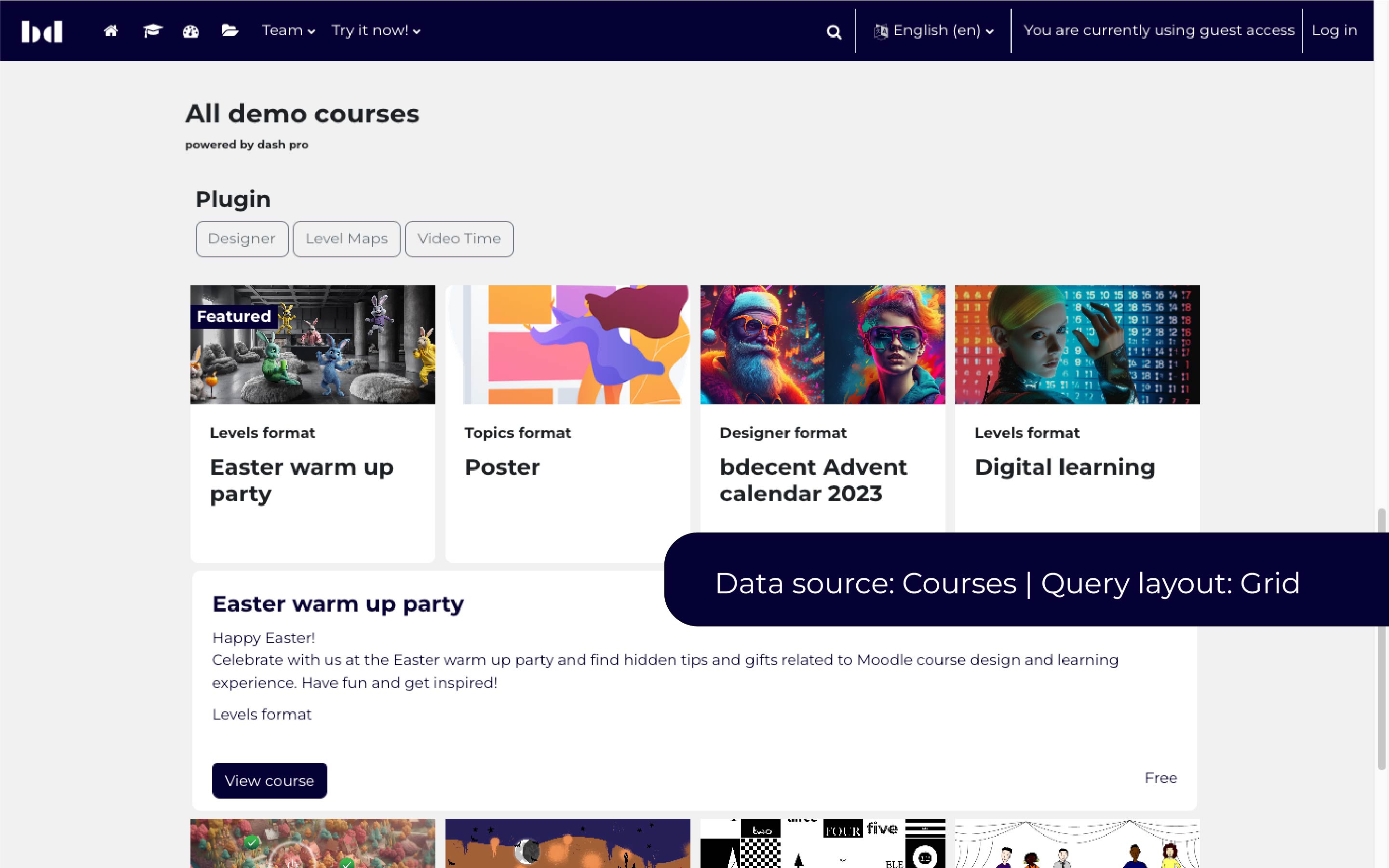
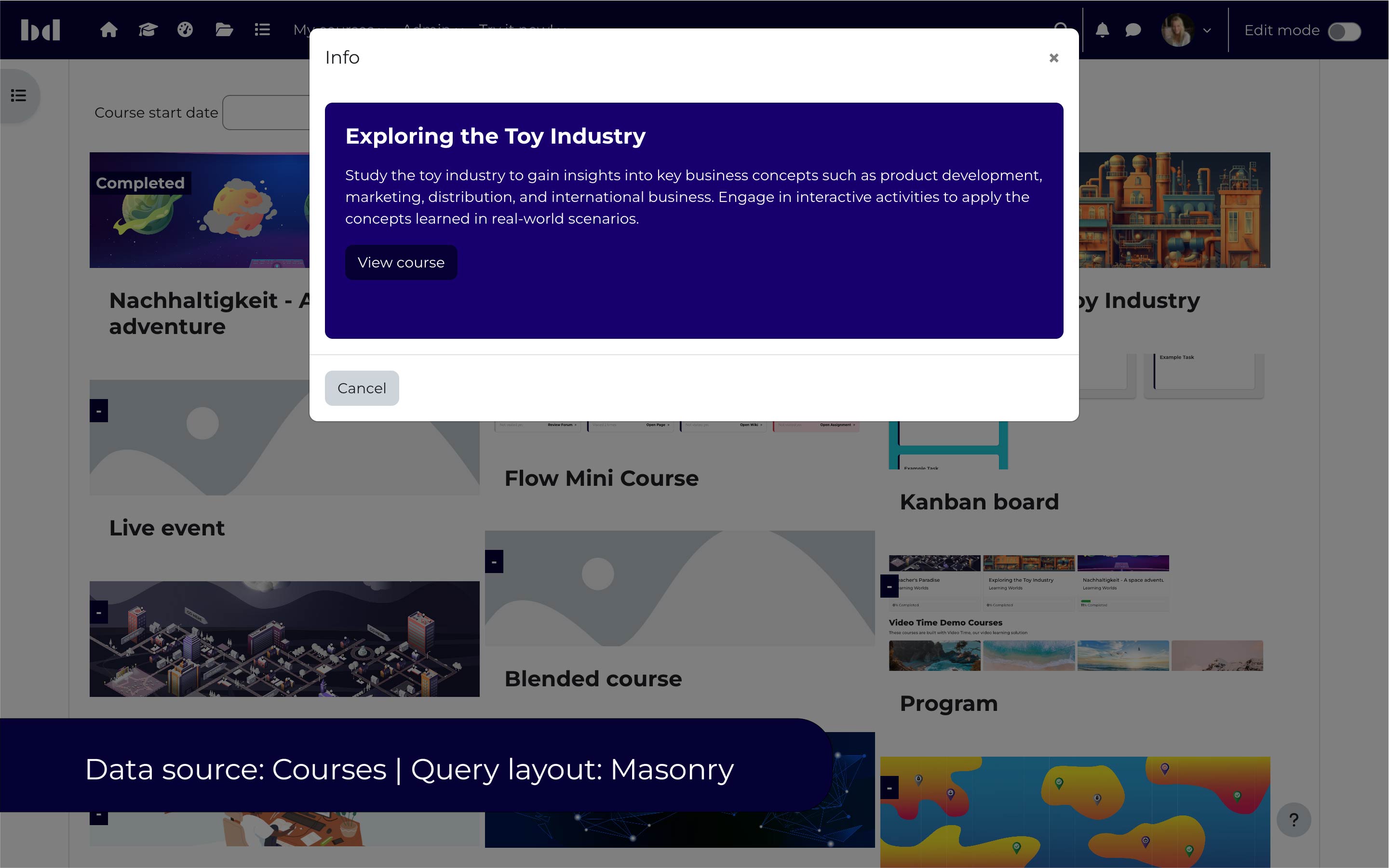
Dash Pro makes data available from various data sources, such as courses, completions, site logs and more. Moreover, this data is then displayed using different layouts such as grid, slider, accordion or timelines.
Creating a Dash block is simple: Turn on editing, select the Dash block, choose the feature and configure it.
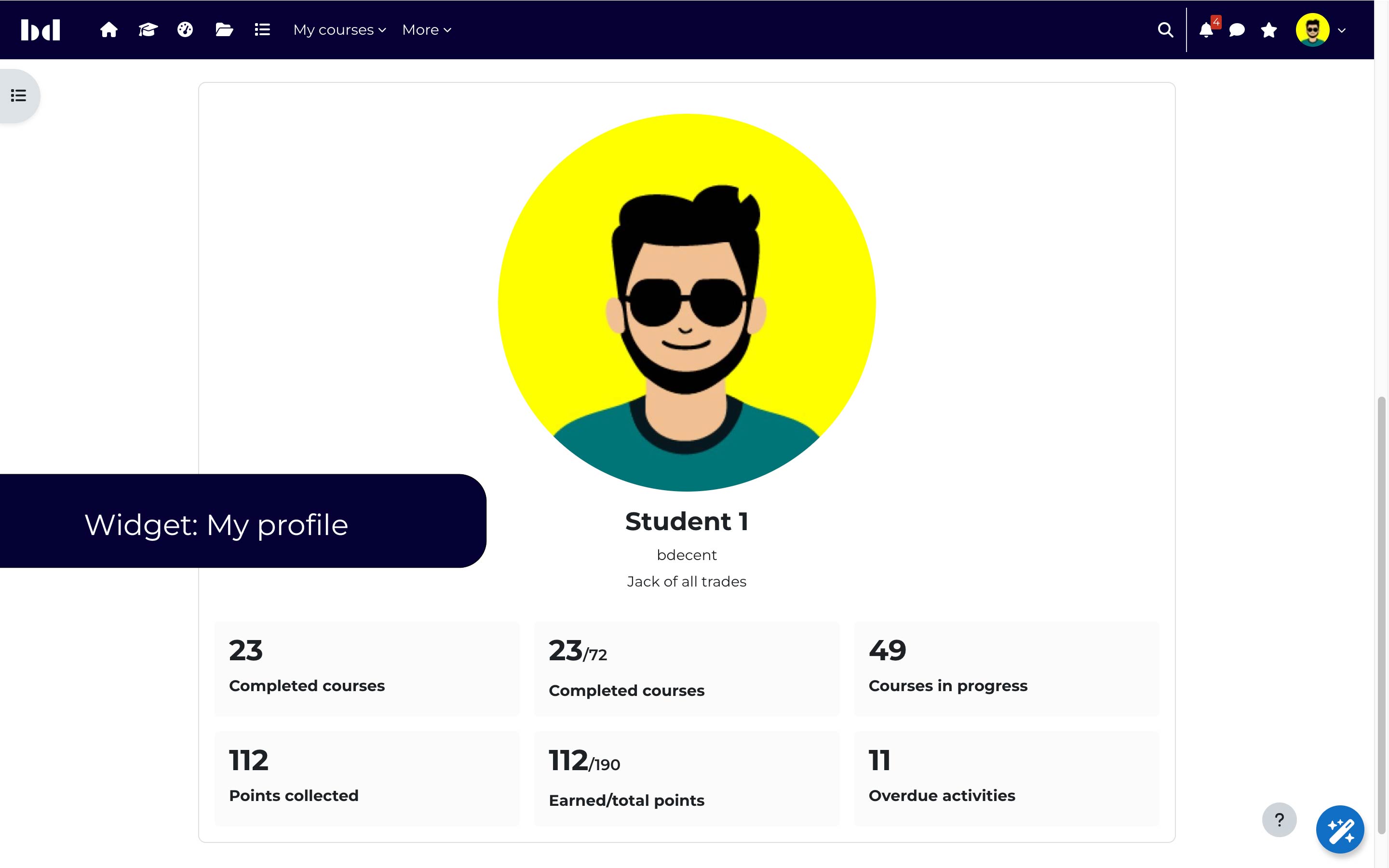
In each Dash block, administrators can choose to use a ready made widget. These widgets are crafted to showcase targeted information for defined use cases.
My Learning showcases all courses in which the current user is enrolled but hasn't completed yet.
My contacts visually presents the contacts from the user's address book and displays suggested users.
My groups brings course group management right to the user's fingertips.
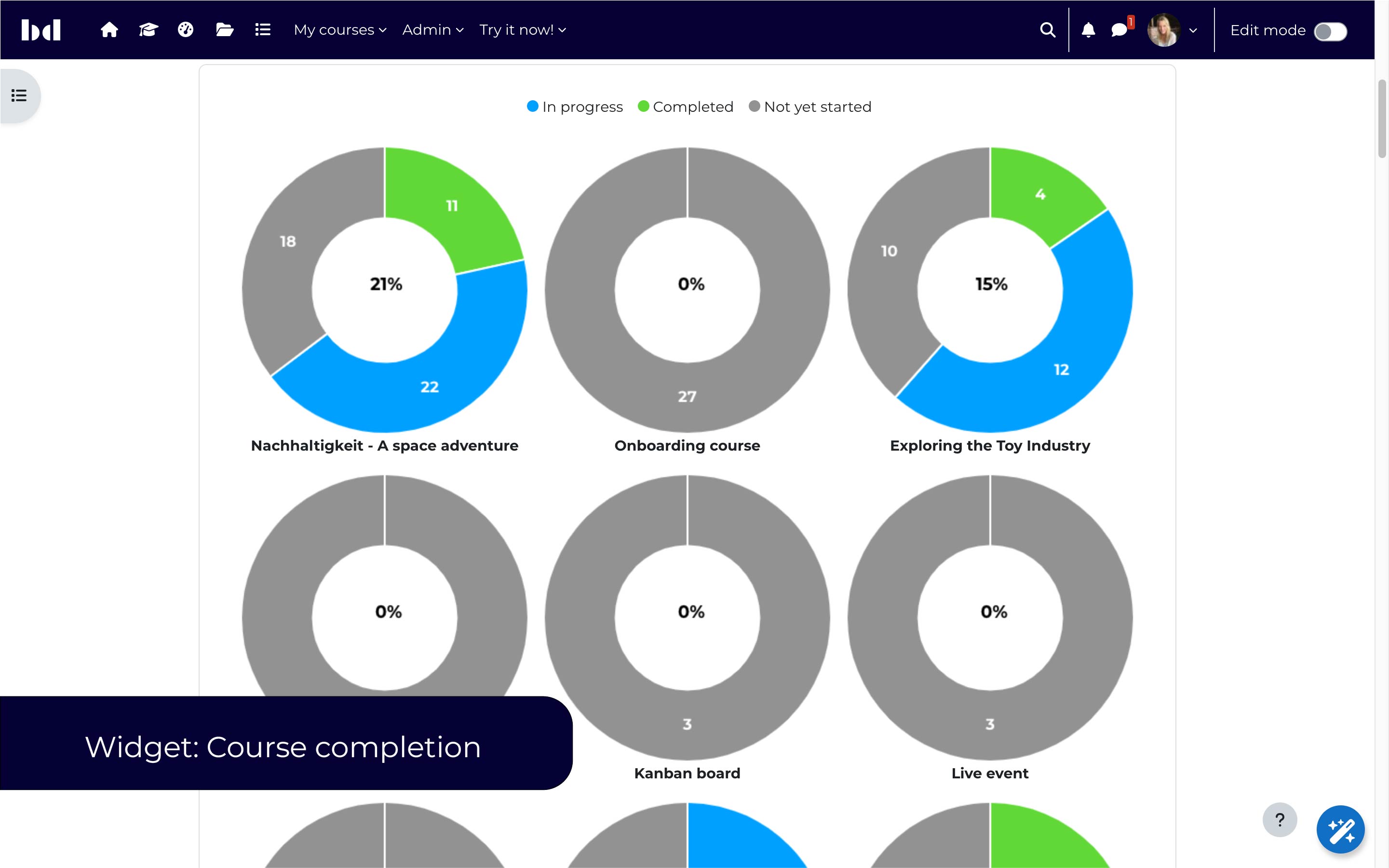
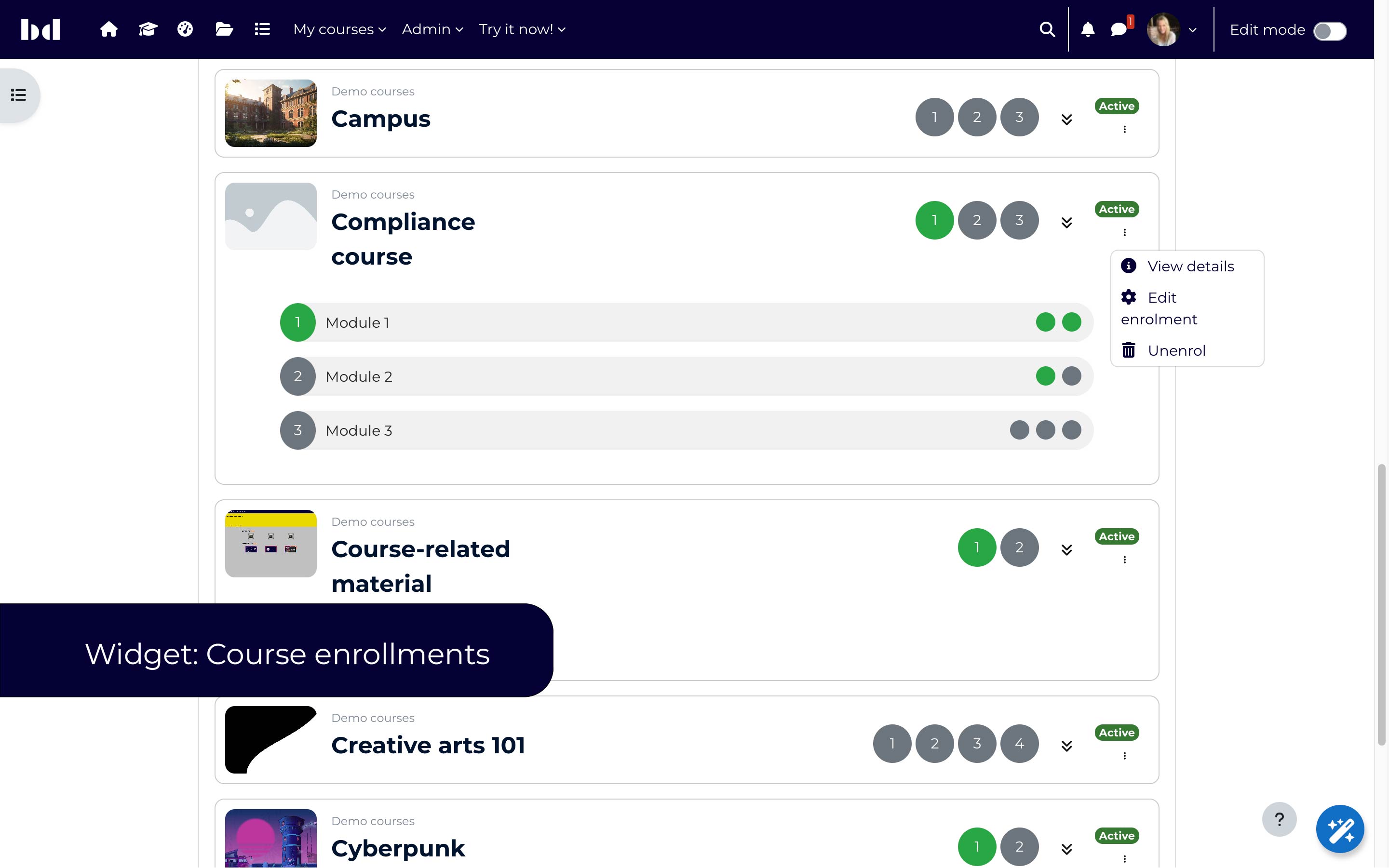
In addition to the widgets above, Dash Pro offers four widgets.
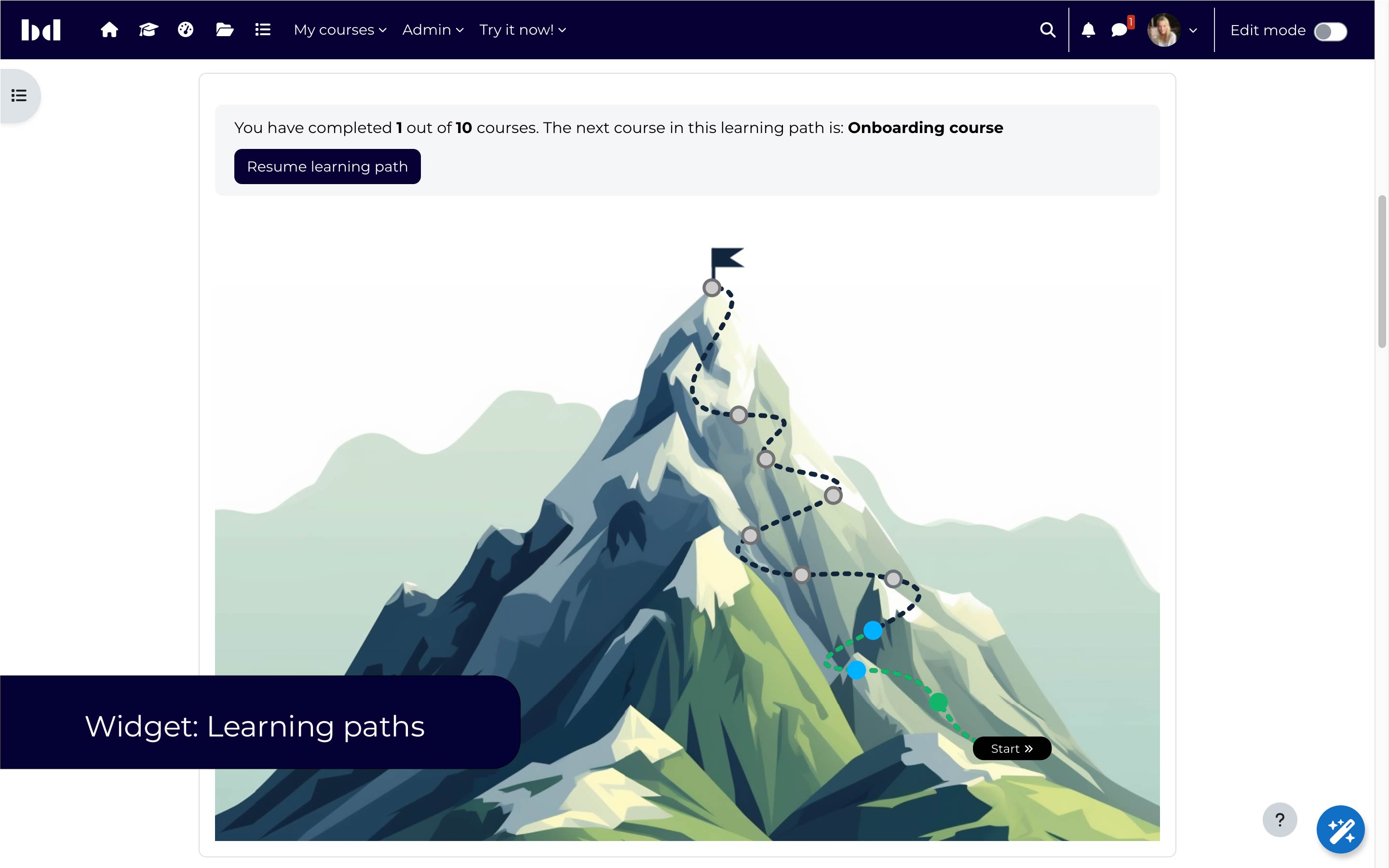
The learning path widget showcases completed and pending courses for each user in a visually appealing path, which can be individually designed via a SVG file. However, we also provide free design packages. Here are some examples:
Available in Dash Plus
Administrators can create an unlimited amount of dynamic pages with highly adaptable layouts. With a variety of setting options, it is possible to create dynamic course previews, course listings and access restrictions.
Create a dashboard as a course preview for students. Administrators can specify which courses should be displayed by category, enrolment status, enrolment role, custom fields, completion status and more...
Create role-specific dashboards, e.g. a dashboard for teachers. In our example, we list teacher's students, provide an overview about the completion status per course and the teacher's current courses.
Available in Dash Plus
Selection of layouts for static content offering multiple customizable content fields.
Available in Dash Premium
Empowering administrators to craft custom data sources with SQL queries in a convenient assistant as well as custom layouts via a Mustache template.

