
YU Kaltura Media Local Libraries
Maintained by
Tomoya Saito
Local libraries plugin for third-party's non-KAF "YU Kaltura Media Package"
Comments
Comments are no longer open for new posts. Existing comments remain available to read.
In order to uninstall the plugin, you visit "Site administration" > "Plugins" > "Plugins overview" on your Moodle.
Then, you restore the plugin's directory and reload the "Plugins overview" page, if you use the Moodle 3.x.
And, you set the ownership of plugin's directory and files according to your httpd server's user.
Therefore, you may able to see the "uninstall" menu on the our plugin's row.
Regards
So how do I uninstall? Many Thanks
If you cannot get the "Site administration" page, you cannot uninstall these plugins.
But, if you remove their directories from your Moodle server, you may able to see the "Site administration" page on your Moodle.
By the way, your Moodle use original "Kaltura Video Package"?
Probably, our plugins and the "Kaltura Video Package" can not coexist.
And, our plugins cannot work with the Moodle 1.9.
Regards
local_yukaltura/test connection(Invalid KS [djJ8MTEwfH8P8SedQvq3dN6m1PB7P38Zv8q20urGFRpRSjtwjwe13BW4hbvGCr3QVlJo3R_lHRSabDShoDfPgSzYpgcWPYs=]. Error [-1,INVALID_STR])
After which we cannot get to the settings page at all.
We use our own Kaltura server kaltura.ourdomain.ac.uk and do have the login details. The problem hears is that once we get the error on trying to save the settings we cannot get back to the settings page. I think we need to uninstall and reinstall. How do we do that? Thanks very much
Do you use an administrator's account of the Kaltura system for the "YU Kaltura Media Local Libraries"?
At first, you should use a publisher's account of the Kaltura system in order to link the Moodle and the Kaltura.
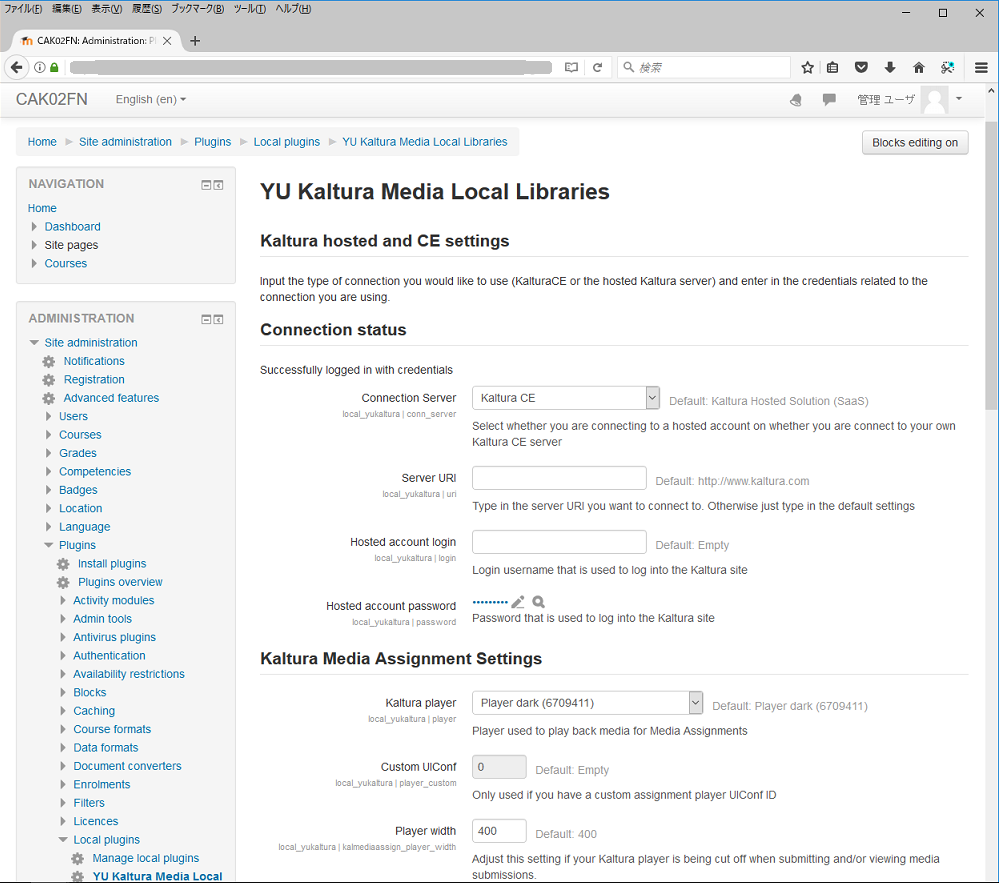
Secondary, you log-in to the your Moodle as an administrator, and visit "Site administration", "Plugins", "Local plugins", and "YU Katlura Media Local Libraries" on your Moodle.
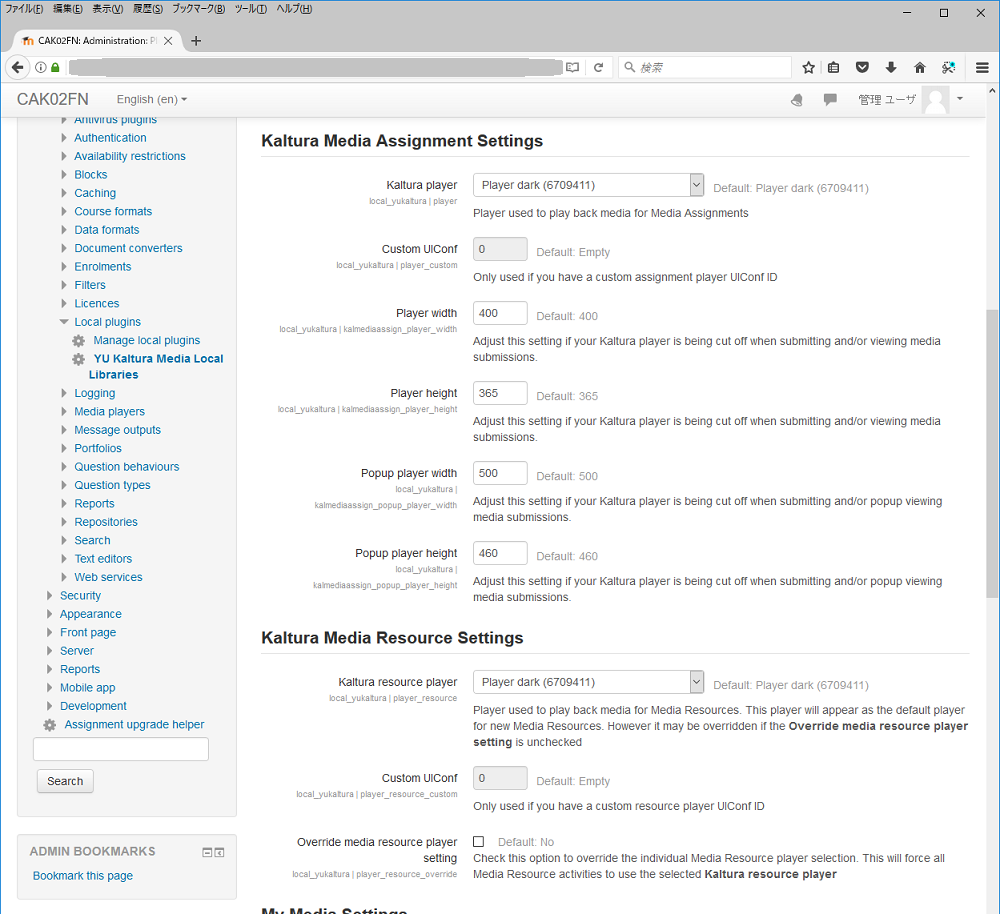
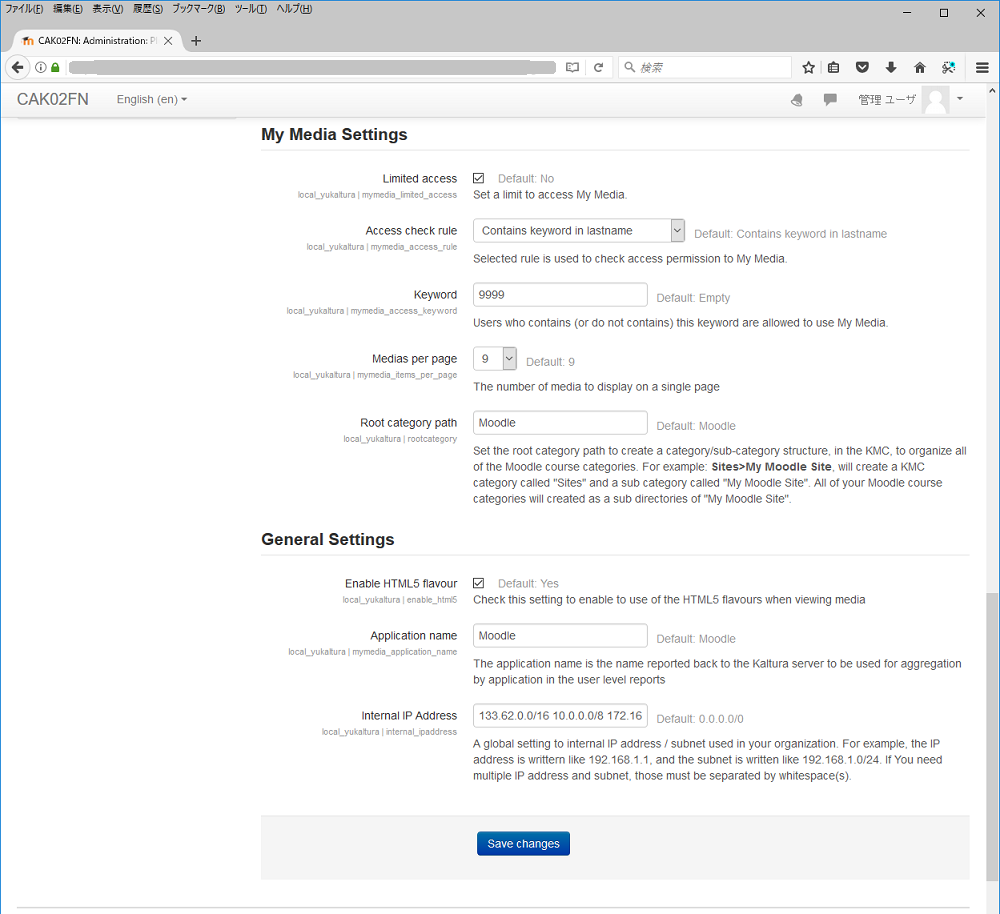
Then, you should set the following items on the configuration page of the "YU Kaltura Media Local Libraries".
Connection server: Kaltura CE
Hosted account login: e-mail address of the publisher's account
Hosted account password: password of the publisher's account used to log-in to the KMC.
Server URI: URI of the Kaltura server, for example, "http://www.kaltura.com".
Regards
Under the environment using the "Boost" theme, "My Media" (local_yumymedia) could not display media list correctly.
And, link to the "My media" did not display.
In latest version (version 1.1.7) of our plugins support the "Boost" theme.
We modified the style sheets for "My Media" in local_yumymedia and "Media Selector" in mod_kalmediares.
And, link to the "My media" is displayed in the "Navigation" menu (left-side menu) in the "Boost" theme.
Regards
In recently versions of our plugins, administrators can access "Site administration" menu even when the Kaltura server is down.
In the latest version of our plugins (version 1.1.6) , activity modules ("YU Kaltura Media Assignment" and "YU Kaltura Media Resource") support "Coourse reset" functions of the Moodle.
And, in the "YU Kaltura Media Resource" (mod_kalmediares), teachers can publish students' access log.
If teacher enable this property, each student can see own number of "media playing" and "page viewing".
Additionally, we have added new section about the use of "YU Kaltura Media Resource" to user's guide.
We hope that the user's guide is helpful for you.
Regards
Today, I found the problem disappeared. Maybe the root category had been created in the cron task. Thank you!
Thank you for your report.
This error occurs if there is no exists root category of content.
Please create "Moodle" category in /index.php/kmc/kmc4#content|categories.
Usually, the root category (Moodle) is created when administrator of the Moodle site saves settings of local plugin (YU Kaltura Local Libraries) .
When user uploads a content to Kaltura server via the Moodle, category "Moodle>username" will be created automatically.
Regards.
Thank you for your explanation.
Today, I finnaly get my Kaltura CE working with SSL. But if I open /local/yumymedia/simple_uploader.php, I get an error tip:
Unable to start new kaltura session for media uploading.
Please contact your site administrator.
(Cannot set root category of content.)
I guess I have manually create a category in KMC, so I create the "Moodle" category in /index.php/kmc/kmc4#content|categories.
I'm a novice of Kaltura. Could you tell me how to solve this problem? Thank you!
We appreciate your suggestion.
Although our plugins already have a recording function from webcam, they don't have a desktop recording function yet.
It may be possible to implement such a function in our plugins.
However, such a function will not be implemented for a while, since other web browsers don't support the function.
After more web browsers support the desktop recording function and API specifications are unified, we will implement the function.
By the way, we think that it is easier for users to upload video files from PCs after recording the videos by using a screen capture software.
Best regards.
I see.
A feature request: do you think it possible to implement the feature of recording videos from webcam and desktop using Chrome WebRTC? Here is a demo: https://mediadev.uct.ac.za/ltitools/record/ If so, we needn't afford the commercial desktop recorder software like CaptureSpace anymore.
First of all, we appreciate your attention.
The specifications and precedent of Moodle cause this issue.
It is recommended that errors and exceptions that occurred in the Moodle plugin be displayed on the screen using the print_error() function.
This function terminates PHP process after printing the messages about errors and exceptions.
But, most plugins use the print_error function to display the messages about errors and exceptions.
On the other hand, when the administrator of Moodle site clicks "Site administration" menu, the Moodle executes setting scripts of all plugins.
If the Kaltura server is down, setting scripts of our plugins call print_error() function.
Then, the "Site administration" menu is not displayed since the PHP process is terminated after calling this function.
Such a mechanism is inconvenient for the administrator of Moodle site.
However, according to the Moodle's specifications and precedent, the behavior of our plugins is correct.
Best regards.
Thank you! After adding SSL to my KALTURA CE, then uploading media works.
But there is a very serious problem of this plugin. When the Kaltura CE server is down, the Site administration of Moodle can not be accessed. There should be an exception-catching method rather than just impairing Moodle's working.