Tomasz Muras
Maintainer

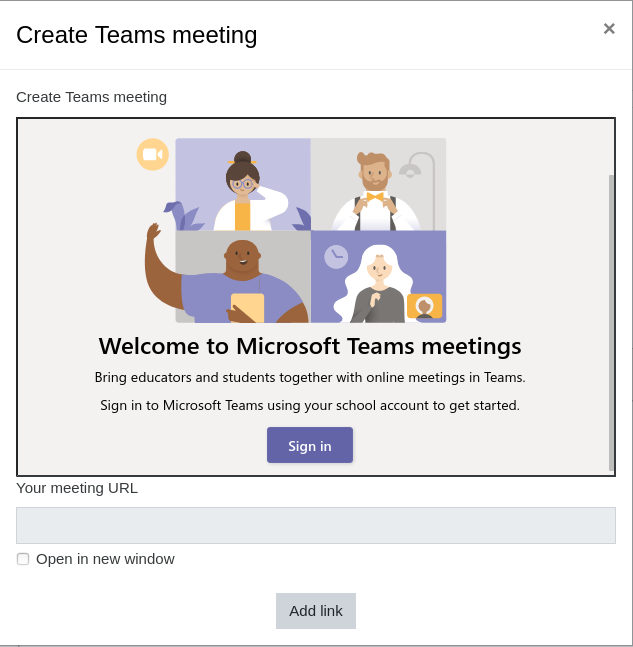
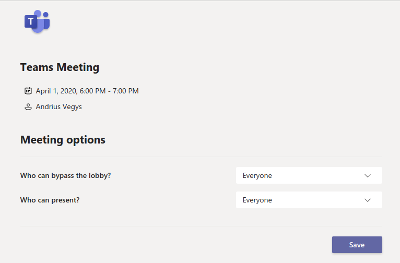
Moodle users with Microsoft 365 accounts can create Teams meetings from within Moodle for free. Teams meetings can be created using the Atto Editor in Calendar, Assignments, Forum posts or wherever else Atto Editor is available. Once the plugin is installed, educators can create an audio or video meeting from Moodle.
1. When editing description using the Atto Editor, click on the Microsoft Teams icon
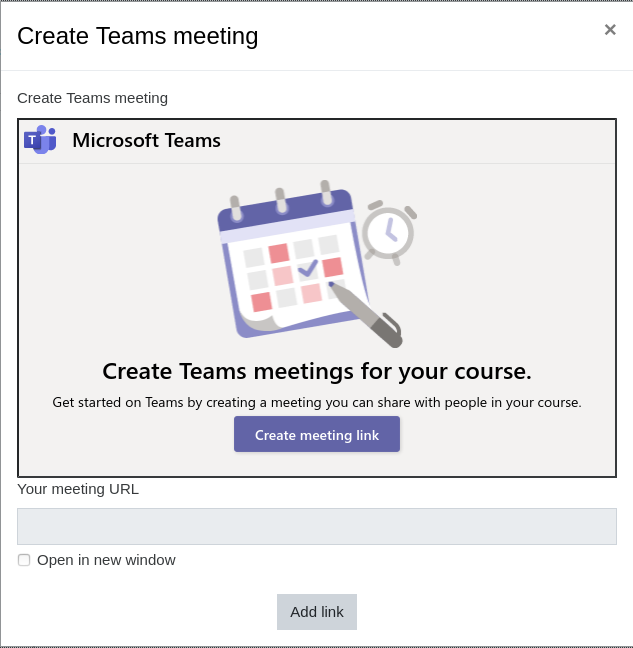
2. Then select Create meeting link (you will need to sign into your Microsoft Teams account the first time)
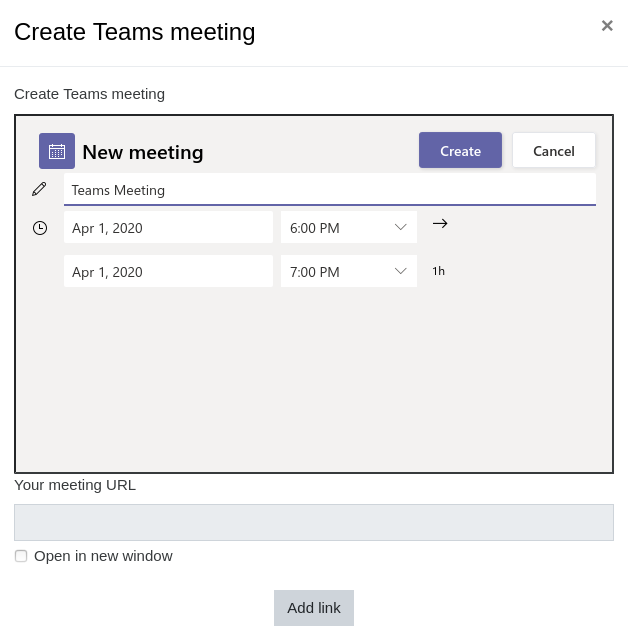
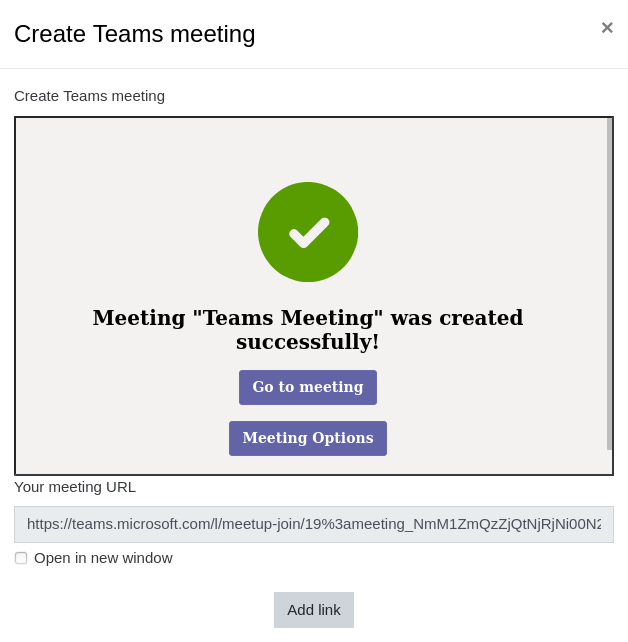
3. Enter a meeting title, date, and time, then click Create. The link will show in the field "Your meeting URL".
4. Mark "Open in a new window" if you want the meeting to open in a new tab and click "Add link".
Now the meeting link will appear for students in the description of Calendar events, Assignments, Forums posts, or wherever else in Moodle that uses Atto Editor.
The issue happens due to Chrome requirement to have secure cookies and the change of the default value of samesite cookie setting.
To solve this, there are a few things that you can check:
The patch for this code change can be now downloaded together with the latest plugin release. You will find it in the patch folder.Is HTTPS enabled on your Moodle instance? HTTPS is a must for plugin to work in latest Chrome versions.
Is option "cookiesecure" enabled in your Moodle config (Administration -> Security -> HTTP security)?
Make sure you have the latest plugin code deployed.
This issue is normally happens on IIS web server, when the query string in the URL after success event creation is longer than the IIS server configured allowed query string length. The query string contains a lot of information can be longer than 5,000 characters. Updating the server configuration to be larger number solves the issue.
See https://github.com/enovation/moodle-atto_teamsmeeting/issues/24#issuecomment-1218167656 for details.

