
Point of view - Feedback
Maintained by
Astor Bizard, Quentin Fombaron
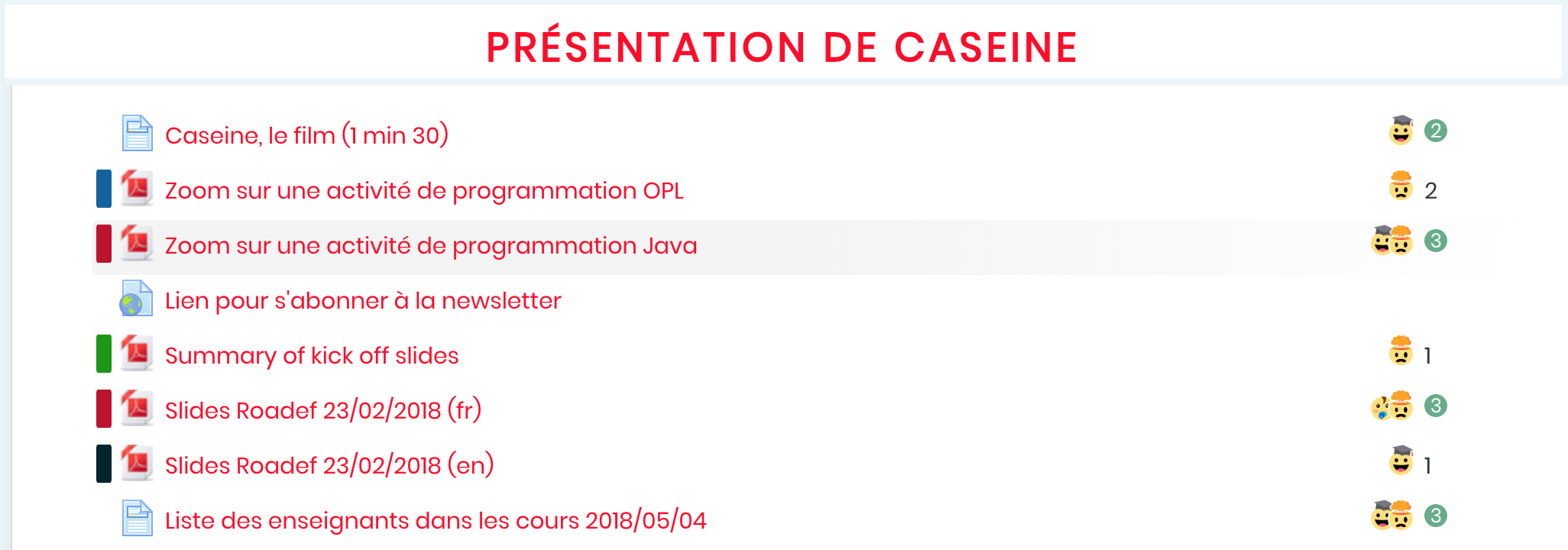
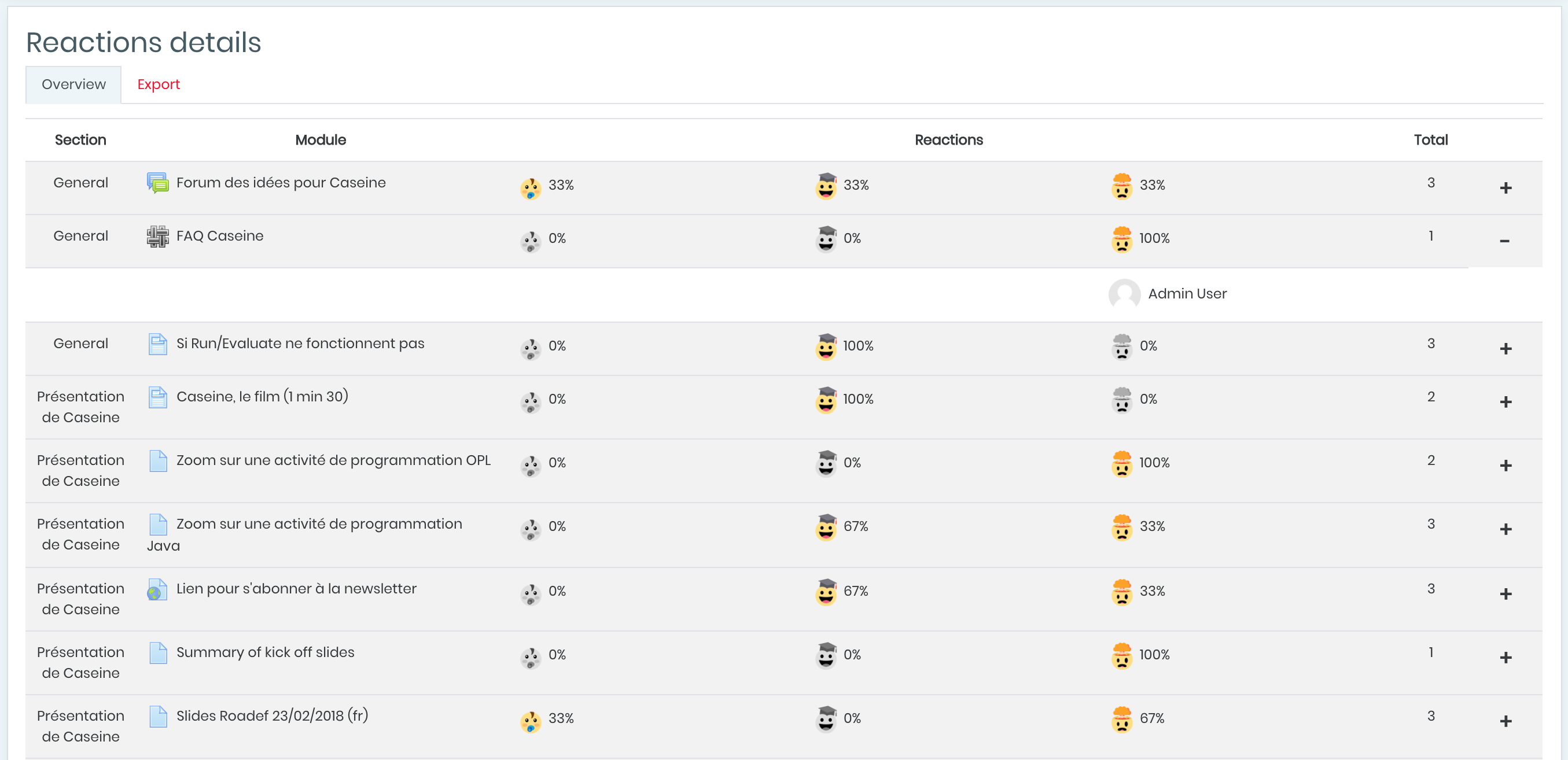
Did you ever want to know the feelings of students about your courses, exercises or other activities? Point of View is a reaction system with emojis representing feelings; students can vote and rate activities and hence share their experiences. It improves social networking and gamification in your courses with students and professors reactions.
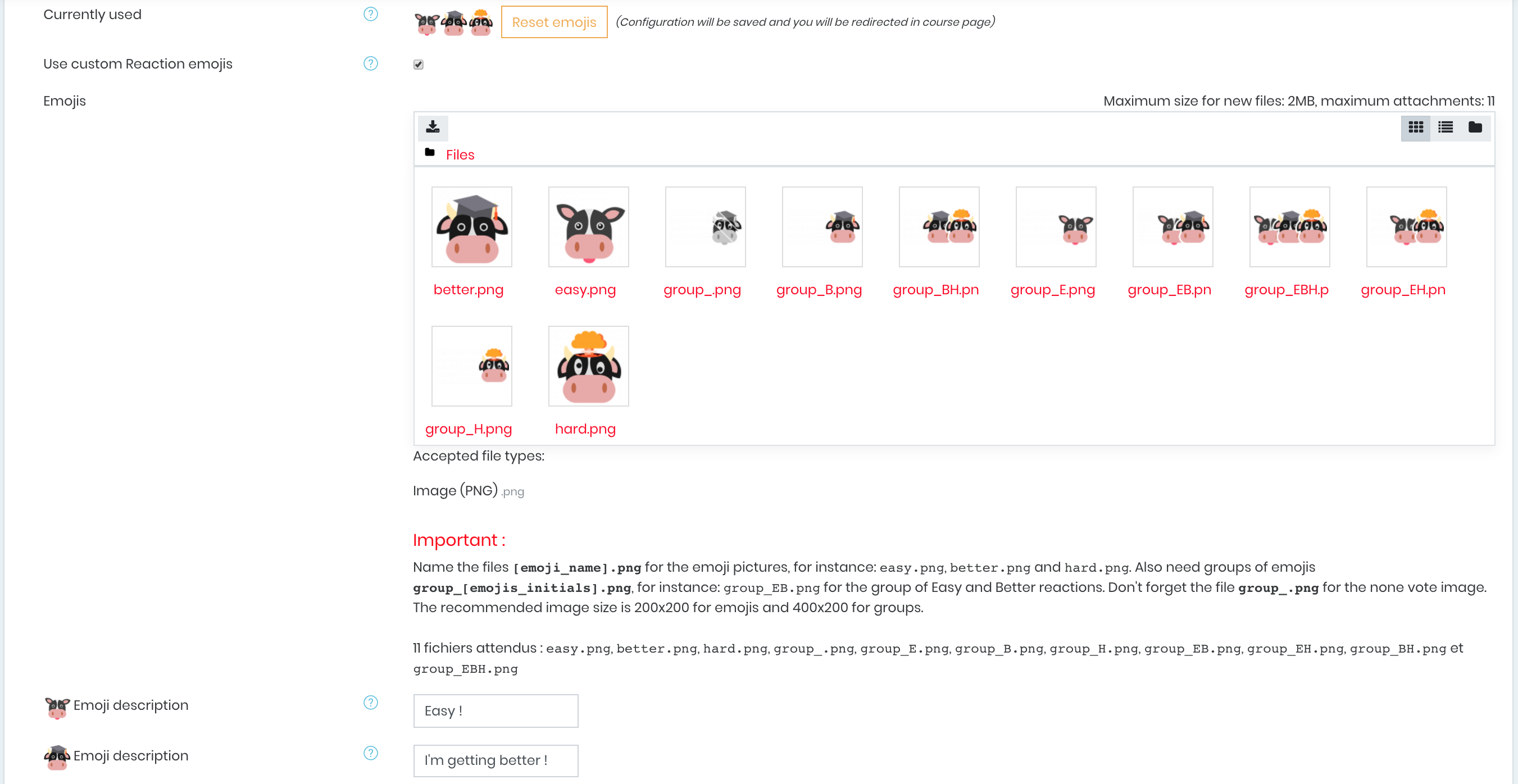
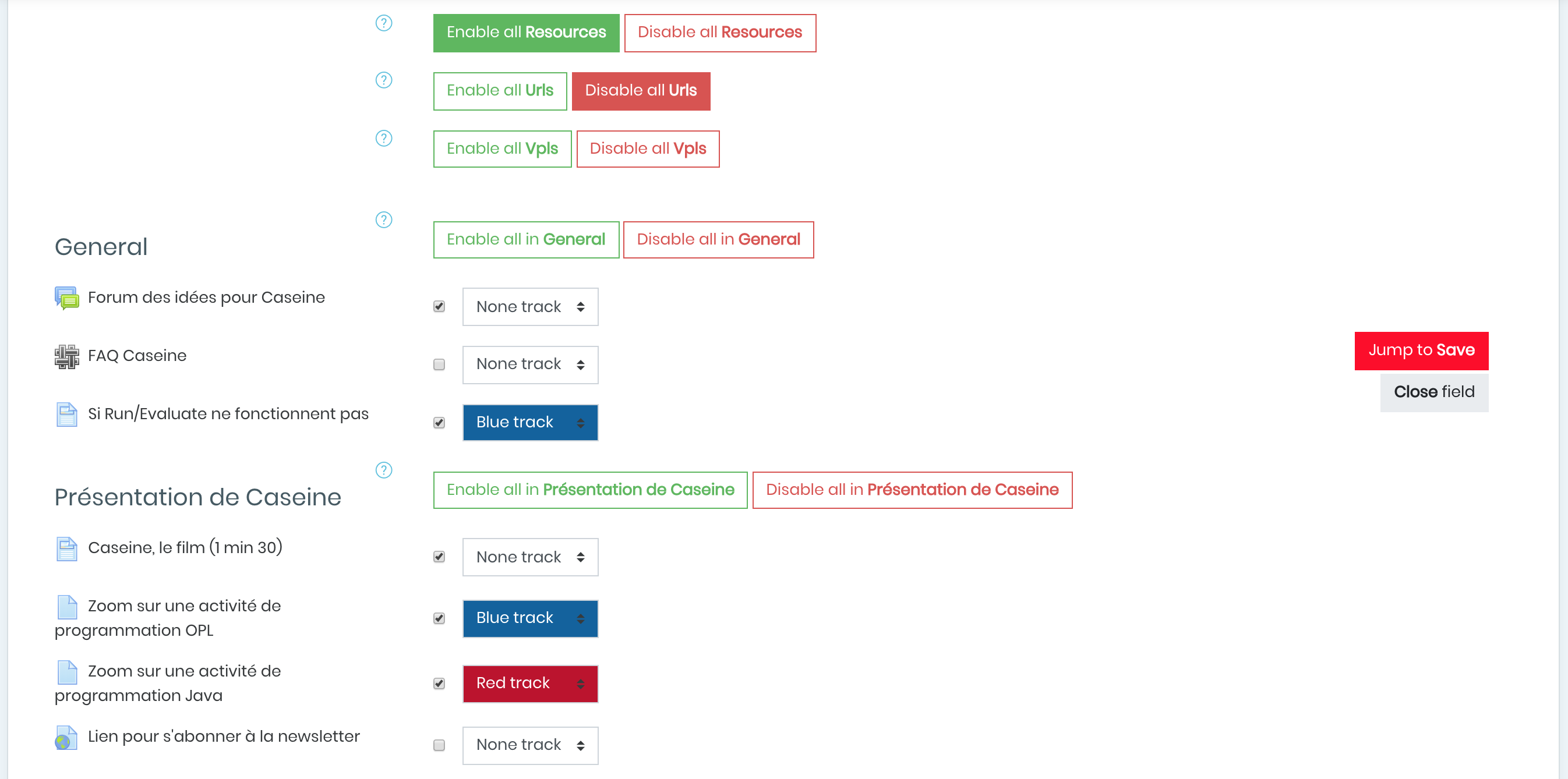
Point of view plugin allows to add customizable reaction buttons to moodle activities, display the number of users who reacted and the type of reaction or specify graphically difficulty levels for activities with color tracks. And it is fully customizable!

Comments
Comments are no longer open for new posts. Existing comments remain available to read.
I am confident it will work with PHP 7+, for earlier versions I am not sure.
Best regards,
Astor
If I understand your question correctly (make the reactions buttons always be visible, without having to hover the image of reactions first), yes it should be possible.
You would have to hide the group and make the reactions always visible, and make their height always be 20px (it is 0 by default).
You may need to adjust their positions as well. You may have a look at this method: https://github.com/Astor-Bizard/moodle-block_point_view/blob/master/amd/src/script_point_view.js#L278 to know what happens in js animation when reactions show up!
I hope this helps; if you have trouble, fell free PM me and I will get back to you
Best regards,
Astor
Is it possible to make icons always appear with CSS?
Best regards,
Carmen
This is a frequently asked feature, but was hard to setup properly in moodle 3.X.
With Moodle 4 however, it seems way more achievable! I plan to do so in the next release (I cannot however give you a release date at this time).
Best regards,
Astor
This plugin supports standard themes (Boost, Clean, More) and Adaptable theme. It supports standard course formats (Topics/topics-like) and Tiles format.
Other themes and formats may not be supported.
I have taken notes of your problem, and it might be supported in a future release of this plugin.
Sadly, that is all I can help you with for the moment.
Best regards,
Astor
I found this plugin really useful for collecting quick feedback from learners.
However, it seems to work only when the course page is in topics format. Our LMS is using the Edwiser theme and the course pages are in card layout, where the plugin is not working.
Please help.
This plugin has not been tested on Moodle 4.0 yet. Thus, support for it is limited.
We will plan to release a 4.0-compatible version in the future.
Best regards,
Astor
Thank you for developing this plug-in; it's very helpfull! I just tested today the plug-in with the new Moodle 4.0 (and the default theme); reactions shows perfect, but difficulty tracks are not shown. It's an expected bug in the actual version of the plug-in? Thank you
Thank you for your enthusiastic feedback!
Anonymous overview of reactions is not currently implemented, but is planned to be in a future release.
If you want some teachers not to have access to this information, you may simply want to manage their permissions, so that they cannot see the details page. This is managed by the "block/point_view:access_overview" capability.
Best regards,
Astor
First of all I have to send a big congratulations for this plugin. I love this fast and feedback for course activities.
But I have a big question. As I see this plugin collect the student names on the reactions details page. Can I set up shomehow that, this page hide the student real name? So can I set up that the data collection will be anonym?
Thank you your help
Jenő
I am not sure I understand your use case.
This plugin only allows a single block instance per page (ie. per course).
Please note that in block configuration, you can set which activities can be rated. In addition, if you have a notion of course progress, you can restrict activities access based on the completion of a previous activity ; this will lead to a natural flow in your course, as well as preventing ratings on activities that have not been unlocked yet.
I hope this answers your question - if not, feel free to refine your demand ! :D
Best regards,
Astor