
Point of view - Feedback
Maintained by
Astor Bizard, Quentin Fombaron
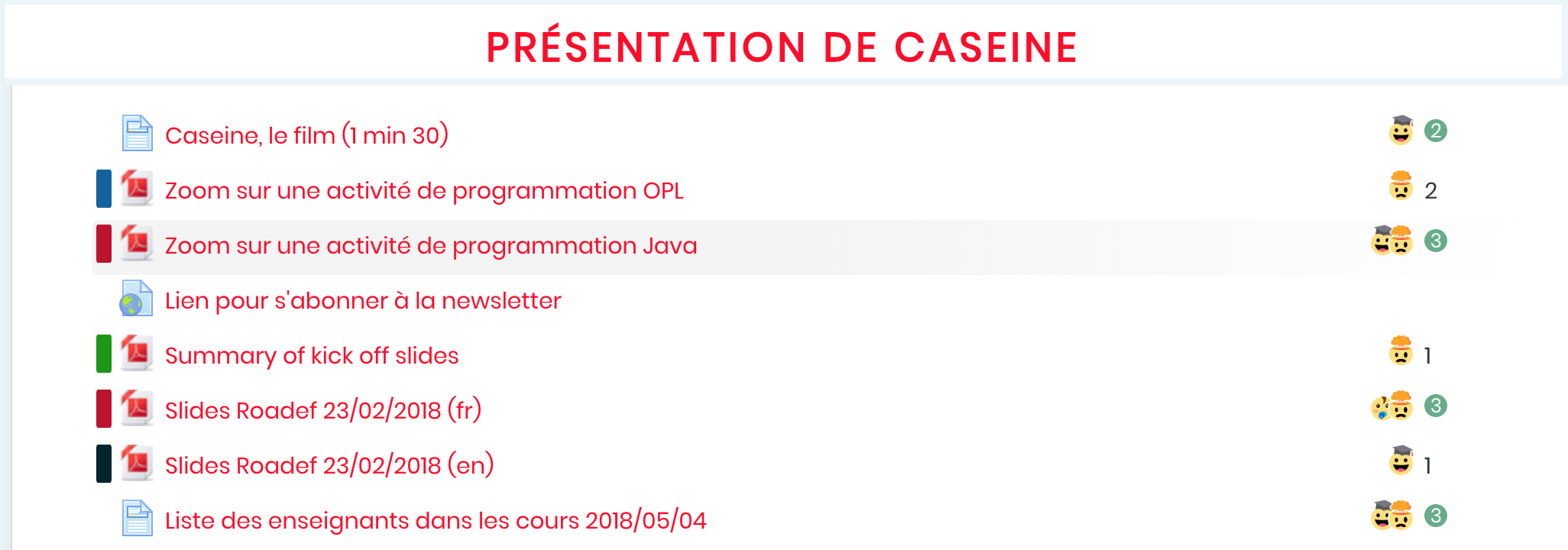
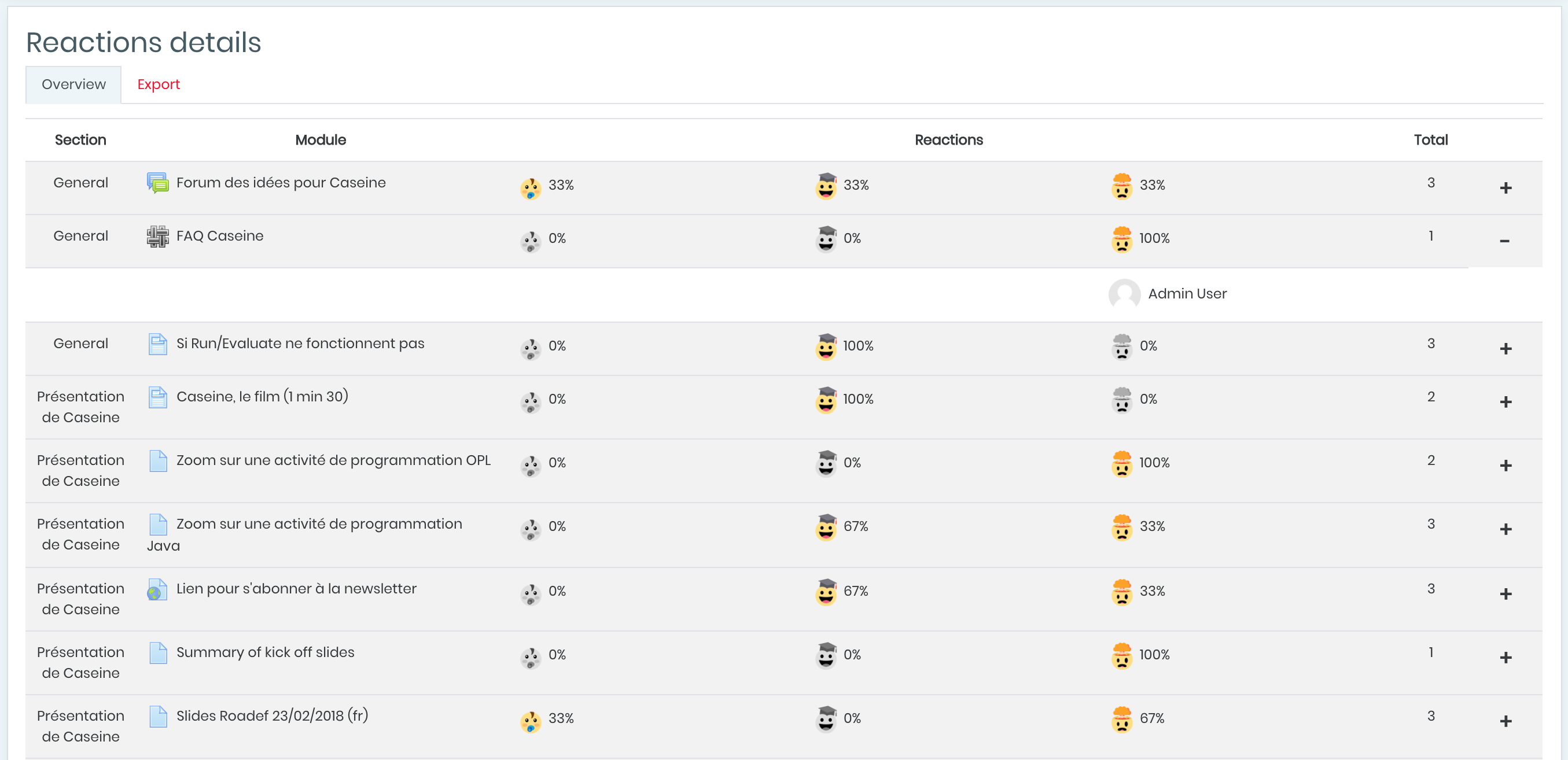
Did you ever want to know the feelings of students about your courses, exercises or other activities? Point of View is a reaction system with emojis representing feelings; students can vote and rate activities and hence share their experiences. It improves social networking and gamification in your courses with students and professors reactions.
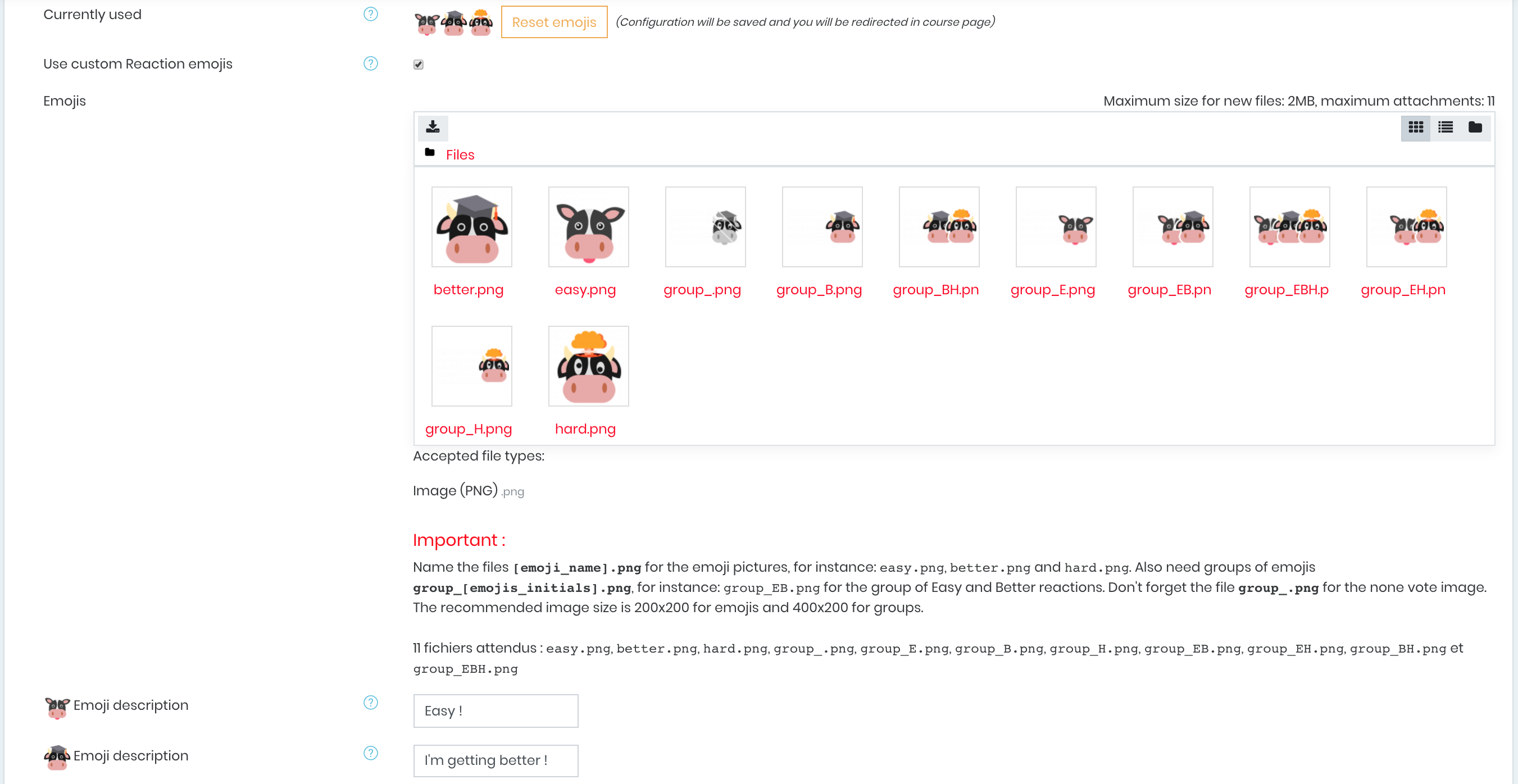
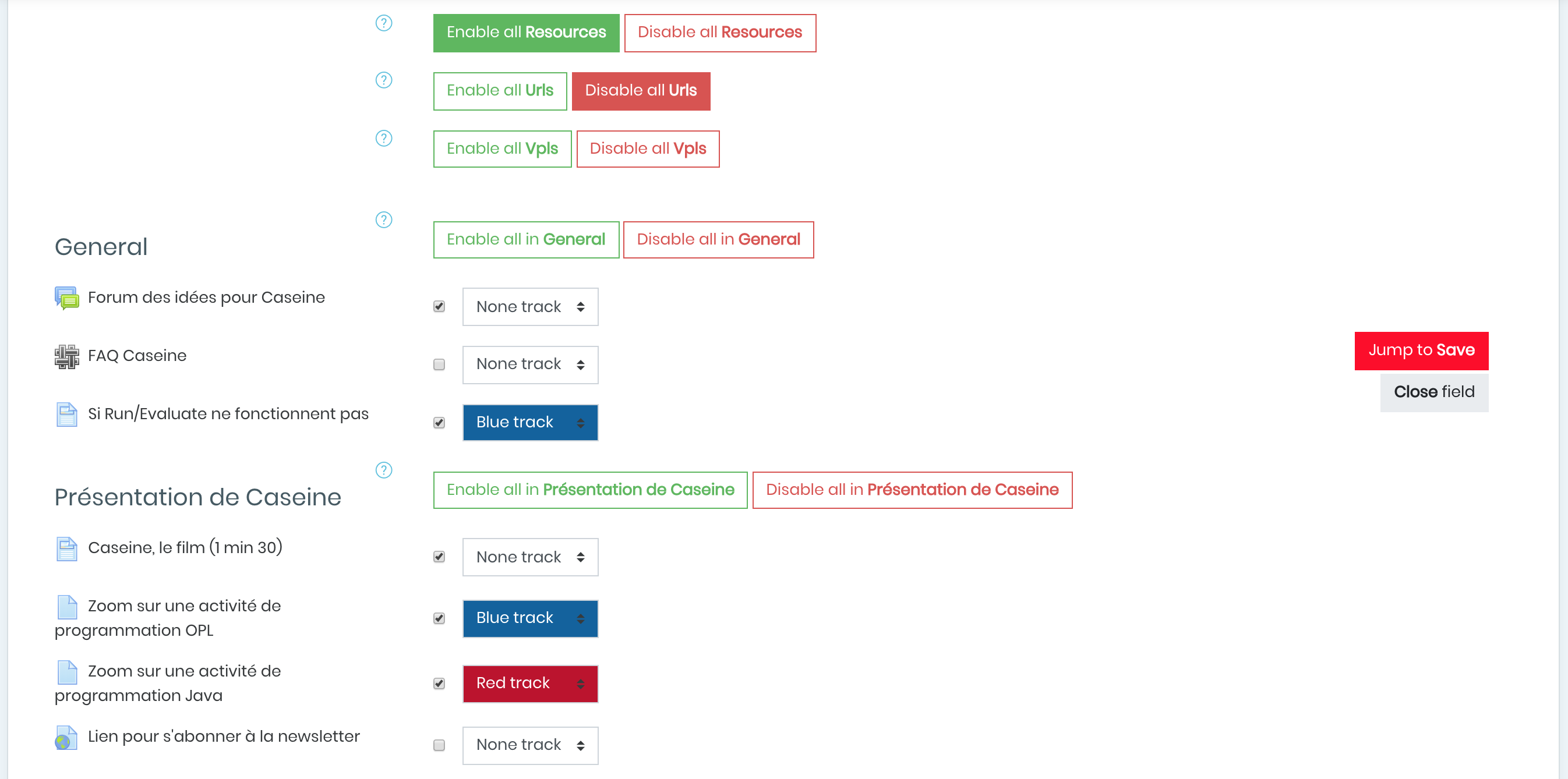
Point of view plugin allows to add customizable reaction buttons to moodle activities, display the number of users who reacted and the type of reaction or specify graphically difficulty levels for activities with color tracks. And it is fully customizable!

Comments
Comments are no longer open for new posts. Existing comments remain available to read.
I just released a new version of this plugin!
This should solve most of the problems that have been issued here.
Notably, it now supports Moodle up to 3.11, and Adaptable theme, along with Label resources.
@guigonis vincent, @Antti Jalmari Ollikainen, your suggestions have been taken into account and will be considered for a future development. Thank you!
Astor
Two questions on possible future steps in developing the plugin:
1. Have you considered enabling anonymous feedback in the Point of View plugin?
2. Could it be possible to save a timestamp for a feedback? If this was possible, one could see how the feedback has changed over time, if the learning activities or such have been modified. It would also make it possible to create graphs based on the feedback.
is there a way to hide opinions of other students? Students could give their feelings but would not see feelings given by other students. Teachers see that in this way they would get more independent opinions.
Thanks
Thanks
Excellent plugin, however it does not work with Snap (https://moodle.org/plugins/theme_snap). Would it be possible to update it to make it work ?
Thanks
With Moodle 3.10, theme Academi, Activity Lesson, the position of the emoticons stays above the text of course description. Is this lack of upgrade to 3.10? Is it posible to solve it in Custom CSS? Thanks
though the documentation on this page is very elaborate with images, I think one important point is missing- nowhere it says the reaction system appear or the course main page, against the activities.
Also, it would be more appropriate to have the reaction system on the resource page itself (at a convenient position, or in the block itself), instead of having it on the course main page. I think, when a learner is on the activity pages, the chances of reacting is more, rather than returning to the course home page and rating it.
Regards,
Jack
I've just installed this plugin as it looks fantastic. However it doesn't seem to work on all course formats. It would appear to display when using Collapsed Topics, but not when using Tiles (which is our default format) or even the standard Topics format.
Am I missing something? We're using 3.8 and would love to see this working with Tiles Format. Thanks!
J'adore ce bloc feedback mais je n'arrive pas à le faire fonctionner correctement quand le format de cours est sur "une section par page"
C'est bien dommage! Ya t-il une solution
Merci pour la réponse
Jules GUITTARD