Geolocation block icon

Geolocation block

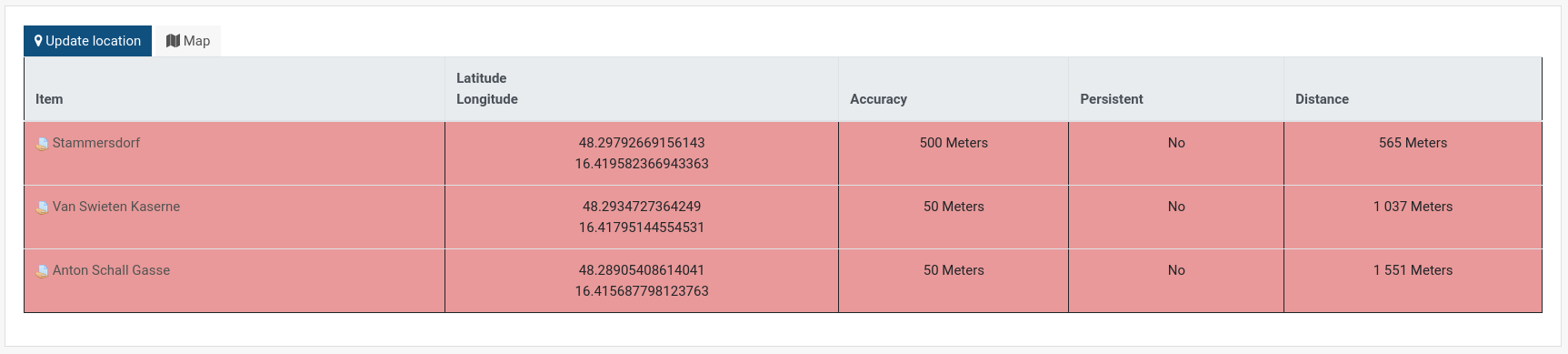
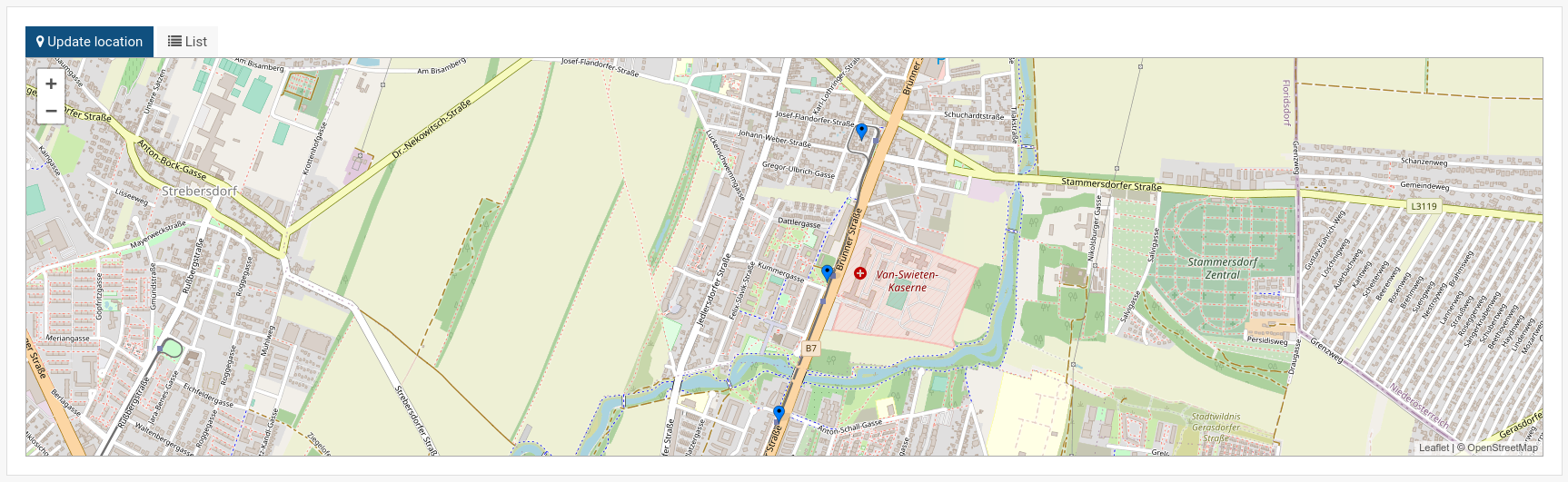
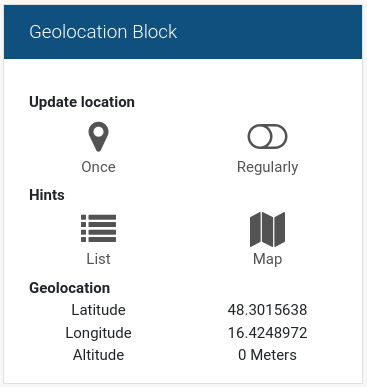
This block works together with the availability condition "gps" and allows a user to determine the current gps location. The location is stored in the current session and is used by the availability condition. Furthermore the block can show the locations in a course by list or on an interactive map.
Price option: Free

Supports Moodle 2.7-4.0 See all versions
Latest release: 4 years ago
Installations: 135
Downloads (last 90 days): 47

Frankenstyle name: block_gps
Blocks

Comments

Comments are no longer open for new posts. Existing comments remain available to read.

You need to configure the location as condition in a resource or activity.
Got it, but mine doesn't show the logs as in screenshot 2
Please read the first sentence of the description: „This block works together with the availability condition "gps"“.
Hello, I'd like to ask you a question. When I add this block to a room, how will I be able to place a location restriction, so that only students who are in a certain location can access it? Or see the location of students and give attendance only to those who are in a certain location.
I tried to add it to my Moodle, but when I click on "Update", the message "invalidrecord" appears.
Faced the same issue as Richard wrote. Have submitted an issue https://github.com/center-for-learning-management/moodle-block_gps/issues/5
Such message may indicate a bug. Please open an issue at https://github.com/center-for-learning-management/moodle-block_gps/issues, but please provide more information on the error. You can enable debugging and grab the error, or check the error logs of your webserver respectively. Kind regards
Hello Robert, thank you for your quick reply. On the client side (in the browser) I put all security off. But maybe it is on the server side. When I see the blank box (no map is visible) and I push
the blue location tab there comes a warning: Invalid record. Cant't find the data record (in Dutch: gegevensrecord) in the databasetable of the course. Moodle 3.11.4+ . php 7.4.27
Geolocationblock 2.5 (2021121600)
I hope this information can help to find a solution. Thank you. Richard.
Hello Richard, the map is embedded from open street map, so maybe your browser blocks this. Do you have content security enabled in the page header?
Dear Robert, In the geolocation blok the map is empty. So your third screenshot (the opentreetmap) my me is white. I see no map. I can't see the map, not in my browser on my pc, not in de moodle app on my smartphone, not in the browser on my smartphone. , noDo you have any idee what's the problem? My position (gps) is recognized en changes every time I walk. Thank you. Richard
Hello, I added your wish to the list of feature requests. Perhaps it is the best if it is just a numeric text field, where you enter the meters yourself....
Is there a way to expand the "accuracy" setting to more than 20 Kilometers. I am wanting to allow anyone in a particular City Metro area - or a larger region. something like 200-300 Kilometers
Hi There, the block geolocation is great but haves an issue: Redirects to login page, even whit force login disabled.
It happened with moodle 3.10 and 3.11, so I make this comment for general knowledge.
Approval issue created: CONTRIB-7408