Moodle plugin for creation demonstration version of quiz
Requirements
- Moodle 4.3 (build 2023100900) or later.
Installation
Copy the quizdemo folder into your Moodle /local directory and visit your Admin Notification page to complete the installation.
Usage
Demonstration quiz is needed, for example, if you plan examination, and want to provide to
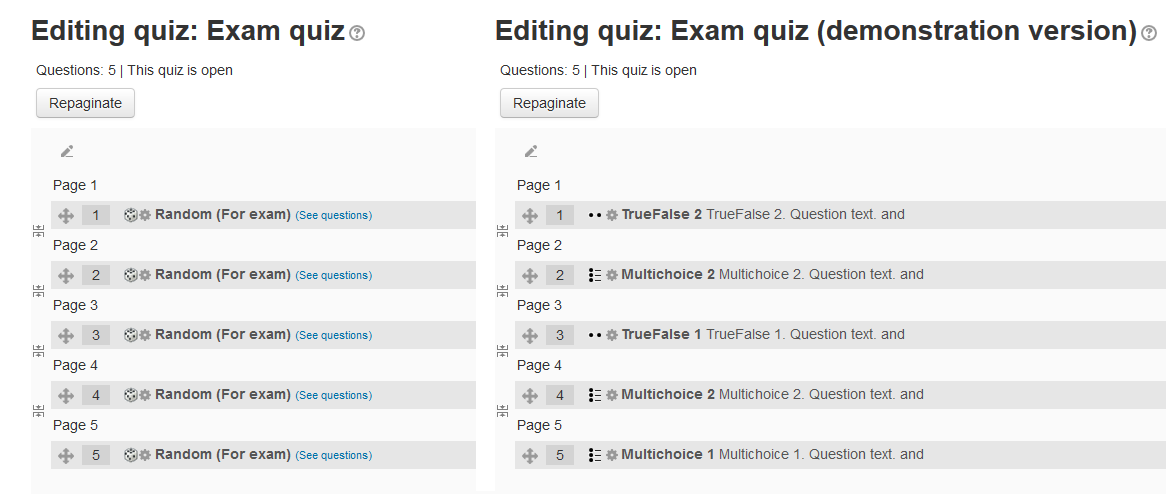
students some quiz preview with same structure. This module creates copy of quiz with random questions,
selects some questions and puts them in place of random. So, students may try out this quiz many times,
but will always see the same questions, so your full question bank will be secured until examination.
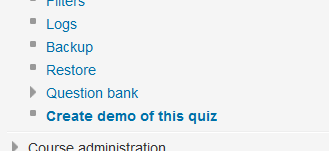
After plugin install quiz navigation node will be extended with "Create demo of this quiz" item.
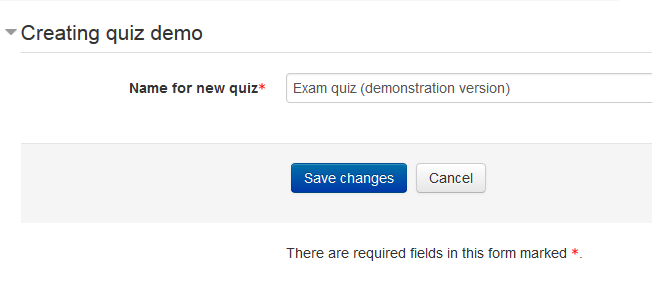
Press it, and fill in name for new quiz. Demo quiz will appear in course right after source quiz.
Author
- Vadim Dvorovenko (Vadimon@mail.ru)
Links
Changes
- Release 0.9 (build 2016042800):
- Release 1.0 (build 2016051100):
- Release 1.1 (build 2020061300):
- Release 2.0 (build 2023021802):
- Plugin rewritten for Moodle 4 question structures.
- Tags are taken into account when choosing a random question.
- Release 3.0 (build 2024121500):
- Release 4.0 (build 2024121501):