Poodll Wordcards icon

Poodll Wordcards

Certified Integration
Maintained by Justin Hunt
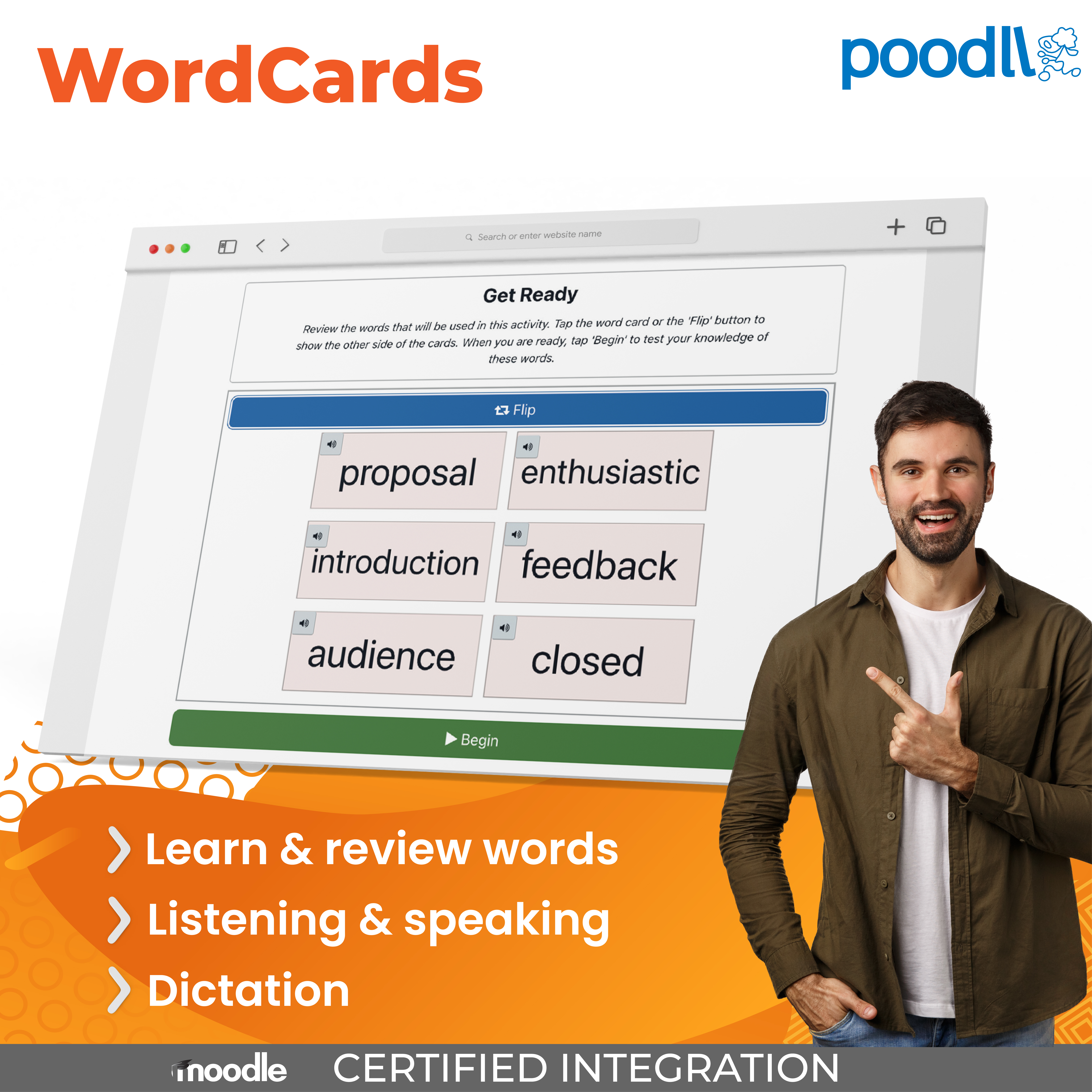
Poodll WordCards is a word learning Moodle plugin. Words or phrases to be learnt are introduced with each instance of the activity. Students learn and review words by completing listen-and-type, choose-the-answer, speechcards or type-the-words tasks
Price option: Free
Download for free Contact seller
Contact the seller to learn more about additional features or services.

Supports Moodle 3.1-5.2 See all versions
Latest release: 3 months ago
Installations: 467
Downloads (last 90 days): 496

Frankenstyle name: mod_wordcards
Activities

Description

A Flashcard Application for Moodle Users

WordCards is a plugin that allows teachers to create sets of flashcards for students to study, with automatic AI-assisted card creation and per-student progress tracking. There are six different activity types available:

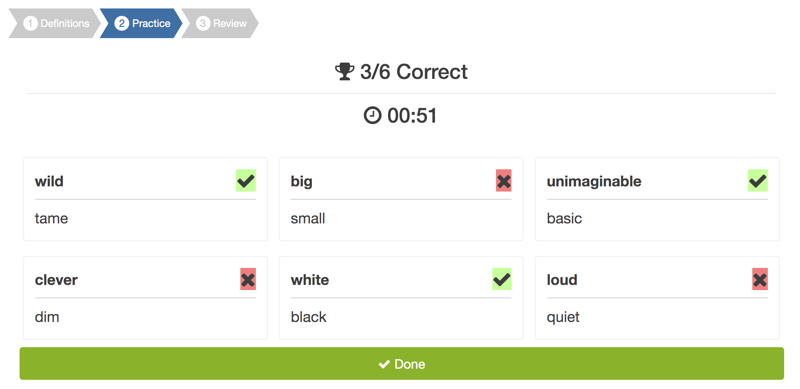
  • Choose the Answer
  • Type the Answer
  • Listen and Type
  • Listen and Choose
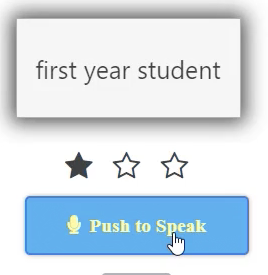
  • Say the Words
  • Space Game

For each activity type, there is a review option available in which the student is tested on previously studied words drawn randomly from their study pool.

Teachers create WordCards sessions by either adding terms and definitions manually, importing from a CSV file, or using the built-in Word Wizard to fetch definitions automatically for a list of words. A companion Image Wizard can bulk-generate an image for every term that doesn't already have one.

WordCards has two modes:

  • Free Mode — students choose the practice activity type, and the word pool (new words, review words, or My Words) and practice as they like.
  • Steps Mode — each session consists of up to five steps. For each step, the teacher chooses the study activity, the number of terms to practice, and the word pool. All steps of a WordCards session are completely auto-graded.

(The two modes can also be combined: steps first, then free practice.)

Use Cases

Language Learners
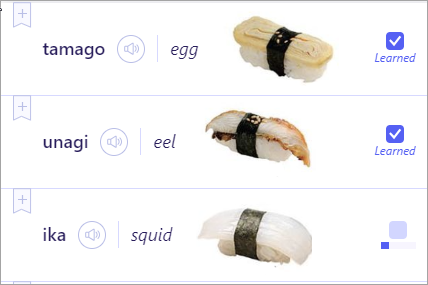
WordCards is designed for learning new words and phrases in another language. The plugin is adaptable to a variety of languages, though the Say the Words activity requires voice transcription AI that may not be available in some languages. Text-to-speech provides pronunciation models and opportunities for learners to develop aural recognition of new words and phrases. It is also possible to upload an audio file if text-to-speech is unavailable or not suitable for some reason. Images may also be added to cards to make the task more accessible for young learners.

Try Poodll WordCards on our Demo Site

Click here to try Poodll WordCards on our demo site.

Getting Started

WordCards requires a Poodll API username and secret. These are available with a free trial or a paid subscription. To get your API username and secret:

  1. Visit: https://poodll.com/try-poodll
  2. Read the instructions there and follow the steps to take a free trial
  3. Register your Moodle site URL and collect your API user and secret


Then install Poodll WordCards. You can enter your API user and secret on the plugin settings page. See the Poodll WordCards support documentation for more information on installing and using WordCards.

About Poodll

Poodll has been making plugins for Moodle since 2011. Our software has helped teachers build and deliver language courses in thousands of Moodle websites worldwide. Search for "Poodll" in the Moodle Plugins directory to see a list containing more than 25 of our plugins. Poodll is based in Nagasaki, Japan.

Where Credit is Due ...

Poodll WordCards originated as a project for iShine Professional College, and along the way several developers have contributed, including Justin Hunt, Paul Raine, Frederick Massart, David Watson and Roger Segu. We modified John Okely and Stephen Bourget's quizventure activity to create the Space Game activity type.

Contributors

Awards

Early bird 3.9
Reviewers' choice
Early bird 3.10
Early bird 3.11
Early bird 4.0
Early bird 4.1
Early bird 4.3
Privacy friendly
Early bird 4.5
Early bird 5.0
Early bird 5.1
Early bird 5.2