H5P content types

Maintained by Daniel Thies
This plugin imports various H5P content types into Moodle question types
Price option: Free

Supports Moodle 3.5-5.2 See all versions
Latest release: 9 months ago
Installations: 3976
Downloads (last 90 days): 986

Frankenstyle name: qformat_h5p
Question formats

Description

This plugin imports various h5p content types into the Moodle question bank.

Certain H5P content types are able to be translated into questions using standard Moodle question types. Not all H5P content types will be supported since they do not all have analogous Moodle question types with similar functionality. There will be some unavoidable differences in behaviour.

If you do not have access to install this or would like to use it or related prototypes without installing, you can create an account at moodle.openlearner.org and export the questions from there to your site.

To install copy this directory to question/format/h5p in Moodle directory structure. Login as admin to complete plugin installation. Then select this format during question bank import.

To import H5P content load a Quiz (Question Set) .h5p file or a Column content type file which contains some of the supported question content types as the import file and import. Individual questions will be extract from the Quiz.

Currently supports import of following H5P content types

  • Single Choice Set - extracts into individual multichoice questions
  • Dialog/Flash Cards - creates a short answer question from each card
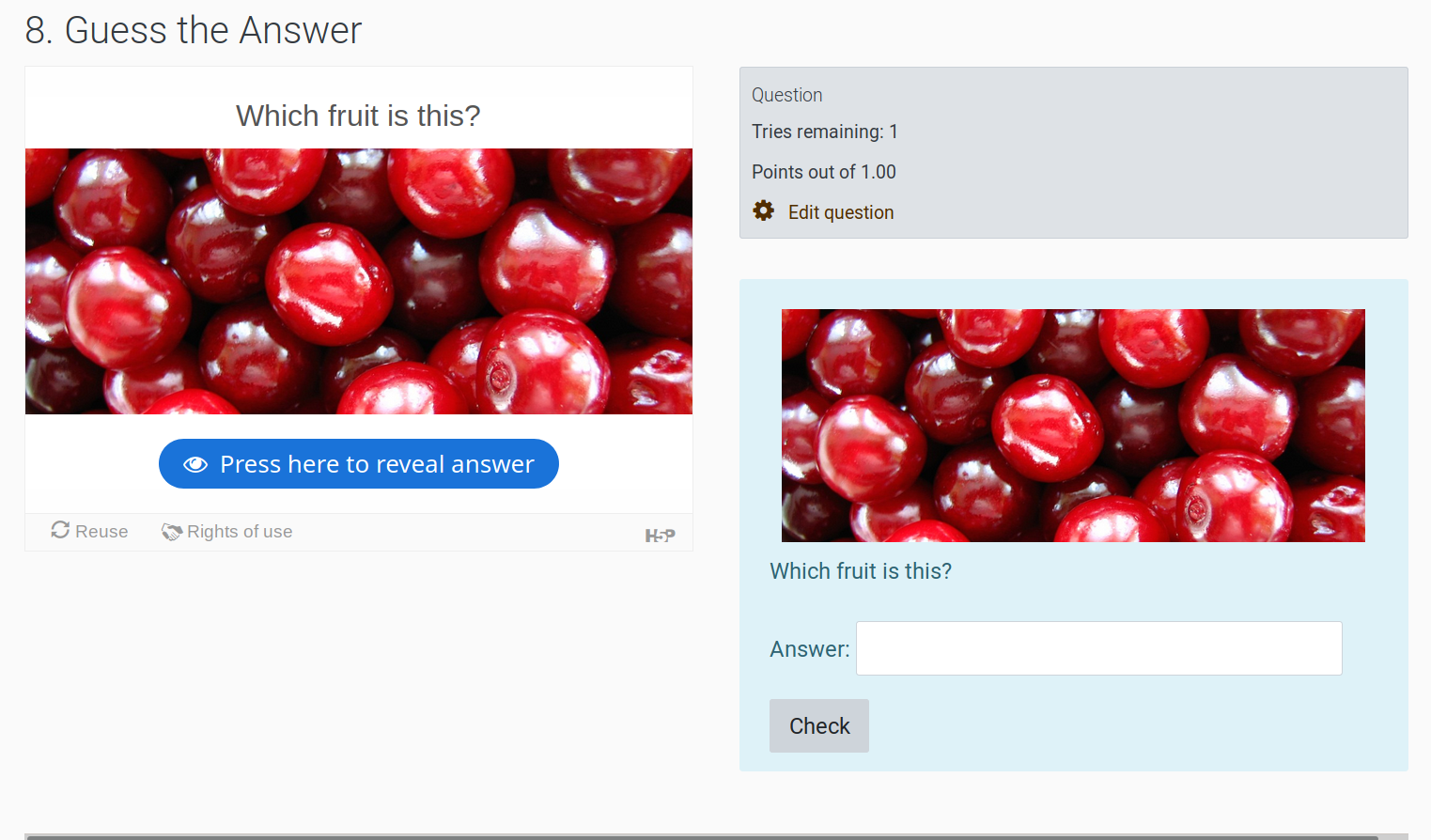
  • Guess The Answer- creates a short answer question from the card
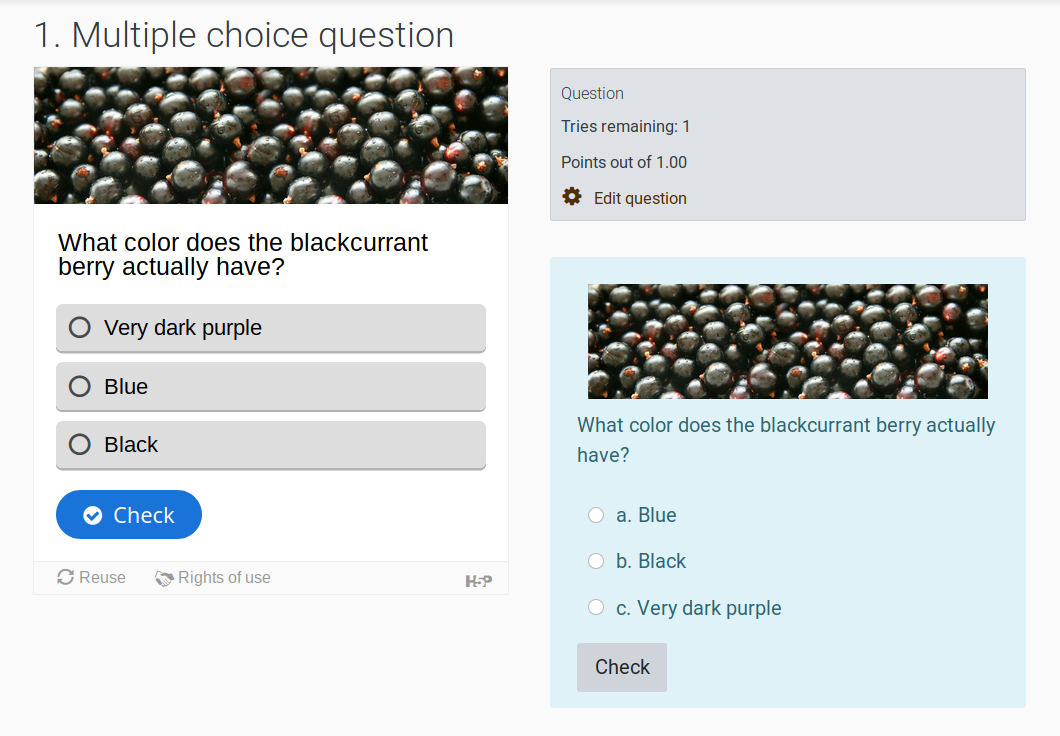
  • Multichoice Question - creates a multichoice question
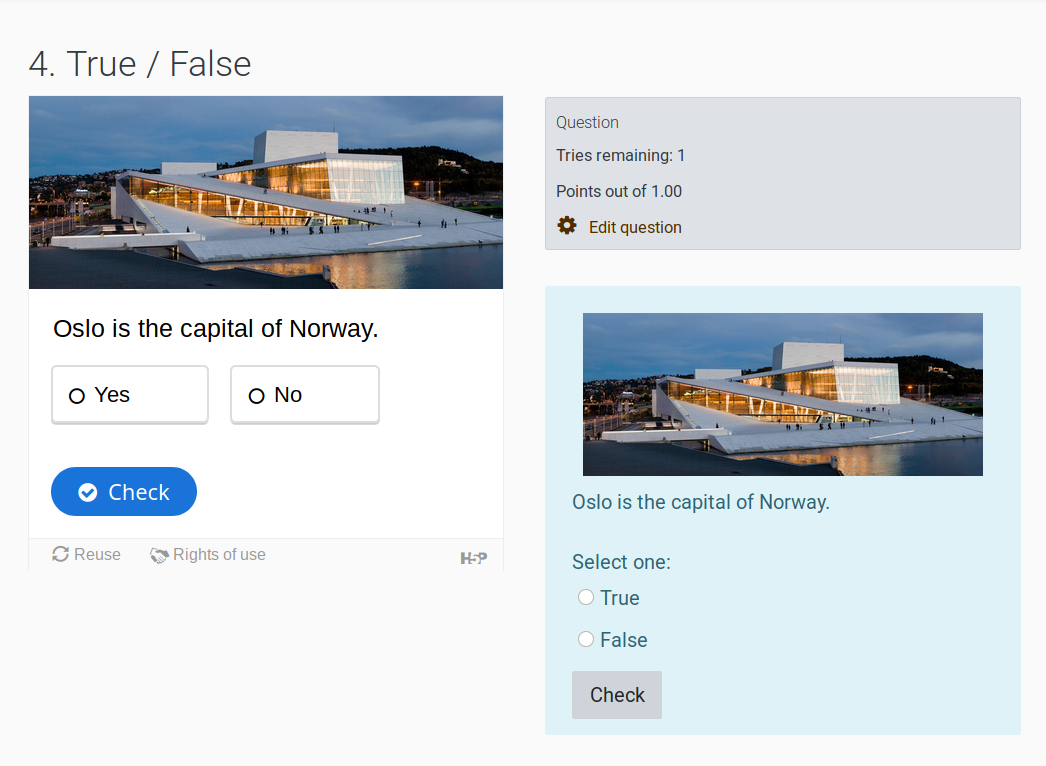
  • True/False Question - creates a true false question
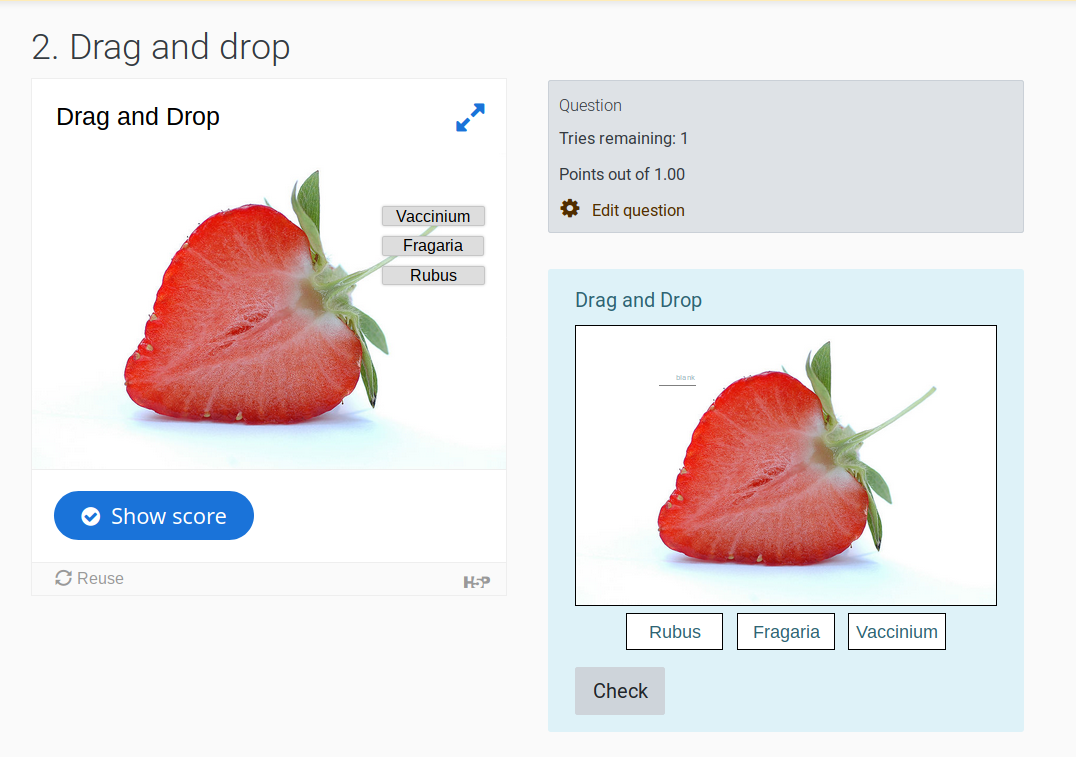
  • Drag and Drop Question - creates a Drag and drop onto image question
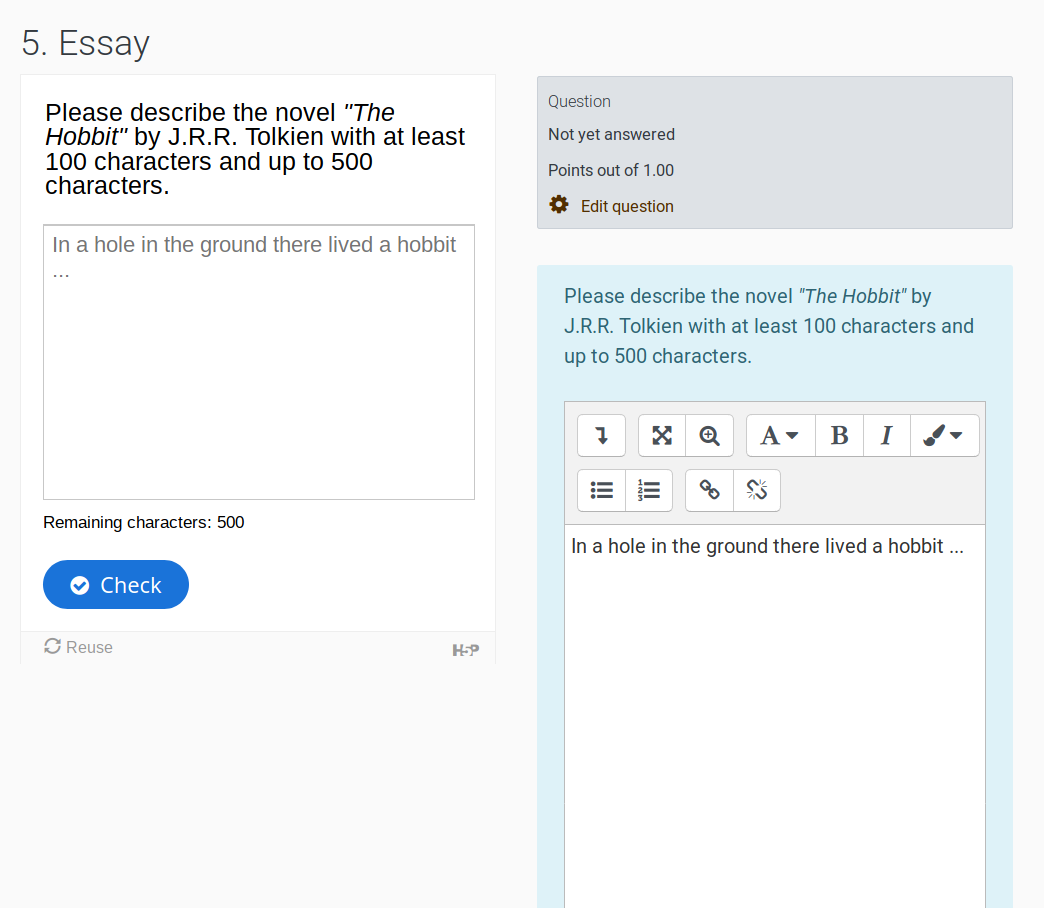
  • Essay - creates an essay question
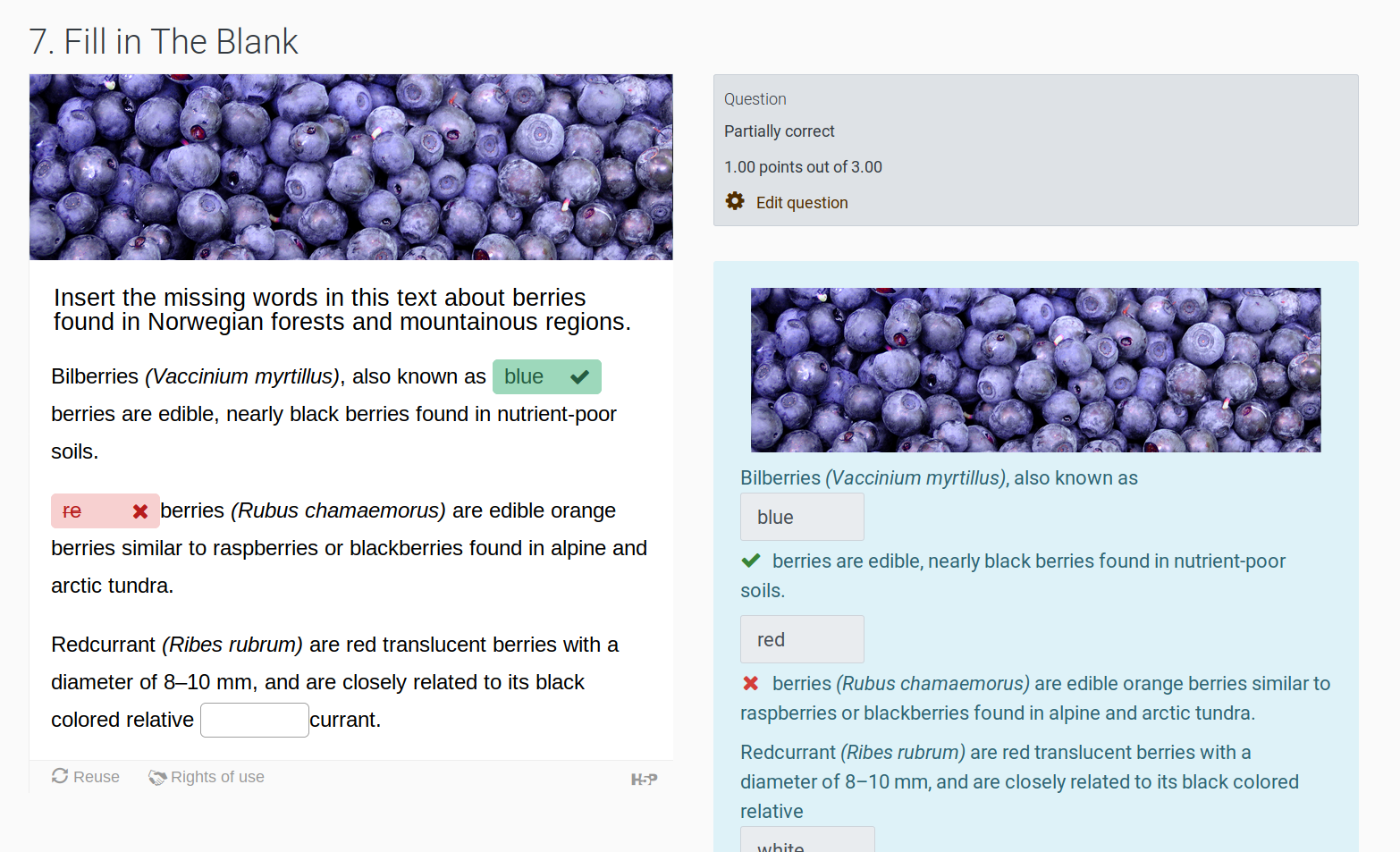
  • Fill in the Blank Question - creates a embedded answer (cloze) question with embedded short answer
  • Advanced Fill in the Blanks Question - creates a embedded answer (cloze) question with embedded short answer or mulitchoice subquestions
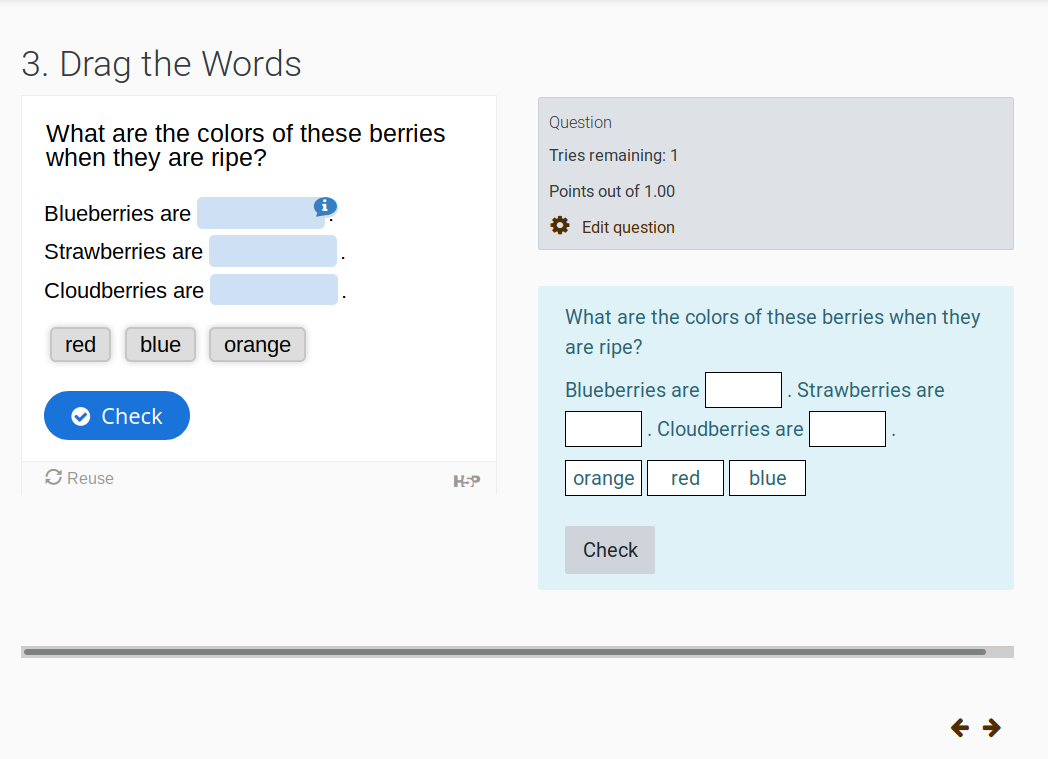
  • Drag the Text Question - creates a Drag and drop into text question
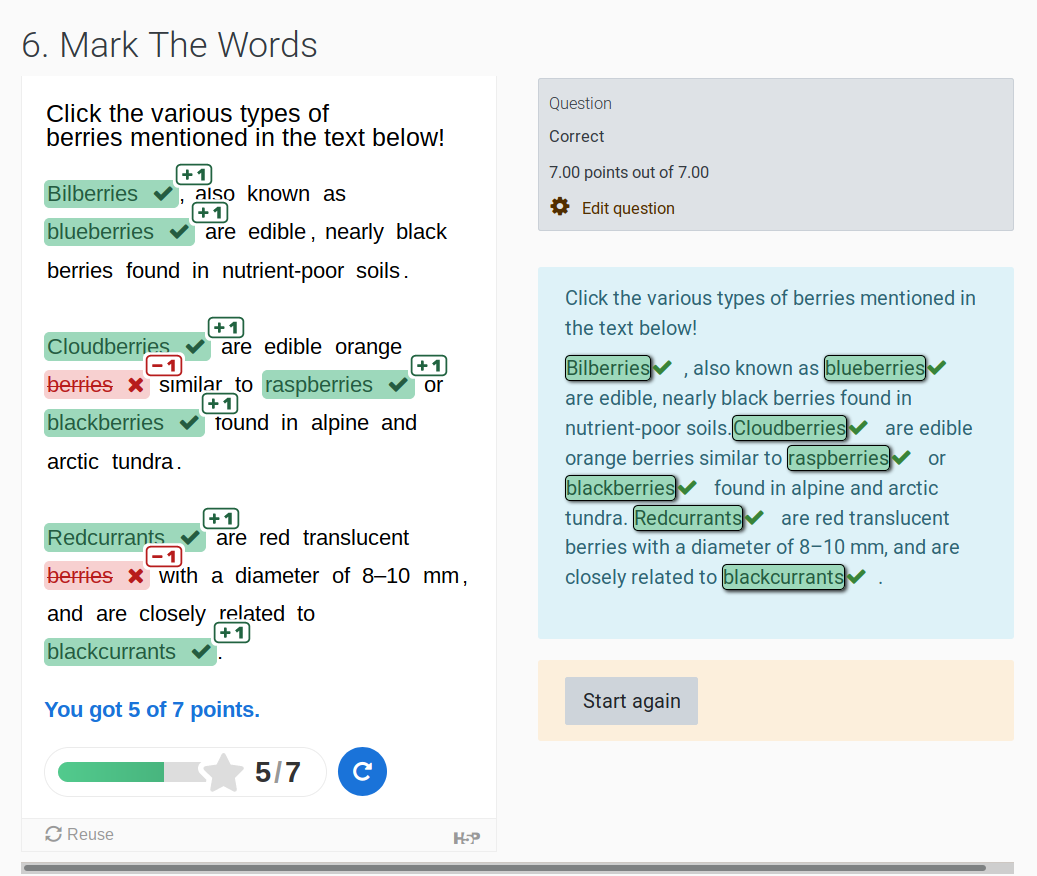
  • Mark The Words - Creates Word select if that question type is installed
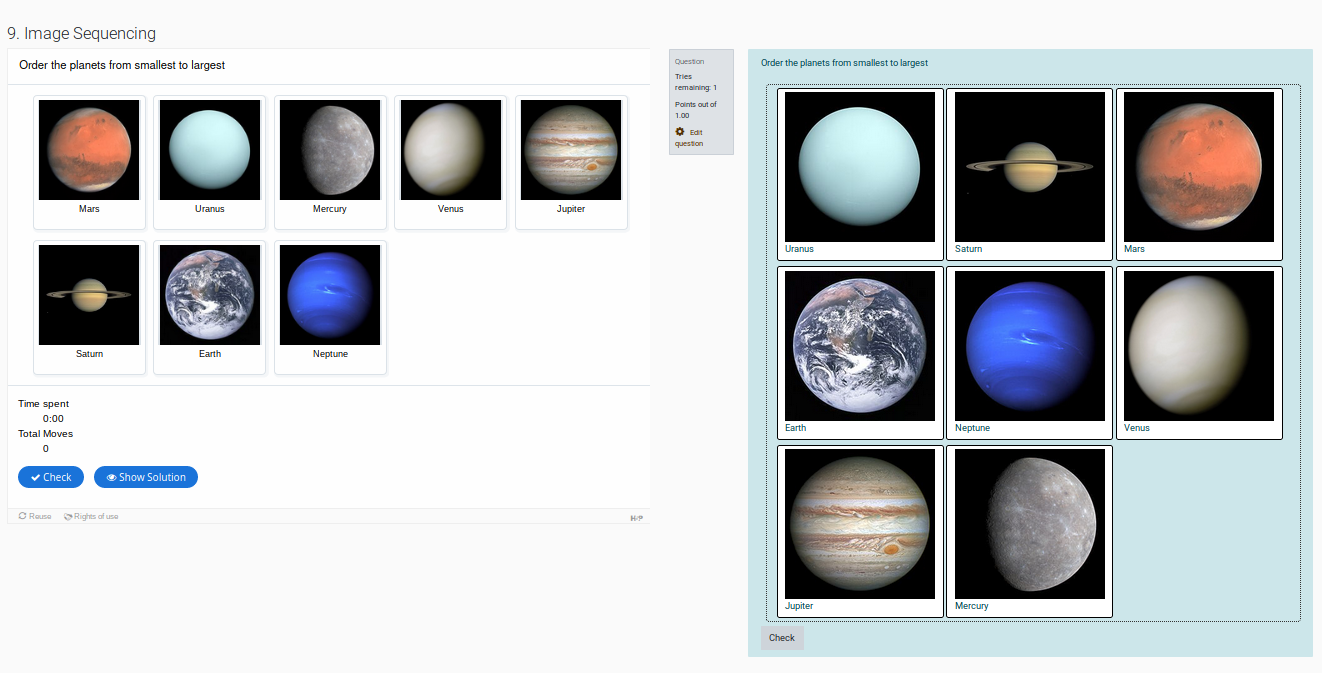
  • Image Sequencing - Creates an ordering question if that question type is
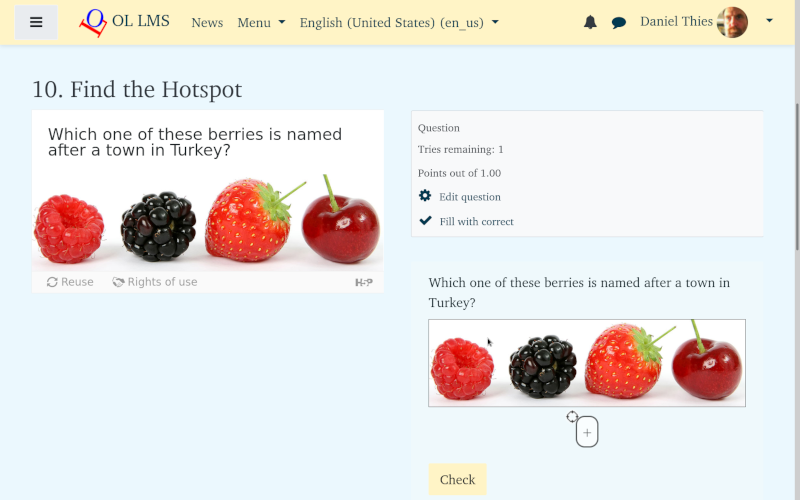
  • Find the Hotspot/Multiple Hotspots- Creates a Drag and drop markers question

and any of above which are included in Branching Scenario, Column, Course Presentaion, Interactive Book, Interactive Video, or Quiz (Question Set).

If you want to convert questions into H5P use the Repurpose resources content type plugin https://moodle.org/plugins/contenttype_repurpose.

Testing status

Contributors

Awards

Automated testing support
Privacy friendly
Reviewers' choice
Early bird 3.9
Early bird 3.10
Early bird 3.11
Early bird 4.0
Early bird 4.1
Early bird 4.2
Early bird 4.3
Early bird 4.4
Early bird 4.5
Early bird 5.0
Early bird 5.1
Early bird 5.2