Microsoft 365 Repository

Premium Certified Partner
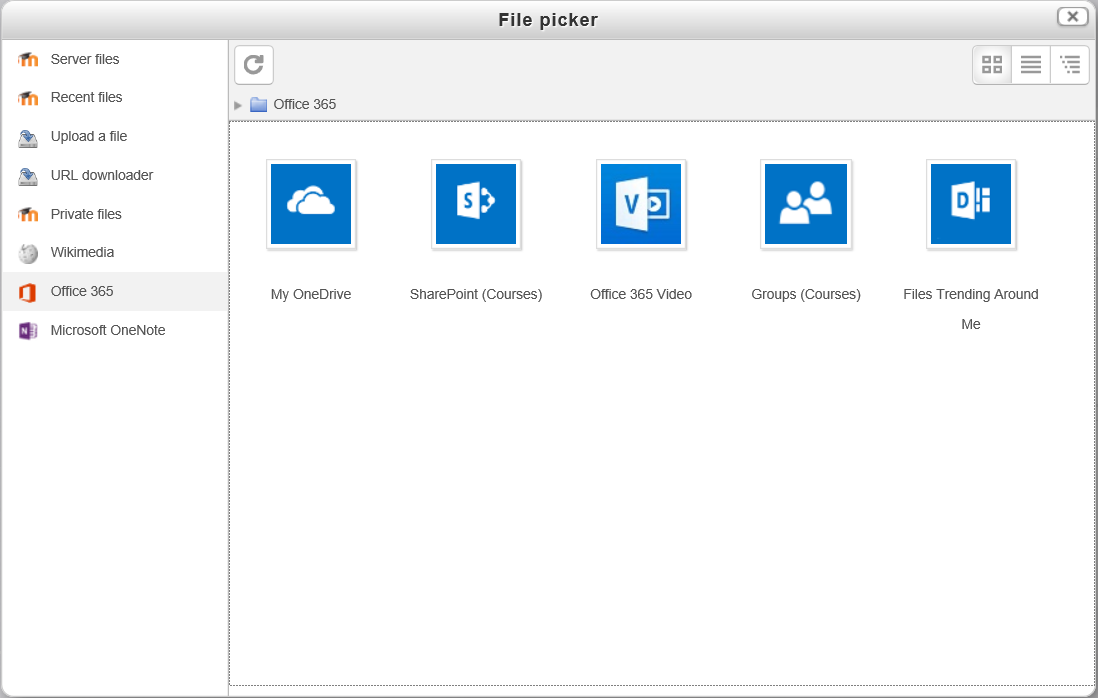
This plugin provides access to Microsoft 365 as a repository. Specifically, includes OneDrive for Business, Office Video, Office Delve as well as SharePoint Document Libraries and Group Files associated with Moodle courses.
Price option: Free

Supports Moodle 3.9-5.2 See all versions
Latest release: 2 weeks ago
Installations: 3066
Downloads (last 90 days): 1222

Frankenstyle name: repository_office365
Repositories
Microsoft 365

Comments

Comments are no longer open for new posts. Existing comments remain available to read.

I'm having a bit of a problem with getting the Repository to work. Everything is green on the 365 integration and I have linked the Moodle and Office 365 account, but when I try to add an attachment in the File picker i just get "No files available". I've been at it a few days and not sure what more I can do. Any thoughts on how I can debug further?
Hi Pedro - This should be resolved in the latest release. Please upgrade and let me know if you continue to experience problems. Thanks!
Problem on the line 983 of the file local/o365/classes/rest/sharepoint.php I replaced $offsetsize = 8192 * 1024 for $offsetsize = 8388608
Hi Rene,
Can you run the "Azure setup" tool in the Office 365 local plugin? It should report if there are any permission issues. If everything checks out, can you enable the "Record debug messages" setting on that same settings page, click Save changes, then try to access your OneDrive Moodle repository again? If you still don't see any files, go to Site administration > Reports > Logs, change "All activities" to "Site errors", and click "Get these logs". If there are any Office 365-related messages, can you send them to me (in a private message), and we can go from there. Thanks!
I am not able to get the One drive for Business to show the personal storage. Was able to get it working for the course. URL in Local_o365 plugin set to: https://oursite-my.sharepoint.com
Is there something I need to set on Azure, or could it be a permission issue?
Glad your issue was resolved Shawn - I'm aware of this issue and working on a better solution. You're correct that disconnecting and reconnecting is a temporary workaround that should fix the problem until I can get a better solution in place.
Found another post that fixed my issue. You need to disconnect your O365 account and re-connect it. The button doesn't work so have the user go to this URL (change the root) http://moodle.mydomain.com/local/o365/ucp.php?action=disconnecttoken
Then just re-connect the Office 365 account and it will work. smile
Anyone else not able to access Office365 repository after updating plugsin from December 2015? We can't get to our files anymore.
Well i feel doumb after 3 hours a messing with it. Need to login as user that was authed by 365 to accesss it i guess. my moodle user I was using has no access.
Have everything working for the sign in and the SharePoint site gets created and I can see the sub site for the course but when trying to use the File picker to load some documents I just get "No files available". Any thoughts. Running verion 29.0.0.0 (2015060100) of the plugin on a fresh install of Moodle 2.9.2+ (Build: 20150924)
@Paul - Yes they can both be used on the same site - this one to access OneDrive for Business, and the other to access personal OneDrive.
Can this Onedrive for Business plugin be used next to the previous OneDrive (formerly SkyDrive) repository plugin?
Thanks a tonne for that James, that was far from obvious for me. For anyone else reading this whose has the same issue the repository page address to enable this plugin is http://mymoodlesite/admin/repository.php, when enabling the plugin for the first time it takes bit of clicking to get to I found.
Hi Rob,
You'll need to enable the plugin from the Site Administration > Plugins > Repositories page - repository plugins usually start off disabled.
For some unknown reason only this plugin is appearing as disabled in the plugins overview page. I have moodle 2.8.7 and all the other MS related Office 365 plugins are installed and appear to be working correctly. Any ideas are appreciated.