Microsoft 365 Repository

Premium Certified Partner
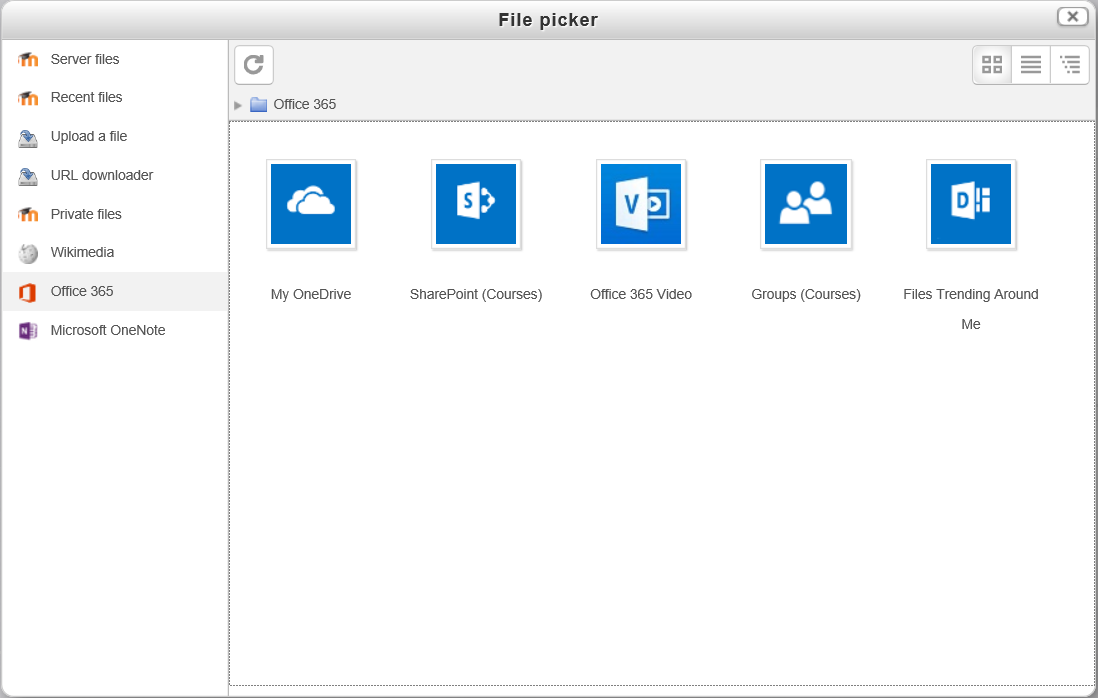
This plugin provides access to Microsoft 365 as a repository. Specifically, includes OneDrive for Business, Office Video, Office Delve as well as SharePoint Document Libraries and Group Files associated with Moodle courses.
Price option: Free

Supports Moodle 3.9-5.2 See all versions
Latest release: 2 weeks ago
Installations: 3066
Downloads (last 90 days): 1222

Frankenstyle name: repository_office365
Repositories
Microsoft 365

Comments

Comments are no longer open for new posts. Existing comments remain available to read.

Hi erika, the latest release of the plugin allows site admins to configure whether to enable the "Link to the file" and "Create an access controlled link to the file" options when adding a file using the repository. The behaviour of each option are file permissions and access is described on the plugin settings page. These two options are how Moodle Repository API allows repository plugins to add links to external files.
In the file picker I can't see the alias/shortcut option anymore. I'm using Moodle 4.5.7. Is this option removed from the plugin?
When do you think we can expect to see a release for Moodle 4.5 LTS?
I have successfully connected the following 2 plugins to Moodle: 1) https://moodle.org/plugins/auth_oidc 2) https://moodle.org/plugins/local_o365 and have installed this plugin. After adding the Azure AD Tenant (xxx.onmicrosoft.com) and OneDrive for Business URL (xxx.sharepoint.com) as well as verifying the Azure AD setup . I get green "Microsoft Graph API active", "Application Permissions are correct" and "Delegated Permissions are correct.". However when trying to add a file to a course, currently the Onedrive folder is only fulling through and not the Sharepoint courses file. What needs to be setup on Sharepoint in order for the SharePoint Document Libraries to pull through as per the plugin description.
Hi, when I try to embed a word document into a Page activity, it gives me error "Call to undefined method local_o365\rest\unified::get_embed_url".
Anybody can help?
Dear, I have integrated Microsoft 365 with Moodle everything is working correctly for the login and from the selector you can see OneDrive files of each user.
However when a student is going to upload a task in the file selector they can see their OneDrive files but it does not show the options to link the file or upload a copy directly to moodle.
It does not allow me to link from the file picker when loading assignments by students.
I would appreciate help with this problem.
Best regards.
James, is it possible that your looking at integrating access control links within the repository plugin? It seems strange students create duplicates of their submitted for Moodle when this can be managed via a more efficient methid.
Thanks!
Hello, can you tell us if the plugin will support version 3.6 of Moodle in a near future ?
Hello!
Is it possible if, when we upload a file from the filepicker and choose "Create an alias/shortcut to the file", this file not to open via the SharePoint but via moodle? Can we remove this restriction that only 365 authenticated users can access the file?
Thank you,
Christine
hello there! I'm trying to use just the repository part of this as we do not use AZURE active directory. Is this possible at all?? Thanks in advance for your help....
@sue - sent you a message
Apologies for the delay in replying, we left it alone over the summer break (I only work term time) and have only just got back to looking at it. With the new versions of these plugins we were able to connect to Microsoft via the block and then get the repository file picker running correctly. My only question now is regarding the calendar options in the block where I can get things to sync from Moodle to the 365 calendar, but not anything feeding back to Moodle from 365. Any suggestions?
Eric + Sue - contacted you directly, however it's probably useful to note here - for everyone having trouble accessing OneDrive in the latest release. We've identified this as a bug and will have a release ready shortly to resolve the problem. Enabling the Microsoft Graph API (both in the options tab of the Office 365 local plugin and in Azure) should resolve the problem immediately. Remember to run the "Azure setup" tool on the setup tab of the Office 365 local plugin after enabling the Graph API to get the plugin to detect the new API.
We seem to be having the same problem with the file picker that Eric and Sue are having. Eric or Sue, were you able to resolve your issues?
We're having the same problem with the file picker. Everything is connected fine, can get to files using the Microsoft block but the Repository is not working - "No files available" and no errors anywhere.