Andreas Grabs
Lead maintainer
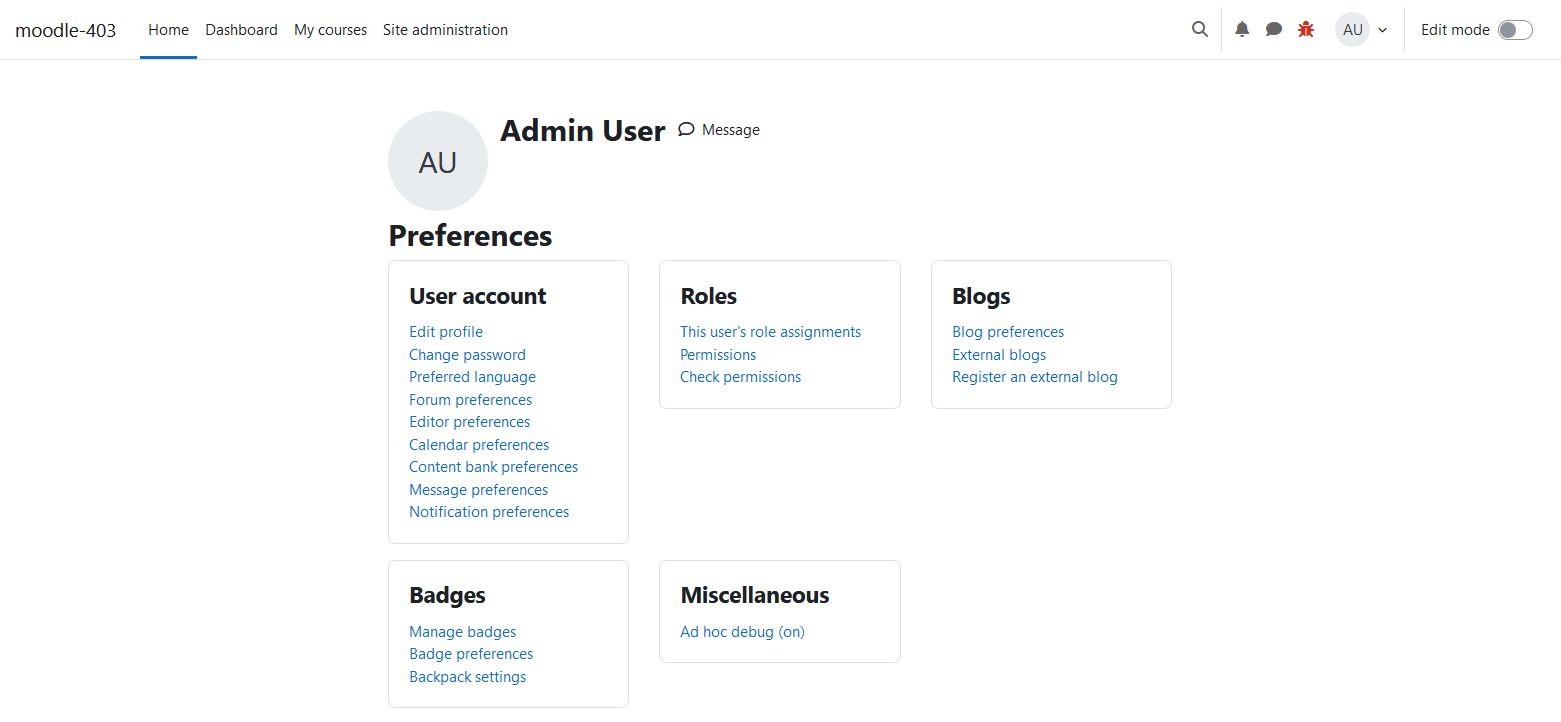
If you want to activate the debugging mode for some users on your system, the setting of $CFG->debugusers isn’t the best solution. You have to edit the config.php which allways is a risk to break you system. Also with this setting you only change the behaviour of the function debugging(). But if the debugging setting is turned of you’ll never see the debug messages.
Why do I need this?
If you adminstrate some productive systems sometimes you have a
situation to need to turn on the debugging mode. But if you do this on a
productive system, all users will see the debugging messages. In most
cases it isn’t what you want.
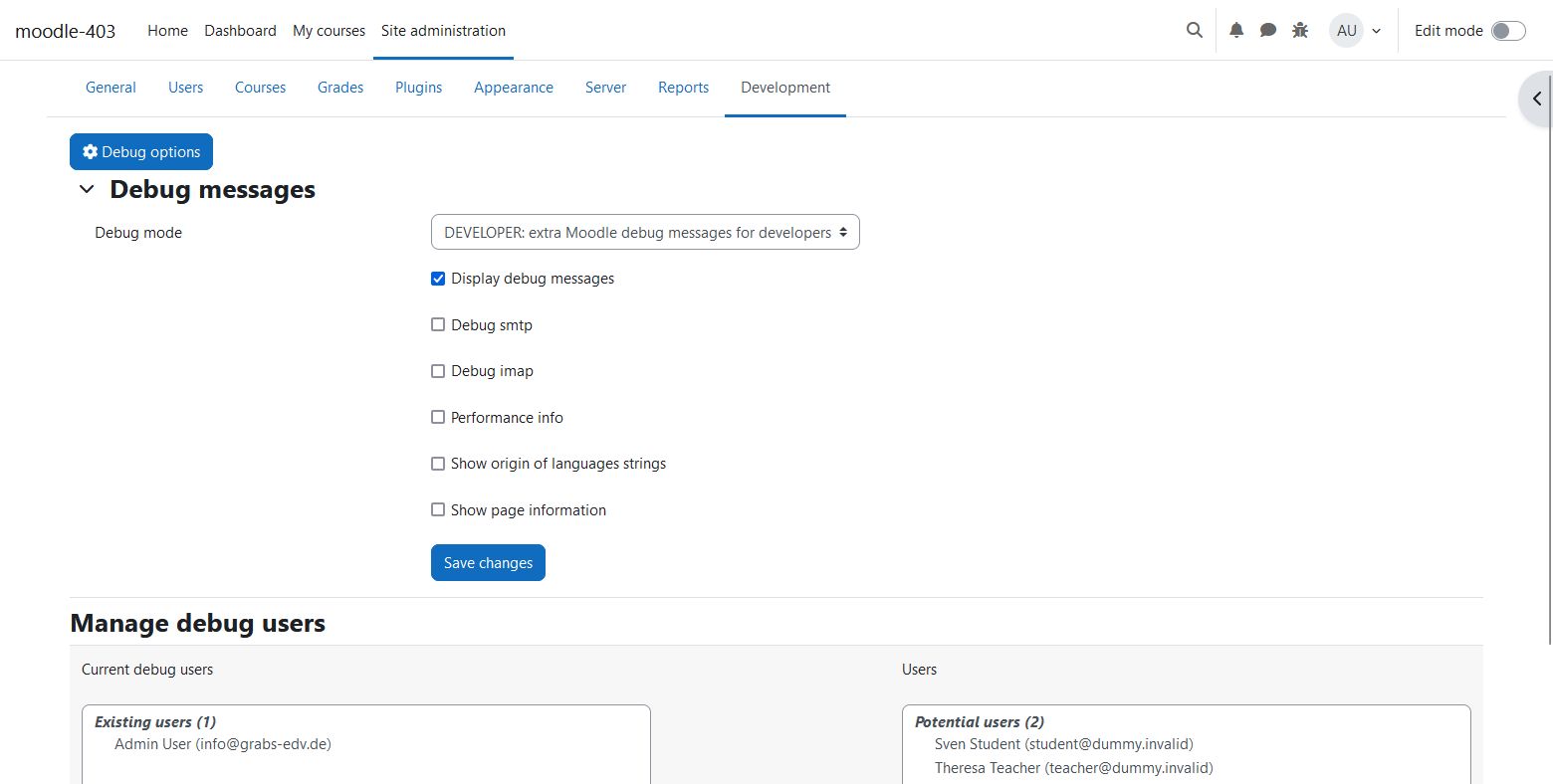
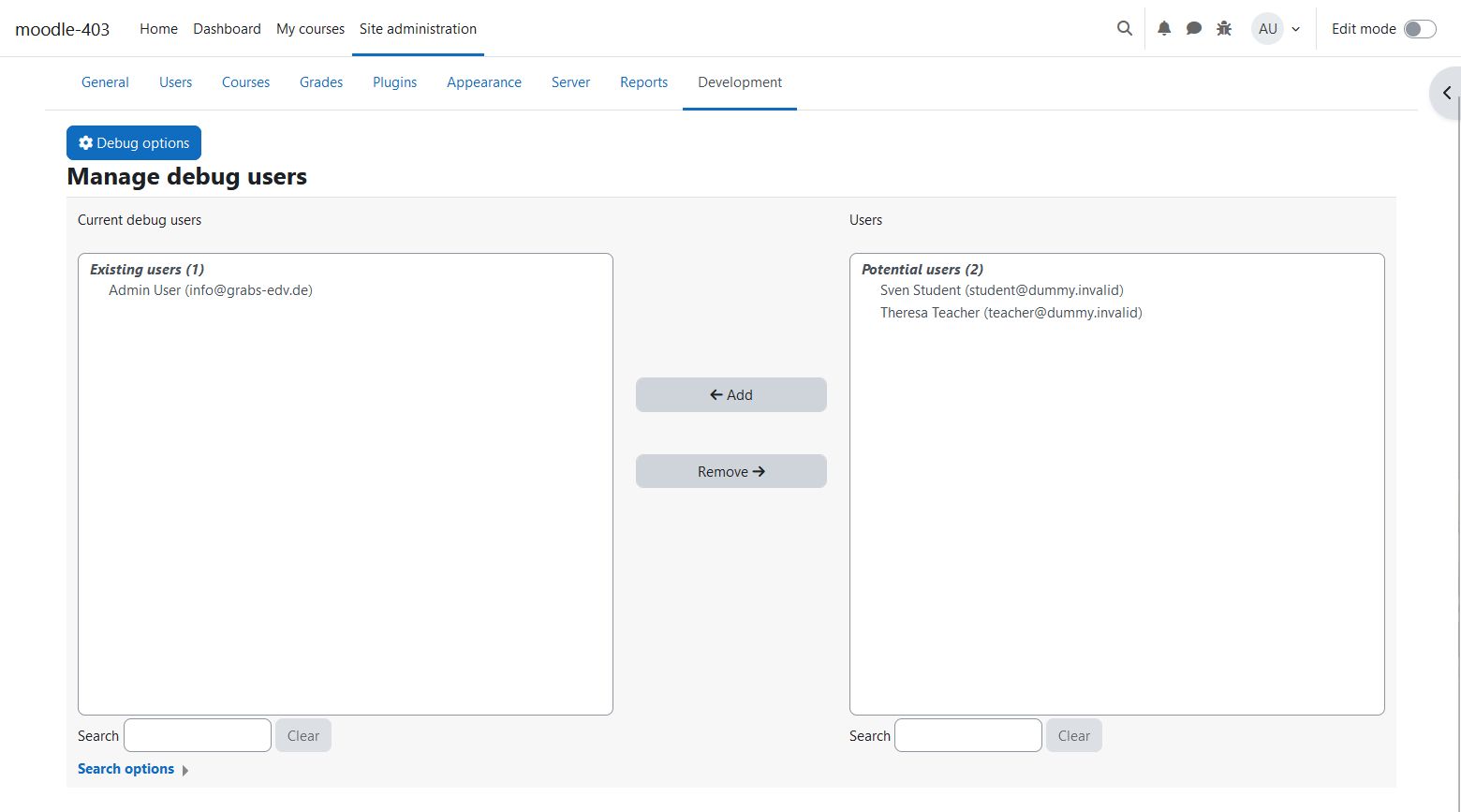
So with this plugin you can turn on the debugging mode just for you or some selected users.
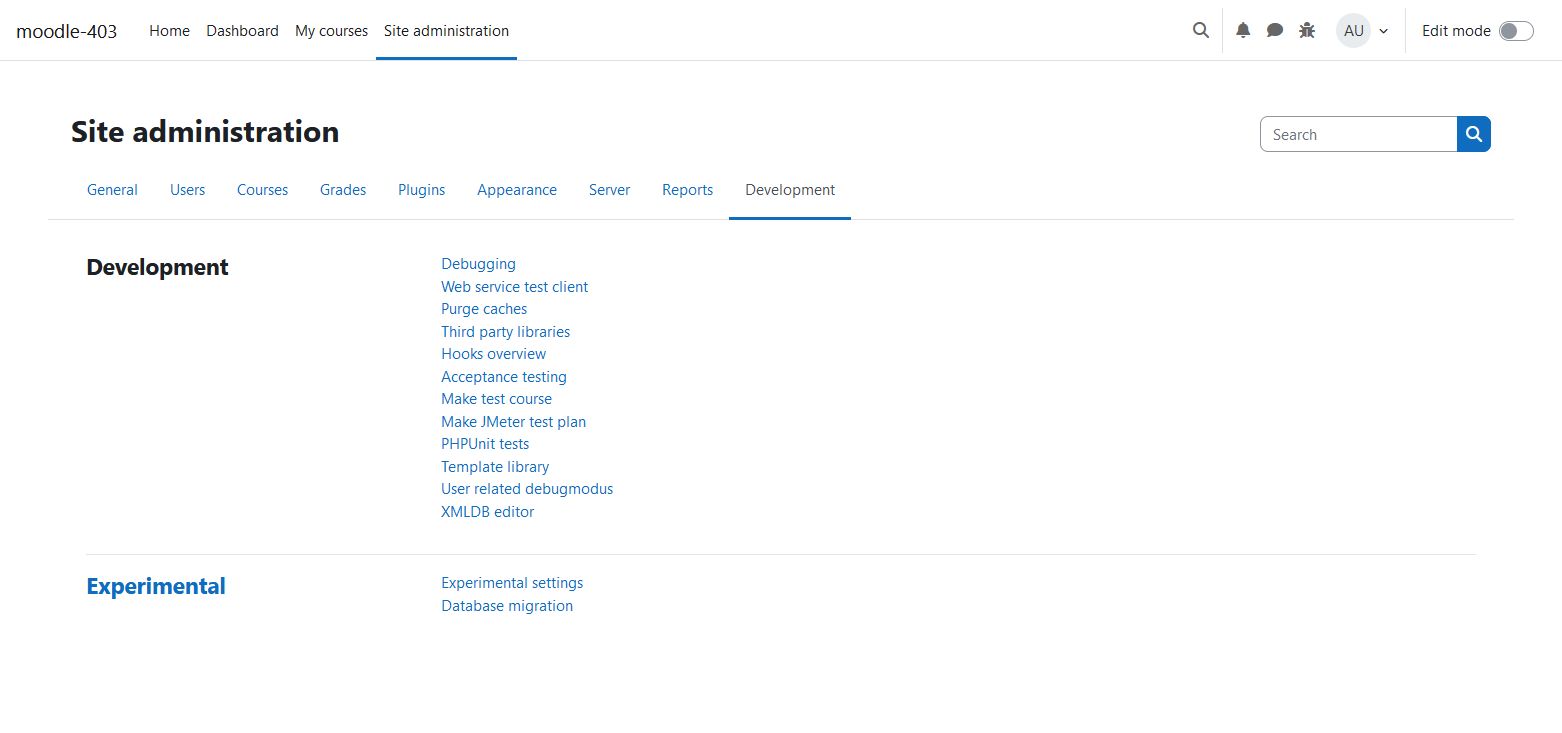
config.php.admin/tool inside your moodle installation.After the installation you will find the new link User related debugmode below Site administration -> Development
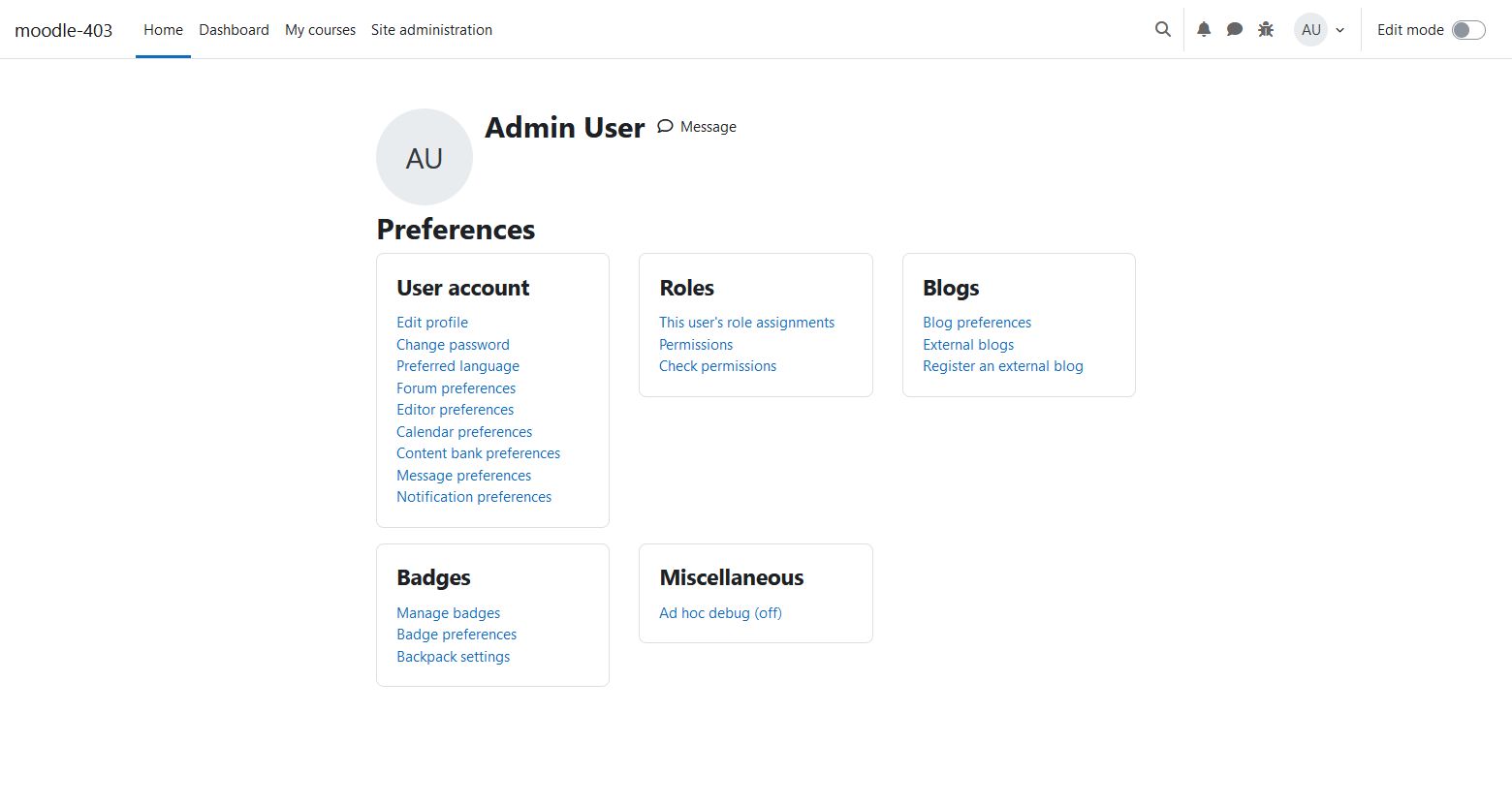
The Ad hoc debugmode you can turn on in your profile settings or in the frontpage menu.


