Notif Plus icon

Notif Plus

Certified Partner Plugin
Maintained by Pimenko team
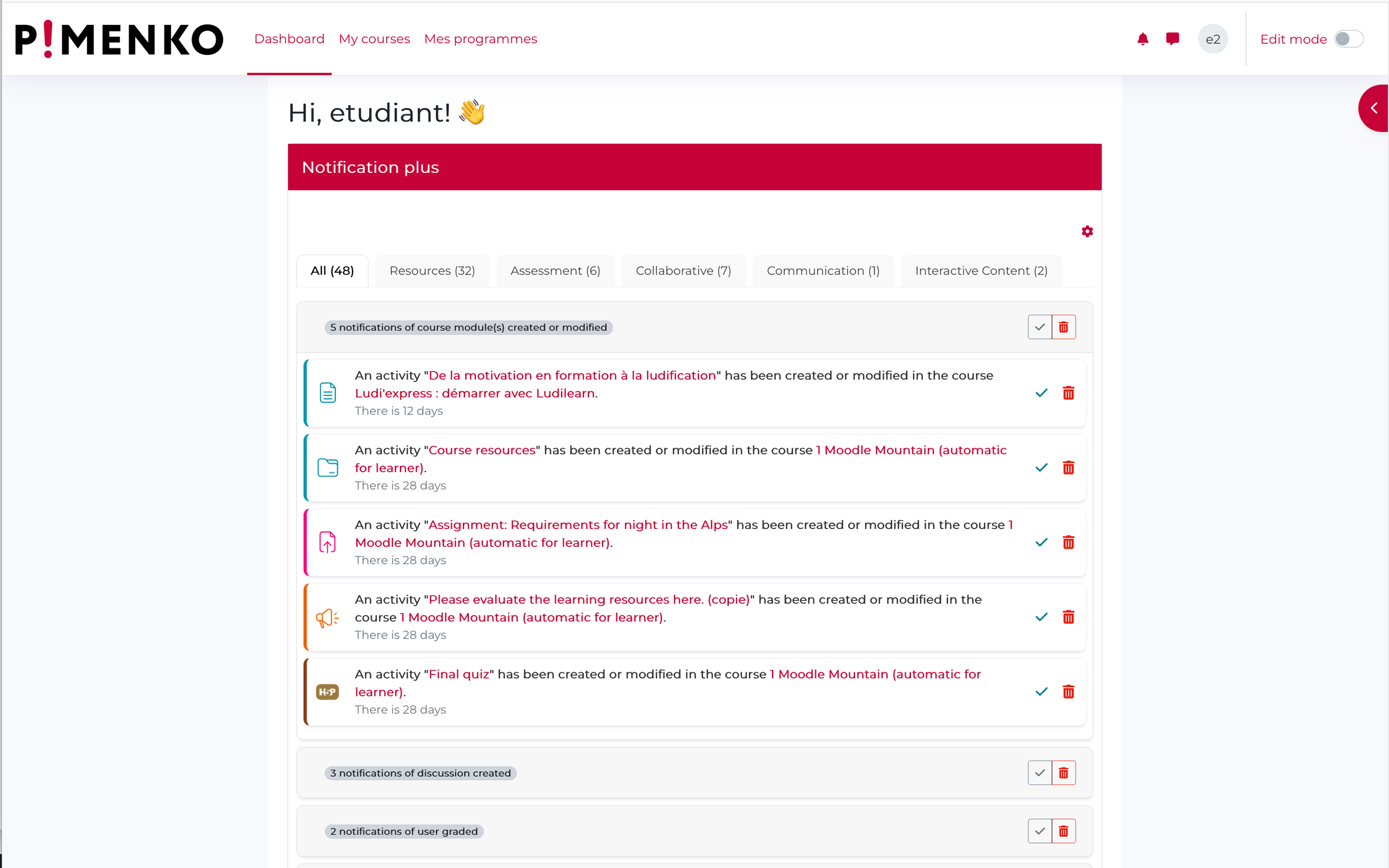
Turn your Moodle dashboard into a smart notification center. Notif Plus shows learners and teachers exactly what changed in their courses since their last visit — no setup required.
1 more prices See all prices
By buying, you accept the seller's Terms of Sale

Supports Moodle 4.5-5.2 See all versions
Reviewed annually for quality
Latest release: 1 week ago
Installations: 4
Downloads (last 90 days): 0

Frankenstyle name: block_notifplus
Blocks

Description

Notif Plus transforms your Moodle dashboard into a real notification center.

No more empty, useless dashboards. With Notif Plus, every user sees at a glance all the latest updates across their courses since their last visit, directly from the Moodle dashboard.
 

Notif plus presentation vidéo

Presentation video (2 minutes - english) : https://vimeo.com/1184836556/6b71fcf126?share=copy&fl=sv&fe=ci


How it helps

For learners, Notif Plus provides a clear overview of new content, upcoming deadlines, available grades, and course activity — across all their enrolled courses in a single view, so nothing gets missed between sessions.

For teachers, it surfaces student submissions, forum activity, quiz completions and items requiring action — filtered by course or group, with no extra navigation needed.


Key features
  • Course activity feed — shows all updates since the user's last login across all enrolled courses
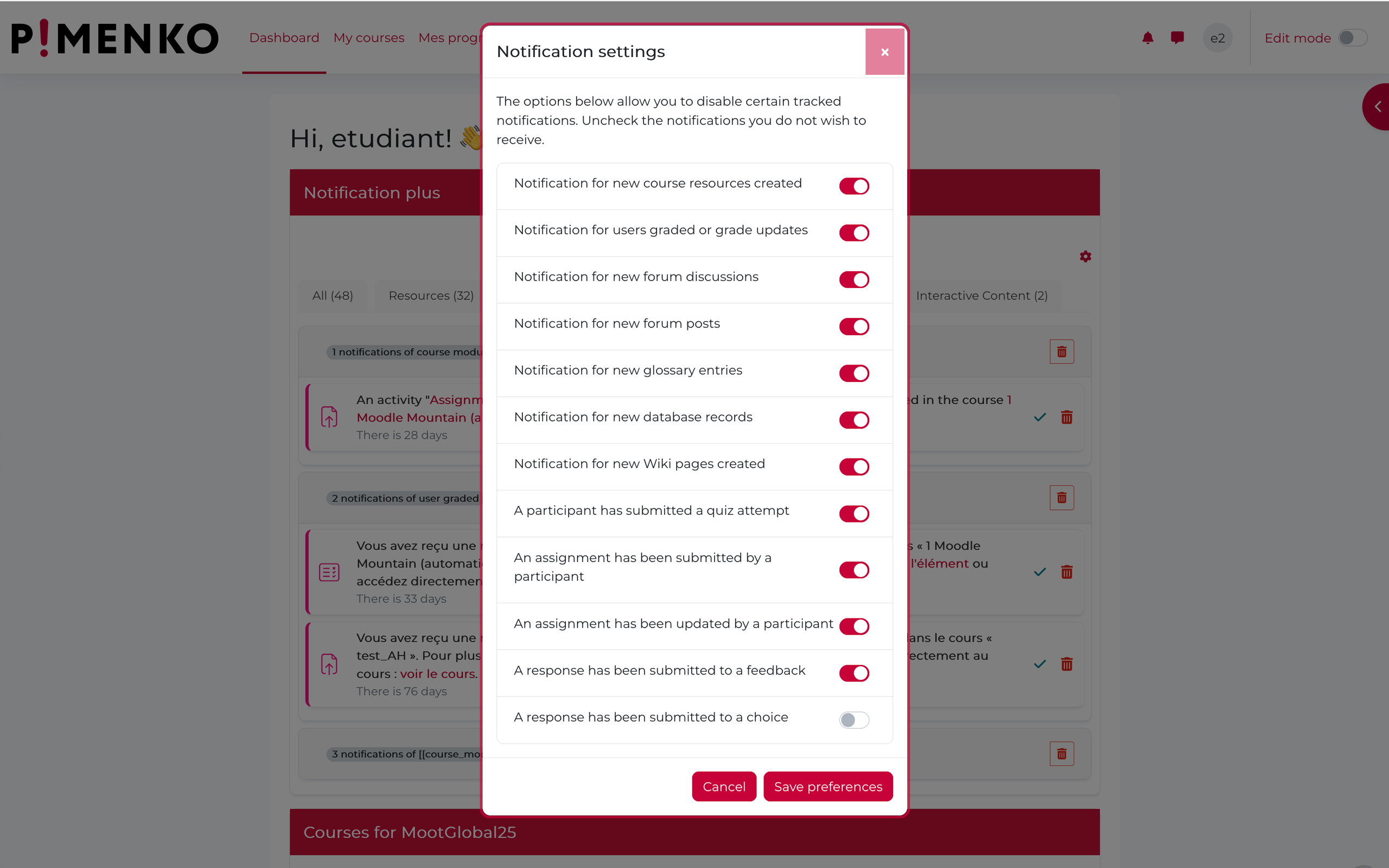
  • Notification types covered: new resources, assignments, grades, forum posts, quiz attempts, wiki pages, glossary entries, database records, feedback and more
  • Fine-grained notification settings — each user can enable or disable specific notification types from a simple settings panel
  • 5 official Moodle categories: notifications organised by Evaluation, Collaboration, Communication, Resources and Interactive content
  • Role-adaptive display — automatically switches between learner and teacher view based on the user's Moodle role in course
  • Group filter — teachers can filter notifications by group
  • Mark as read / Delete — users stay in control of their notification list

No configuration required — works out of the box after installation


FAQ

Does it work with any Moodle theme?

Yes, Notif Plus is compatible with standard Moodle themes. Contact us via the Pimenko issue tracker if you encounter display issues with a custom theme.

Can users customize which notifications they receive?

Yes — each user can open the settings panel directly from the block and enable or disable each notification type individually.

Who provides support?

Support is provided by Pimenko, a certified Moodle Partner based in Lyon, France. Requests are handled via our issue tracker within 5 business days.

Pimenko Moodle partenaire

Contributors

Awards

Privacy friendly
Automated testing support