Changelog
All notable changes to this project will be documented in this file.
v1.6.11
- Added Brazilian Portuguese language support
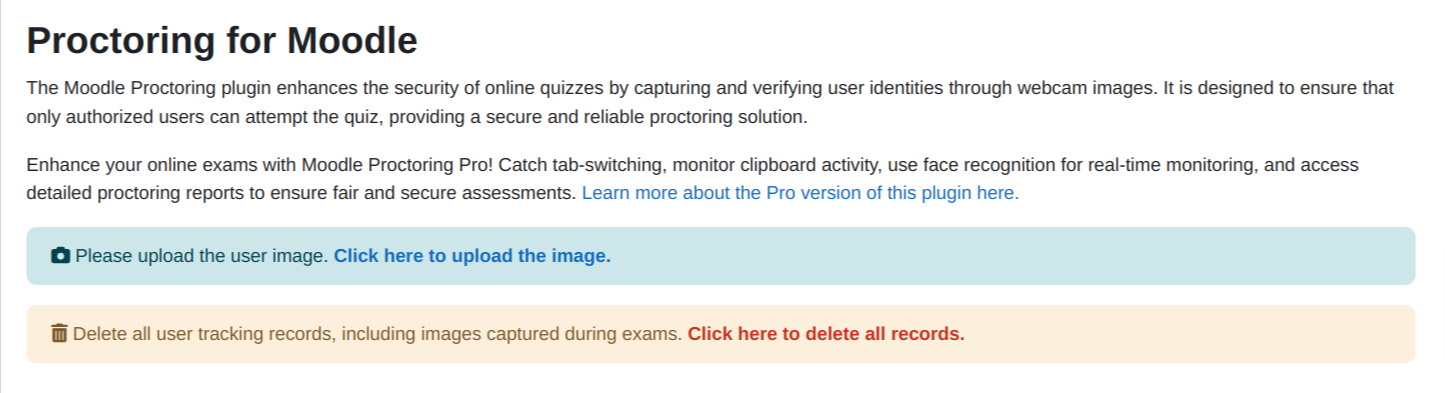
- Add elearning product and proctoring pro version link
v1.6.10
- Fixed unstallation issue where the plugin could not be removed due to a missing database table.
- Fixed users list page to exclude deleted users and ensure proper pagination.
v1.6.9
- Added Spanish language support with a complete translation of 240 strings.
- Internationalized the report search UI by replacing hardcoded text with language strings.
- Updated report template to use internationalized placeholders for search functionality.
- Fixed minor whitespace issue in version.php.
v1.6.8
Updates:
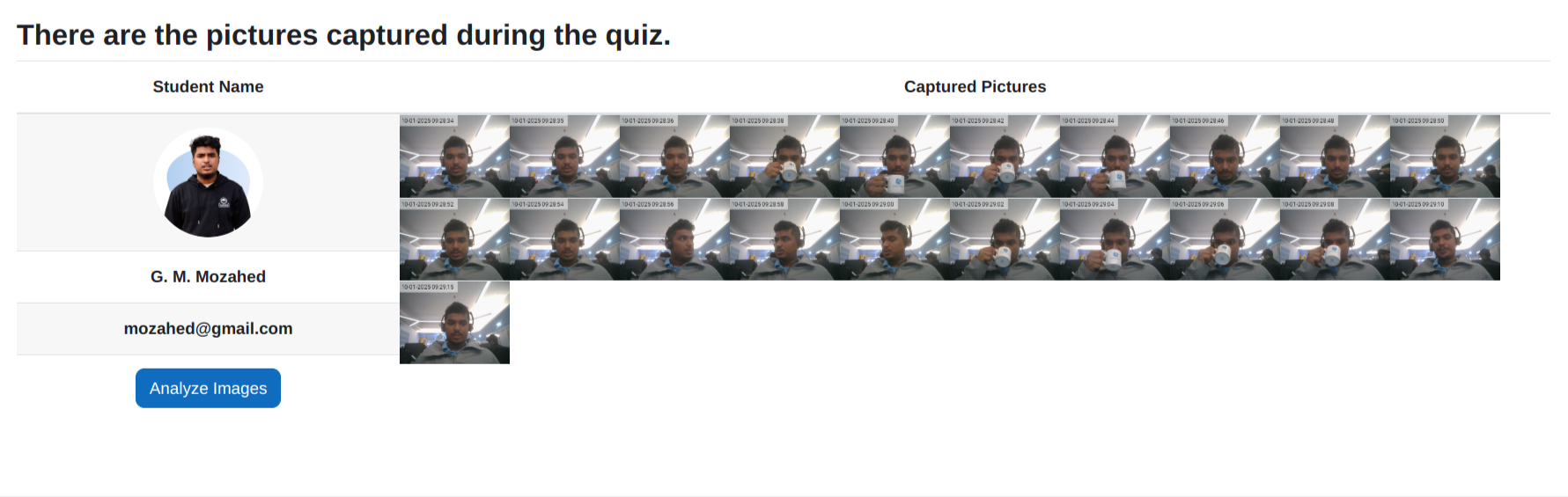
- Designed the student table header for improved visual consistency and readability.
- Renamed Proctoring Summary Report to Course Report.
- Enhanced the search functionality to allow searching by username in addition to email.
- Removed the Proctoring Promo Page, as it is no longer included in any pages.
- Added an identity mismatch indicator — if a user’s identity does not match, a ⚠️ icon will be displayed.
v1.6.7
- Settings design changed according to moodle feedback
v1.6.5
- Implemented language file support for JavaScript.
- Used the prefix
proctoring-xxxx for CSS selectors to avoid style conflicts
v1.6.4
Fixed
- Ensured CSS uses properly namespaced selectors to prevent UI conflicts.
- Fixed missing language strings.
- Resolved errors in scheduled tasks.
v1.6.3
Improvements
- Removed unused variables and optimized database queries.
- Ensured placeholders in SQL queries for security.
Bug Fixes
- Fixed pagination issue in user list.
- Resolved image upload exception and Apache log errors.
- Fixed
rand() function error in scheduled tasks.
Security
- Added missing capability checks in web services.
- Validated
sesskey before executing actions.
Code Standards
- Fixed third-party library paths and ensured localization.
- Resolved PHP warnings and improved PostgreSQL compatibility.
v1.6.2
Updated
- User list pages are now sortable in both ascending and descending order.
- Added notification when analyzing the image.
- Corrected breadcrumb added for better navigation.
- Removed hardcoded string.
- Full name is now displayed in the user list page.
v1.6.1
Bug Fixes
- Security Issue (#108): Fixed user image exposure via public URLs in the Proctoring Plugin.
Changed
- Delete All Images (#69): Optimized image deletion using a cron job to handle large file volumes efficiently.
v1.6.0
Updated
- Image upload with face is now handled on the server side.
- Code refactored to comply with Moodle standards.
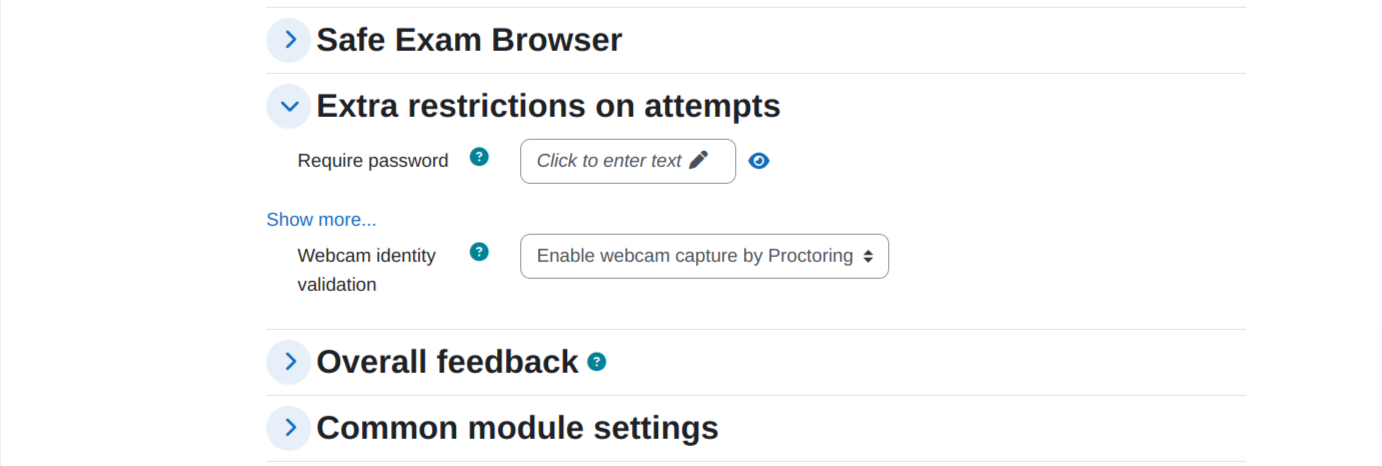
- Settings page UI updated.
- Search box added to the user list.
- Pagination added to the report page.
v1.5.1
Updated
- Fixed the images count in the Proctoring summary report
- Redesigned the user interface of the Proctoring Pro promo page
- Added a proctoring pro promo banner in the users list page
v1.5.0
Updated
- Discontinued AWS Rekognition support from the version 1.5.0.
- Removed vendor folder containing AWS SDK.
- Some CSS fixes.
- Removed proctoring log button.
v1.4.2
New Features
Updated
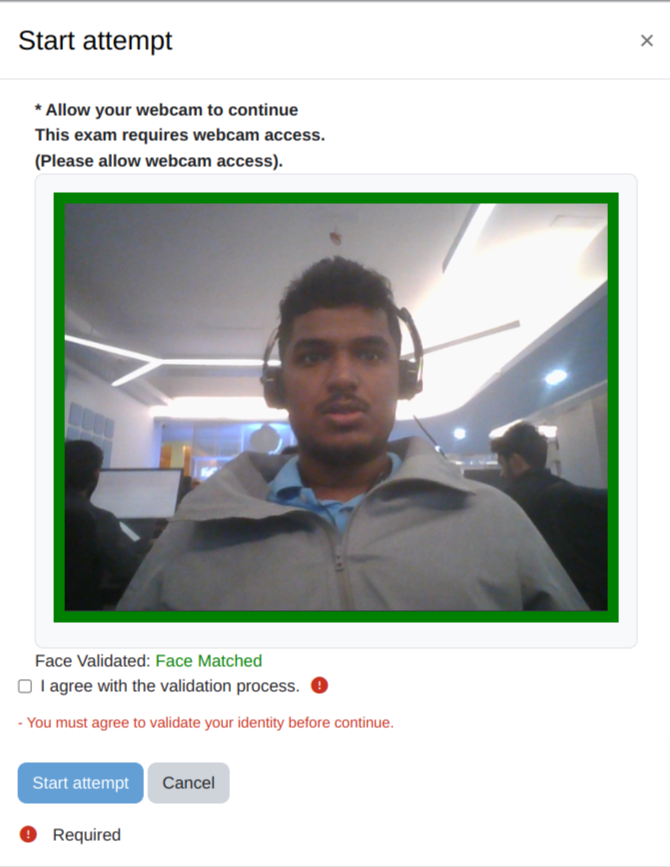
- Updated Video preview in the existing modal when Validate Face Before Starting Quiz is enabled.
v1.3.2
Release Notes:
- Updated plugin required version to 2023042400 (Moodle 4.2 stable).
- Updated release version to '1.3.2'.
v1.3.0
New Features
- Added new BS Service API for face matching.
- Added BS Service API field in the settings page for face verification.
- Added BS API Key field in the settings page for face verification.
Update:
- New report page with proctoring pro promotional page.
Removed
- Username and Password from the settings page.
v1.5.1
- Responsive Mobile View for Start Attempt and Proctoring Report
- Change the settings name for clarity.
- Checked automatic analysis of all images (-1) and five random images.
- Fixed Promotion page
- Fixed the issue where the user image remained in the database after being deleted by the admin.
- Change Face Validation status: 'True' to 'Face Match', 'False' to 'Face Not Match',
and if the site admin has not uploaded the user, display 'Face Not Found, please contact admin'.
- if the user doesn't upload an image, a warning will be shown, and they will be redirected to the upload page.