Damian Alarcon
Lead maintainer

Description
A filter plugin to import content from the Studietube
- It requieres the Atto Studietube plugin to be installed too
- Open your Site administration
- Select Plugins -> Install plugins and upload the zip file containing this plugin
- Activate the plugin on Plugins -> Filters -> Manage filters
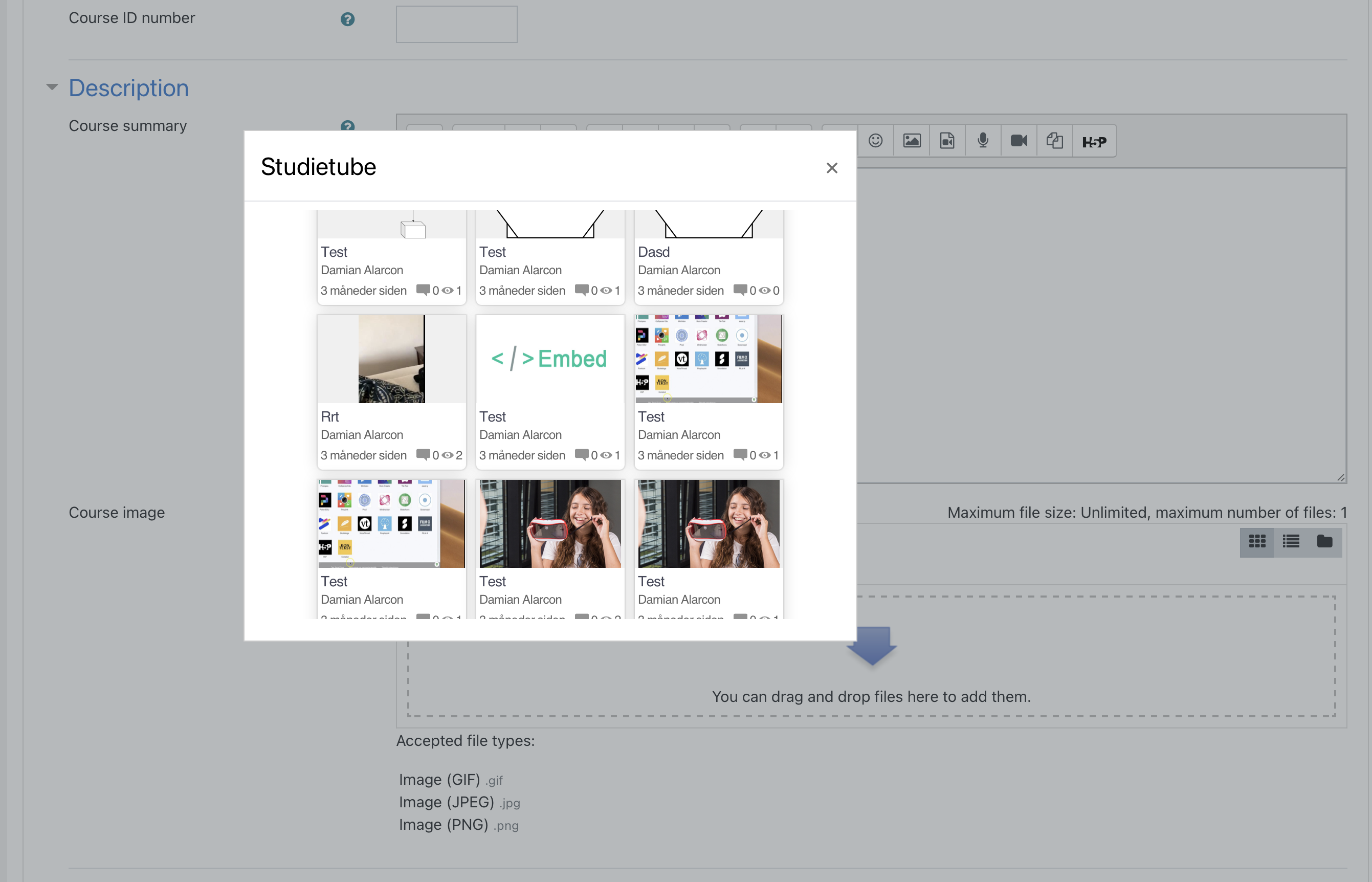
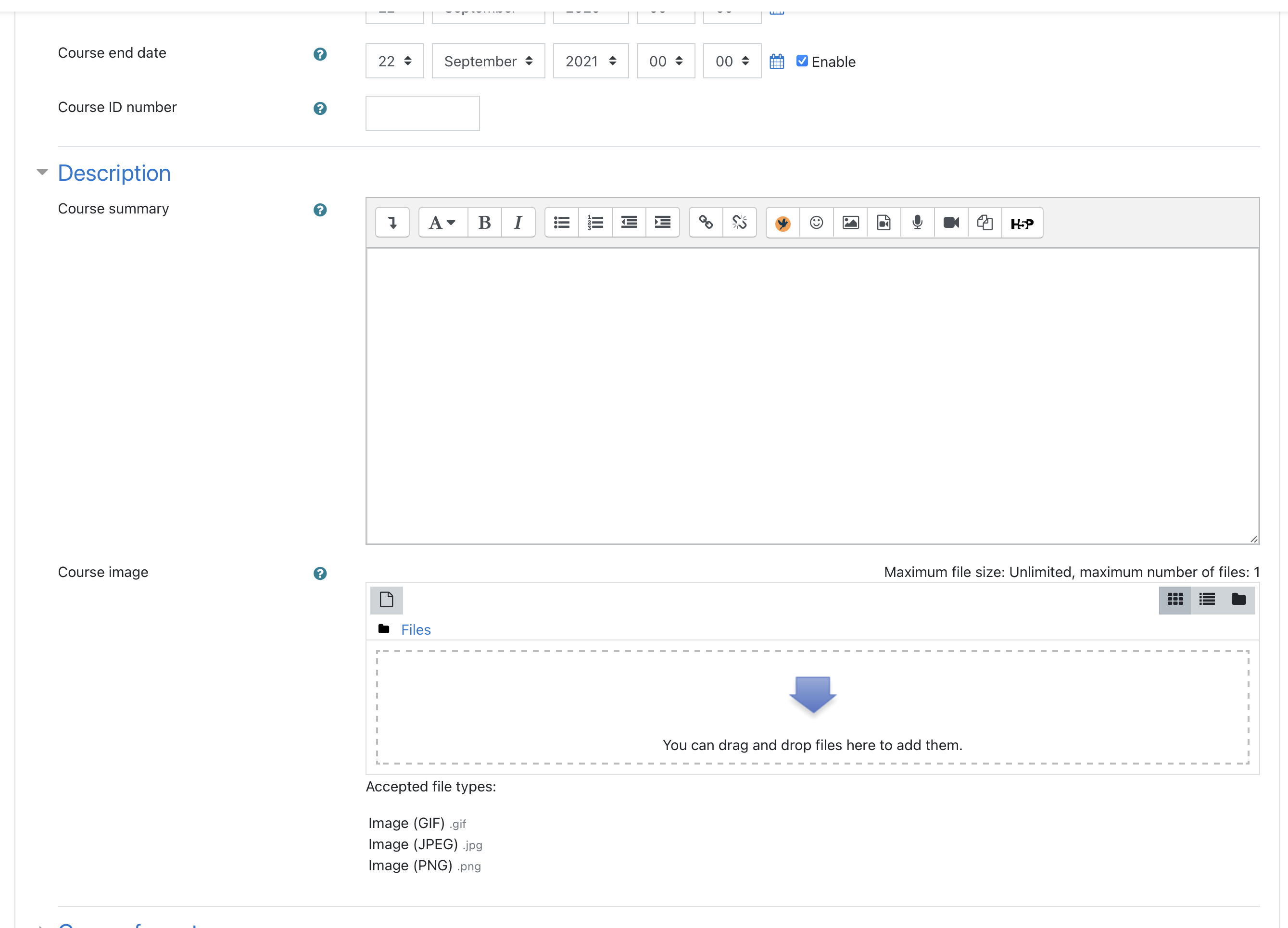
- To use the plugin, simply open any Atto editor and you should see the Studietube button on the toolbar
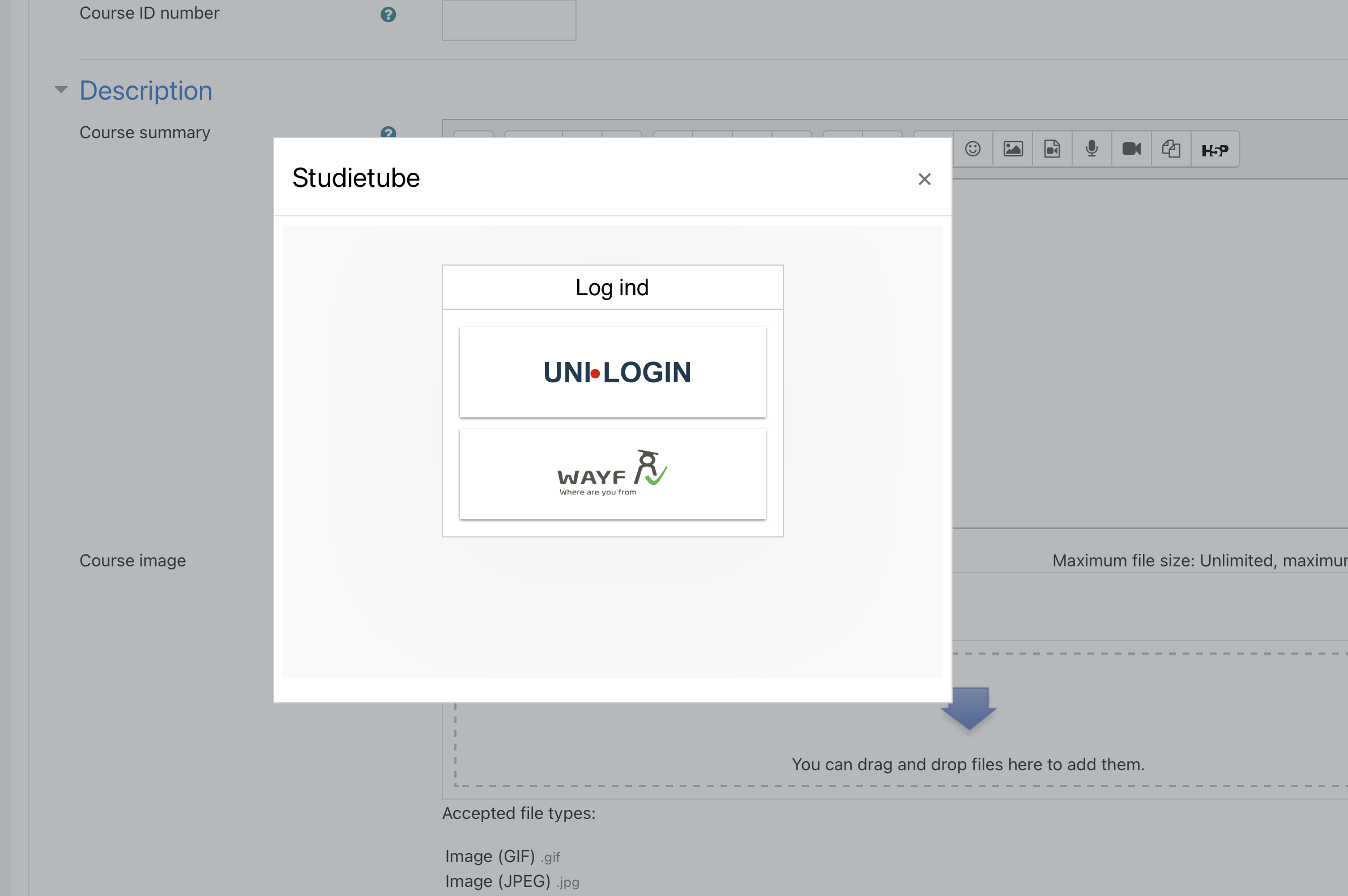
- Click on the Studietube button and login if you're asked
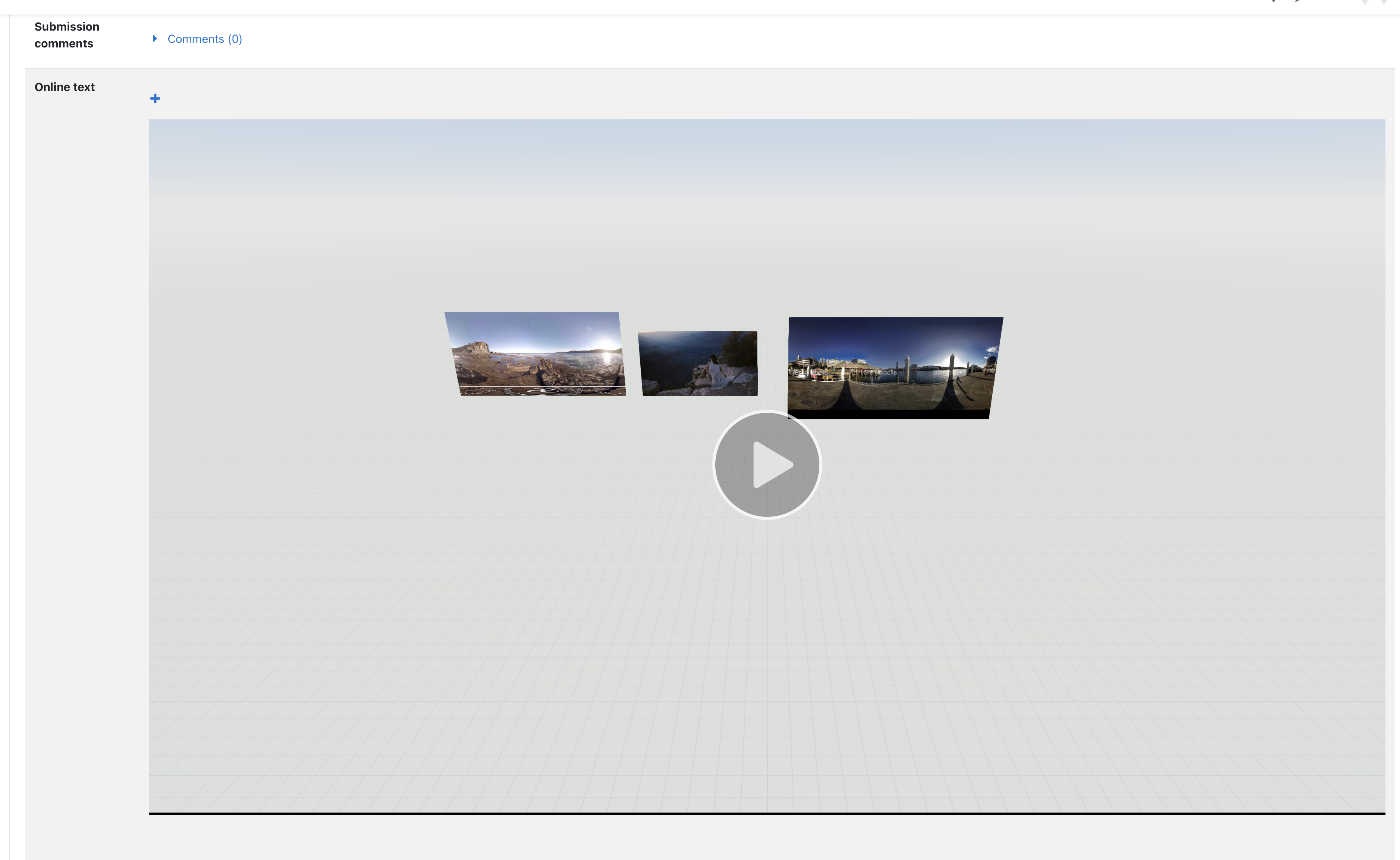
- Select any of the media stored on Studietube to add it directly into the editor
- If the user is not allowed to publish iframes, this filter will convert the content