
Amazon S3 bucket
Maintained by
Renaat Debleu
S3 folder (bucket) repository.
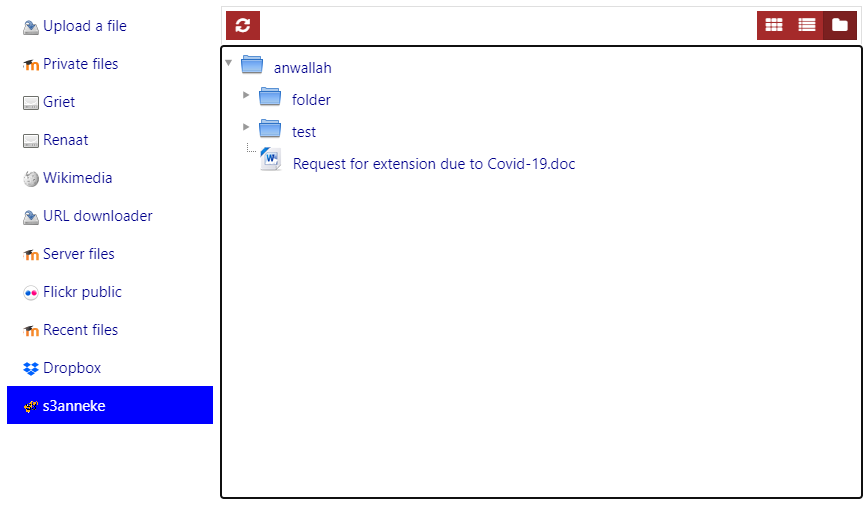
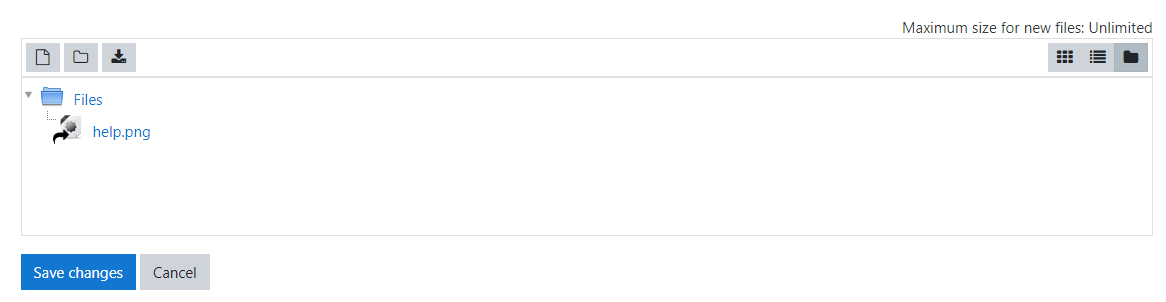
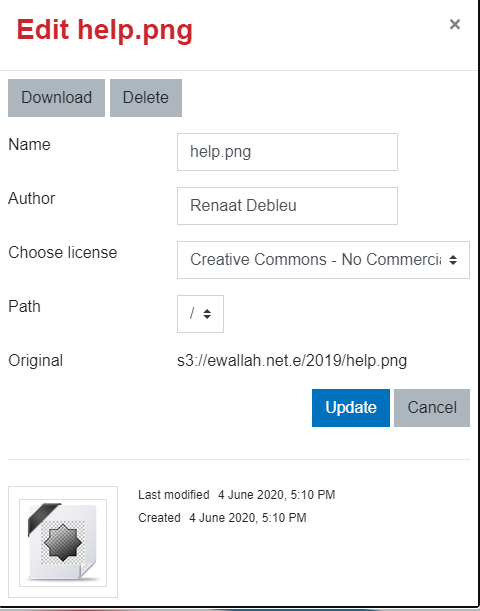
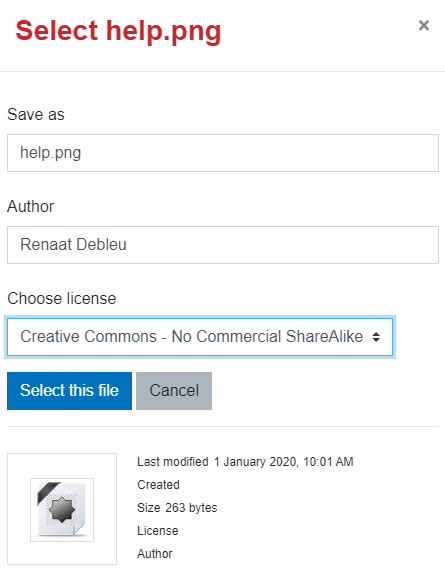
Comments
Comments are no longer open for new posts. Existing comments remain available to read.
I would like to use this plugin with MinIO that implements an S3 service compatible with the AWS S3 implementation. I think it would be a matter of choose a personalized host instead of a closed list. It would be possible to implement such thing? A way to choose other servers than the Amazon's servers?
Best Regards!
Caio.
THX for your feedback.
This plugin does not use the aws.phar file, but the local AWS sdk plugin. Probably you have another plugin installed that does rely on the aws.phar file in the Moodle lib directory. Because both sdk's are doing the very same thing, you cannot use both, and you receive a "Cannot redeclare fatal error".
Or you can remove the aws.phar file or you can try to remove the local/aws plugin and rewrite the plugin to use the lib/aws.phar file, but that will be some work....
R
I installed the local_aws plugin as required, but after installing this plugin I get the following error:
Fatal error: Cannot redeclare Aws\manifest() (previously declared in phar:///var/www/moodle/html/lib/aws.phar/Aws/functions.php:385) in /var/www/moodle/html/local/aws/sdk/Aws/functions.php on line 320
Do you perhaps have any advice in this regard?
Thanks for the great plugin.
Kind regards
This plugin supports Moodle version 3.9, 3.10 and 3.11. Limiting the AWS user created for the repository has to be done in AWS and not in Moodle, otherwise it simply would not be possible that teachers could add private buckets.
R
It seems to be you tried to install the plugin without the dependent local_aws plugin. Delete the plugin or install the dependent plugin.
R
Thanks for the update.
Can you add your SSE wish in the issue tracker?
Greetings.
R
NoSuchKeyThe specified key does not exist.It seems that file is missing but when I tried to generate the file link thru AWS S3 website itself its playing normally.
I'm using the latest version of moodle (newly installed) and AWS SDK eWallah version.
it seems I cannot configure the new version of this plugin to work with Moodle 3.9 until MDLSITE-6520 is fixed. So stick for the moment to the older version.
Greetings,
R
THX for the problem report. I could reproduce the error and I am now uploading a fixed version.
Could you use in the future the Bug tracker to report problems? More bells start ringing when a bug is found.
R
I am having and issue with the update to 3.9. When I choose a file from my S3 bucket, and click at Save and return to course button, always appears the same error:
Error
Cannot read file. Either the file does not exist or there is a permission problem.
The IAM credentials are fine and I can see all the files. I updated the local_aws pluginto the eWallah version too... If I downgrade to the older version then the plugin works... Any suggest?
Thanks a lot!
When you can see the folders and images and no videos - you are trying to add an image to your content page, Try adding a Moodle media file, then all images should be hidden and only folders and videos will be shown.
If you still do not see any videos, check if your media files are using a simple storage engine (Standard - One Zone-IA - Reduced Redundancy - ...) as this plugin skips archives that have the DEEP_ARCHIVE or GLACIER attribute.
R
I can't see the any large size video files in folders of my bucket through moodle, while adding video to content page.
I'm receiving error message "No files available".
What should I do.
I've followed all procedures.
Created the bucket. Properly used all keys.
I'm able to access all folders and image files in the bucket but can't see video files.