
Amazon S3 bucket
Maintained by
Renaat Debleu
S3 folder (bucket) repository.
Comments
Comments are no longer open for new posts. Existing comments remain available to read.
The implementation to restrict access based on user/group/course/category/keyholder was planned from the beginning. After so many years I'm still searching for a way to finance this feature.
Thanks a lot for the wonderful plugin. I could solve the problem. It was S3 config issue. Couple of queries
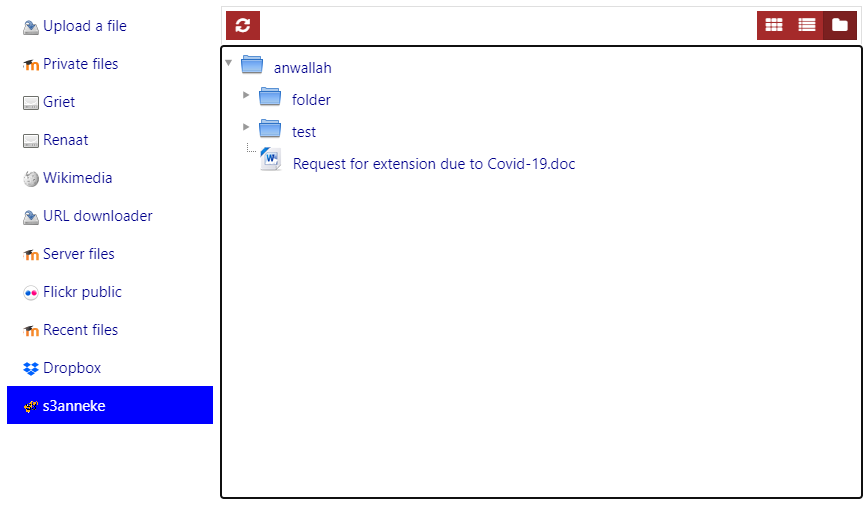
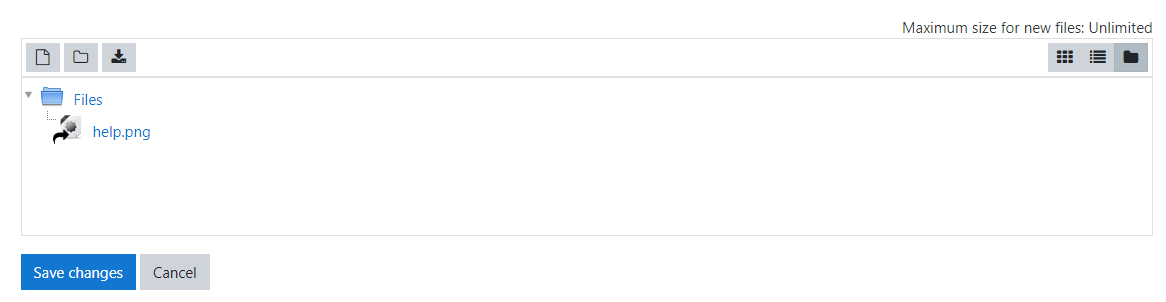
1) Not able to find an upload option. Is it again S3 issue? where I can find the Upload option?
2) I am having multiple separate instances. Is it possible to restrict access for specific repository instance either to a specific course/category or a user group? This would be really helpful.
R
Getting error, The media could not be loaded, either because the server or network failed or because the format is not supported. What could be the cause? And what could be the solution?
This is NOT normal, there seems to be a functionality loss in the latest version. This should be fixed this afternoon.
R
I am facing the same problem as
Mohammad Yaseen
http 500 error when installing. And the site crashes
Please help!
Please read the documentation carefully before installing a plugin, the latest version is depending on the local_aws plugin.
When you have problems, use the bug report where you can provide full error logs and screenshots to help me solve your problem.
R
Thank you.
Thanks
uploading a lot of data to a S3 bucket is best done outside Moodle using s3cmd, S3 browser, Cyberduck, FileZilla,....
R
i want to upload all course's media on s3 bucket, how can i upload from moodle 3.3. can you please suggest.