A K M SAFAT SHAHIN
Lead maintainer

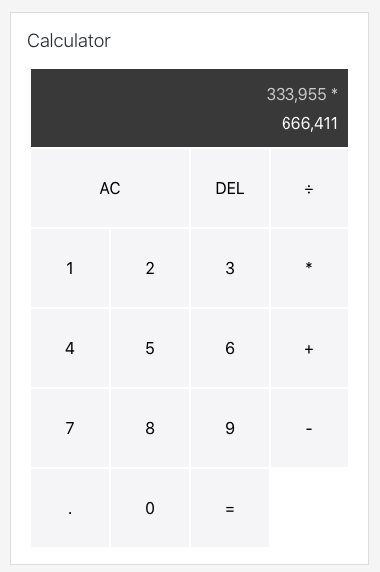
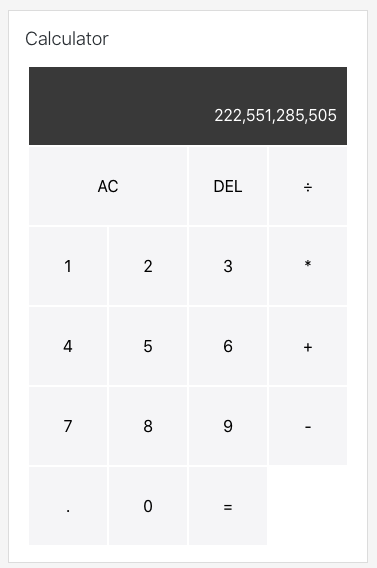
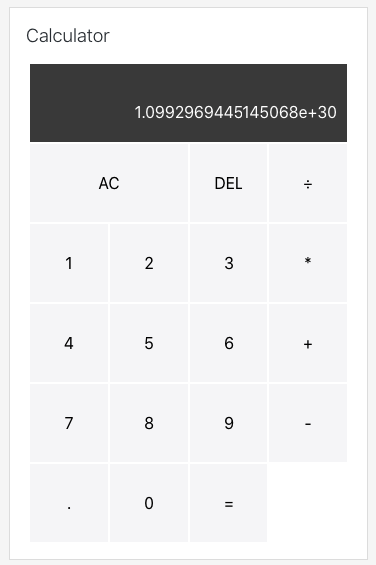
Simple calculator is a moodle block to do simple mathematical calculation in moodle.

This block can also be used as a part of course and quiz. Using it in the course is simple, just go to the desired course and add the block.

Using it for the quiz is also simple, please follow the steps below
(Please note this will make the quiz available only for quiz attempts,
if you want that in any page of the course, you can stop in point 5):
1. Go to the course you want to use this block or the course you have the quiz.
2. Turn editing on.
3. Add the block in the course page.
4. Click the settings cog of the simple calculator block.
5. In configure the block settings, and look under Where this block appears. Change 'Display on page types' to 'Any page'.
6. Go to the quiz settings for the quiz you want the block. In the settings, go the appearance and click show more.
7. Change 'Show blocks during quiz attempts' to 'Yes'.
8. Now keep the editing on, go to the quiz and start an attempt (preview).
9. Edit the simple calculator block settings on this page, and now you can set 'Display on page types' to 'Attempt quiz page'.

Note: The calculation is done in realtime, no calculation data is saved in the database.

