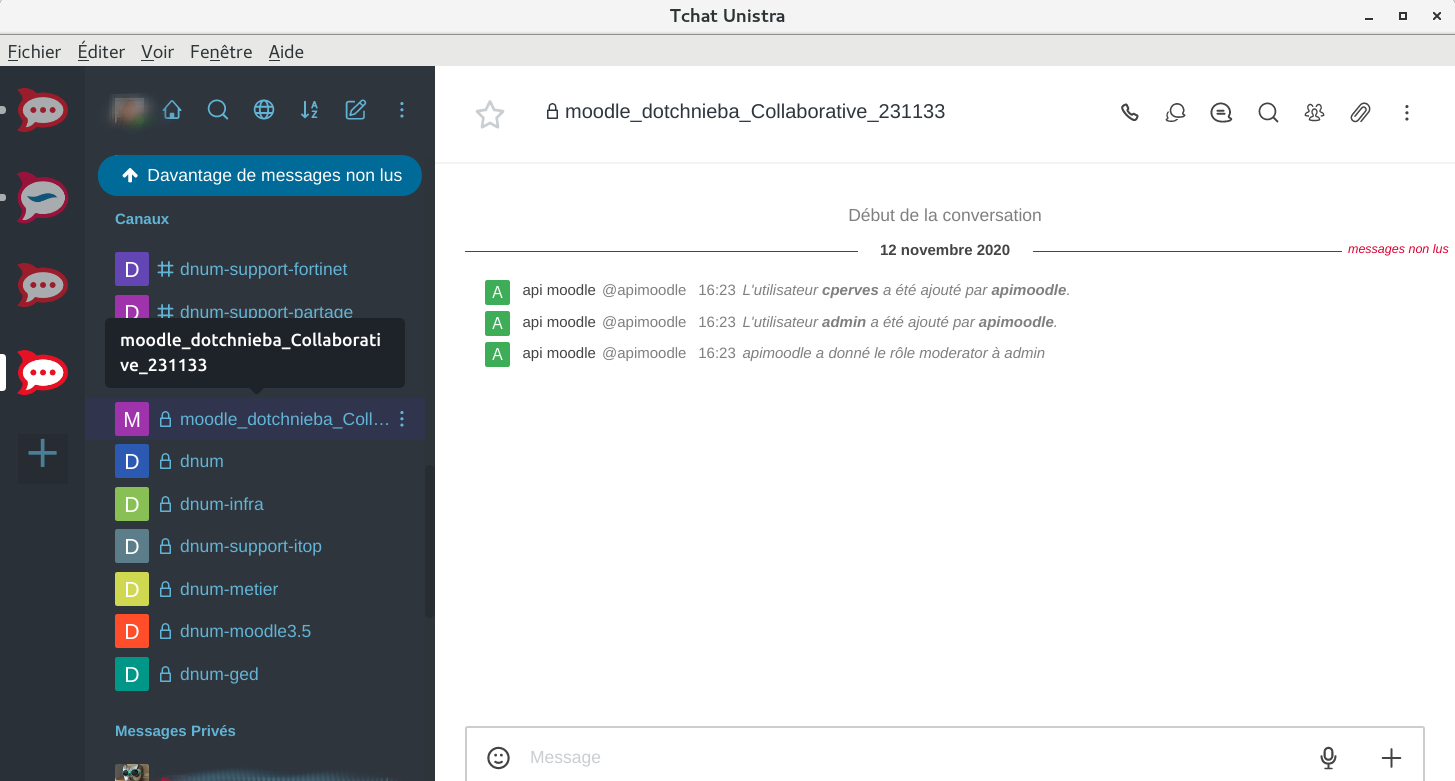
Rocket.Chat icon

Rocket.Chat

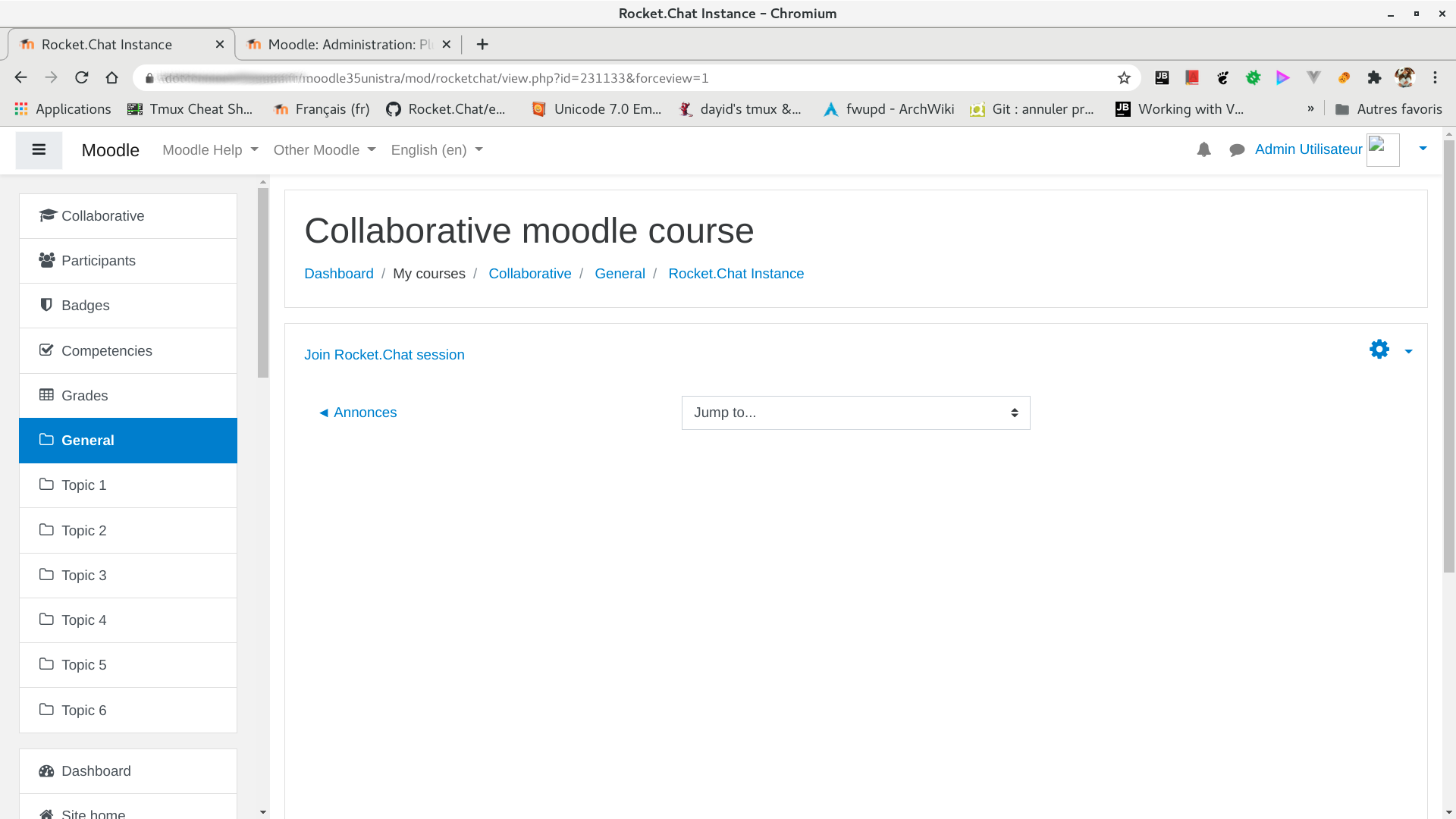
This plugin allows teachers to keep synchronized users enrolled in a Moodle course into a dedicated Rocket.Chat private channel.
Price option: Free

Supports Moodle 3.5-4.5 See all versions
Latest release: 1 year ago
Installations: 100
Downloads (last 90 days): 84

Frankenstyle name: mod_rocketchat
Activities

Comments

Comments are no longer open for new posts. Existing comments remain available to read.

you must change the module Rocket.Chat setting validationgroupnameregex to add the german characters to the accepted characters.
this is the exact negation of the one filled in Rocket.Chat server groupe name validation name
Thanks for your fast reply, yes of course. When I use the rocketchat plugin in a course it also creates the course channel in rocket chat, so far so good. The problem then is that for example the course name is "Einführung Prüfungssoftware" the channel name would be "Einf__hrung_Pr__fungssoftware". And it would be great if it would be Einführung Prüfungssoftware" without any underscores.
Hello, can you be a little more specific on where do you encountered such a trouble. Can you describe it on the project github as an issue please?
Hello, thanks for your plugin, is it possible to integrate german umlaute ü, ö and ä? right now these special characters are replaced by underscores. Thanks alot
Hi! In the global parameters of the plugin (defaultmoderatorroles), did you define manager role as a moderator in RC ? You may have only define teacher and editingteacher roles as moderator in RC which would explain your problem.
I am an admin on Moodle, but I can't add myself in a private channel of a Moodle's class even when I add myself as a manager in a Moodle class. Why this is happening?
Can you precise how you see a Zappier integration in Moodle Rocket.Chat plugin ?
Hello, a new 1.4.0 version is available today wih administration tools
Any plans to add functionality? Something like Zapier
Hello, this plugin works with every versions of rocketchat.
Be careful, you need to create a token for this usage (this is detailed in the readme file on github).
If you still have trouble, post an issue on github, there will be more people able to help you there.
What rocket chat settings are minimali needed? Is it possible show step by step? I try run this module many times, but the user not logining...
> Does the user have to login each time in Rocket.Chat when redirecting him from moodle?
Not if you use Single SIgn On authentication in Moodle and Rocket.Chat. At this time CAS SSO is supported. To use SAML SSO you must garantee that Moodle username and Rocket.Chat username are strictly the same.
Does the user have to login each time in Rocket.Chat when redirecting him from moodle?
Thanks
Fantastic plugin; many thanks! / Plugin fantastique, merci beaucoup!