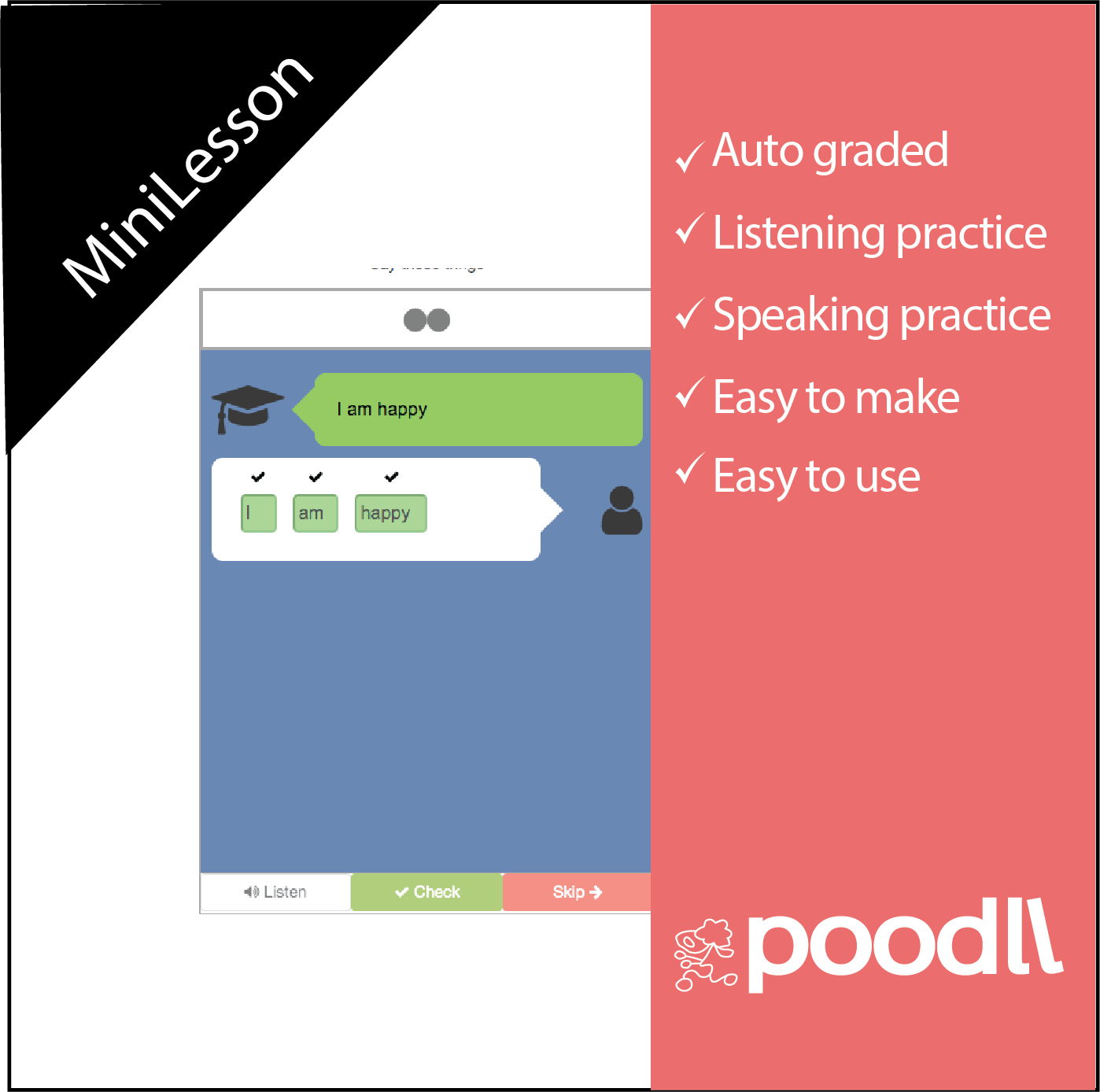
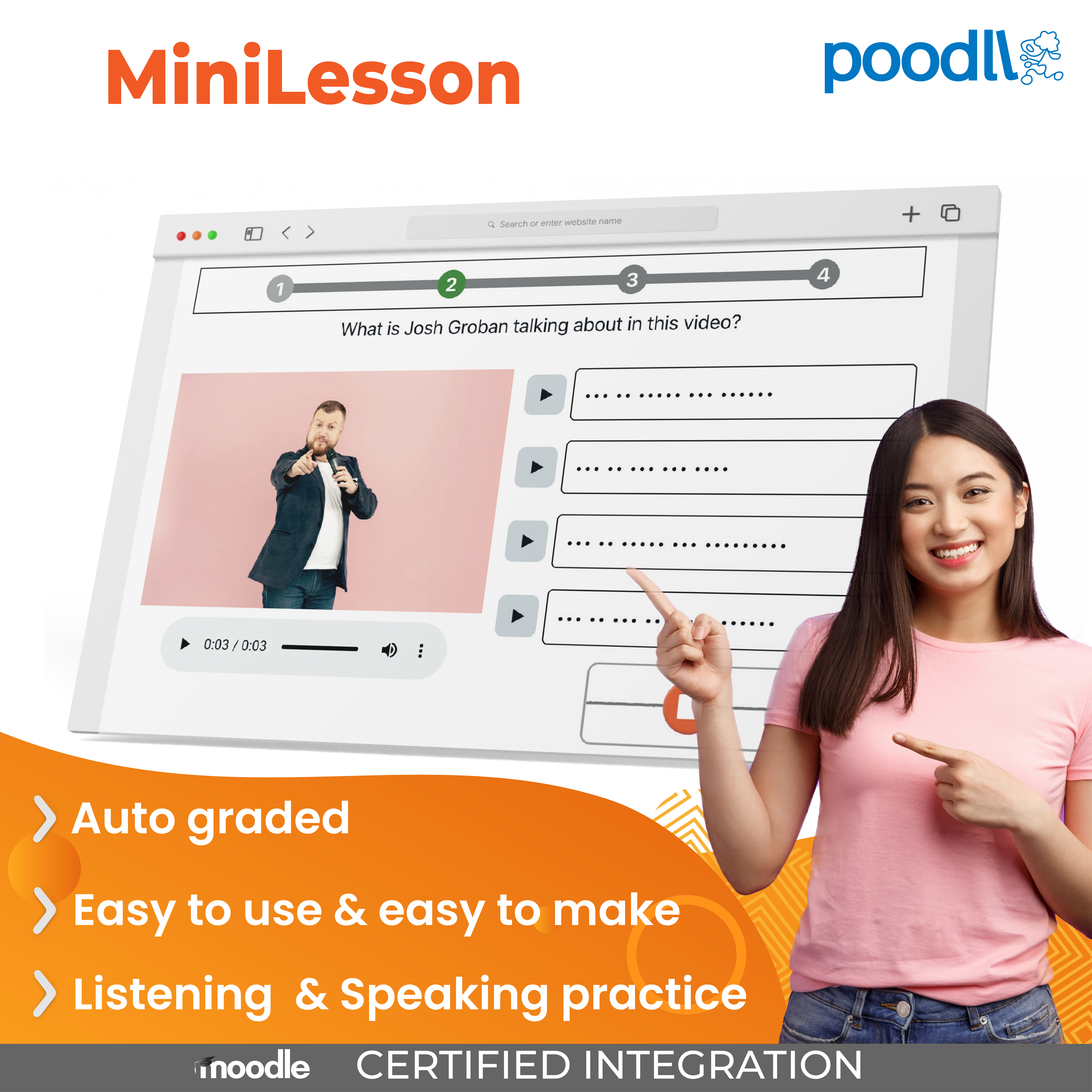
Poodll MiniLesson icon

Poodll MiniLesson

Certified Integration
Maintained by Justin Hunt
Poodll MiniLesson combines language learning activities into a simple, auto-graded lesson. Learning activities include: gapfills, listening, free speaking, audio chat, free writing and interactive fiction. Activities can be made manually or via AI.
Price option: Free
Download for free Contact seller
Contact the seller to learn more about additional features or services.

Supports Moodle 3.2-5.2 See all versions
Latest release: 2 weeks ago
Installations: 466
Downloads (last 90 days): 1606

Frankenstyle name: mod_minilesson
Activities

Description

Poodll MiniLesson is a self-guided language practice activity. A MiniLesson is a short sequence of lesson items — each item is one screen that presents content or sets the student a task. Students work through the lesson at their own pace, and their speaking, listening, reading, writing and vocabulary work is graded automatically using speech recognition and AI. The score goes to the Moodle gradebook, and teachers can review every recording, transcript and answer.

You can try a lesson here. Poodll MiniLesson is part of the Poodll Languages set of plugins and requires a paid subscription.

27 item types

A single lesson can take a student from presentation, to controlled practice, to free production without leaving the activity.

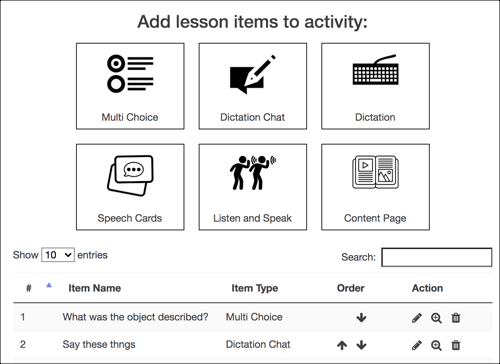
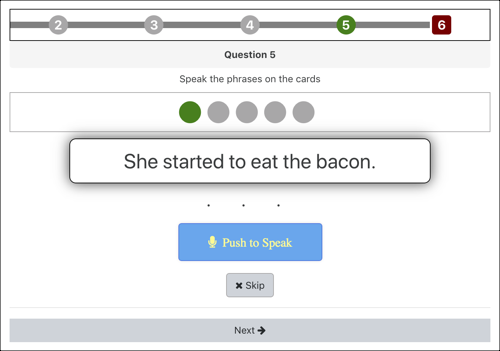
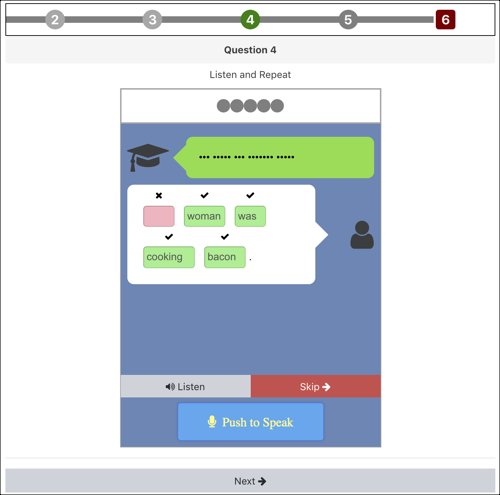
  • Speaking and pronunciation: Listen and Speak, Speech Cards, Passage Reading (read aloud, scored word by word), Fluency, Video Shadowing (shadow a YouTube clip line by line), Short Answer, Speaking GapFill, Free Speaking, and Audio Chat — a live spoken conversation with an AI partner.
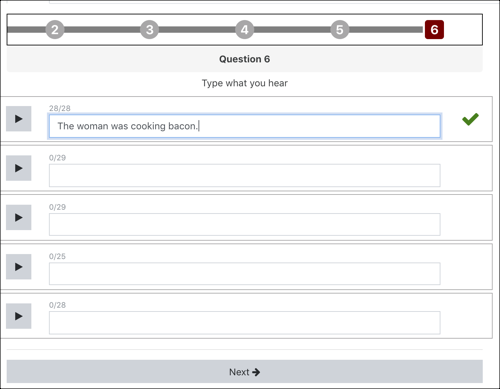
  • Listening and writing: Dictation, Dictation Chat, Listening GapFill, Passage GapFill, Typing GapFill, and Free Writing.
  • Reading and grammar: Multi Choice, Multichoice Quiz (several questions about one passage or video), Word Shuffle, and Fiction — a branching, playable story.
  • Vocabulary: WordCards, Cards, Scatter, GapFills and Space Game — an arcade game built from your word pairs.
  • Content: Content Page, Slides, and H5P.


Graded automatically, with real feedback

Spoken answers are transcribed by speech recognition and scored against the target text, with read-aloud items marked up word by word. Open speaking and writing tasks are graded by AI against the criteria you set, and the student gets written feedback as well as a score — so a class of forty can all get a response to a speaking task.

Over 60 languages and accents are supported for both speech recognition and text to speech, including English, Spanish, French, German, Portuguese, and Japanese..

Build a lesson in minutes

  • By Hand - Choose an item to create from the chooser and configure it. 
  • AI Generate — describe a topic, paste a passage, upload a file or point at a YouTube video, pick one of around 75 lesson templates, and MiniLesson writes the whole lesson, audio and images included. Everything it makes is a normal item you can edit.
  • Lesson Bank — pull a ready-made lesson into your activity and adapt it.
  • Import and export — Export any lesson to a file JSON and edit with AI or by hand to make new ones.
  • MCP / GPT - Use Poodll Minilesson MCP with Claude or create a Custom GPT and create lessons with the help of AI


Reporting

The activity grade goes to the gradebook using the grading method you choose — highest, lowest, latest or average attempt. Teachers get per-item and per-user reports, with recordings and transcripts shown alongside the target text, and AI grades can be overridden by hand. Completion can require finishing the lesson, reaching a minimum grade, or both. MiniLessons run in the Moodle mobile app and can be launched over LTI.

Try Poodll MiniLesson now on our demo site

Click here to try Poodll MiniLesson now.

Getting Started with Poodll MiniLesson

Poodll MiniLesson requires a Poodll API username and secret. These are available with a free trial or a paid subscription. To get yours:

  1. Visit: https://poodll.com/try-poodll
  2. Follow the instructions to set up your account and free trial subscription
  3. Register your site URL and collect your API user and secret


Then install Poodll MiniLesson as usual from the Moodle plugins directory. After installation you will be asked for your API user and secret. Please see the Poodll MiniLesson support documentation for more on installing and using it.

About Poodll

Poodll has been making plugins for Moodle since 2011. Our software has helped teachers build and deliver language courses in thousands of Moodle websites worldwide. Search for "Poodll" in the Moodle plugins marketplace to see a list containing more than 25 of our plugins. Poodll is based in Nagasaki, Japan.

tr?id=849325861899556&ev=PageView&noscript=1

Contributors

Awards

Privacy friendly
Early bird 3.11
Early bird 4.0
Early bird 4.1
Early bird 4.3
Early bird 4.5
Early bird 5.0
Early bird 5.1
Early bird 5.2
Automated testing support