Shared URL
Maintained by
Renaud Lemaire, C Blue, Olivier Piton
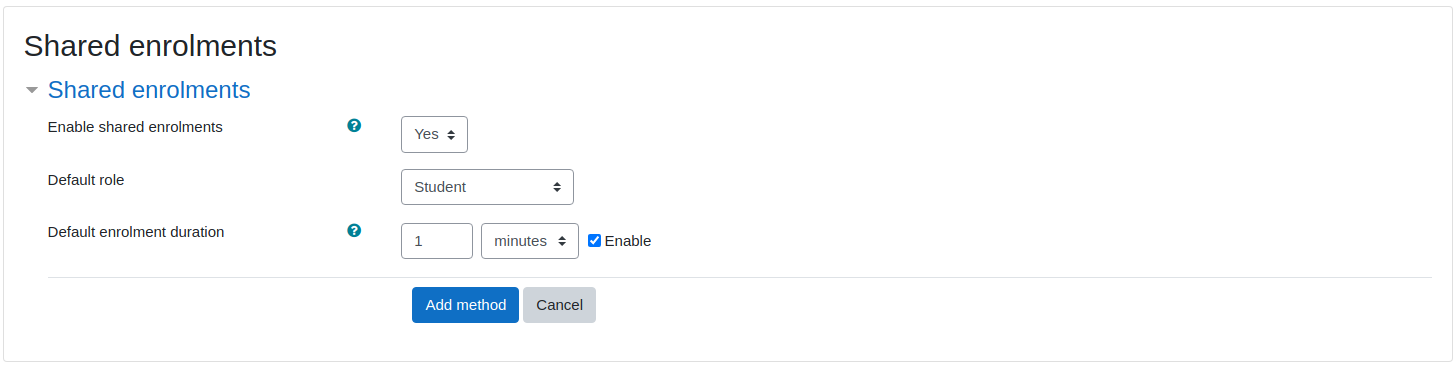
Shared URL module allow users to access activity in another course with automatic (and specific) enrol.
Comments
Comments are no longer open for new posts. Existing comments remain available to read.
Thank you for your feedback! The plugin is fully compatible with recent versions of Moodle, and we continue to maintain it. If you encounter any issues, feel free to report them—we’d be happy to take a look
Go to the activity you want to duplicate and from the activity's page, open the options. Select 'backup' and create a backup of your activity.
Then restore the created backup and select the target course as destination. You will then have successfully copied an activity into another course, as part of that course you will be able to navigate to the previous/next activity of that course without encountering troubles.
Please let us know if I misinterprated your question or if you need anything else from us.
Amaury from Cblue.