Checklist icon

Checklist

Maintained by Davo Smith
A checklist can be created by a teacher (or generated from the activities in a course) and then the students or teachers can check-off each item as they are completed.
Price option: Free

Supports Moodle 2.0-5.2 See all versions
Latest release: 3 months ago
Installations: 8640
Downloads (last 90 days): 2295

Frankenstyle name: mod_checklist
Activities

Comments

Comments are no longer open for new posts. Existing comments remain available to read.

Michael - if you want to work through the code, it should be possible to swap the rows & columns around. It might be a bit of fiddly task, as the code isn't as well written as I would have done it now, but it should still be possible.
If, however, you are asking if this is an already supported feature, that you can select through a setting in the system, then the answer is no.
Hi, thank you for this useful plugin. I have a question about this tool:
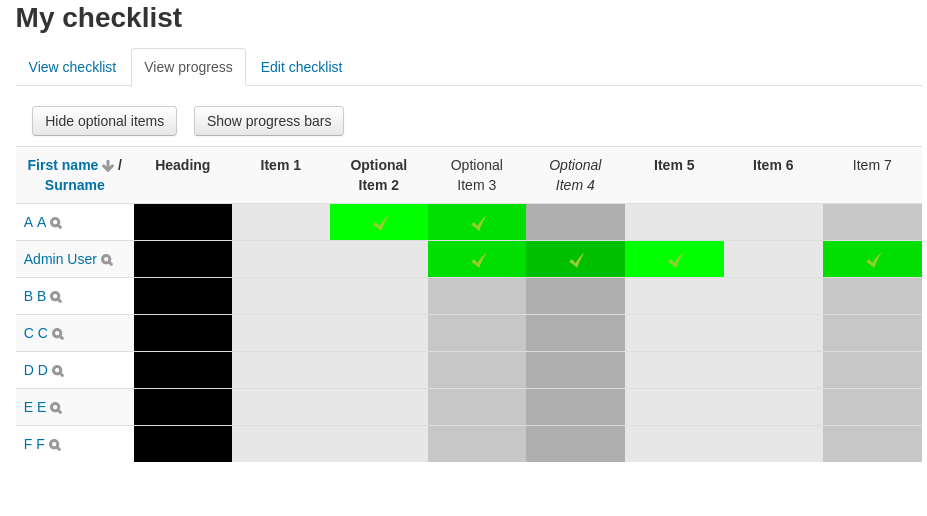
- Can we switch the rows and columns in the progress views? (I have 3-4 students but a lot of tasks so seeing the tasks in the rows should be better)
thanks
Michael
Lesley - I don't know of any reason why it won't work with 2.7. I haven't had time to test all my plugins against 2.7, but I should do so in the next couple of weeks.
Hi
Will this plug in work with 2.7?
Yes, you are right, no other activity can do that yet.
I love most of your contribution. I noticed that you have a 'Navigation Buttons' before but only realize its usage now. I will install it today. Thank you very much for this solution.
Thanks for the suggestion, William. I would ask, however, how this is different from every other activity in Moodle? If you complete a quiz, or submit an assignment, or view a wiki, then there isn't a dedicated link to the next activity to attempt.
I think what you are asking might be better served by a custom course format, that offered a 'next' activity link whenever the current activity was marked as complete (or possibly, my own Navigation Buttons plugin - https://moodle.org/plugins/view.php?plugin=block_navbuttons )
Hi Davo, Thank you again for this powerful checklist. May I ask one more feature? When students made 100% check, what to do next? They feel a little bit lost until they realized that they have to go the navigation block or the breadcrumb bar to back to course page. It will be good if either: we can manually add a link on the Checklist page for ‘back to course page’, or when 100% checked, automatically back to course page, or even go to a specified activity.
Tested on my Moodle2.6, group/edit/progress/comments/ are all working amazingly well. Looks like teachers can control students with a great power! Thanks to Davo, love this checklist!
Gideon - just double-checked locally - that feature has been working with the checklist for several years and is still working now in my copy of Moodle.
Please double-check you are using it correctly: http://docs.moodle.org/en/Available_for_group_members_only
Davo, I have created a grouping in my course and hoped to restrict the Checklist to just the users in that grouping but it does not seem to work. Should it? Thanks Gideon
Excellent - works perfect. Thanks!
Simon - sorry about that. Please try again now (this was one of the fixes for 2.6 compatibility, but I missed the $CFG->version check around it, that I'd remembered in all the other locations)
we upgraded to current version (2013111900) . When using "toggle names & dates result is Fatal error: Call to undefined function get_all_user_name_fields() in /var/www/moodle252/mod/checklist/locallib.php on line 841 . Don´t know if the error was already in earlier versions. Thanks Davo
Well it was a permissions issue. I changed every file to 644 and every folder to 755 except for the main checklist folder inside the mod folder. It was 777. Changed it to 755 and it works.
Hope that helps anyone else who runs into it.
Davo, thank you for your prompt reply. It was appreciated.
I don't ever follow the 'install' forum, so I wouldn't see any messages posted there (I get quite enough from the 'developer' and 'add-ons' forums).
I assume you've tried turning on debugging to see if a more helpful error message is displayed? ( http://docs.moodle.org/en/Debugging )
I've done a quick test with the latest version of Moodle 2.2 (2.2.11) - I have no problem at all locating the file /mod/checklist/view.php, so I can only guess that this is a problem that your server is having with the file, rather than anything wrong in the code.