Availability Block Game by level icon

Availability Block Game by level

Maintained by Jota Jota
Restrict access to course content until students reach the required level in the Block Game.
Price option: Free

Supports Moodle 3.4-5.0 See all versions
Latest release: 4 years ago
Installations: 118
Downloads (last 90 days): 81

Frankenstyle name: availability_game

Description

Block Game Availability (availability_game)

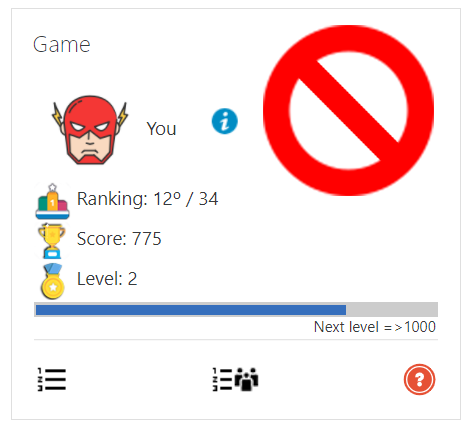
Moodle plugin to limit the access to course content according to the user level in Block Game.

Features

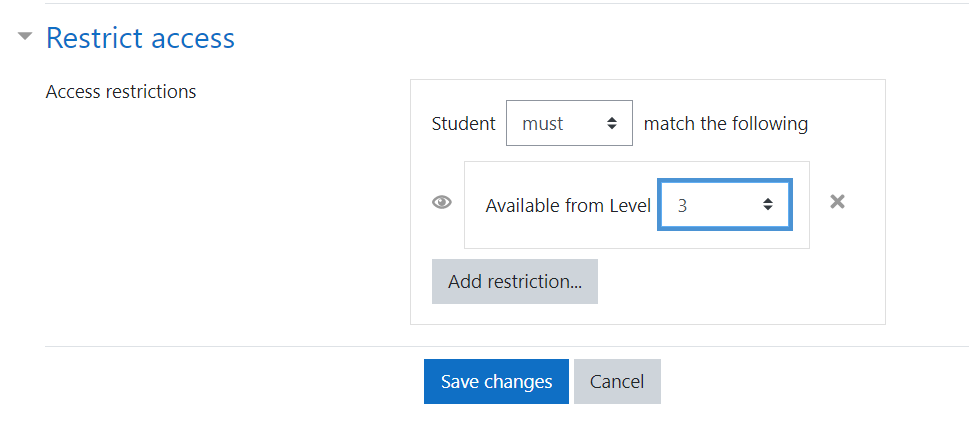
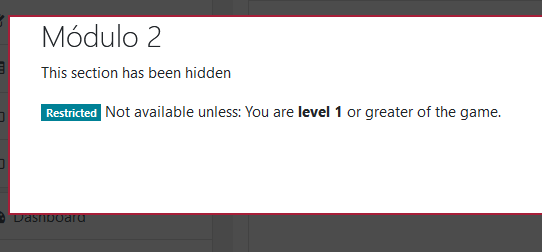
  • Restrict access to users with a level greater than or equal to a certain level.

Requirements

  • Moodle 3.4 or greater.
  • Block Game

How to use

  1. Install the block Block Game
  2. Install this plugin
  3. Add the Block Game to a course
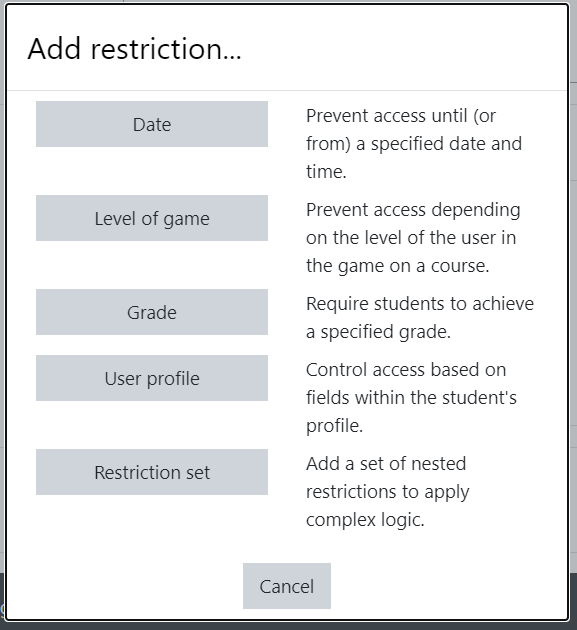
  4. Find the new 'Level of game' restriction under 'Restrict access' in activity/section settings

Installation

Zip upload

If you have configured Moodle to allow plugin installation from the user interface, and you received a zip of the plugin, follow the following steps. If not, refer to the manual process.

  1. Visit the Install plugins admin page (Site administration > Plugins > Install plugins)
  2. Drag & drop the plugin in the Zip package area
  3. Click Install plugin from the ZIP file and follow the process

That's it!

Manual process

  1. Place the content of this plugin in the folder availability/condition/game.
  2. Visit your admin's Notifications page (Site administration > Notifications)
  3. Follow the upgrade process

That's it!

License

Licensed under the GNU GPL License


Contributors

Awards

Privacy friendly
Early bird 3.11