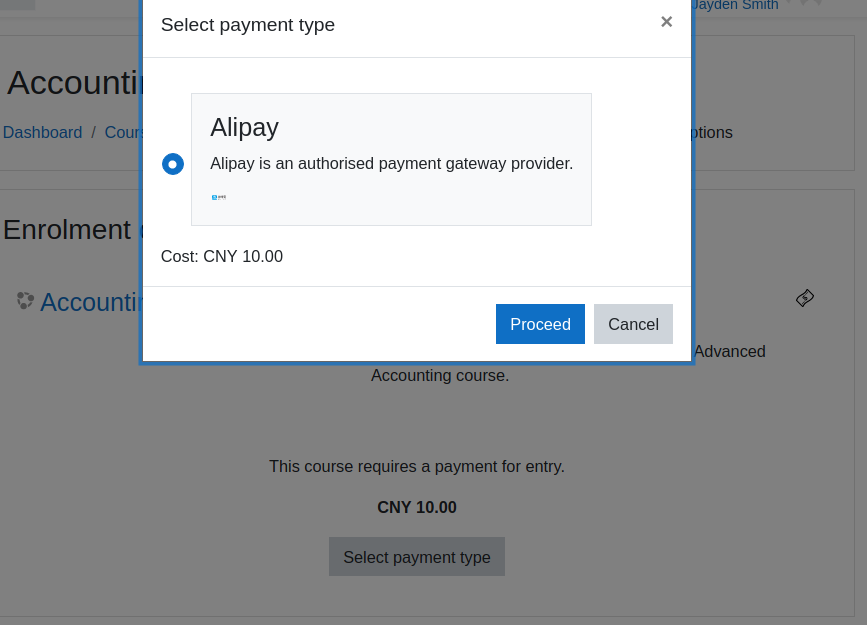
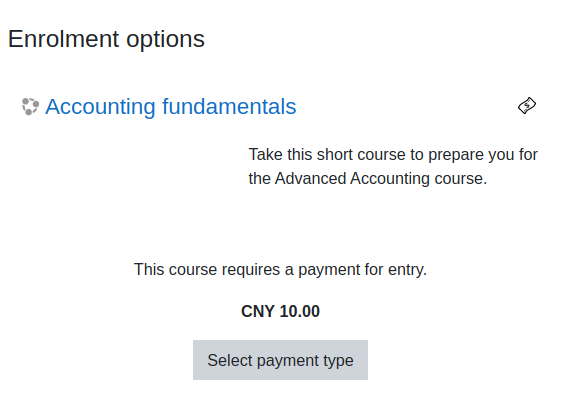
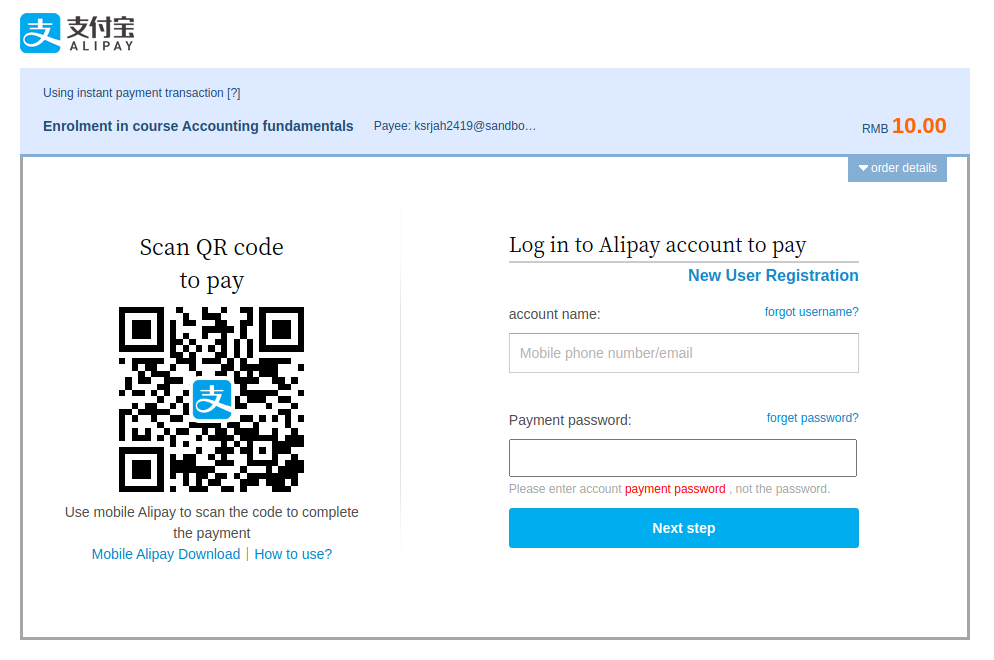
Alipay
This plugin was developed thanks to funding from Xi’an Jiaotong-Liverpool University (https://www.xjtlu.edu.cn)
The plugin allows a site to connect to Alipay China using the PHP EasySDK available here:
https://github.com/alipay/alipay-easysdk/tree/master/php
Note: This SDK doesn't appear to support the Alipay Global site at this stage.
Setup Alipay account
To set up access within Moodle you will need to:
- Generate an RSA key pair (Alipay have their own docs on this.)
- Create an application in the Alipay developer center
- Upload your public RSA key to Alipay
- Download the Alipay cert and root cert to use within Moodle
Configure Moodle
- Go to site administration / Plugins / Manage payment gateways and enable the Alipay payment gateway.
- Go to site administration / Payments / Payment accounts
- Click the button 'Create payment account' then enter an account name for identifying it when setting up enrolment on payment, then save changes.
- On the Payment accounts page, click the payment gateway link to configure Alipay.
- In the configuration page,
- Enter your clientid from the application you have created in the alipay developer centre
- Paste your own private key value from the RSA key you created above into the merchant private key field.
- Put the alipay public cert/root cert and your local cert file accessible somewhere on your server and put the full path to these files in the fields.
![Alipay config]()
Add Enrolment on payment.
- Go to Go to Site administration > Plugins > Enrolments > Manage enrol plugins and click the eye icon opposite Enrolment on payment.
- Click the settings link, configure as required then click the 'Save changes' button.
- Go to the course you wish to enable payment for, and add the 'Enrolment on payment' enrolment method to the course.
- Select a payment account, amend the enrolment fee as necessary then click the button 'Add method'.
see also:
moodledocs: Payment Gateways
moodledocs: Enrolment on Payment
License
2021 Catalyst IT
This program is free software: you can redistribute it and/or modify it under
the terms of the GNU General Public License as published by the Free Software
Foundation, either version 3 of the License, or (at your option) any later
version.
This program is distributed in the hope that it will be useful, but WITHOUT ANY
WARRANTY; without even the implied warranty of MERCHANTABILITY or FITNESS FOR A
PARTICULAR PURPOSE. See the GNU General Public License for more details.
You should have received a copy of the GNU General Public License along with
this program. If not, see https://www.gnu.org/licenses/.