Wordcloud icon

Wordcloud

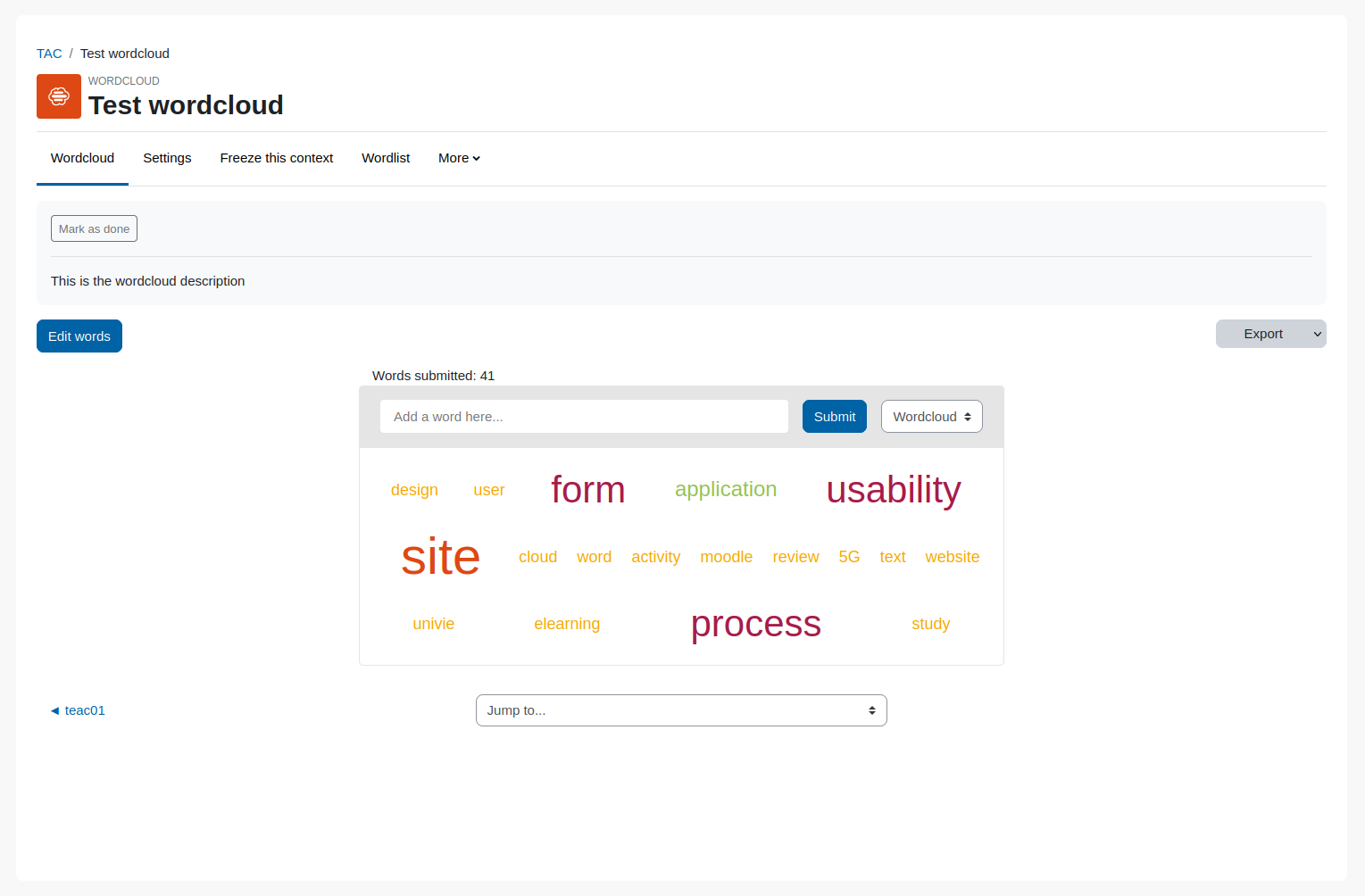
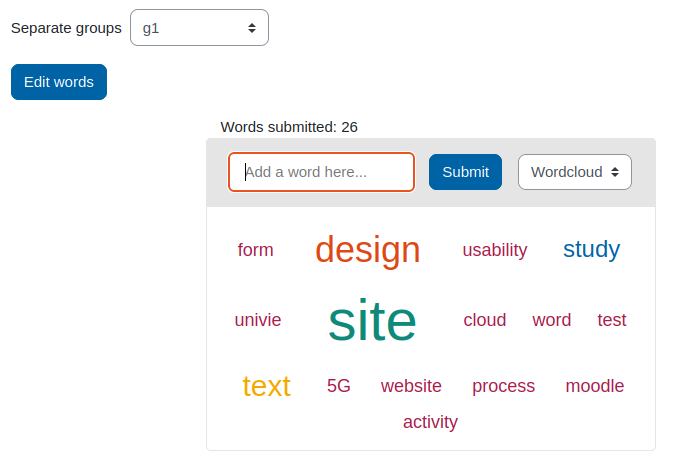
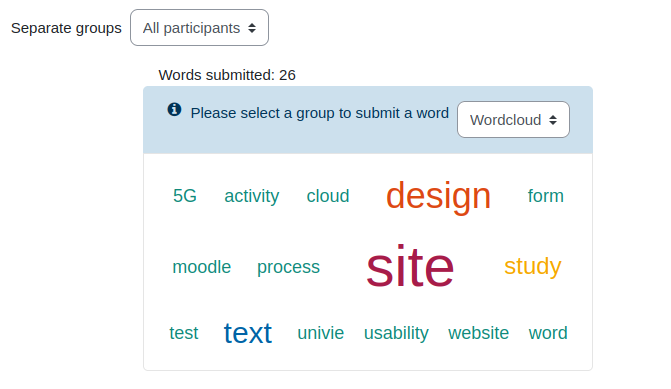
With the wordcloud activity, it is possible to collect terms together with your course participants in a brainstorming process and to display them graphically in order of frequency. This can be used, for example, to capture a picture of the mood or to create a basis for a discussion.
Price option: Free

Supports Moodle 3.10-5.0 See all versions
Latest release: 1 year ago
Installations: 567
Downloads (last 90 days): 214

Frankenstyle name: mod_wordcloud
Activities

Description

Wordcloud Activity

With the wordcloud activity, it is possible to collect terms together with your course participants in a brainstorming process and to display them graphically in order of frequency. This can be used, for example, to capture a picture of the mood or to create a basis for a discussion.

No support in the comments section on this page

Please note that we don't provide any support for this plugin in the comments section on this page anymore.

We appreciate your commendation and reviews for this plugin in the comments. For bug reports and support requests, please read the extensive information in the plugin's README file first and create, if needed, a ticket in the bug tracker which is linked below.

Thanks for your cooperation.

Examples

  • Use the Wordcloud as an introduction to a new topic.
  • Query the prior knowledge of your students.
  • Get a mood picture on a topic.

Installation

  • Copy the module code directly to the *moodleroot/mod/wordcloud* directory.
  • Log into Moodle as administrator.
  • Open the administration area (*http://your-moodle-site/admin*) to start the installation automatically.

Admin Settings

An administrator can adjust the instance wide refresh time for the wordcloud, which sets the interval on how often the client ask the server if there is a change to a specific wordcloud.
The font colors of the wordcloud are also adjustable in the settings.

  • Refresh time (wordcloud | refresh)
    Auto refresh interval in seconds.
  • Textcolor 1 to 6 (wordcloud | fontcolor1 ... fontcolor6)
    Textcolor for font size 1 to 6. Colors are set as hexcode.

Contributors

Awards

Automated testing support
Privacy friendly
Mobile app support
Early bird 4.1
Early bird 4.2
Early bird 4.3
Early bird 4.4
Early bird 4.5
Early bird 5.0