Pulse icon

Pulse

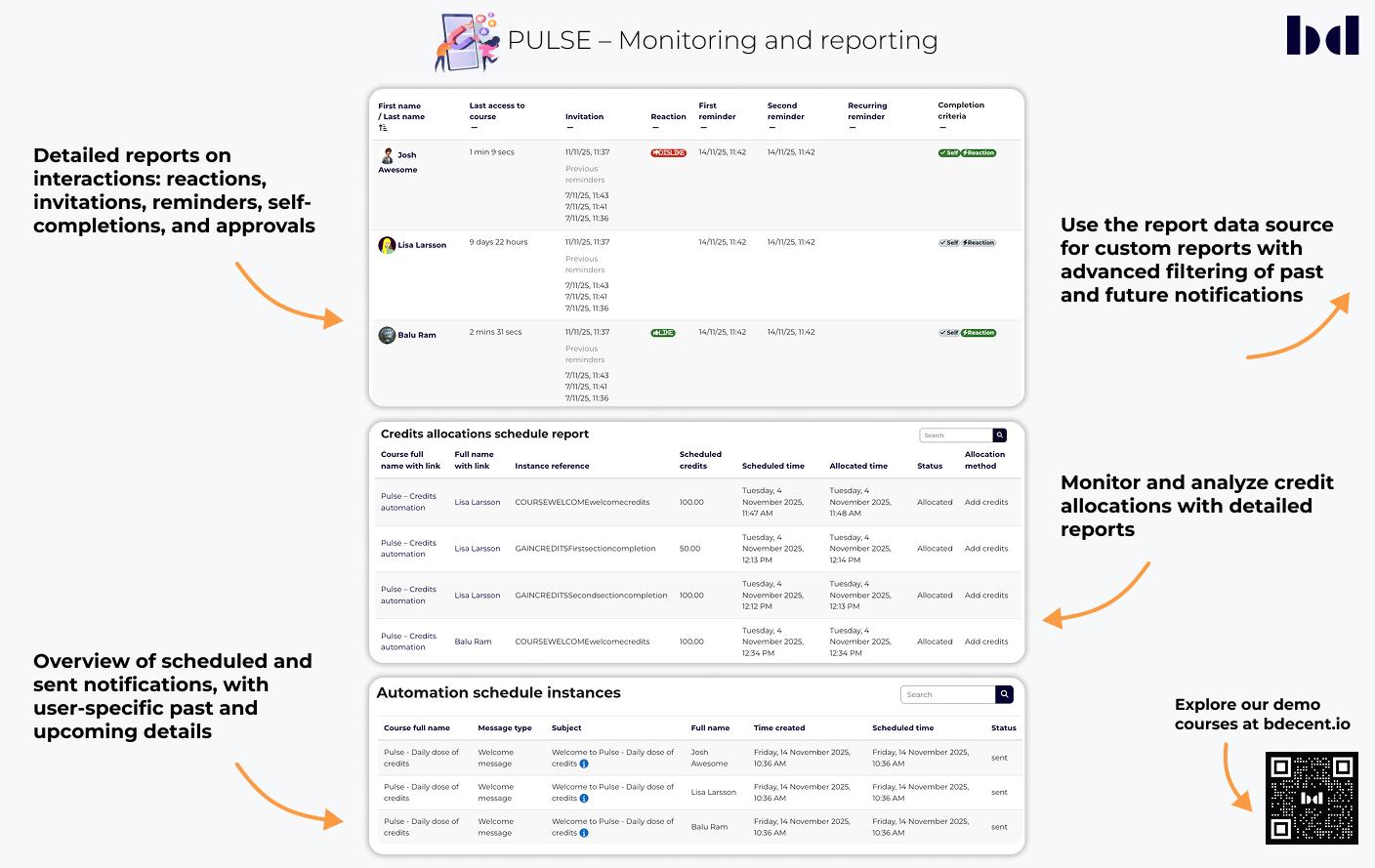
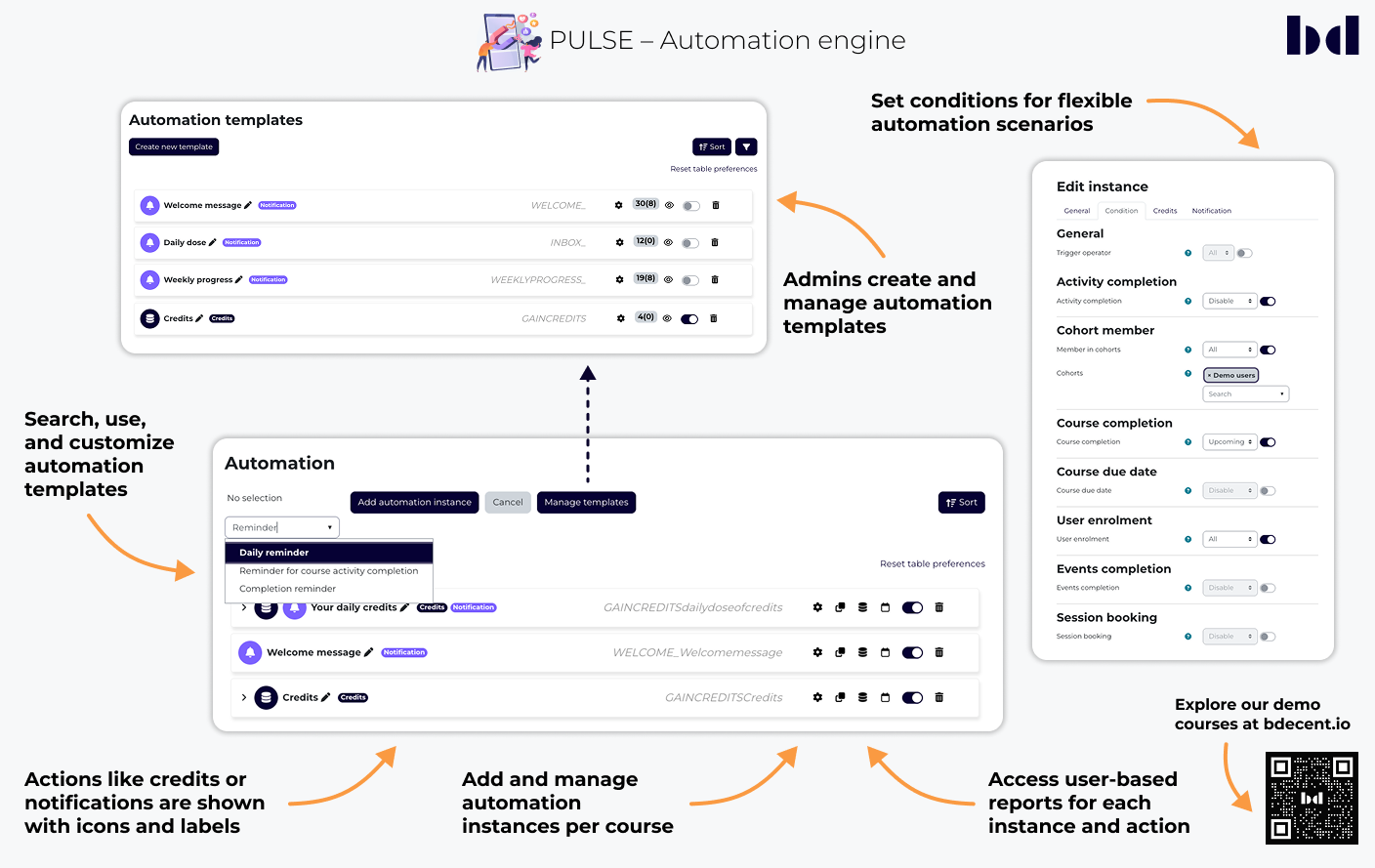
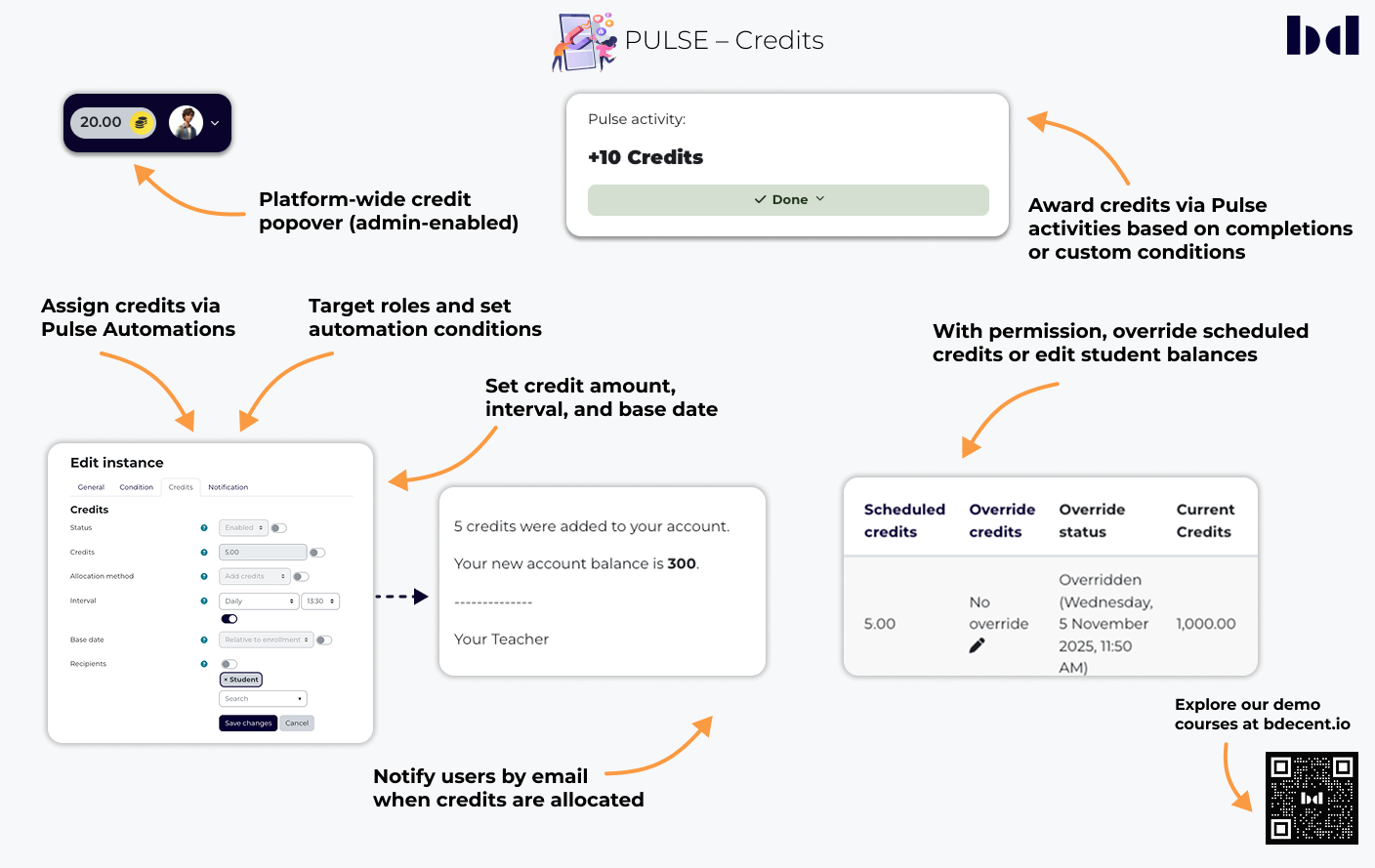
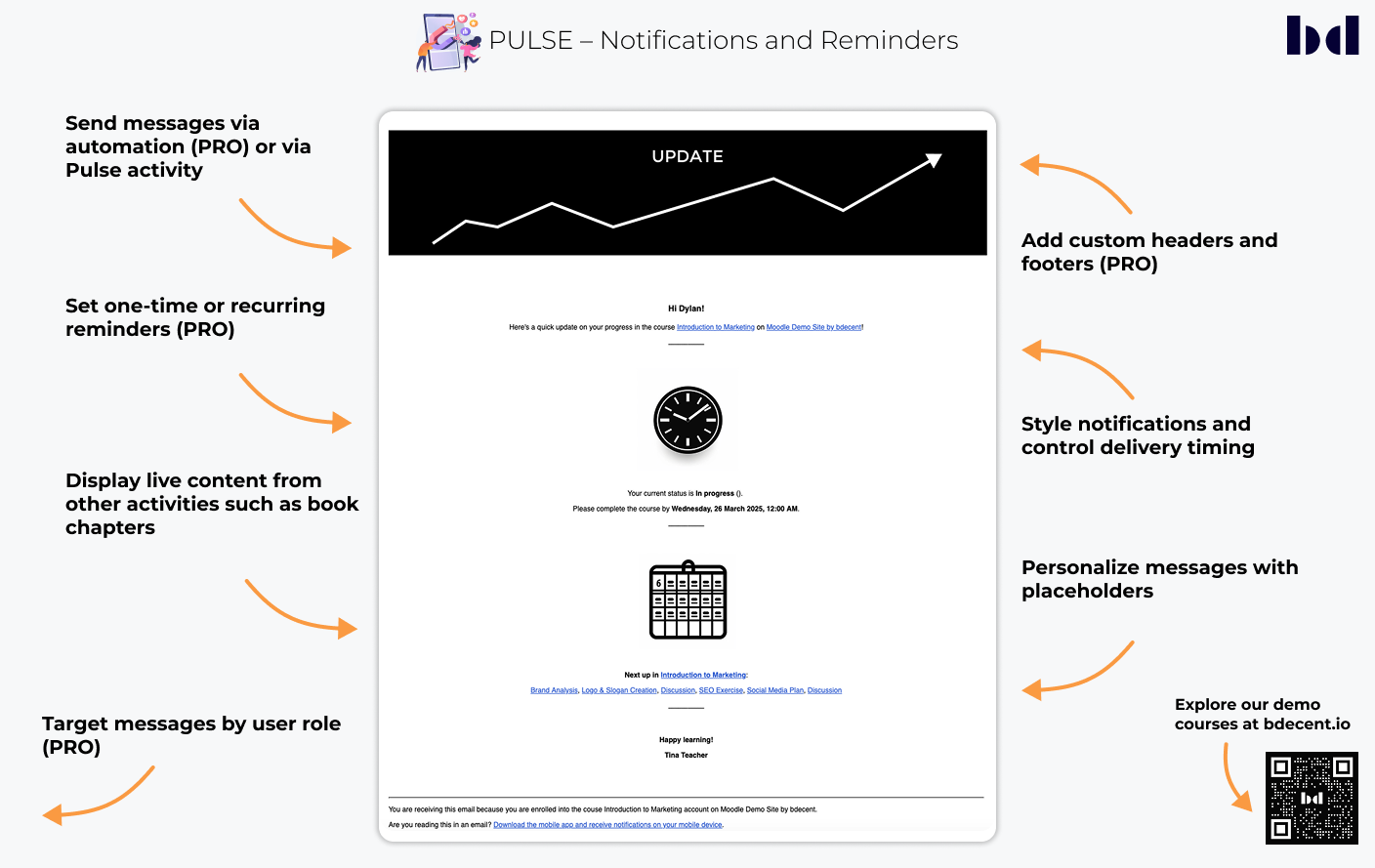
Automated notifications and powerful completion logic for better course workflows

Price option: Free

Supports Moodle 3.9-5.0 See all versions
Latest release: 8 months ago
Installations: 1376
Downloads (last 90 days): 369

Frankenstyle name: mod_pulse
Activities

Comments

Comments are no longer open for new posts. Existing comments remain available to read.

Hopefully, the plugin will be able to coincide with user's notification preferences in Moodle so we can comply with email spam legislation in most countries and best practices.
How does a user unsubscribe from receiving Pulse emails? I tested by disabling notifications in a user's profile/preferences but they seem to still receive emails.
The issue I had with the pro features was because I only installed 2.0, but I found out from support that I had to also install the moodle_local_pulsepro_1.3 file, which resolved the issue.
None of the pro features are showing on my Pulse activity even though I downloaded it from my purchase and installed it. I have also not heard back from support.
Hello, do you update your plugin soon?
It's sadly not working on 4.2 and now there already is 4.3
I am trying to use this plugin but it is not sending notification on restriction met. I am using 4.2 version of moodle
Hi Gerald, yes, we are not aware of any issues.
Hi there Stefan,
Is this Plugin compatible with Moodle 4.1.5?
@Angela - for any activity in Moodle (not just Pulse), it only shows the restrictions that are applicable to that course, so if for example you don't have any groups, you won't see the groups restirction. So I am guessing that in your course, you either have completion tracking turned off, or you have no items with completion enabled, and similarly you haven't set up the course completion within that course.
Hello Stefan, I just had look at the plugin. First comes first: Looks like a really powerful plugin. Just a question: Why is it missing Activity Completion and Course Completion for the restricted access? Thanks, Angela
Hi Małgorzata,
the most common issues are the following:
- Course has not started yet (course start date must be in the past)
- Pulse activity is not available (it must be either available or visible, can't be hidden)
- Course is hidden (course and the parent course categories must be visible)
- Student's enrolment is active and uses the student role
- Cron job is running (but that can probably be ruled out if it works for another course on the same site in your case)
Hope this helps!
Stefan
Hi Dave,
the comments section is not a good place for support (see the note above). Kindly ask your questions in the designated forum: https://moodle.org/mod/forum/discuss.php?d=426359 or create an issue on the tracker (if you believe that you've found a bug): https://github.com/bdecentgmbh/moodle-mod_pulse/issues. You can also contact me directly using our chat system: chat.bdecent.de
Thanks!
Stefan
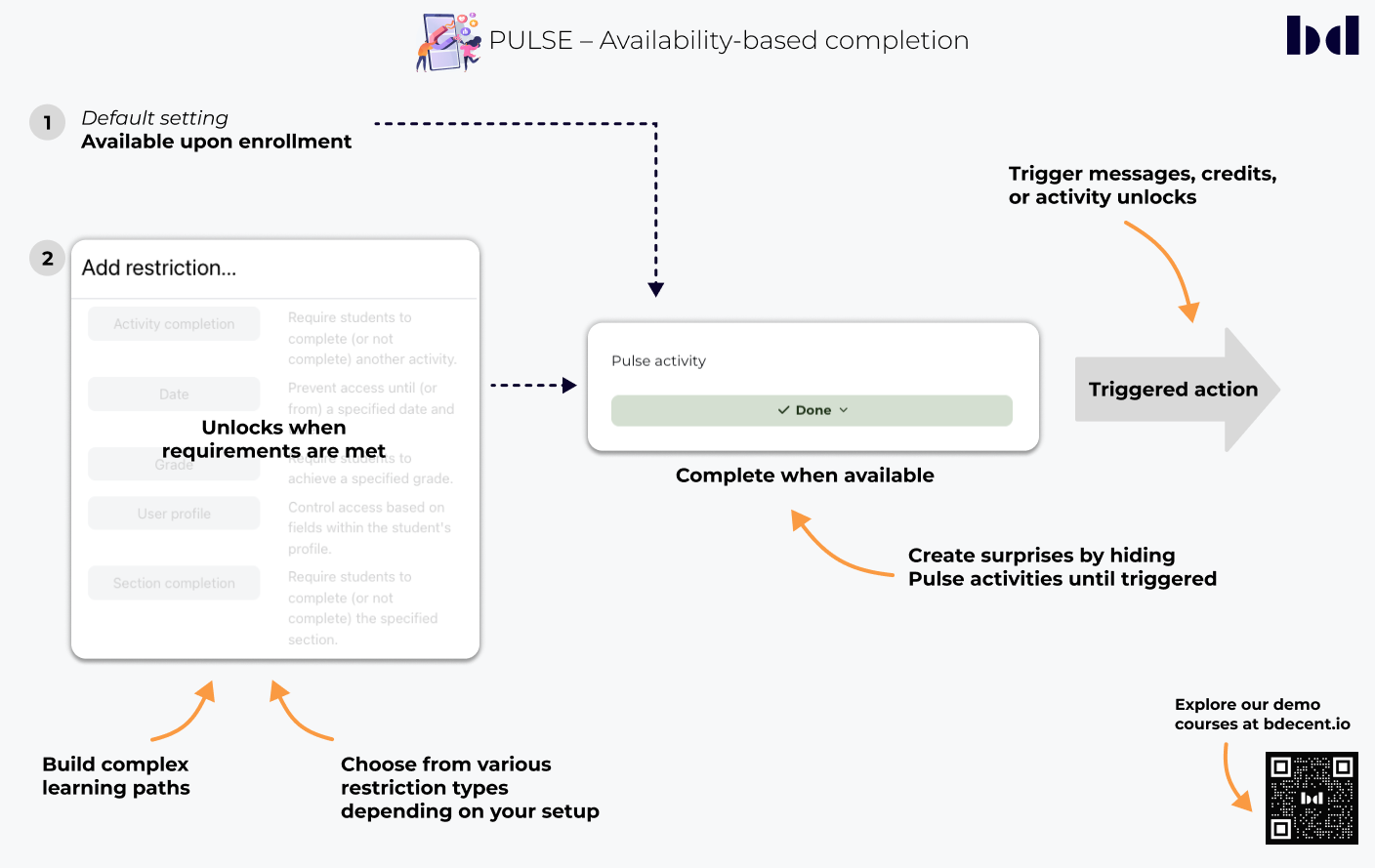
Just testing this out, and I have ticked the box for 'Completion when available', in my test the student is correctly seeing the pulse I had added, based on the availability restrictions, but the pulse item itself is not showing as complete, even though the students can see it. Is this a bug?
Morning Hoda,
Glad you like our little plugin!
Pulse uses the first enrolled (editing) teacher of the course as sender of the notification. If there’s no editing teacher, it will fall back to the noreply address.
Best
Stefan
Hello & thank you for your cool plugin!
Can you please explain how we can pick the sender of the notification or on what parameter it is based on?
Sincere Regards