
Designer
Maintained by
Stefan-Alexander Scholz, bdecent gmbh
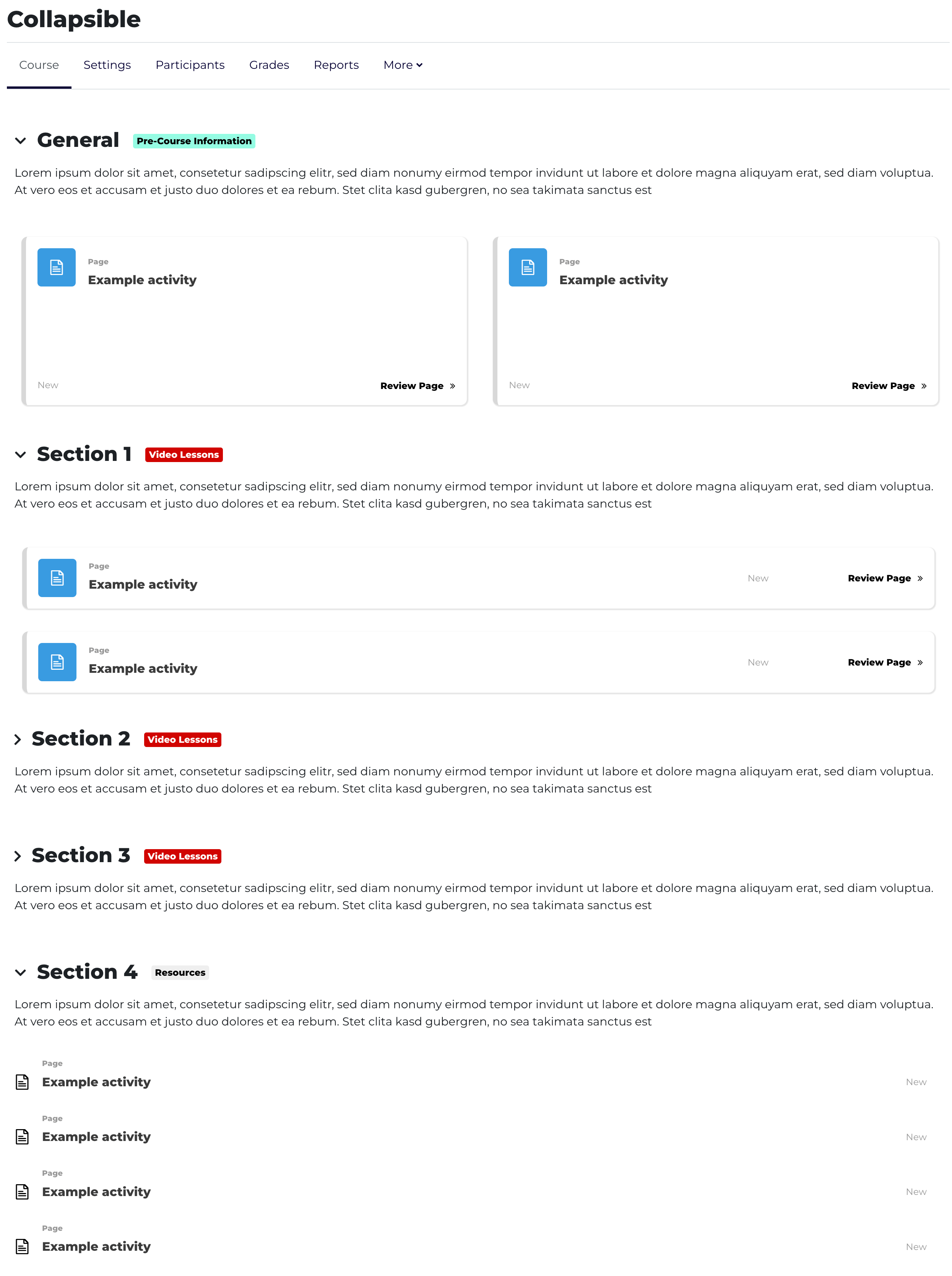
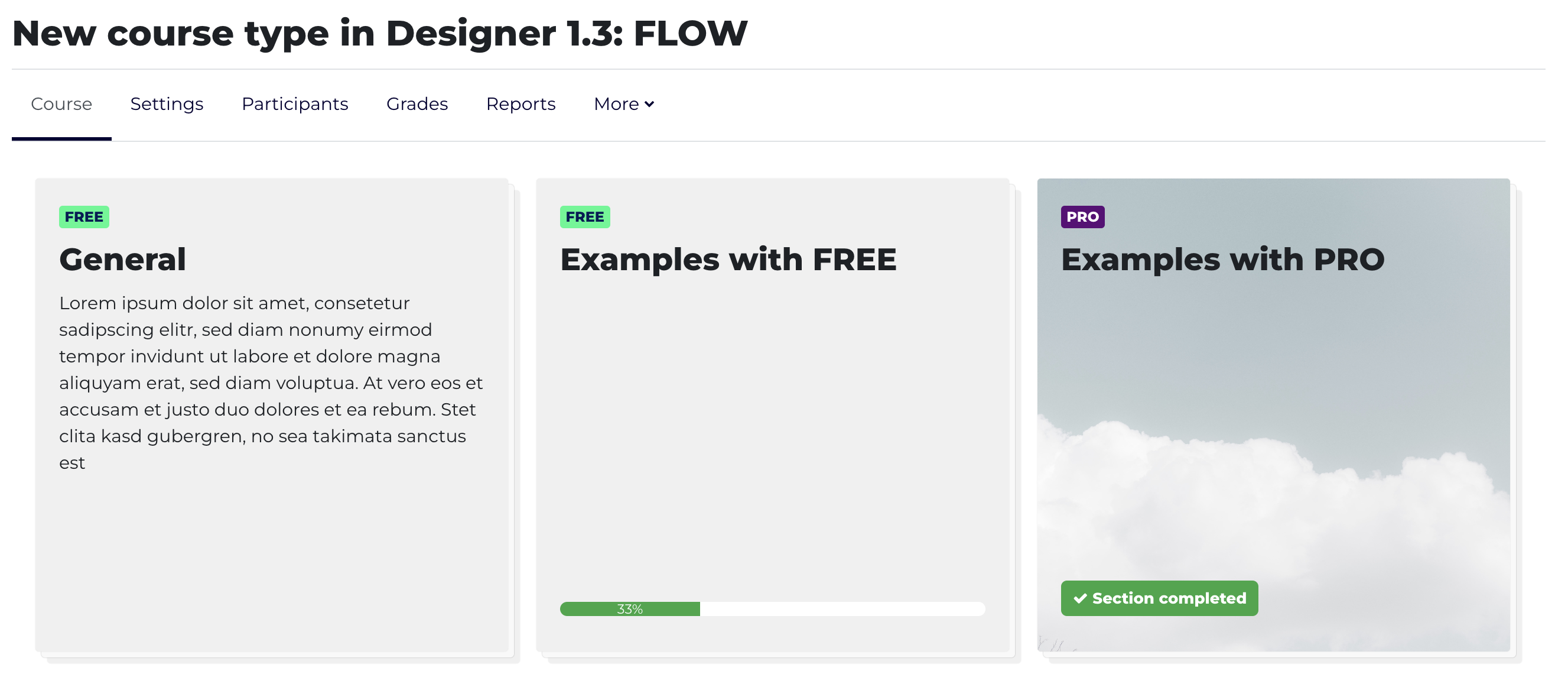
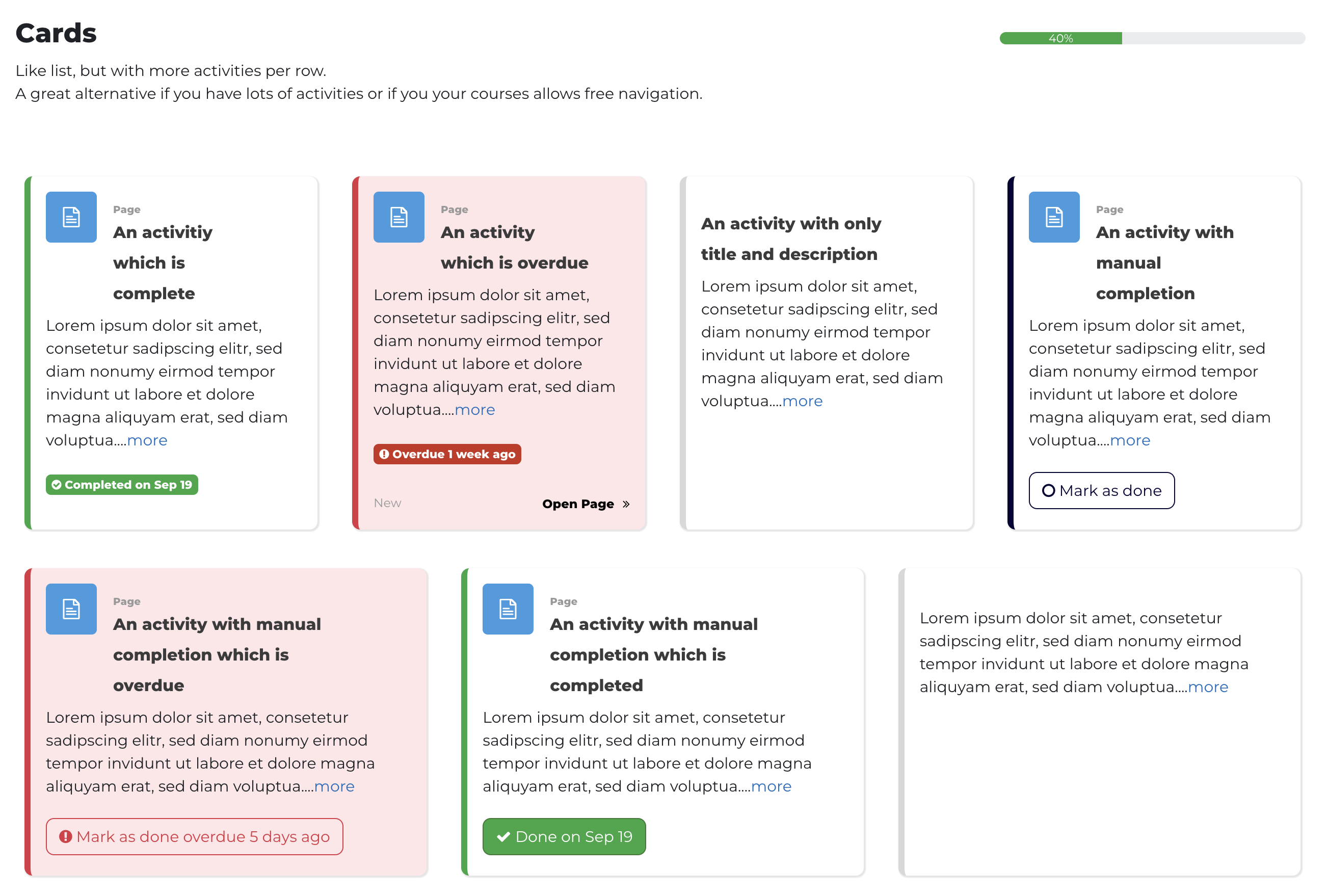
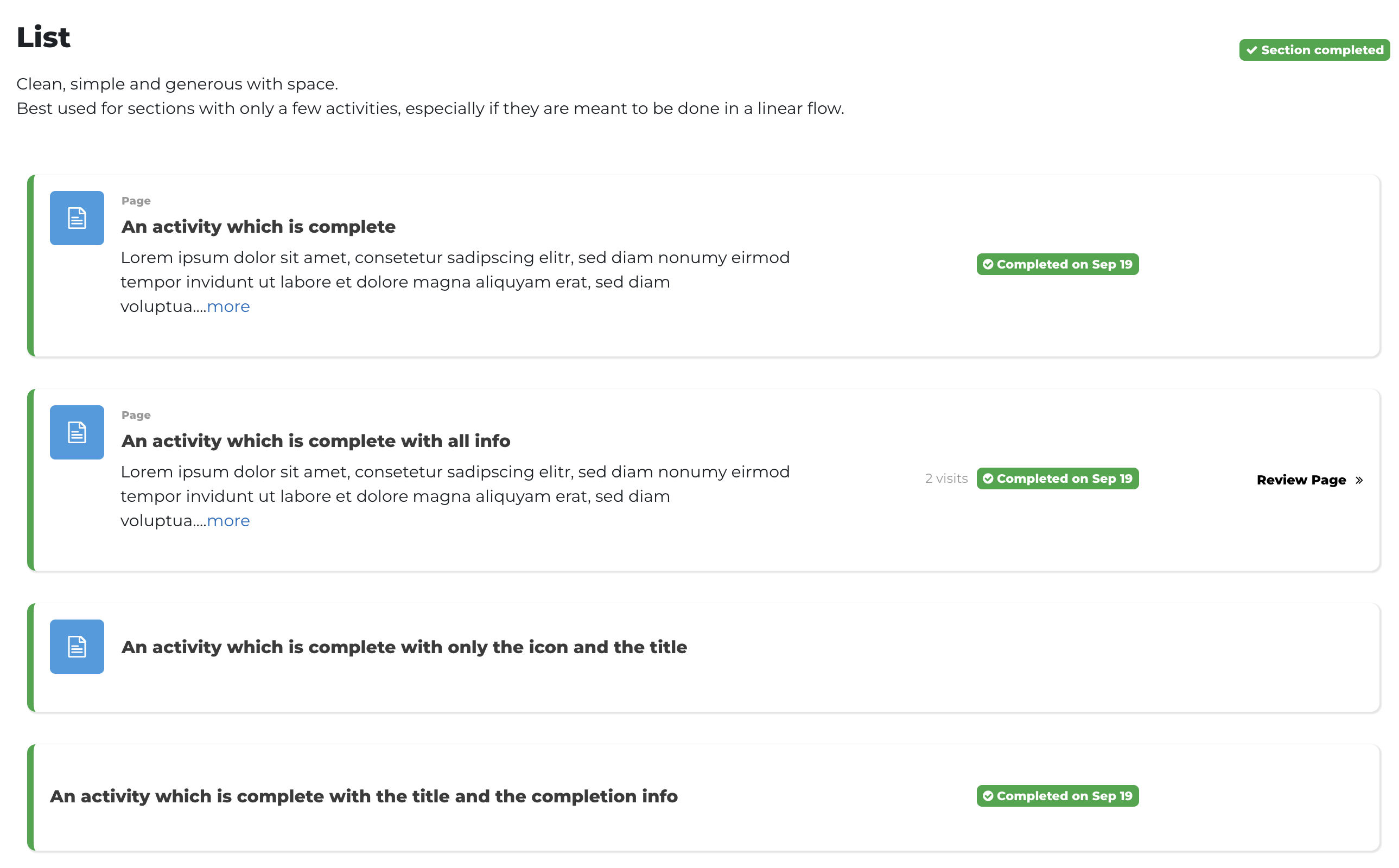
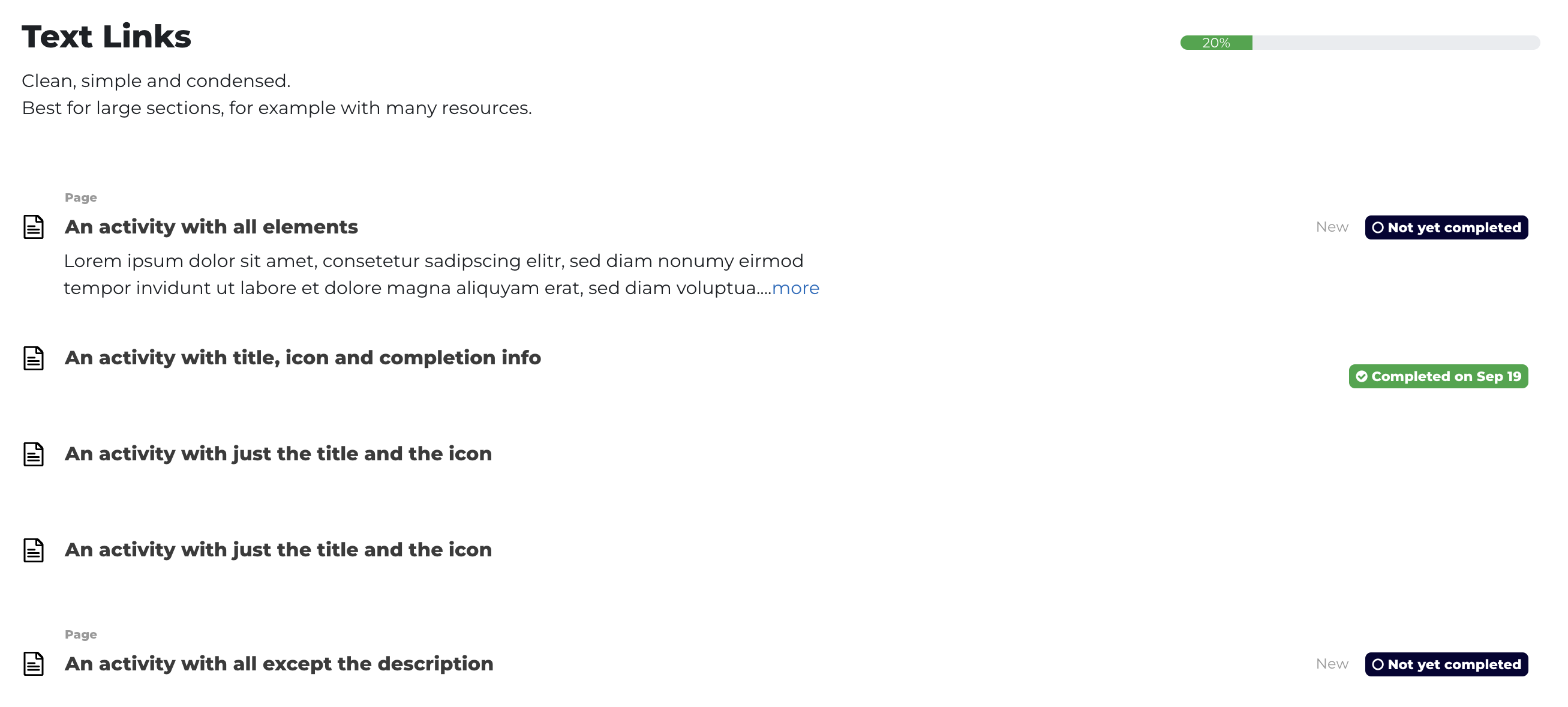
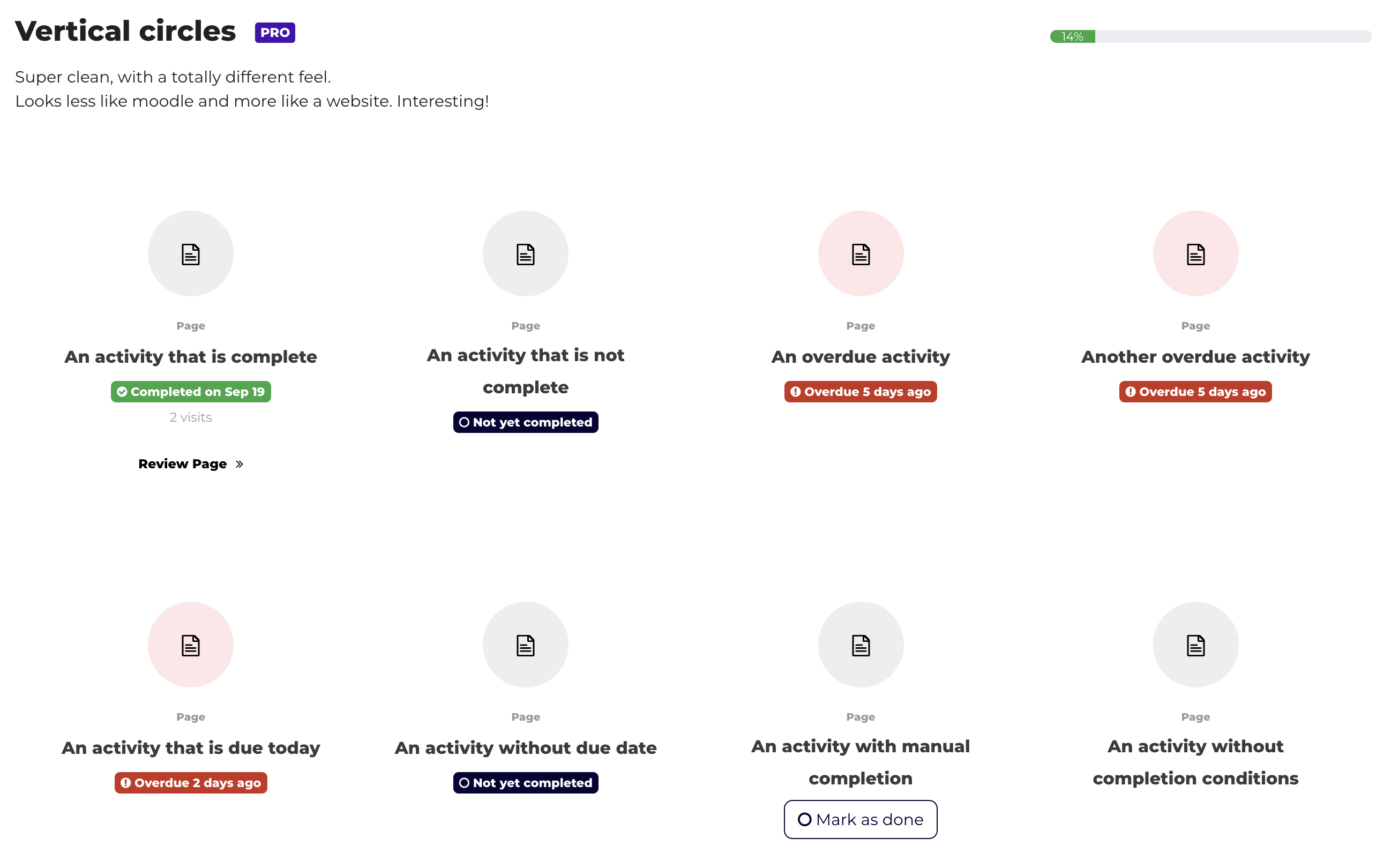
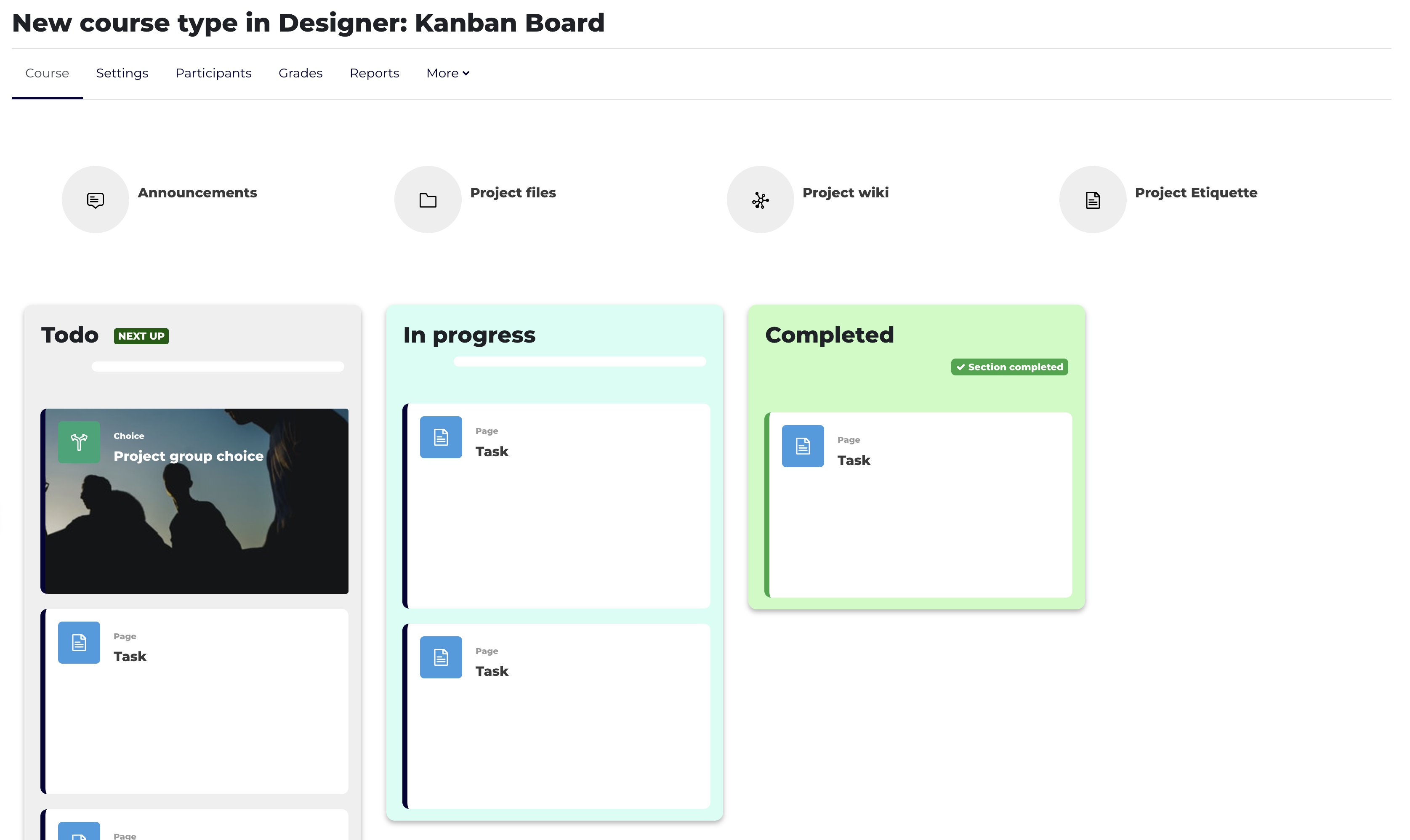
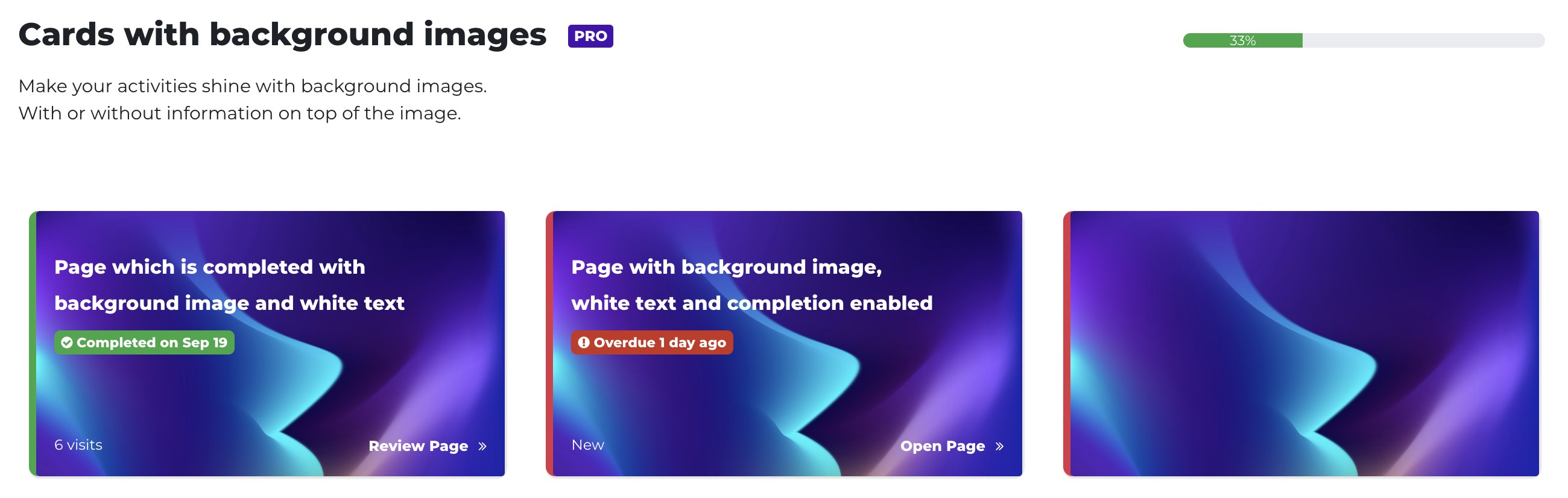
Mix and match layouts to create unique and visually appealing course designs

Comments
Product ratings and reviews are coming to Moodle Marketplace. Until then, existing comments remain available to read, but new posts have been disabled.
is it running on 4.5 as well?
Thank you
Excepción - Call to undefined method format_designer\output\courseformat\content\cm\cmname::get_title_data()
Como lo puedo soluccionar
Saludos
il semble y avoir un problème avec l'icône qui se trouve au début des sections repliables. Il ne s'affiche pas de la même manière selon les navigateurs utilisés.
Firefox affiche un icône bizarre, une sorte de carré avec des lettres à l'intérieur.
J'utilise le thème New Learning et Moodle 4.2.
I installed your plugin a few weeks ago which I find very pleasant.
However, I have an issue when using the Designer format and the Kanban Board course type with my primary admin account. When I want to access the course, the page spins in a vacuum and I get the error "Error ERR_HTTP2_PROTOCOL_ERROR".
If I use another account or change the course type to "Normal" instead of "Kanban Board", it works again.
I don't know how to solve the problem.
Not yet. We’re working on it. The next version including great new features and 4.0 support will be ready within a few weeks.
If you would like to get a preview earlier, contact me directly and I’ll give you access to our testing site once we have a working 4.0 version.
Best
Stefan
I can’t be sure but my best guess is that you tried Designer on our test site labs.bdecent.de where we used one of our other plugins (kickstart, also available here in the Plugins directory) to provide templates.
The templates use some of the features of the pro version of Designer. The templates that use pro features are tagged with designer pro on our site.
All features that are mentioned on this page and in the article are in the free version though - I suggest you read Mary‘s excellent article about our plugin: https://moodle.com/news/designer-plugin-mix-course-formats/, that should get you started!
Hope this helps!
Stefan
https://github.com/bdecentgmbh/moodle-format_designer/issues/2#issue-1146292703