
Learning map
Maintained by
Stefan Hanauska, ByCS Lernplattform
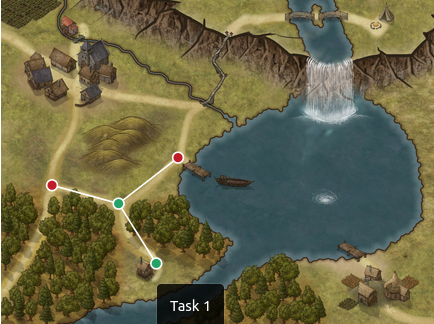
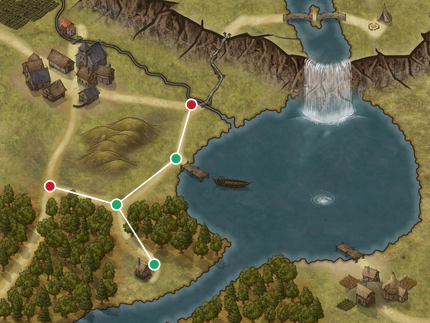
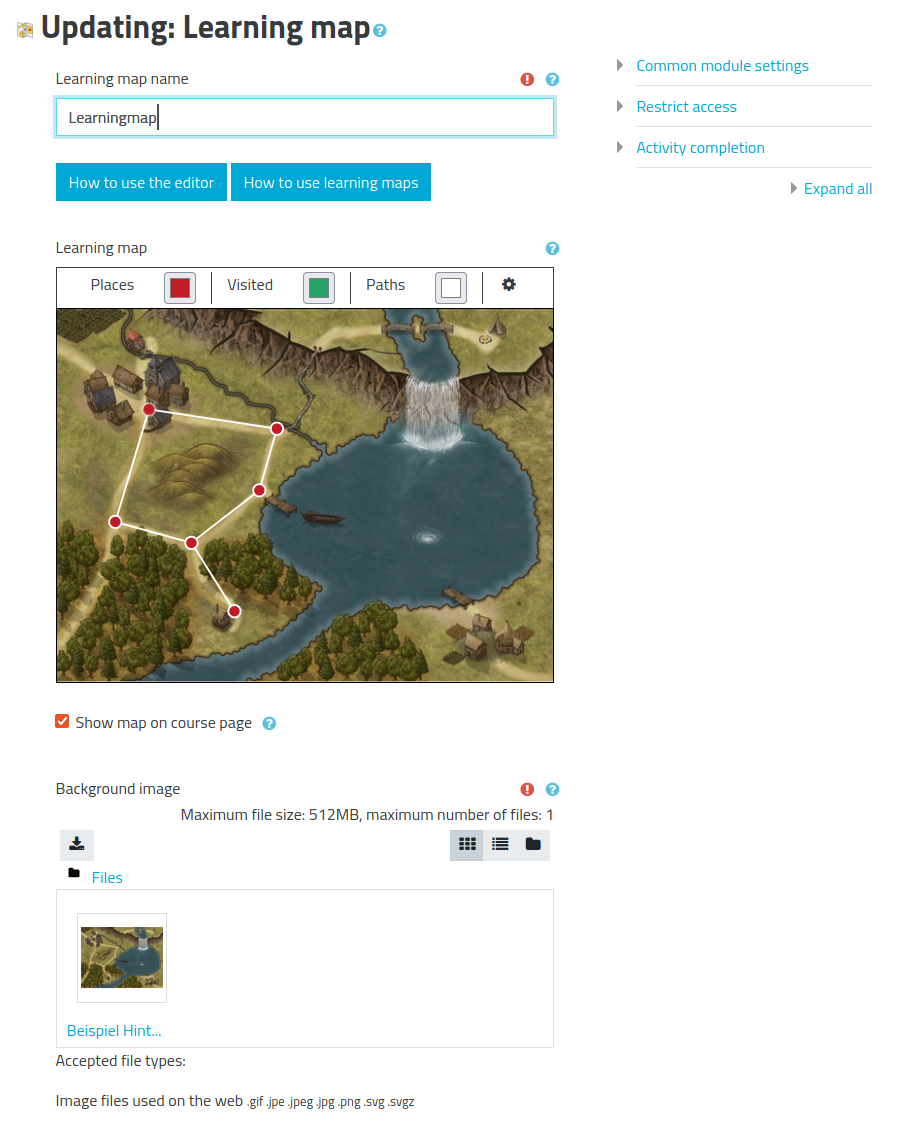
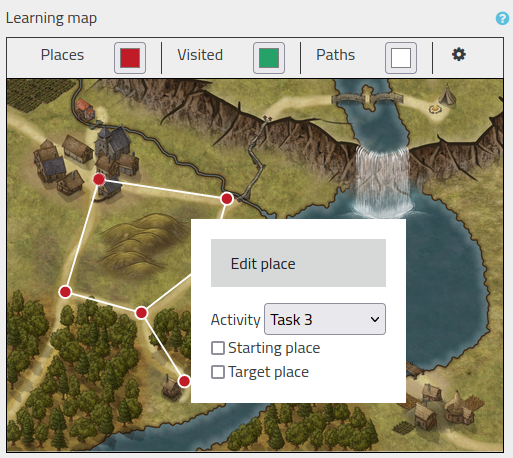
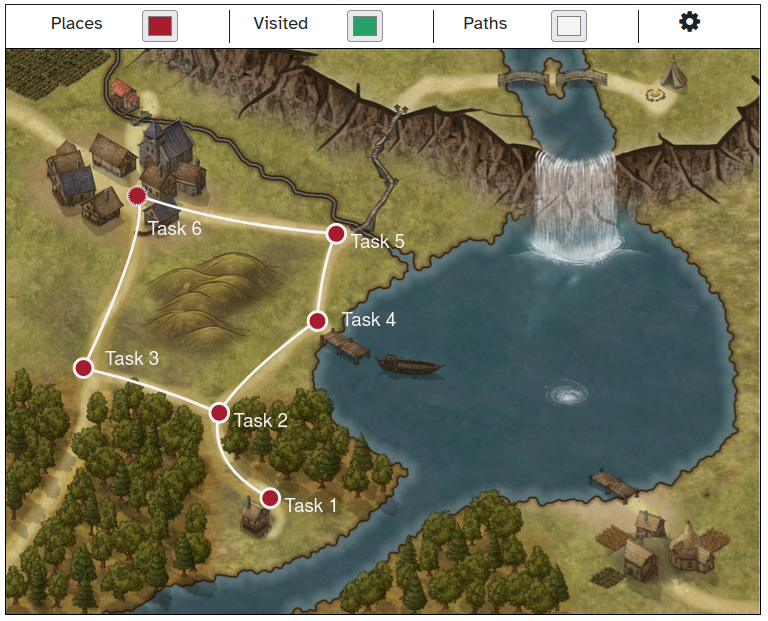
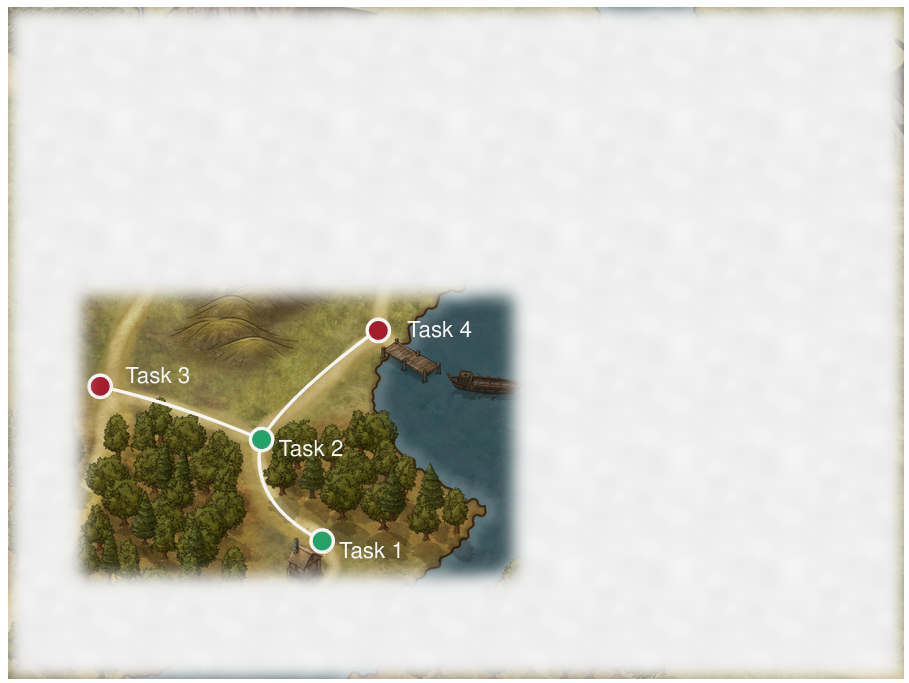
A learning map provides an easy way of improving the visualization of activities and their completion state in a moodle course. It can be used for easy creation of dependent activities and individualization of learning paths.
Comments
Comments are no longer open for new posts. Existing comments remain available to read.
The version we're using is 3.9, can you guess what the problem could be?
Incorrect course module ID
Learn more about this error
"
More detailed: https://docs.moodle.org/403/en/error/moodle/invalidcoursemodule
error/moodle/invalidcoursemodule
Jump to:navigation, search
The ID for the course module is invalid. Please contact the site admin.
For some unknown reason, this happens sometimes when deleting a user. Clicking the back button of the browser and deleting the user again, makes the deleting process continue and delete the user.
It can also happen when "Legacy course files" is enabled. Disabling this can solve the issue.
I checked the repository with outdated course files, it is disabled. I tried it on a new course with newly created several classes and the problem is similar.
Thank you for the great plugin.
I have a problem. How can I hide the activities on the course page while having them displayed on the map ?
thank you for your comment. There already is an issue for integrating proper keyboard navigation, see https://github.com/mebis-lp/mod_learningmap/issues/31. However, we have not had the resources yet to target this issue. If you find more (accessibility related) issues, feel free to raise an issue directly on github. If you have developing skills or can provide developer resources, we will be happy to review and integrate pull requests which improve the accessibility of this plugin.
Philipp Memmel
We noticed this plug-in because it can visually provide a clear overview of the learning path in our courses.
However, we want to offer an accessibly learning environment and a visually impaired or blind student should not be excluded if we were to work with this plug-in.
Have there been any further developments to make the plug-in accessible? (keyboard navigation, screen readers,...)
Best regards
Joline Vergauwen
We are using this plugin and really like its usability in the browser. But, we would really like to be able to use it on the APP. Can you guide us, as we are identifying incompatibility when opening the Map.
We await news.
Vielen Dank für dieses Plugin! Es ist echt Toll, und meine Schüler genießen es wirklich.
Danke für die tolle Arbeit,
Brian