Learning map
Maintained by
Stefan Hanauska, ByCS Lernplattform
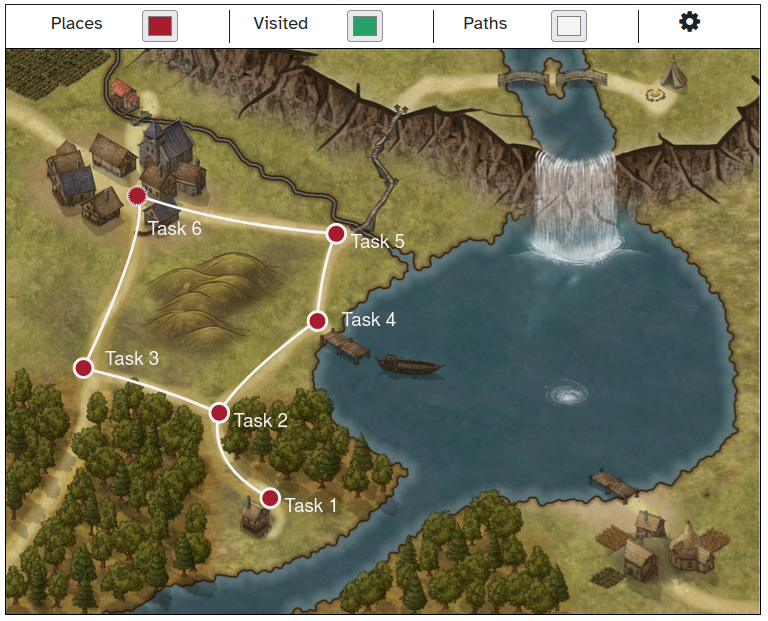
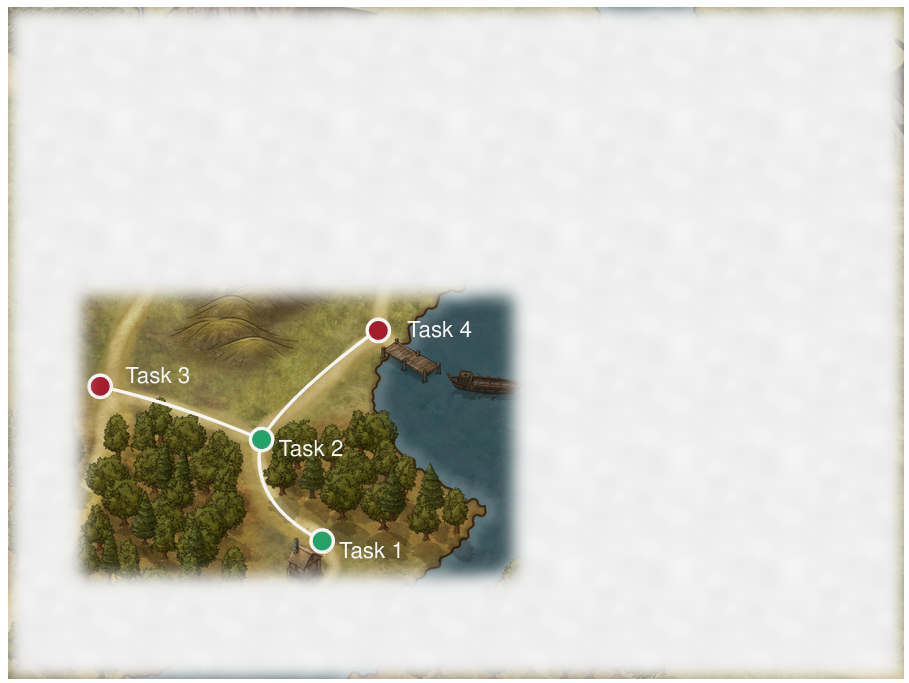
A learning map provides an easy way of improving the visualization of activities and their completion state in a moodle course. It can be used for easy creation of dependent activities and individualization of learning paths.
Comments
Comments are no longer open for new posts. Existing comments remain available to read.
thanks a lot for your feedback!
Linking sections directly isn't possible because sections don't have any completion tracking. A workaround could be inserting a label (with activity completion) and linking to the label as it is shown on the sections page.
Opening activities in a modal would be a really nice feature but is very difficult to implement (the best way could be inserting it as an iframe in a modal - but this requires stripping off the surrounding layout elements to save space).
Best regards
Stefan
Thank you for this great plugin. I'm not a developer myself, so I don't know how difficult this would be. Just as a suggestion for future evolutions, A first one would be to be able to link to a course section and not only to an activity or ressource. A second one is that it would be great if activities and ressources mapped as places would open in modals. But thank you anyway for what you already contributed.
Best regards
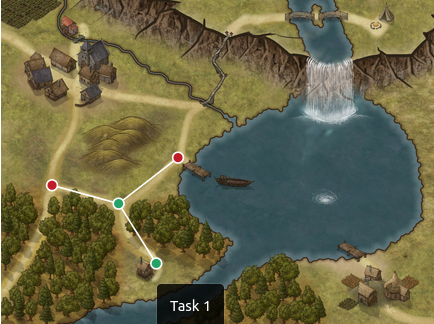
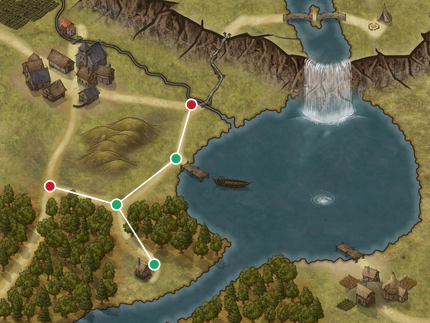
yes all ok and you can see the setting for task 1 in the below image. anything else should i do to fix this issue.
https://www.dropbox.com/s/9dyg5iswtfdwplg/Screen%20Shot%202022-04-07%20at%209.17.45%20AM.png?dl=0
best regards
thanks for your quick reply, and here is the links for the images.
https://www.dropbox.com/s/w1dgc7o9xmp9kh9/Screen%20Shot%202022-04-06%20at%204.56.41%20PM.png?dl=0
https://www.dropbox.com/s/5pwsg0x6u9wa7os/Screen%20Shot%202022-04-06%20at%204.56.18%20PM.png?dl=0
https://www.dropbox.com/s/v10ci5geuz4xxfp/Screen%20Shot%202022-04-06%20at%204.56.11%20PM.png?dl=0
https://www.dropbox.com/s/e6ae19qb2qg5hdh/Screen%20Shot%202022-04-06%20at%204.56.02%20PM.png?dl=0
best regards,
is one of the three places marked as "starting place"? You need at least one (which will be visible by default). Can you provide a screenshot of the settings for the three places?
pasteboard.co/COzz6puT5xB8.png
see the below images please.
Best Regards,
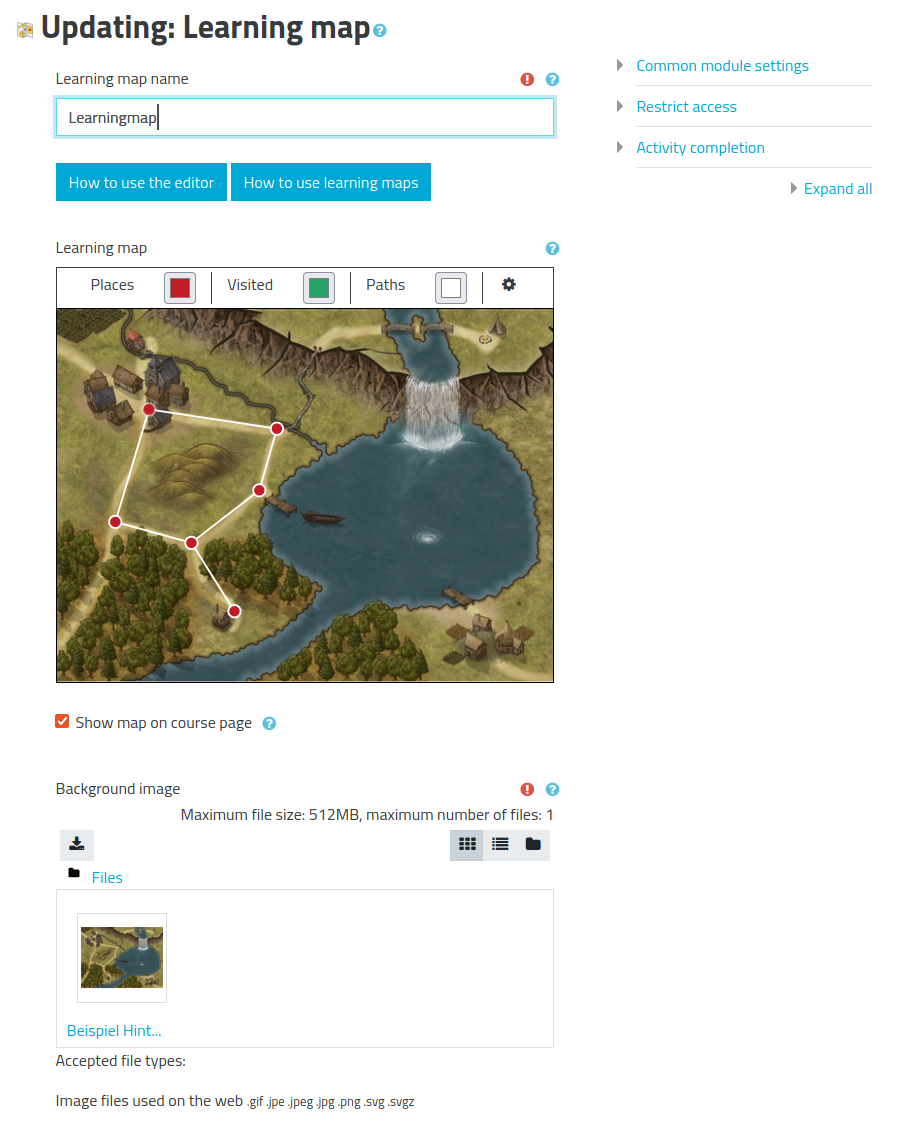
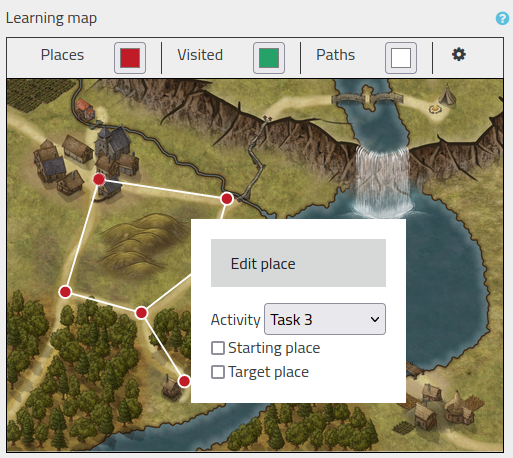
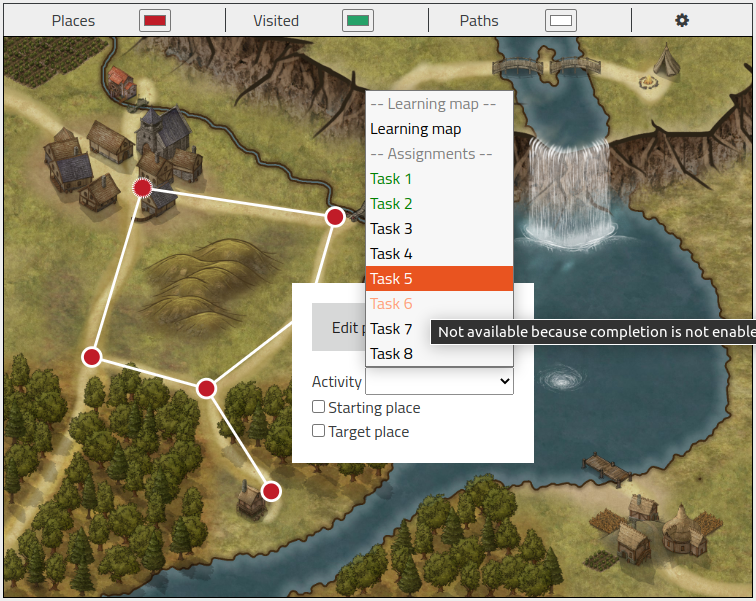
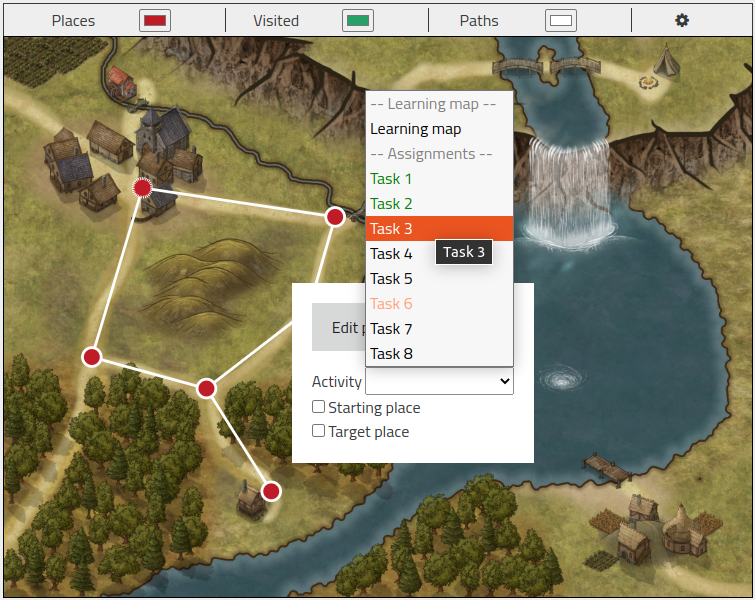
If you want to add an activity to the learning map, you also have to set up any way of activity completion for it. Then you can add a place by double clicking on the background image. If you right click on the place, you can choose the activity linked to this place.
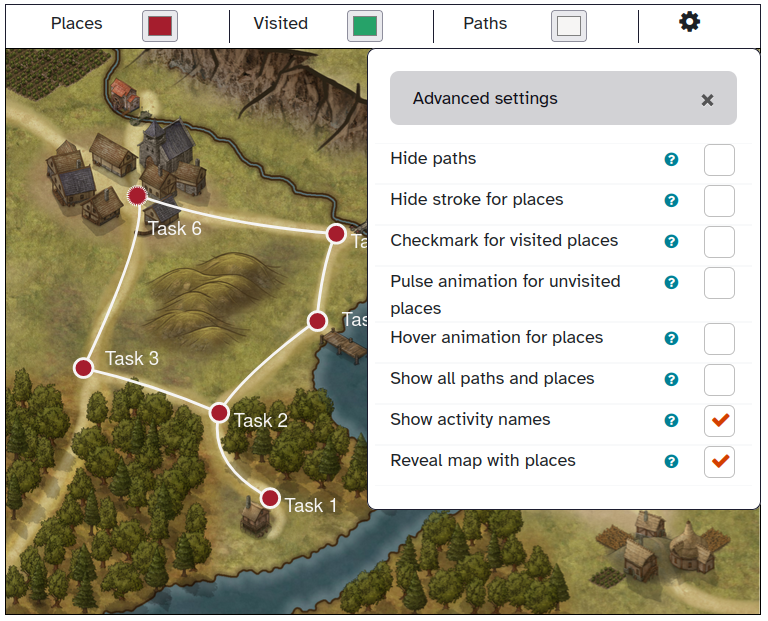
Activities that should be shown initially must be marked as starting places. All other places are shown as soon as any connected place is visited (i.e. the activity is completed). Please be aware that mod_learningmap in addition respects the availability restrictions of moodle. If there are further restrictions for the activity you want to see, it is not shown until you fulfill these restrictions too.
when I add the task these point is not showing on the map is there anything I can do or setup please let me knwo.
Please see the comments on CONTRIB-8830 the review process on your plugin are blocked until this is resolved.
And use the tracker issue linked above for communication around the review process.
Cheers.