Astor Bizard
Lead maintainer

This plugins is based on the qbehaviour_studentfeedbackdeferred plugin, and needs it to be installed.
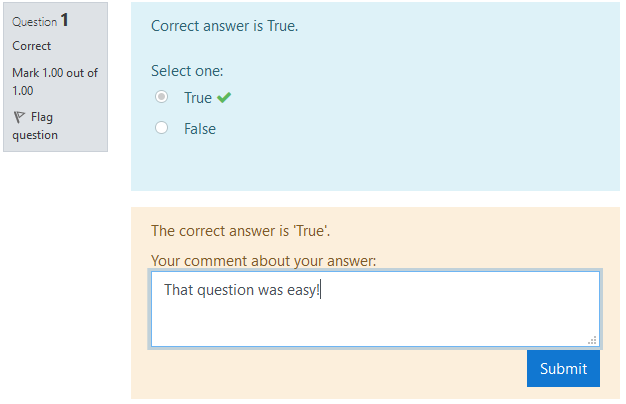
This question behaviour is derived from the Immediate feedback behaviour, and questions will behave essentially the same.
With
this behaviour however, students can submit one comment for each
question after it is submitted and one comment for the whole Quiz, after their attempt is
submitted.
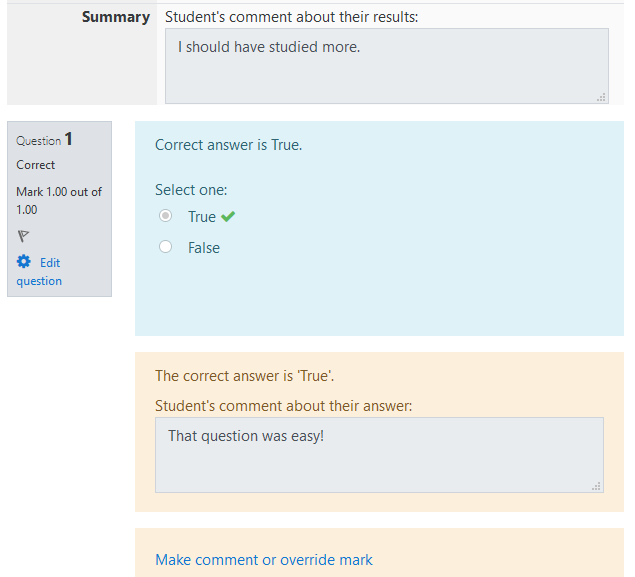
These comments are editable by the student, and are visible by the teachers.
Once installed, simply go to a Quiz settings > Question behaviour > Select "Student feedback (immediate)".
Students feedback can be viewed within the quiz report interface using the quiz_feedback plugin.
This software was developped with the Caseine project, with the support of the following organizations:
