Sara Arjona
Preparing the move from the core
Note: The Word censorship filter has been removed from new installations of Moodle 4.0. The code for this filter is currently available in the Plugins directory.
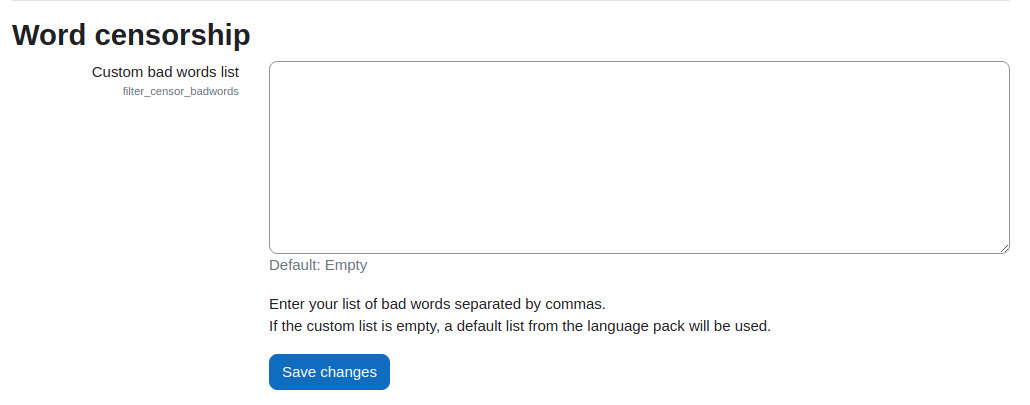
The word censorship settings page Administration > Site administration > Plugins > Word censorship allows a site administrator to edit a custom list of words (bad words) to be censored within your Moodle installation.
To avoid inadvertently causing offence, there is no default bad word list on the Word censorship settings page. If the custom list is empty, the default list from the language pack will be used.
The default bad word list is contained within the censor.php file within each language pack installed on your Moodle site. To change the default bad word list go to Administration > Site administration > Language > Language Customization and check out the required language pack. Select the censor.php file under the filters subheading from the strings list and click Show strings. Warning: You may find the content of this file offensive.

