Font awesome icon

Font awesome

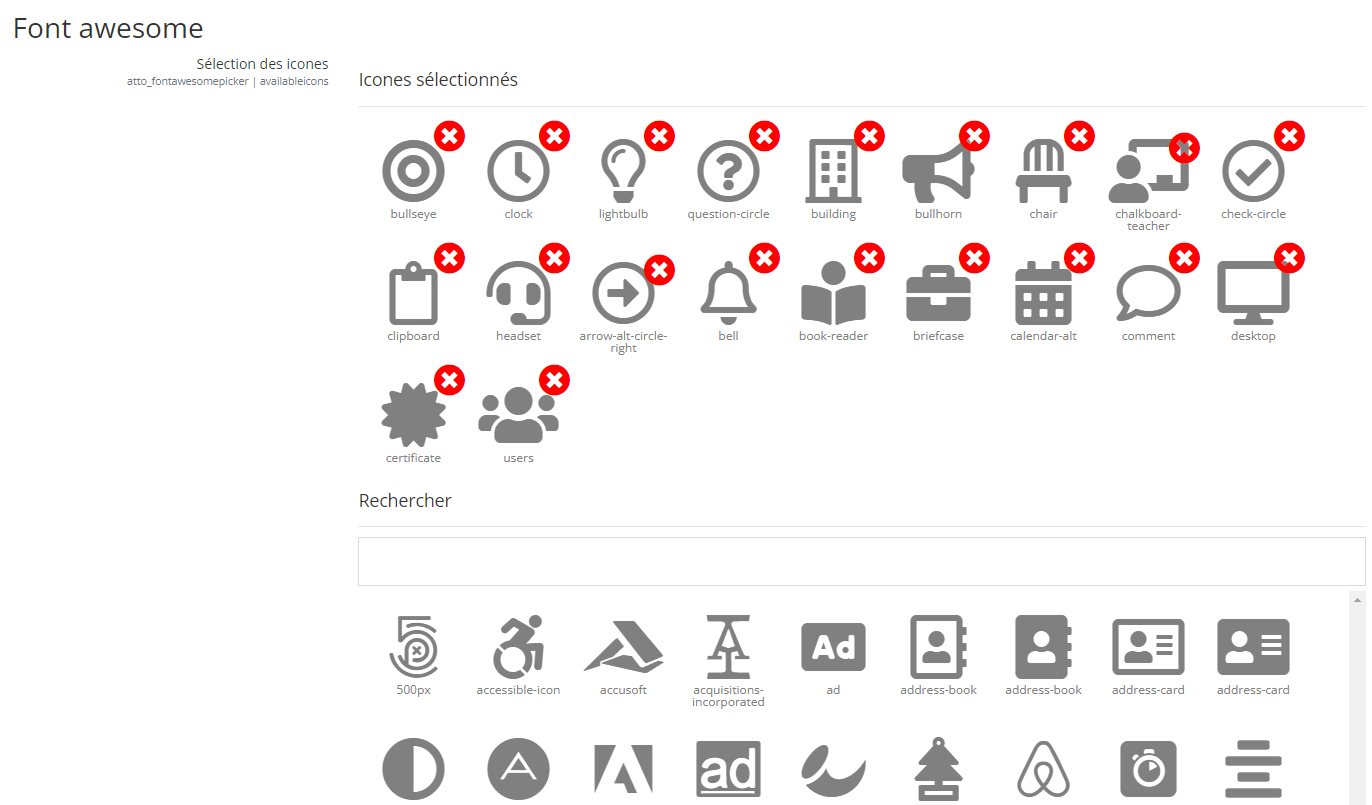
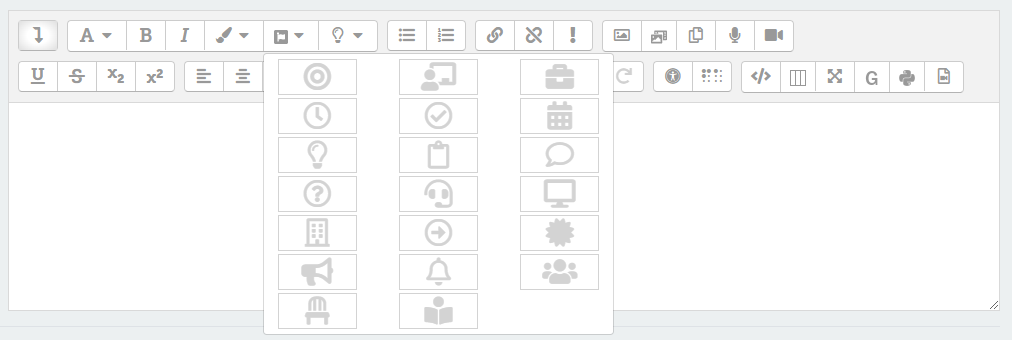
Add Font Awesome Icon. Configurable by the Moodle admin to define suggested icons.
Price option: Free

Supports Moodle 3.9-4.1 See all versions
Latest release: 3 years ago
Installations: 119
Downloads (last 90 days): 32

Frankenstyle name: atto_fontawesomepicker
Atto

Description

Font Awesome Icons for Atto

Add Font Awesome Icon. Configurable by the Moodle admin to define suggested icons.

Requirements

  • Moodle 3.5 or later.

Installation

Install the plugin directory as usual in lib/editor/atto/plugins.

Then visit Site Administration > Plugins > Atto > Font Awesome. to configure the icons.

The icons can be embedded in two ways :

  • with the Fontawesome HTML code, this is the default mod.
  • with the Fontawesome filter : embed the icons using a special code that will be transformed by the Fontawesome filter. This mode requires the plugin filter_fontawesome () to print the icons properly. It provides a better compatibility with the others functionalities of the Atto editor.

Finally, enable the plugin by adding 'fontawesomepicker' (without the quotes) in the Atto toolbar settings (Site administration > Plugins > Text editors > Atto HTML editor > Atto toolbar settings).


Contributors

Awards

Privacy friendly