LearnR icon

LearnR

Maintained by Chris Kenniburg
LearnR is a Boost Union child theme for Moodle 4+.. Made for learners and focused on providing unique features to enhance management and delivery of instruction. The LearnR theme builds on the new layouts and user experiences introduced in Moodle 4 and provides a variety of enhancements to core features and styles. The LearnR theme is focused on students going from "login to learning" quickly and easily.
Price option: Free
Supports Moodle 4.0-5.1 See all versions

Latest release: 3 months ago
Installations: 1734
Downloads (last 90 days): 483

Frankenstyle name: theme_learnr
Themes

Description

Important Notice:

Currently LearnR is a fork/copy of Boost Union with added features.  This was not ideal.  The CTL-Version 1 release of LearnR will require Boost Union be installed because LearnR will be an add-on to Boost Union as a true child theme.  This means most of your configurations and settings will be inherited from Boost Union.  

Do not upgrade unless you uninstall LearnR, install Boost Union, and then re-install LearnR CTL-version 1 (2024021300). Discussion on this is in the Theme Forum here.

Introducing LearnR

LearnR is almost entirely based on the core foundation of the Boost Union Theme. If you have not seen the Boost Union theme you are missing out! We like to think of LearnR as an enhanced version of Boost Union that is very focused on styling, integrations with other plugins, and we have carried over some of the most popular features from all of our previous themes like Fordson and Evolve-D.

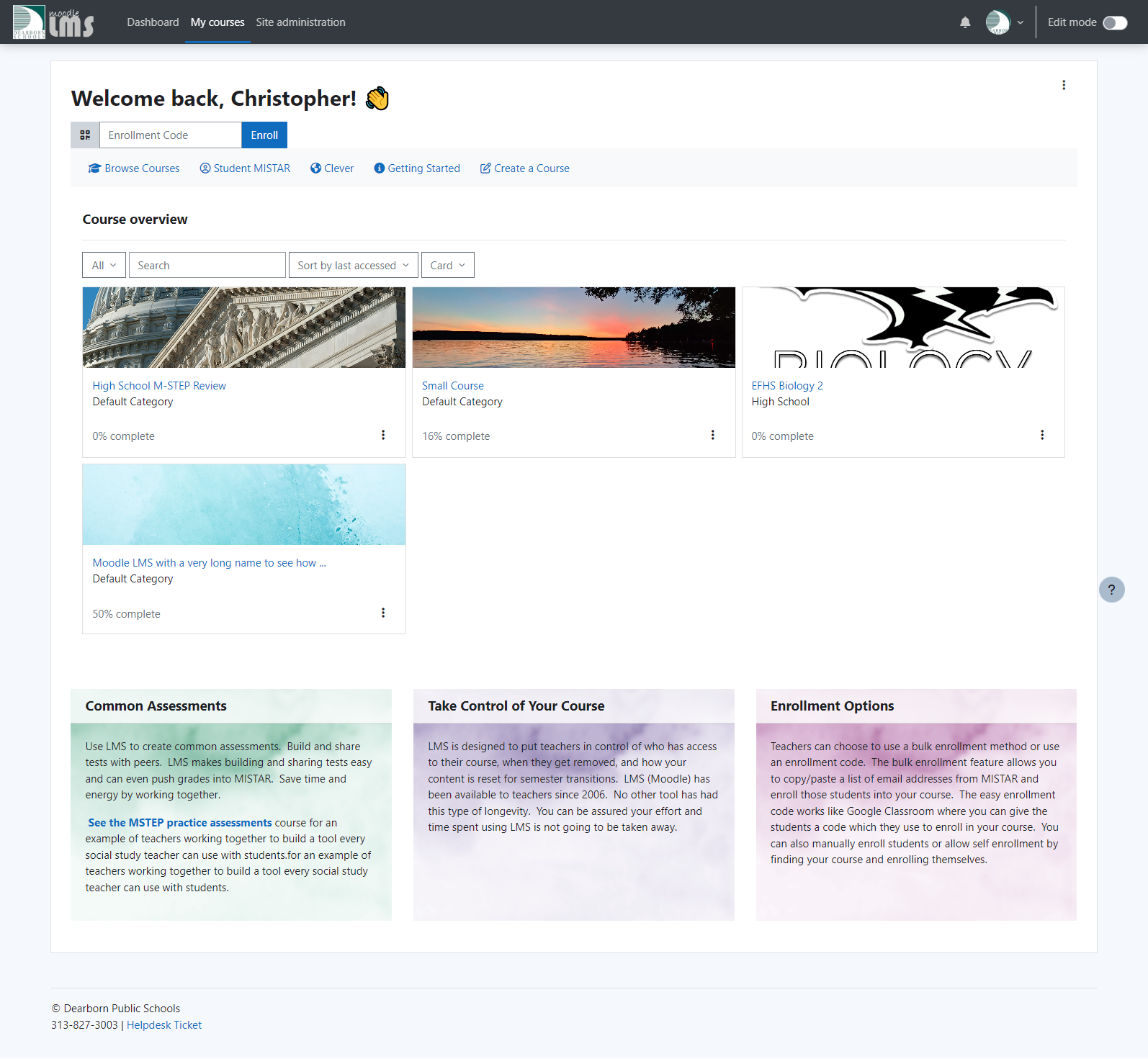
My Courses Page in Moodle

Recommended Plugins:

LearnR adds the following features to Boost Union:

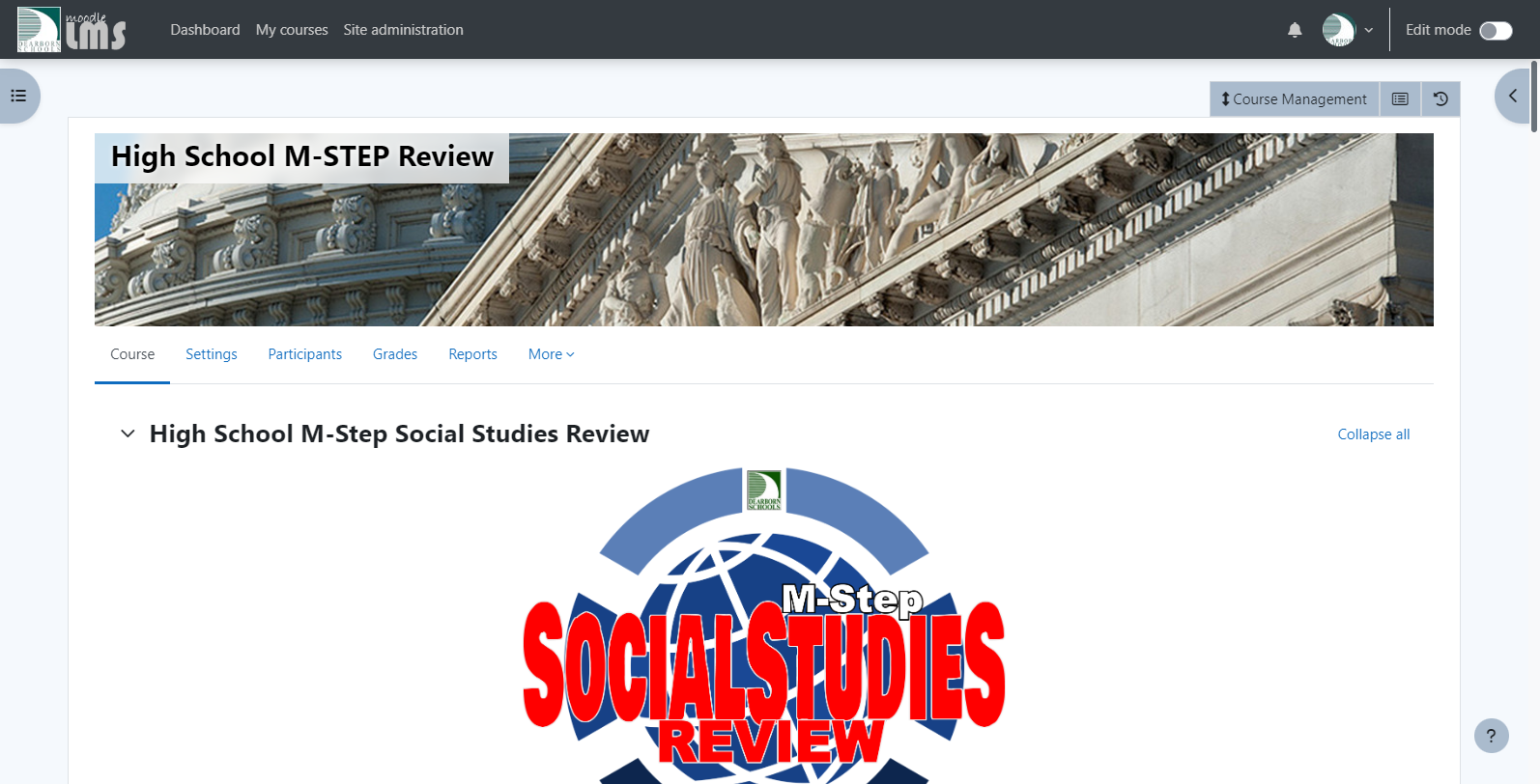
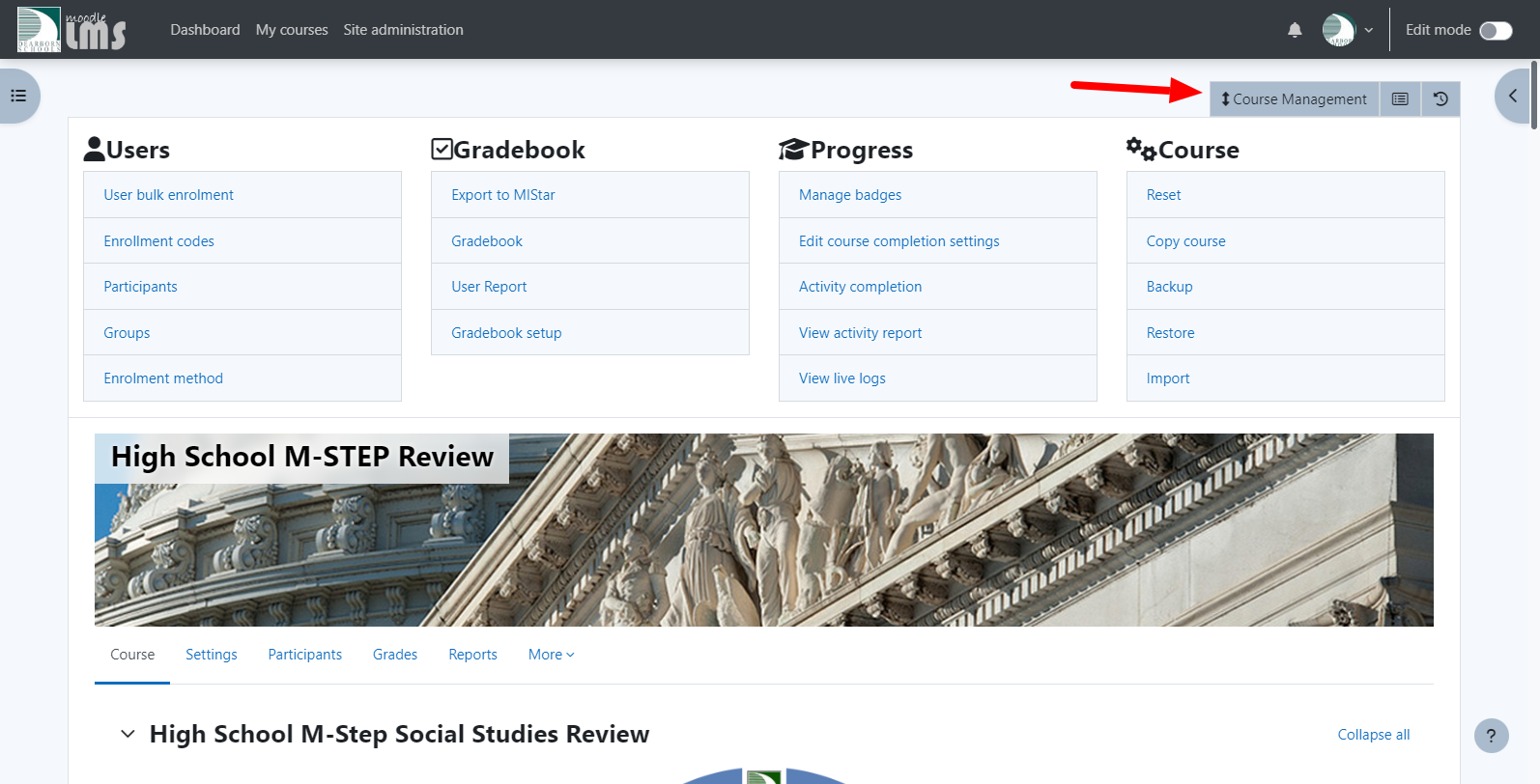
  • Teacher Course Management Dashboard
  • Section Style Chooser
  • Course Progress Bar
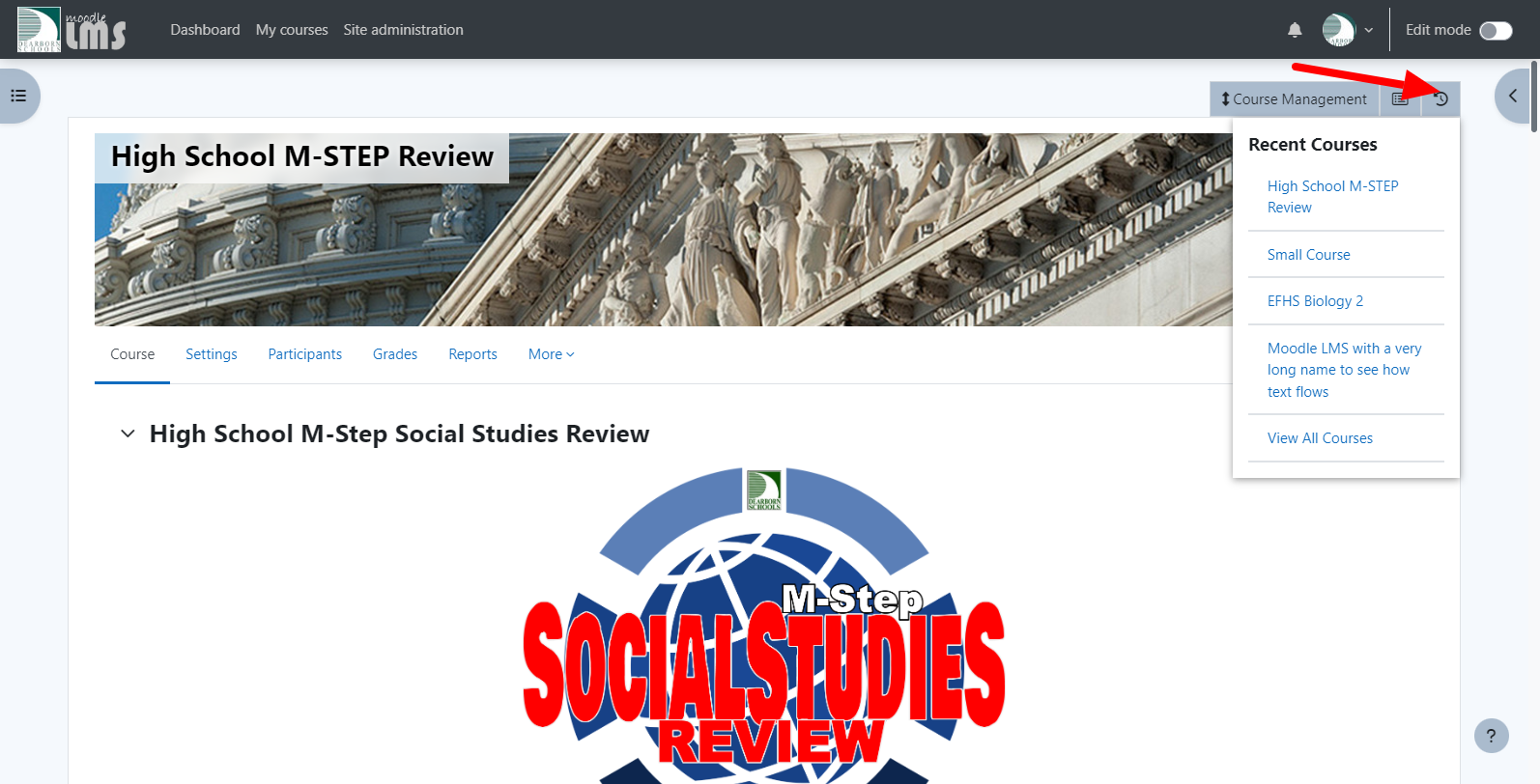
  • Latest Course Drop Down
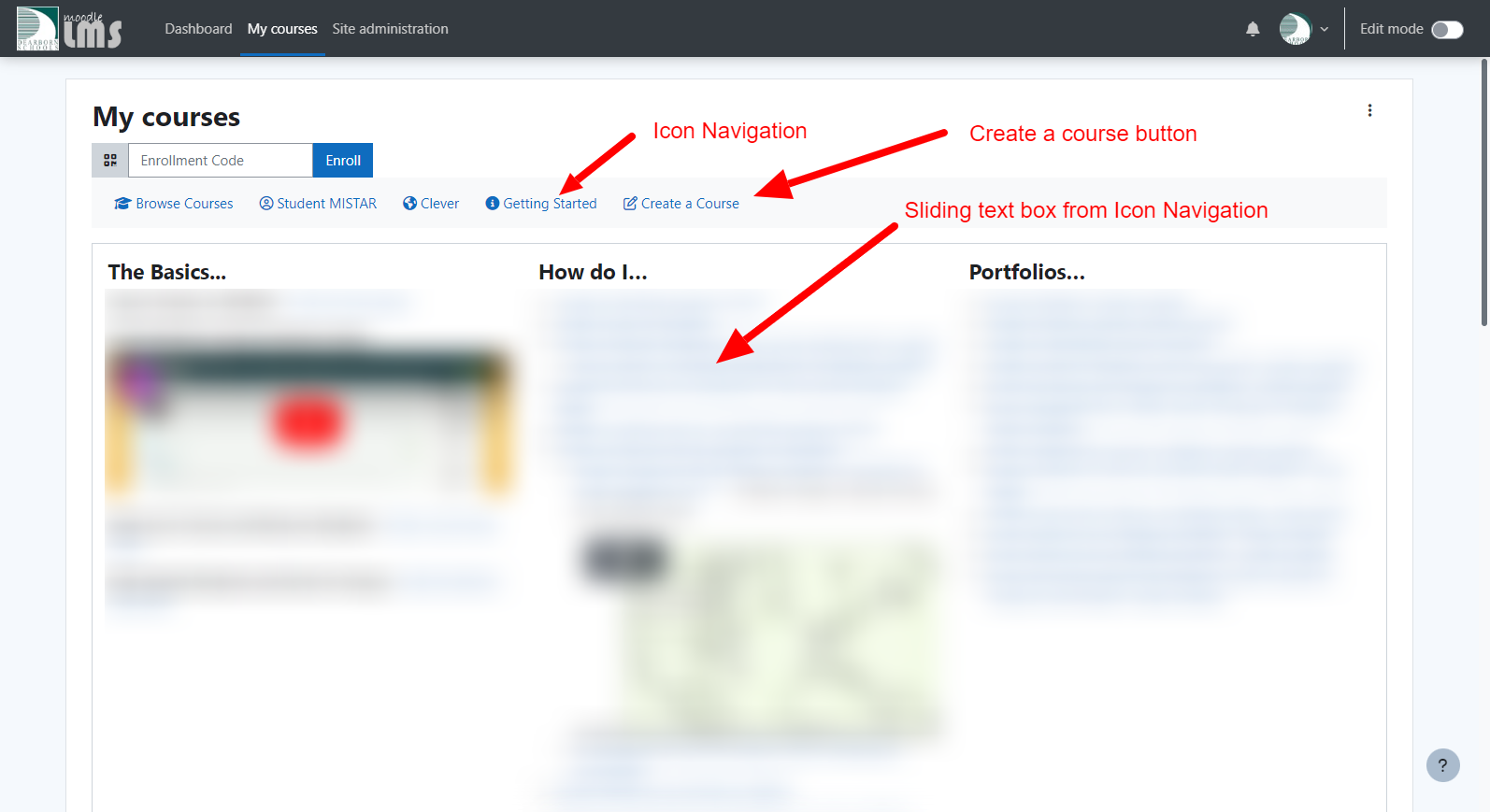
  • Icon Navigation Menu System for Home, MyCourses, and Dashboard pages
  • Course Activity List Drop Down
  • Default Image on My Courses Page
  • Additional Color Choosers
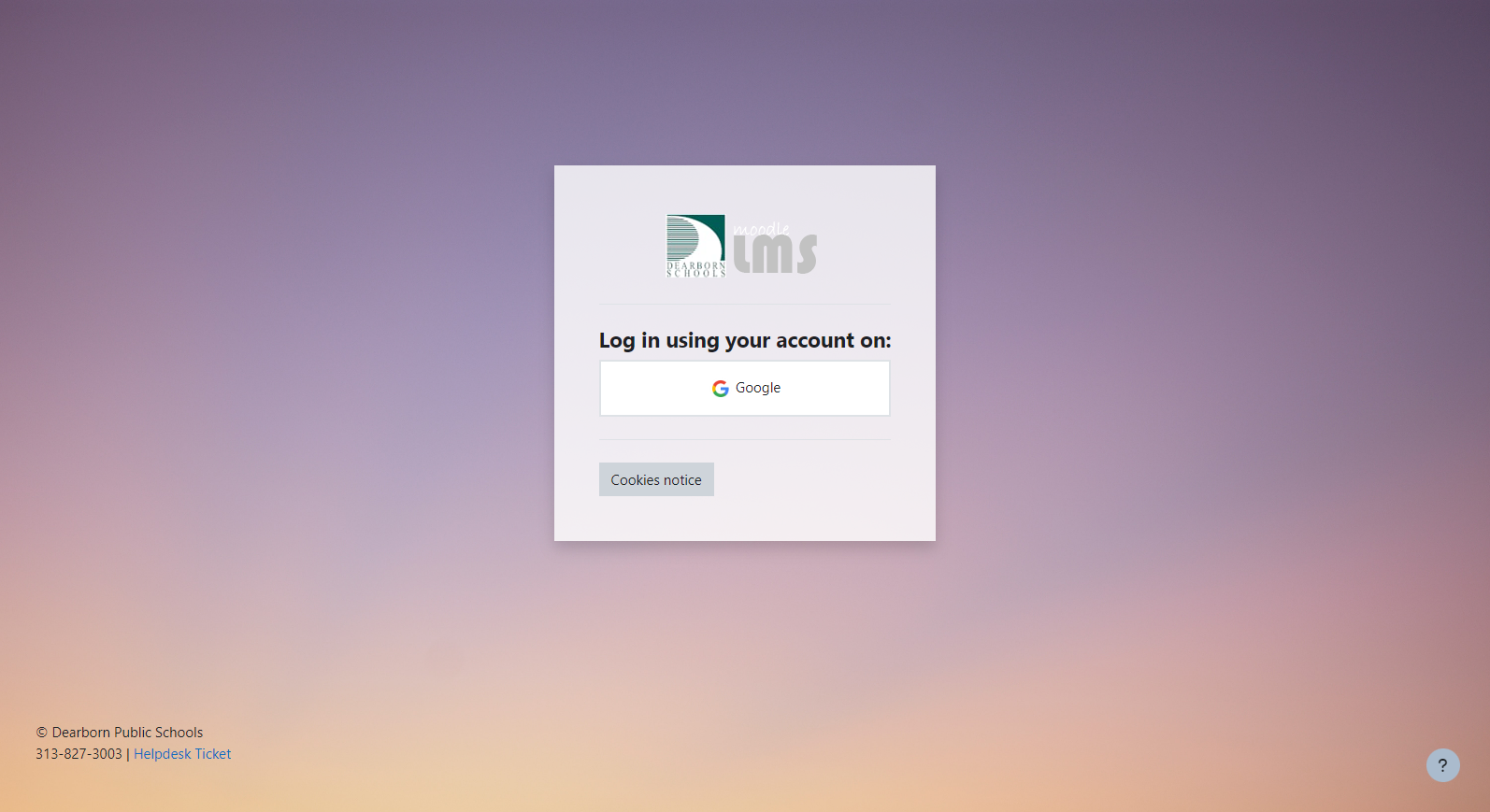
  • Hide Login Form (If using SSO like Google login)
  • Tweaks to default installation settings to enhance styling out of the box
  • Move Secondary Menu above or below the course header image

My Courses Drop Down


Features Core to Boost Union:
  • Page Width Settings
  • Logo Uploads
  • Fav Icon
  • Background, Course Header, and other Image Uploads
  • Variety of Core Color Choosers
  • Course Header Images with customizations
  • Custom Fonts
  • Font Awesome Updates
  • Hide Primary Nav Menu Items
  • Back To Top button
  • Scroll Spy
  • Activity Navigation
  • Huge Selection of Additional Block Layouts
  • Custom Pages
  • Custom Alerts and Info Banners
  • Custom Advertisement Tiles
  • Course Related Hints for Teachers Check out the Boost Union theme: https://moodle.org/plugins/theme_boost_union

All of these features can be toggled on or off and mixed and matched for a more personalized user experience.  The choice is up to you to define what is best for your learners.  

Special Thanks

Elements and certain functionality of LearnR would not be possible without the following users and plugins:


Requirements

This theme requires Moodle 4.0+ and Boost Union be installed. 

Installation

Install the theme like any other theme to folder /theme/learnr

See http://docs.moodle.org/en/Installing_plugins for details on installing Moodle plugins

Update/Conversion

If you have previously installed LearnR please do the following:

  • Install Boost Union
  • Transfer your LearnR settings to Boost Union.  Things like adverts, notices, etc should have corresponding settings in Boost Union.  Transfer or copy these things over PRIOR to the next step of uninstalling LearnR.
  • Uninstall LearnR
  • Install LearnR -   version =2024021300 which is currently the latest release 2/14/24
  • Choose the LearnR theme in Site Admin theme chooser.

Contributors

Awards

Privacy friendly
Automated testing support
Early bird 4.2