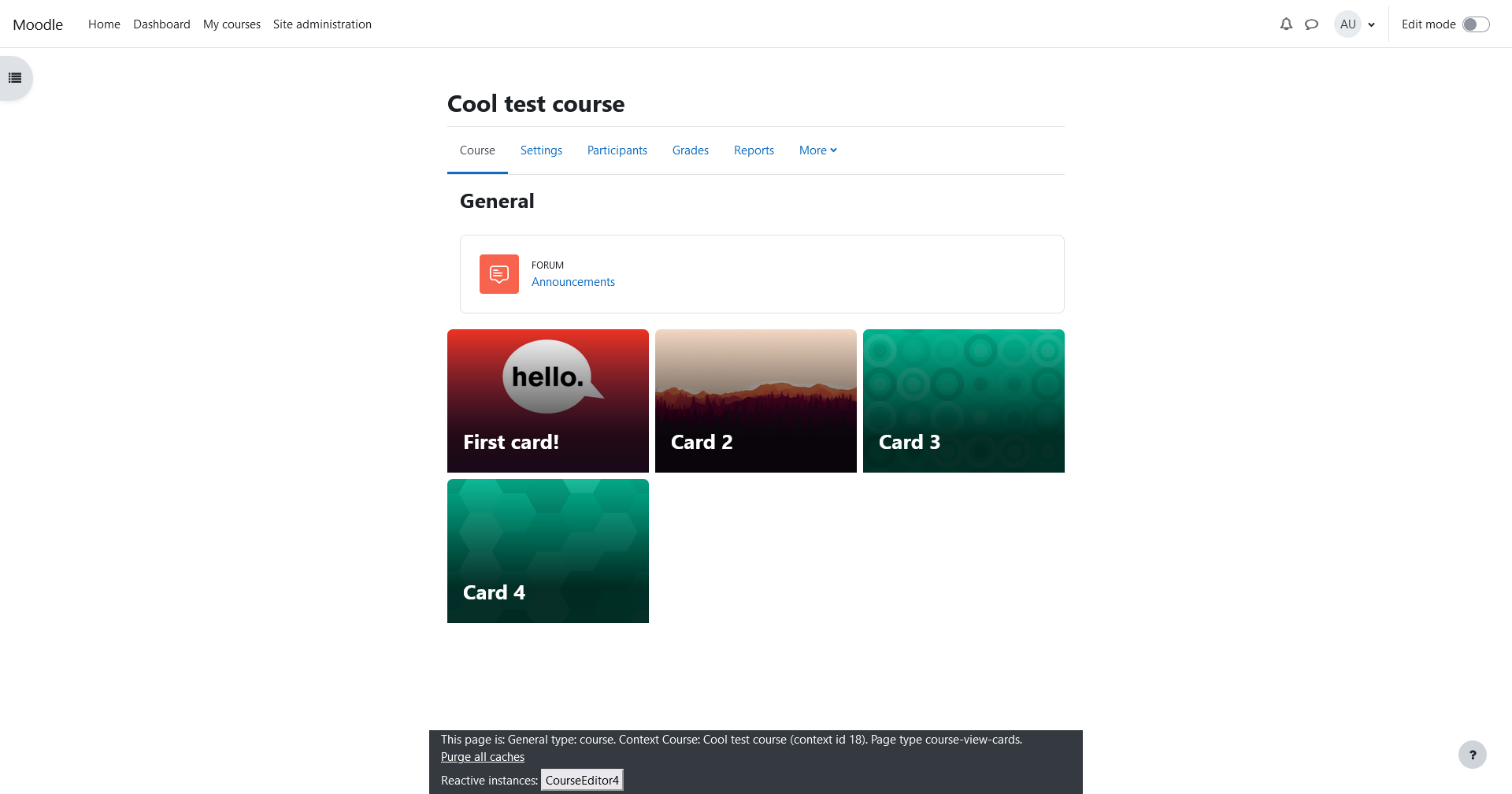
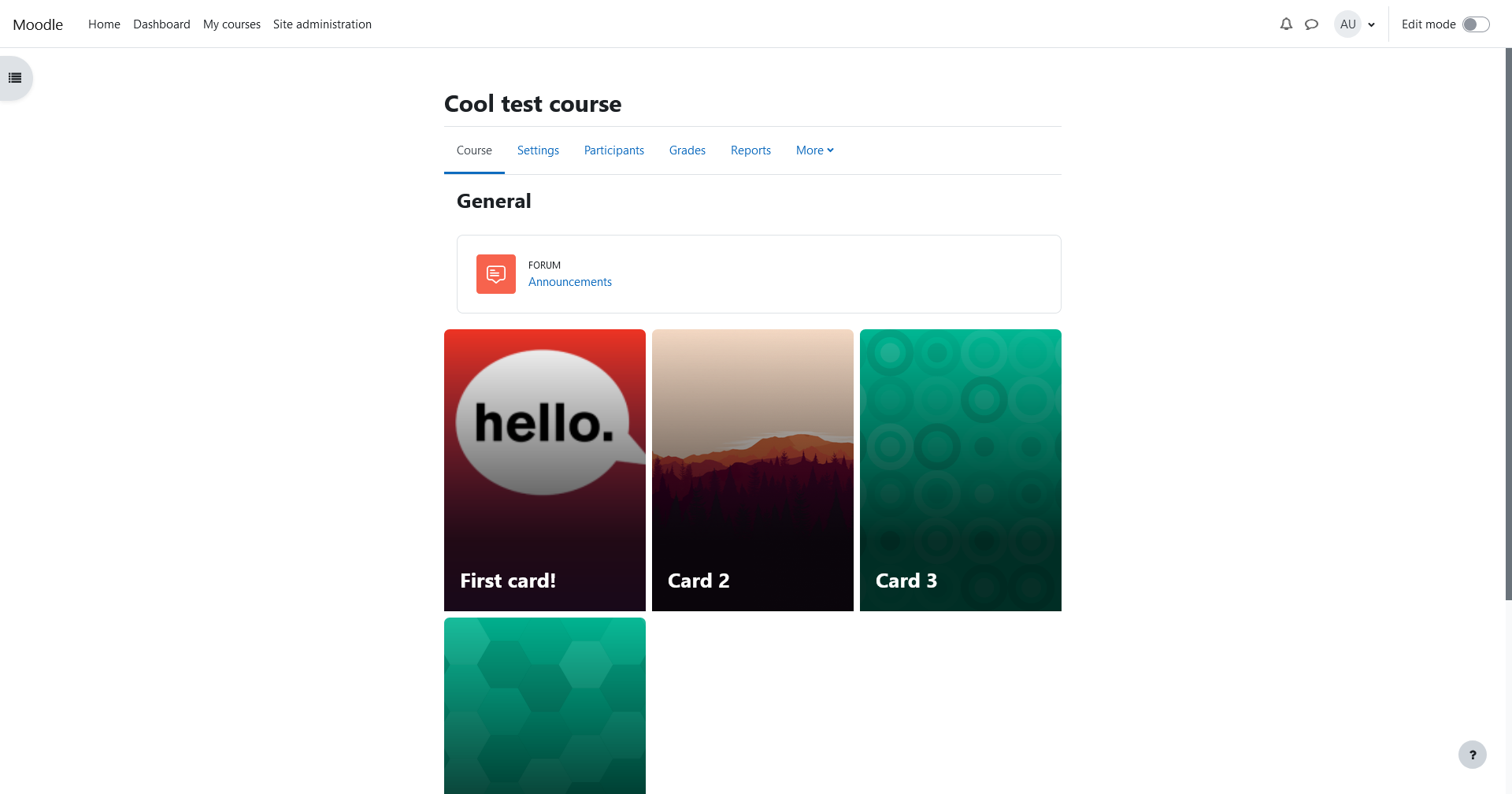
Cards format
Maintained by
John Maydew
Show each section of your course as a large card
Comments
Comments are no longer open for new posts. Existing comments remain available to read.
You can change the format to show progress as a count of items rather than a percentage, which might make it less confusing for users?
Bert -- Thank you for the kind words! If you're comfortable editing your site's CSS rules (and you have access), you can override the background colour of the labels and icons within cards by overriding the .bg-secondary class:
.card-overlay .bg-secondary {
background-color: blue !important;
}
You can add this into either your theme's custom SCSS rules, if the theme supports it, or wrap it in a tag and inject it into your site's "Appearance / Additional Html / Within HEAD" setting
If not, I can investigate adding it as a configurable option
Is there anything in the works for a Moodle 4.5 version?
Kind regards,
Mark
Nice course format! How can I adjust the overlay in such a way that the icons are not grey?
Bert
There are a couple of known issues already which are being tracked in GitHub: https://github.com/Vidalia/moodle-format_cards/milestone/2
"From Site administration > Plugins > Course formats > Topics format and > Weekly format, the admin to disable or enable the indenting of items on course pages. (Indenting is enabled by default in new sites from 4.2 onwards.) The admin can also reset any indentation previously set on Topics and Weekly format course pages."
I've put in an enhancement for it on the repository: https://github.com/Vidalia/moodle-format_cards/issues/4