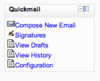
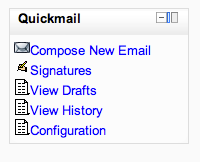
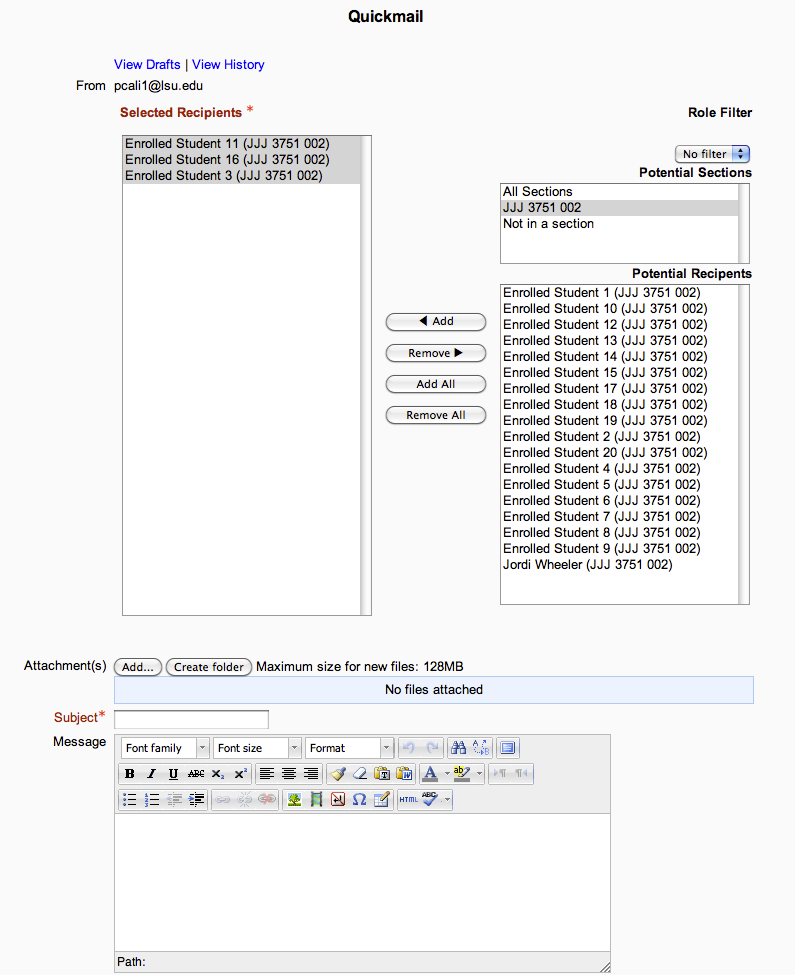
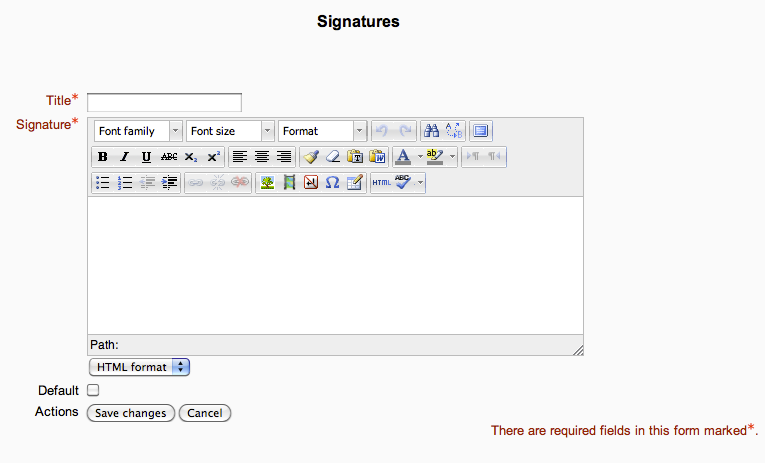
Quickmail
Maintained by
Robert Russo, David Lowe
A block that provides selective, bulk emailing within courses. Developed by LSU.
Comments
Comments are no longer open for new posts. Existing comments remain available to read.
Thanks,
David
For some reason, Moodle doesn't email me when I get a comment on this page.
We'll look at these issues very soon.
I'm getting this error when I click "Compose new email" in a course that uses groups:
Debug info: Object of class Closure could not be converted to string
Stack trace:
line 359 of /lib/setuplib.php: coding_exception thrown
line 18 of /blocks/quickmail/email_form.php: call to default_error_handler()
line 8 of /blocks/quickmail/email_form.php: call to email_form->option_display()
line ? of unknownfile: call to email_form->reduce_users()
line 128 of /blocks/quickmail/email_form.php: call to array_reduce()
line 153 of /lib/formslib.php: call to email_form->definition()
line 225 of /blocks/quickmail/email.php: call to moodleform->moodleform()
It only happens when at least one student belongs to a group. If you have groups created in your course but no one is in them, the compose button works fine.
-Tony
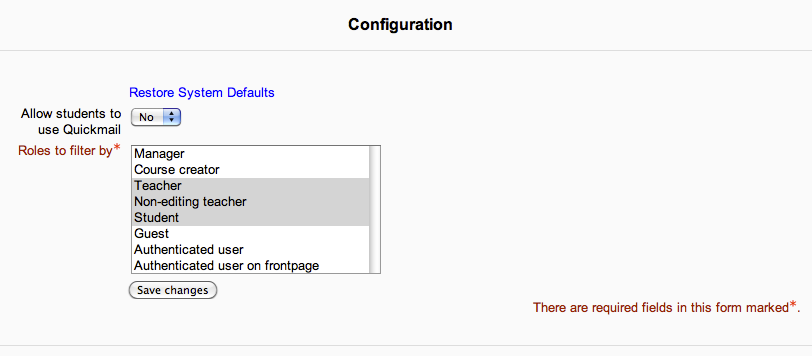
I just tried using this block with Moodle 2.0.4 (Windows, IIS7, PHP 5.3.5), it works fine for teachers but I was unable to get it to work for students I changed the permissions to yes for students but it results in a 404 error when trying to go to 'compose new email'.
Any help would be appreciated thanks,
Tegan
.../admin/index.php?confirmplugincheck=1
Like David, I can't get past the Plugins check page in Admin notifications. When I click Upgrade, I just get a blank page.
.../admin/index.php?confirmplugincheck=1
Hi,
I'm really happy that this block was developped for 2.0, thank you.
I installed it on our Moodle (WIndows, IIS7, PHP 5.3.6, SQL Server 2008), sending an email works fine but I get an error 500 when trying to consult the history (emaillog.php).
Do you have any idea concerning the origin of this issue?
Cheers,
Max