RECIT Autolink icon

RECIT Autolink

This filter aims to integrate several types of parameters into the course, like an activity icon, activity completion, link to H5P, link to a section, so on. It also allows you to take advantage of Moodle's database and create a more personalized experience.
Price option: Free

Supports Moodle 3.9-4.5 See all versions
Latest release: 1 year ago
Installations: 239
Downloads (last 90 days): 47

Frankenstyle name: filter_recitactivity
Filters

Description

The RÉCIT team has developed a filter to integrate several types of parameters into the course, like an activity icon, activity completion, link to H5P, link to a section, and so on. It also allows you to take advantage of Moodle's database and create a more personalized experience. 


Here is a list of types of parameters:

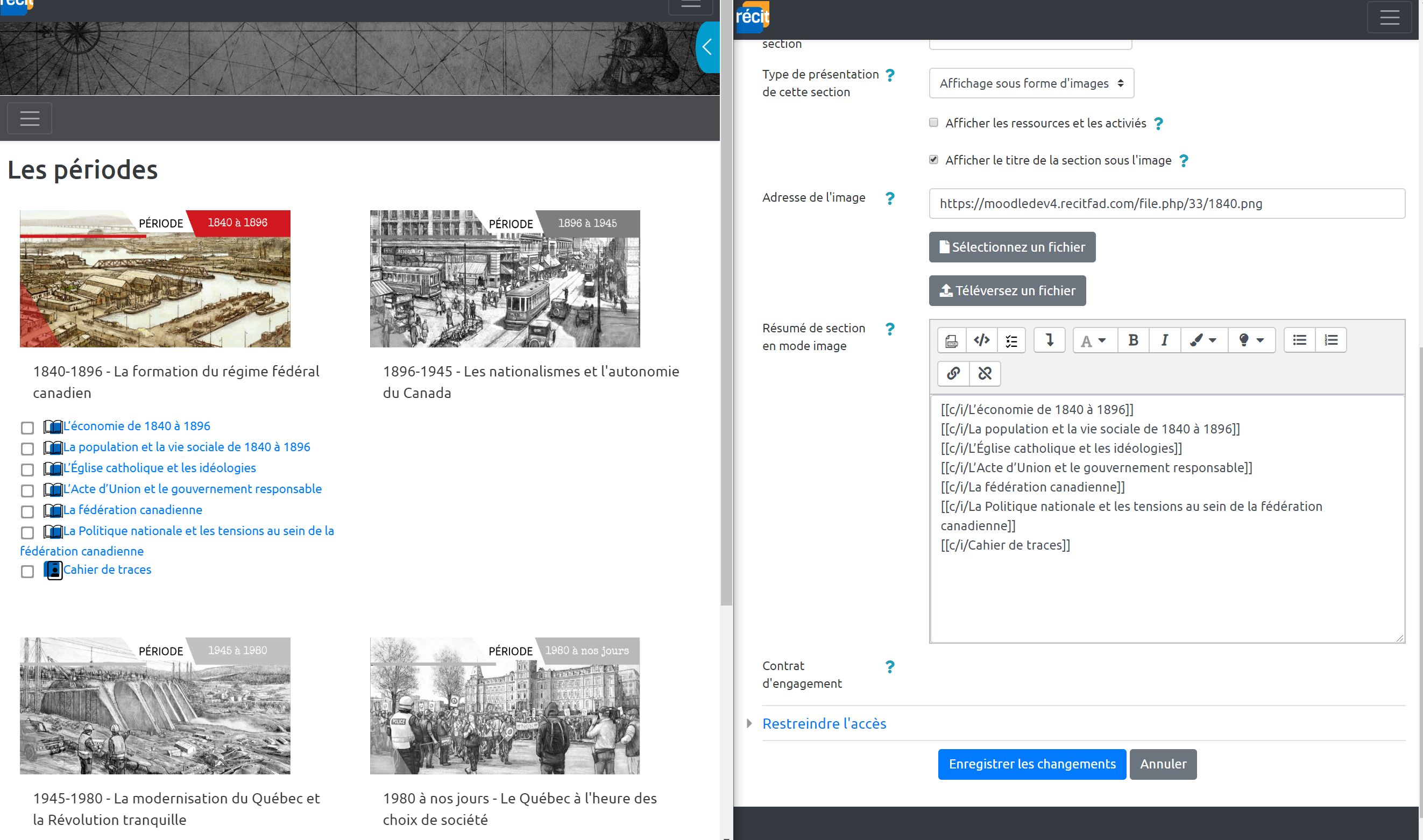
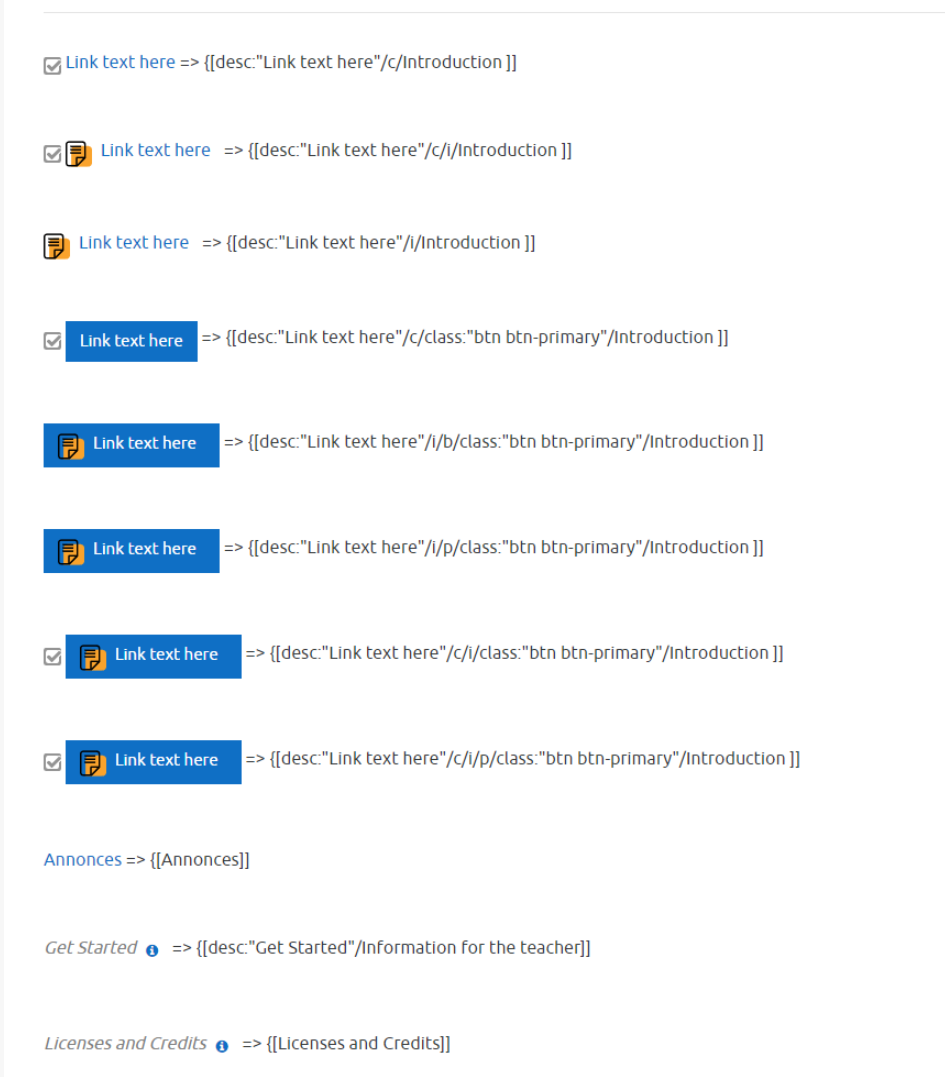
  • Link to an activity (with an icon and checkbox for completion)
  • Change the description of a link
  • Insert CSS classes on the link (for example, to create a button)
  • Open the link to an activity in another tab
  • Link to a section
  • Course data (fullname, shortname)
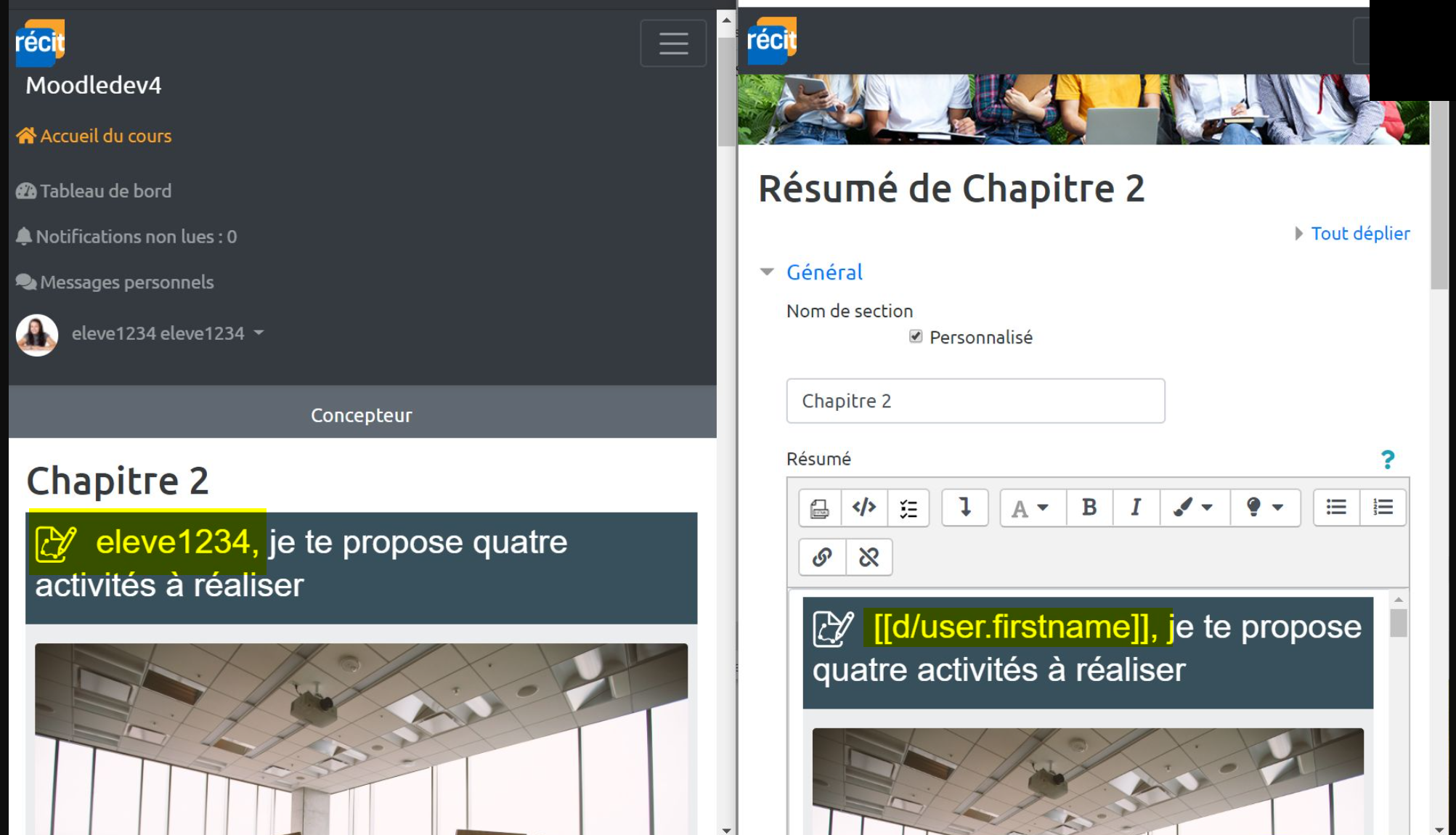
  • Student data (first name, last name, email, and avatar)
  • Teacher information (first name, last name, email, and avatar)
  • Link to H5P


Please note: After installing this plugin, it is necessary to change the filter priority and place this plugin before the default Activity linking filter or disabling it.

Contributors

Awards

Privacy friendly
Automated testing support