Components for Learning (C4L) icon

Components for Learning (C4L)

Maintained by Roger Segu, Marc Català
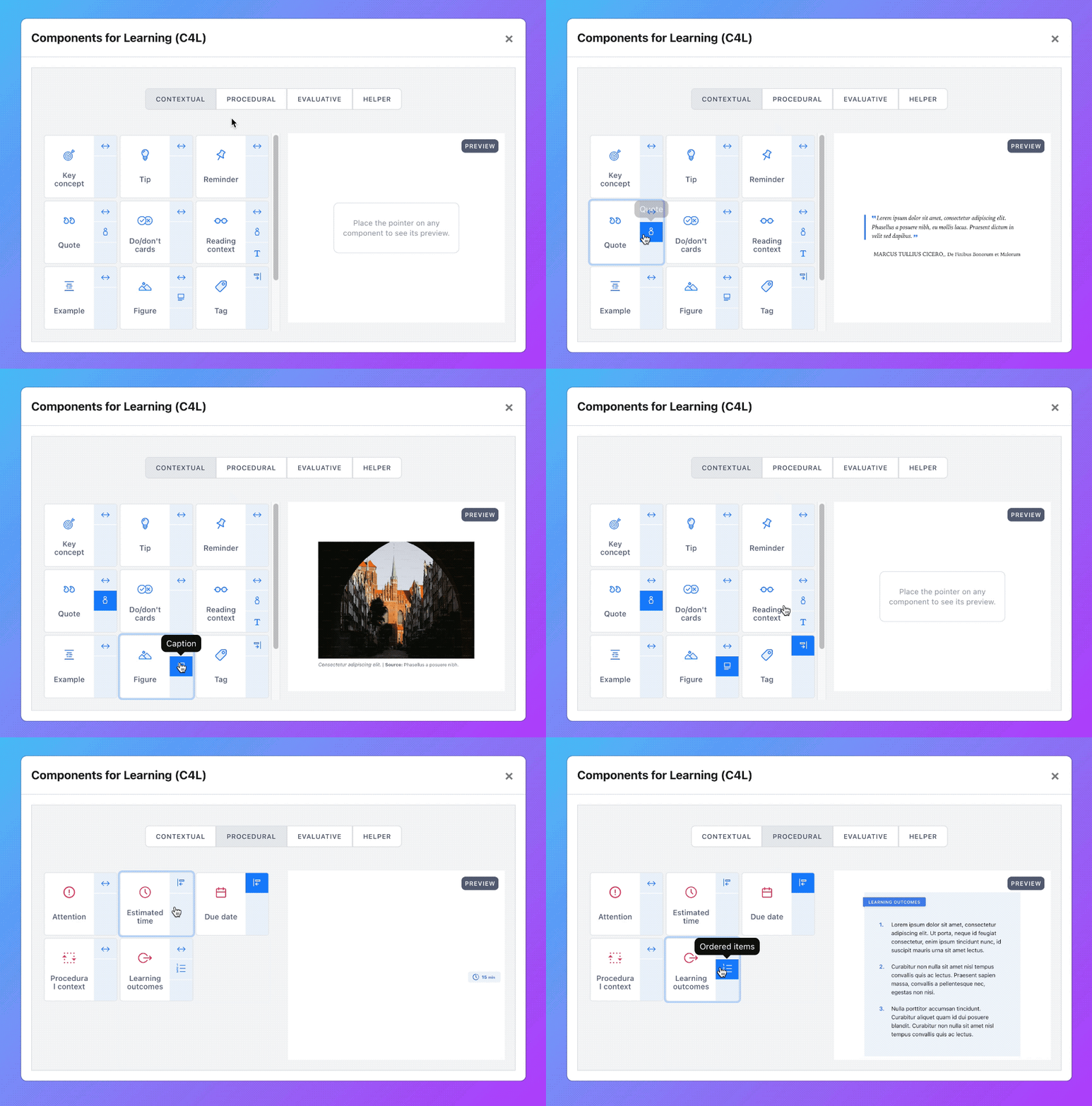
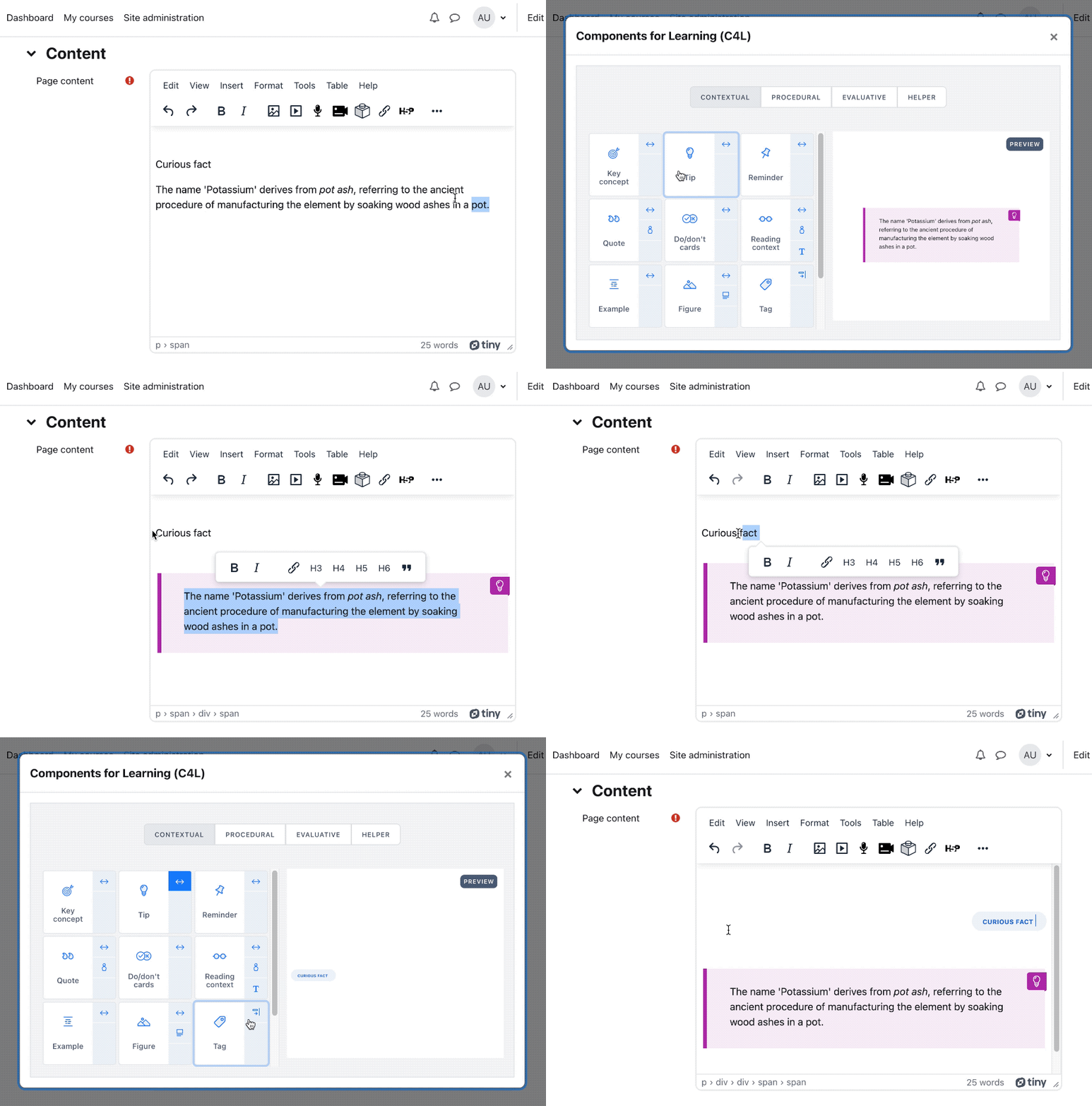
A plugin for the Moodle TinyMCE editor providing a set of visual components designed explicitly for Learning, based on the parent project componentsforlearning.org.
Price option: Free

Supports Moodle 4.1-5.2 See all versions
Latest release: 3 months ago
Installations: 2984
Downloads (last 90 days): 909

Frankenstyle name: tiny_c4l
TinyMCE

Comments

Comments are no longer open for new posts. Existing comments remain available to read.

Hi Roger, thank you so much! I'll try this with my colleagues
Hi Anna, I've been running some tests and I'm not getting this issue. Yet, if the custom component shows the right styling in the editor but not in the page view, the most probable reason would be lacking that step in the process where you add the same CSS a second time via additionalhtmlhead in the Site Administration, using tags (https://components-for-learning.gitbook.io/components-for-learning-documentation/advanced/custom-components#step-14) . If that still doesn't solve the problem, then try adding the CSS directly to the theme via Site Administration → Appearance → Themes → [Your theme] → Advanced Settings → Raw SCSS. I hope any of those solutions fix the issue.
Hi Roger, it's 4.5
Hi Anna, sorry to hear that. What Moodle version are you using?
Hi everyone, thank you for the plugin!
We've run into a bit of an obstacle when deploying it in a testing environment. We've added the custom component as per instructions, and were able to see it in tinyMCE text editor. However saving the page led to all formatting being stripped off. Wondering if anyone else had a similar situation or could point me in the right direction. Thank you in advance!
Thanks, Gustavo!! I'm glad it's being useful.
Thank you for the development of the plugin.
Thank you, Xinya Liu!
Great smile Happy to help!
Updated. Works perfect! Thank you very much for such quick fix!
#Zoran By the way, I'm assuming that you have both versions installed (Atto and Tiny), and I presume that would be causing the issue. Just to clarify, the version I just updated is the one for Atto. Having both updated may help.
Thank you, Zoran! I'm afraid some image routes were wrong, my bad. I just fixed it and uploaded the plugin again, I hope it works fine now.
Fantastic plugin! How can I achieve that bullet list items in Learning Outcomes look like here: https://componentsforlearning.org/components/learning-outcomes/
Mine do not have any symbol before each outcome. Already tried with different stock themes (standard, boost, etc...).
Thanks, Markos! I'm glad you like it smile
Love it, many thanks!
Hi Liu, I'm glad you could work it out. Indeed, in version 4.1 the default editor is still Atto, so a necessary step before using the plugin would be switching editors through the configuration instructions you kindly provided. Thanks for reaching out. I hope you enjoy the plugin!