Andreas Grabs
Lead maintainer


As a teacher, you would like to view and test your course from a participant's perspective.
Unfortunately, the standard method via "Switch role to" does not always bring the desired result.
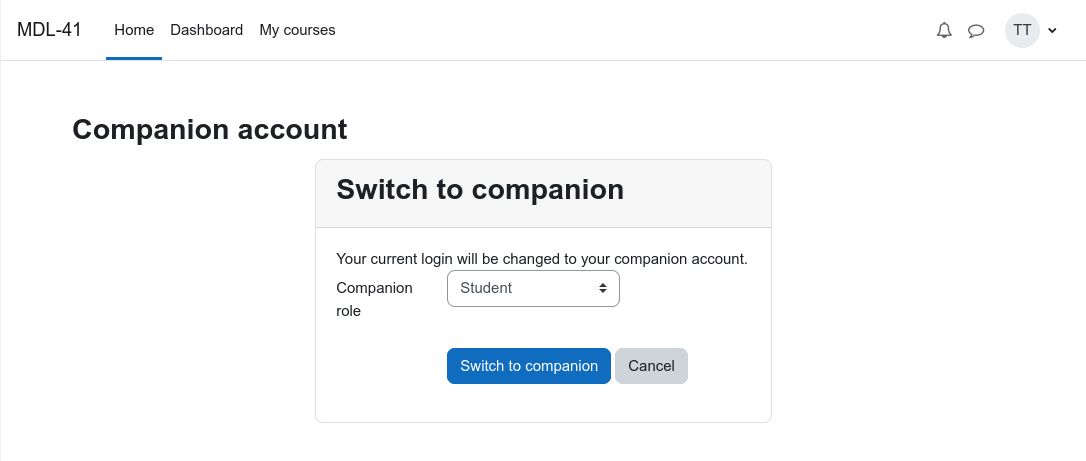
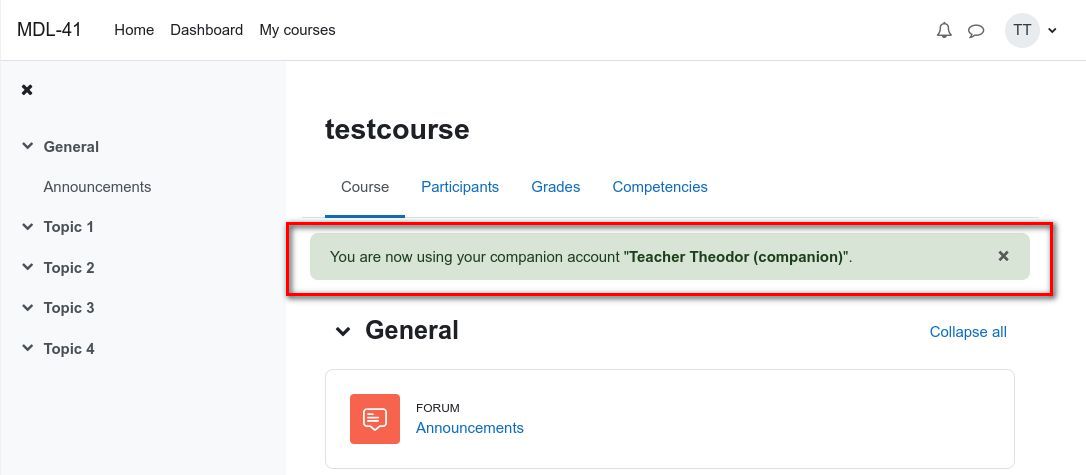
With the companion account you have the possibility to temporarily switch to a student account.
With this student account you can test the course just as if you were a real student.
Copy all files into the folder auth/companion inside your moodle installation. Run the installation process in moodle. You can find more detailes to the installation process here: https://docs.moodle.org/en/Installing_plugins#Installing_a_plugin
Before you can use this plugin, you must enable the "companion" authentication method. In the settings you can define a suffix that will be attached to the companion account. If you need increased security, you can enable "forcelogin" in the plugin settings. With this a new login will be requested after each change to the origin account.
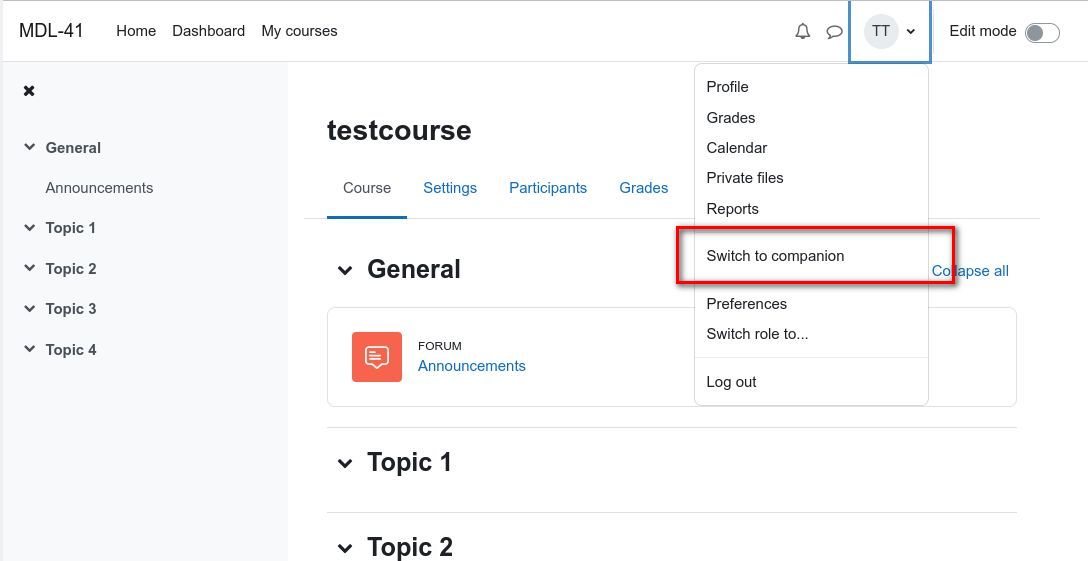
If you are a teacher and you are on a course page, you will find a new entry Switch to companion in the user menu.
To switch back you will find the entry Switch back at the same place.


