Stefan Hanauska
Maintainer
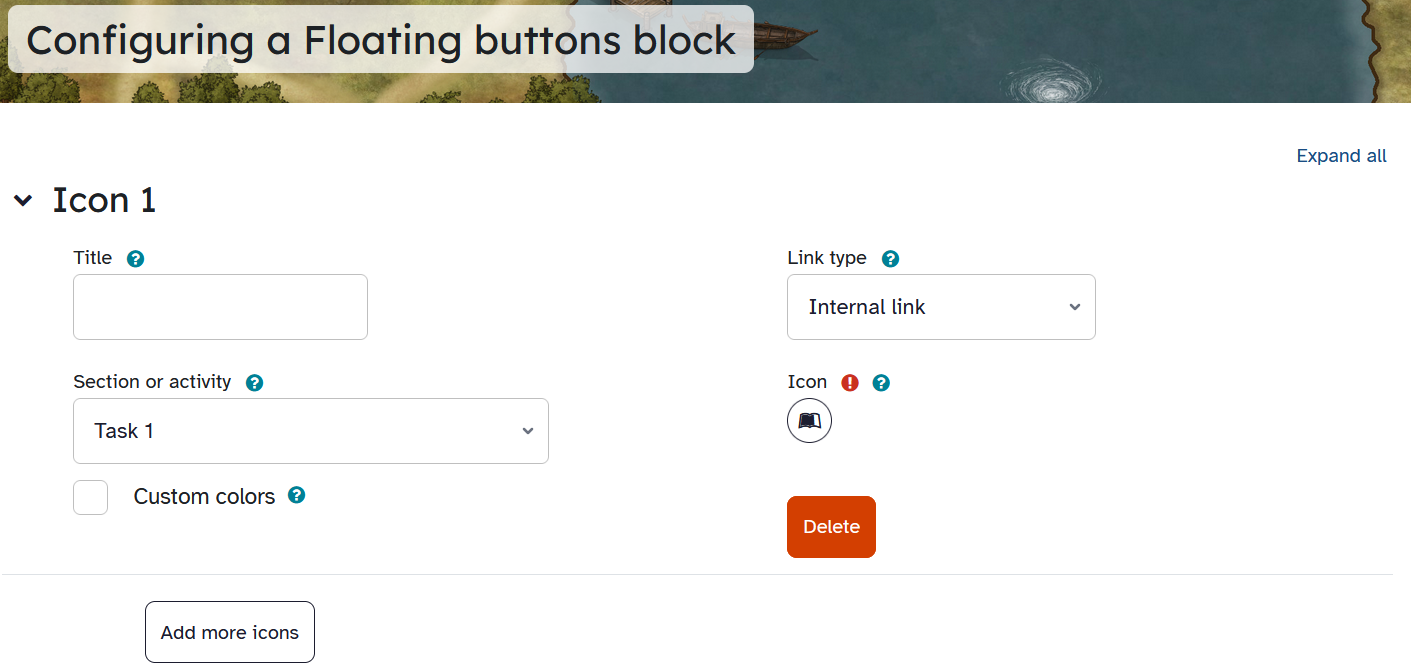
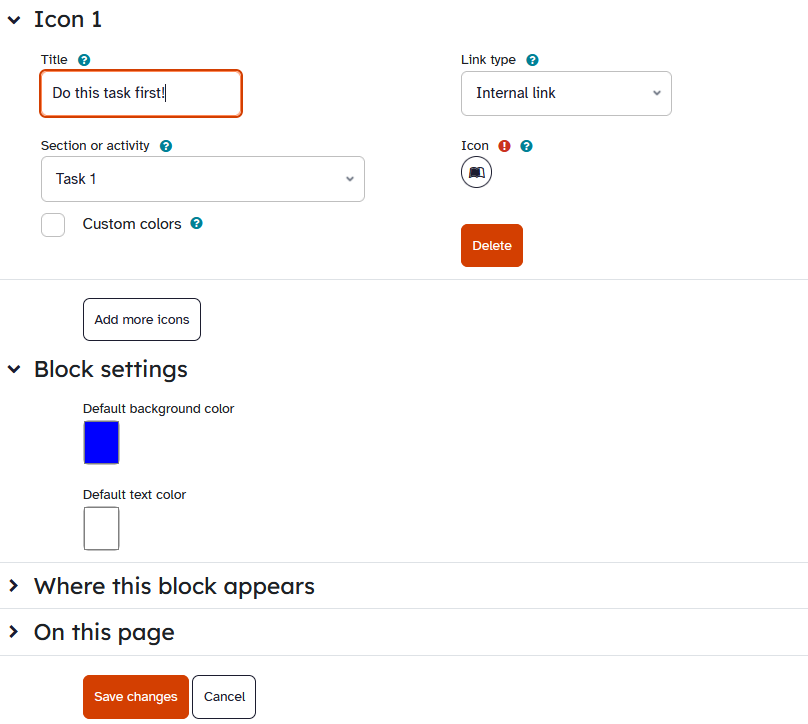
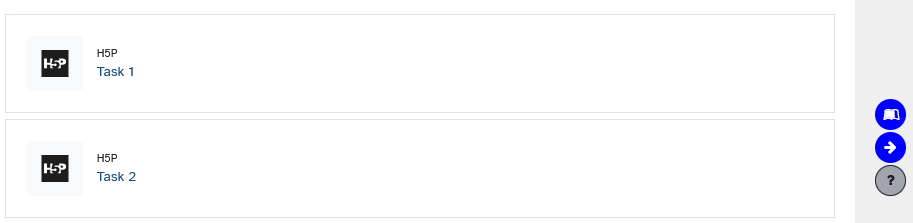
This block enables you to add custom floating buttons to your courses to improve navigation for your participants.
The buttons share the look of the help button and are located above it. You can use any FontAwesome icon for the button, the colors are customizable.
You can connect the button with different types of links:
Please be aware, that some course formats have their own way of showing (or collapsing / uncollapsing) sections. In these course formats, setting links to course modules that don't have a separate view page (e.g. mod_label, mod_unilabel, mod_learningmap, ...) or linking to sections might not work in the expected way. We won't be able to make this plugin compatible to these course formats (but everybody is of course free to open a pull request for a solution).
Most of the features will work in every course format.

