# Paymob payment #
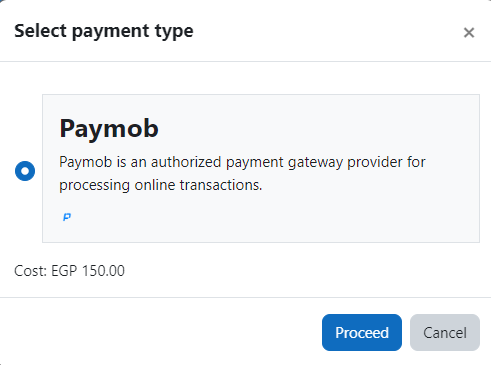
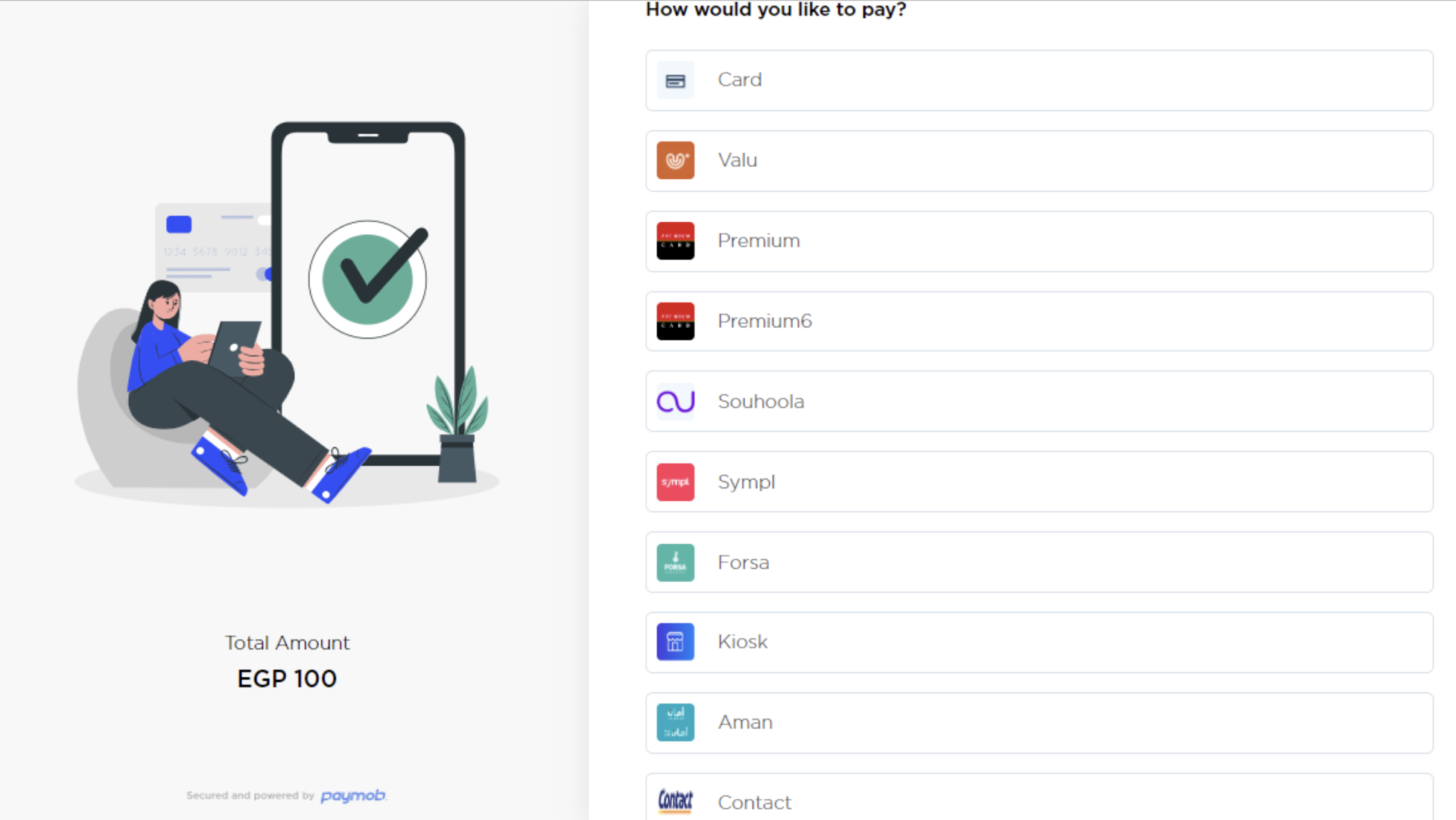
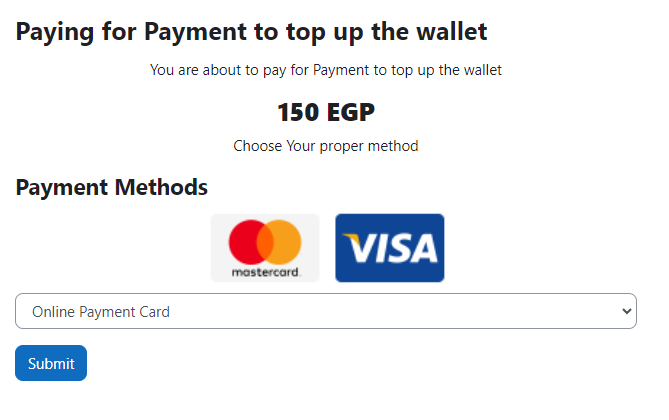
Paymob is a gateway where you can accept payment in Egypt, KSA, Oman, UAE, Pakistan with different methods.
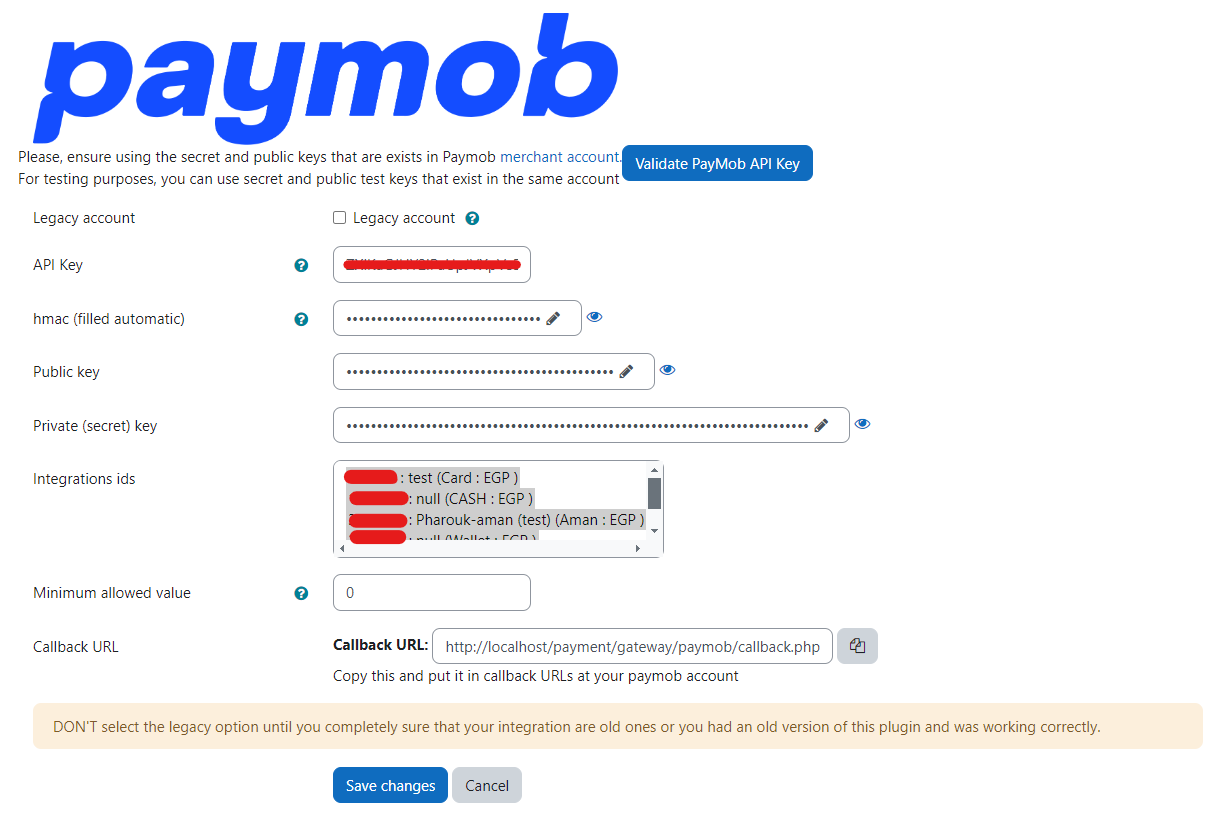
The new version is compatible with the latest api which is easier for users in checkout and admins in configurations.
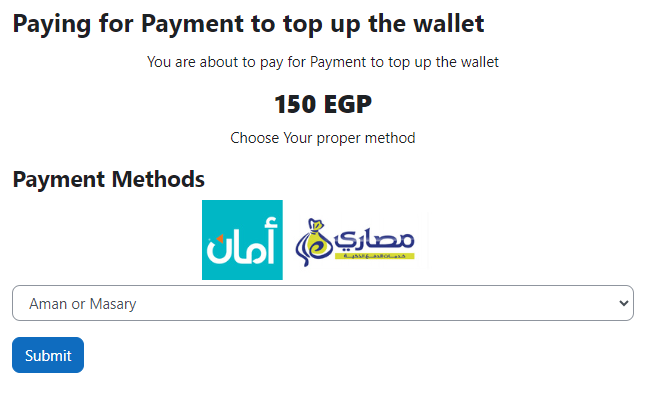
The legacy mode only work in Egypt for the following integrations.
1- By credit cards.
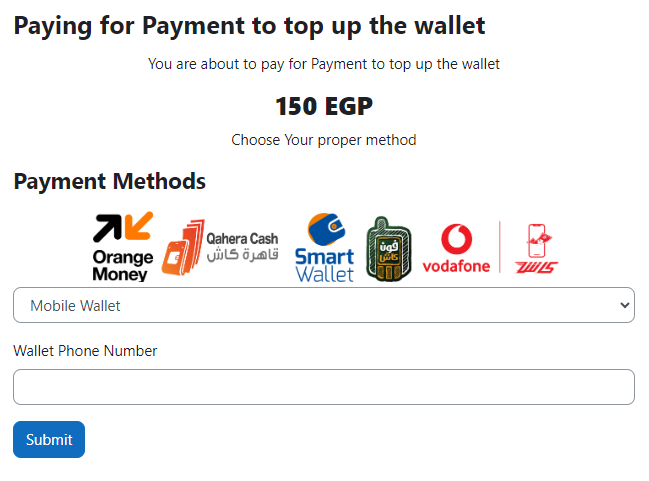
2- Mobile wallets.
3- Aman terminals
First of all you must have a Paymob account then you can accept payment for courses in moodle using this plugin.
## Installing via uploaded ZIP file ##
1. Log in to your Moodle site as an admin and go to _Site administration >
Plugins > Install plugins_.
2. Upload the ZIP file with the plugin code. You should only be prompted to add
extra details if your plugin type is not automatically detected.
3. Check the plugin validation report and finish the installation.
## Installing manually ##
The plugin can be also installed by putting the contents of this directory to
{your/moodle/dirroot}/payment/gateway/paymob
Afterwards, log in to your Moodle site as an admin and go to _Site administration >
Notifications_ to complete the installation.
Alternatively, you can run
$ php admin/cli/upgrade.php
to complete the installation from the command line.